Bubuka
This manual provides comprehensive instructions for the setup, operation, and maintenance of your Targus Ambidextrous Bluetooth Mouse (Model: PMB58102GL). This compact, multi-device wireless mouse offers dual-mode connectivity (2.4 GHz and Bluetooth 5.0) and is compatible with Windows and macOS. It also features Targus DefenseGuard Protection, an antimicrobial additive that helps prevent the growth of microorganisms on the mouse surface.
Fitur produk
- Desain Ambidextrous: The mouse features an oval, pebble-shaped design suitable for both left and right-handed users.
- Konektipitas Multi-Alat: Connects to up to three devices using either 2.4 GHz wireless (via USB receiver) or Bluetooth 5.0.
- DefenseGuard Protection: Infused with an antimicrobial additive (Silver Phosphate Glass (nano-)) that works continuously to protect the mouse surface by inhibiting microbial growth. This protection does not wear off.
- Kontrol Penting: Equipped with three essential buttons for clicking, pointing, and scrolling.
- Kasaluyuan lega: Fully compatible with Windows and macOS operating systems.
Disetél
Eusi pakét
- Targus Ambidextrous Bluetooth Mouse (PMB58102GL)
- USB Receiver (disimpen di jero beurit)
- Batré AA (tos dipasang atanapi kalebet)
- Gancang Mimitian Guide
Pamasangan batré
- Teangan tempat panutup kompartemen batré dina underside beurit.
- Geser panutupna muka.
- Selapkeun hiji batré AA, mastikeun polaritasna bener (+/-).
- Tutup panutup kompartemen batré aman.
Note: The USB receiver is typically stored inside the battery compartment for safekeeping.

Image: The underside of the Targus mouse, displaying the battery compartment, the power switch, and the multi-device pairing button.
Connecting via 2.4 GHz USB Receiver
- Remove the USB receiver from its storage slot inside the mouse.
- Colokkeun panarima USB kana port USB-A anu sayogi dina komputer anjeun.
- Hurungkeun beurit nganggo saklar daya di handapeun.
- Beurit kedah otomatis nyambung ka komputer anjeun.
Gambar: Hiji sudut view of the Targus mouse, with its small USB receiver placed beside it, illustrating the 2.4 GHz wireless connection component.
Nyambungkeun via Bluetooth 5.0
- Hurungkeun beurit nganggo saklar daya di handapeun.
- Press the multi-device pairing button on the underside of the mouse to select a Bluetooth channel (indicated by LED lights 1, 2, or 3).
- Press and hold the pairing button for 3-5 seconds until the selected LED light blinks rapidly, indicating pairing mode.
- On your computer (Windows or macOS), go to Bluetooth settings and search for new devices.
- Select "Targus Mouse" from the list of available devices to complete the pairing process.
Note: You can pair up to three devices (one via 2.4 GHz USB receiver, two via Bluetooth).
Parentah Operasi
Daya Hurung/Pareuman
Use the ON/OFF switch located on the underside of the mouse to power it on or off. Turning the mouse off when not in use conserves battery life.
Ngalihkeun Antara Alat nu Nyambung
If you have paired the mouse with multiple devices, press the multi-device pairing button on the underside of the mouse to cycle through the connected devices (channels 1, 2, and 3). The corresponding LED light will indicate the currently active channel.
Fungsi Dasar Mouse
- Klik Kénca: Seleksi sareng aktivasi primér.
- Klik katuhu: Aksés ménu kontekstual.
- Gulung kabayang: Scrolls content vertically. The scroll wheel also functions as a middle click button.

Gambar: A luhur-handap view of the Targus mouse, highlighting the left and right click buttons and the central scroll wheel.
DPI Adjustment (Scroll Speed)
The mouse features a button near the scroll wheel that allows you to adjust the DPI (Dots Per Inch) setting, which controls the cursor speed. Press this button to cycle through different sensitivity levels to match your preference.

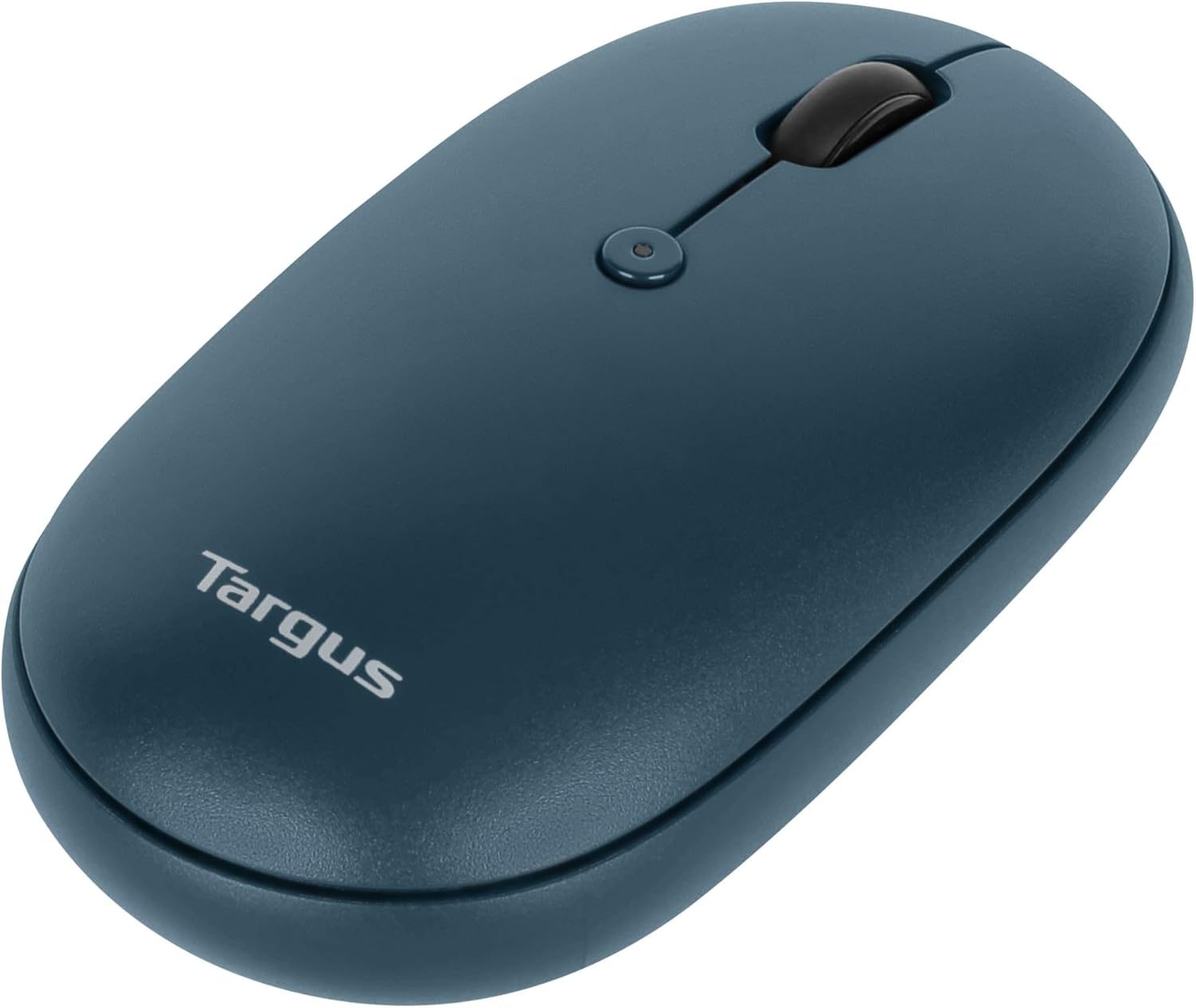
Gambar: Puncak anu miring view of the Targus mouse, clearly showing the small button located behind the scroll wheel, used for DPI adjustment.
Pangropéa
- beberesih: Ngagunakeun lemes, damp cloth to clean the exterior of the mouse. Avoid harsh chemicals or abrasive materials.
- Ngagantian batré: When the mouse performance degrades or the indicator light signals low battery, replace the AA battery as described in the "Battery Installation" section.
- Panyimpenan: Lamun teu dipake, nyimpen panarima USB di jero kompartemen batré mouse pikeun nyegah leungitna.
Pamérésan masalah
| Masalah | Solusi |
|---|---|
| Beurit teu ngabales. |
|
| sambungan intermittent. |
|
| Scroll wheel not working correctly. |
|
spésifikasi
| Fitur | Rincian |
|---|---|
| merek | Targus |
| Nomer modél | PMB58102GL (also AUB09QC3P5LR) |
| Téhnologi konektipitas | Nirkabel 2.4 GHz, Bluetooth 5.0 |
| Téhnologi Deteksi Gerakan | Optik |
| Kasaluyuan System Operasi | Windows, macOS |
| Sumber Daya | Battery Powered (1x AA) |
| Item Beurat | 5.3 ons |
| Ukuran Paket | 7.28 x 6.22 x 2.52 inci |
| Warna | Biru |
| Perlindungan Antimikrobial | Targus DefenseGuard (Silver Phosphate Glass (nano-)) |
Video Produk Resmi
Pidéo: Pajabat parantos réngséview of the Targus Compact Multi-Device Wireless Mice, demonstrating key features like multi-device connectivity and design.
Garansi sareng Rojongan
The Targus Ambidextrous Bluetooth Mouse (PMB58102GL) comes with a Garansi kawates 2 taun. This warranty covers specific parts and types of damage for computer keyboards, mice, and accessories. For detailed warranty information and support, please refer to the official Targus websitus atanapi ngahubungan layanan palanggan.
Pikeun pitulung salajengna, buka di Targus Store.


