
Bubuka
Hatur nuhun pikeun meuliasing the Cuifati A100 Mini Cartoon Kids Camera. This camera is designed for children aged 3-12, offering a fun and safe way to explore photography and videography. Its compact, lightweight, and durable design, made from food-grade ABS material, ensures a comfortable and secure grip for small hands. This manual provides essential information for setting up, operating, and maintaining your camera.
The camera features a 2.0-inch color display, 20MP photo resolution, 720P video recording, and includes various photo frames and filters to enhance creativity. It is equipped with a built-in 400mAh rechargeable battery for extended use.
Émbaran Kasalametan
- This product is intended for children aged 3-12. Adult supervision is recommended during use.
- The camera is made from food-grade ABS material, ensuring it is safe for children.
- Do not expose the camera to extreme temperatures, direct sunlight for prolonged periods, or moisture.
- Hindarkeun leupaskeun atanapi tundukkeun kaméra kana tabrakan anu kuat.
- Keep small parts, such as memory cards, out of reach of very young children to prevent choking hazards.
- Use only the provided charging cable or a compatible DC5V 1A charger.
- The battery is built-in and non-detachable. Do not attempt to replace it.
Eusi pakét
Mangga parios pakét pikeun mastikeun yén sadaya barang aya:
- 1 x Cuifati A100 Children Camera
- 1 x Fixing Strap
- 1 x Anti-lost Rope
- 1 x Kabel Ngecas USB

Gambar 1: Package contents including the camera, straps, and charging cable.
Produk Leuwihview
The Cuifati A100 camera features a user-friendly design with a durable, rounded body for comfortable handling.

Gambar 2: The camera's light and round design.
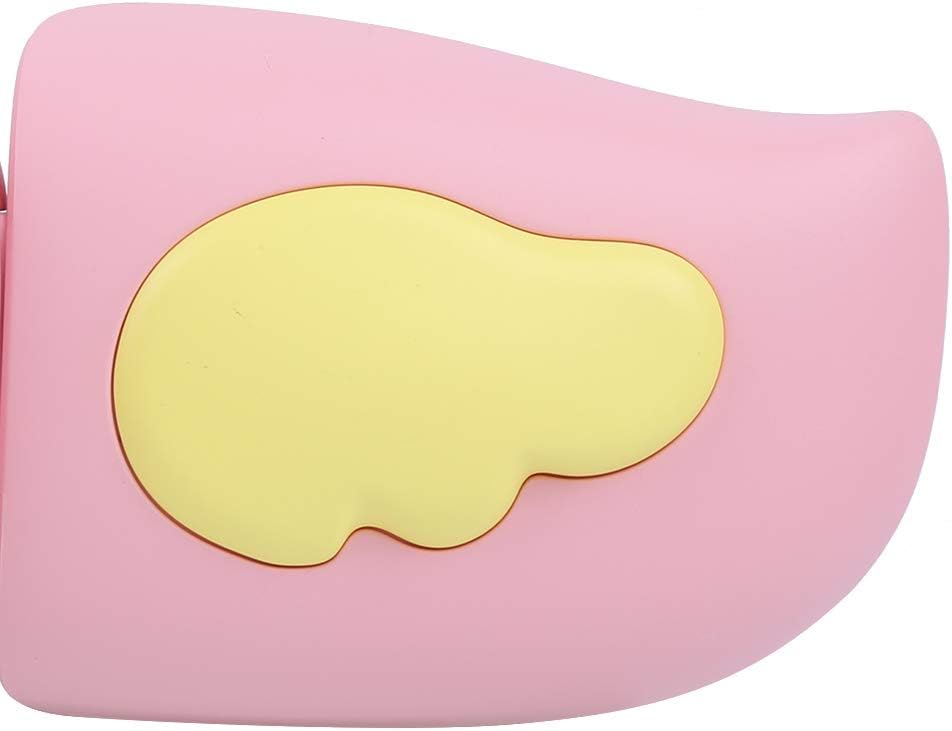
Gambar 3: Detail of the camera's ergonomic design.
Fitur konci:
- 2.0 inci Warna tampilan: Pikeun viewing photos, videos, and navigating menus.
- Lensa Maneuh: 100° viewing angle for capturing wide scenes.
- Tombol anu ramah-pamaké: Kontrol intuitif pikeun operasi anu gampang.
- Antarmuka USB: Pikeun ngecas sareng mindahkeun data.
- Slot Kartu Mémori: Supports up to 32GB (card not included).
Disetél
1. Ngecas kaméra
Before first use, fully charge the camera's built-in 400mAh battery. The camera features a large capacity battery for strong endurance.
- Connect the provided USB charging cable to the camera's USB port.
- Connect the other end of the USB cable to a DC5V 1A USB power adapter (not included) or a computer's USB port.
- The charging indicator light will illuminate. Once charging is complete, the light may change color or turn off.
2. Nyelapkeun Kartu Mémori
A memory card (MicroSD card, up to 32GB) is required to save photos and videos. It is not included in the package.
- Teang slot kartu memori di sisi kaméra.
- Gently insert a MicroSD card into the slot with the metal contacts facing the front of the camera until it clicks into place.
- Pikeun nyabut kartuna, pencét deui lalaunan ka jero nepi ka kartuna kaluar.
Parentah Operasi
1. Daya Hurung / Pareum
- Pikeun Ngahurungkeun: Pencét terus tahan tombol Daya (biasana ditandaan ku Ⓜ or a similar icon) for a few seconds until the screen lights up.
- Pikeun mareuman: Pencét jeung tahan tombol Daya deui nepi ka layar pareum.

Gambar 4: Camera in hand, showing the display and control buttons.
2. Nyokot Poto
- Turn on the camera. It will typically default to photo mode.
- Frame your shot using the 2.0-inch color display.
- Press the Shutter button (often a prominent button on top or side) to take a picture.
- Kaméra ieu ngadukung résolusi poto 20MP.
- Utilize the 4 types of photo stickers and 9 kinds of filters for creative effects.
- Time-lapse shooting for selfies can be set for 3 or 5 seconds.
3. Ngarékam Pidéo
- From photo mode, navigate to video mode using the mode button (usually marked 'M' or a video camera icon).
- Press the Shutter button to start recording. A recording indicator will appear on the screen.
- Pencét tombol Shutter deui pikeun ngeureunkeun rékaman.
- The camera records videos in 720P (1080x720) resolution.
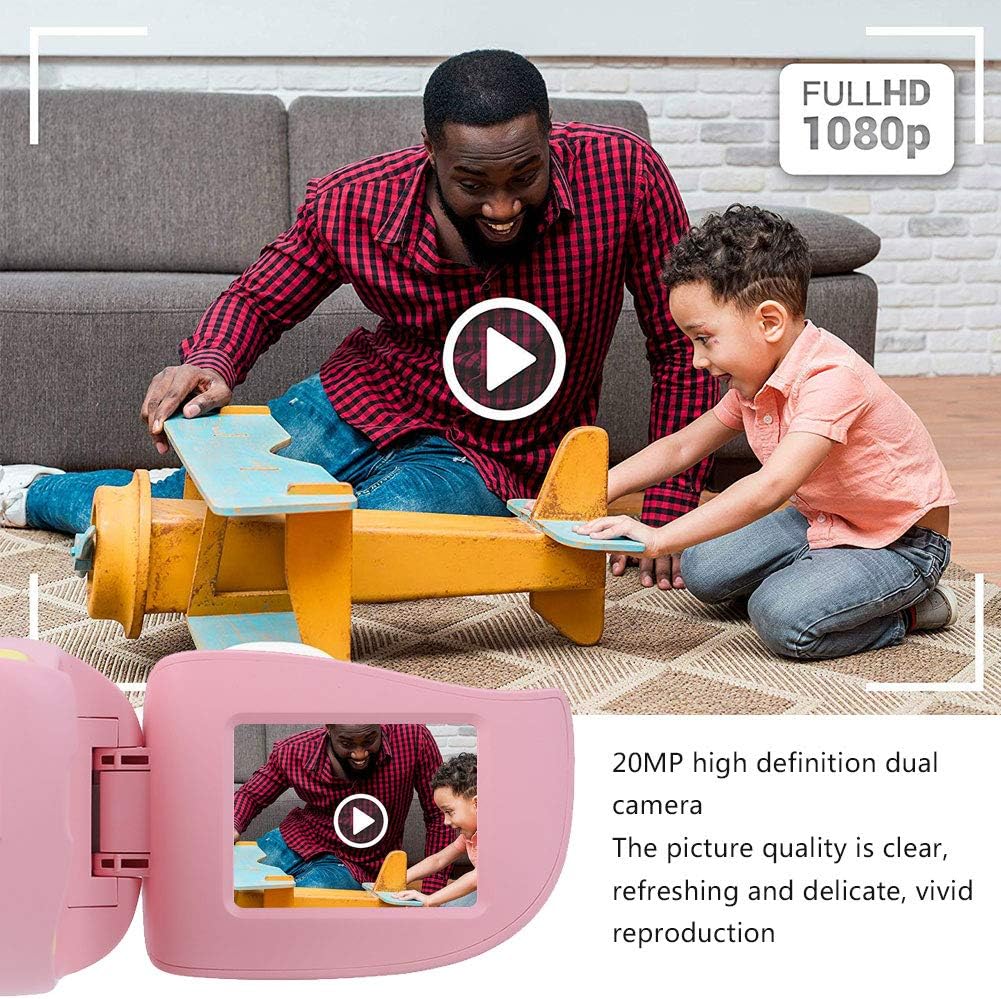
Gambar 5: Illustrating the camera's 20MP photo and 720P video capabilities.
4. Modeu Puterkeun
- Enter playback mode using the mode button.
- Anggo tombol navigasi (panah ka luhur/ka handap atanapi panah ka kénca/katuhu) pikeun ngotektak poto sareng pidéo anjeun.
- Press the OK/Shutter button to view poto atawa muterkeun video.
5. Settings and Games
- Access the settings menu via the mode button or a dedicated menu button. Here you can adjust language (Chinese, English, Russian, Korean, Japanese), date/time, and other camera parameters.
- The camera supports a variety of built-in games for entertainment. Navigate to the game section through the menu.
Pangropéa
- beberesih: Use a soft, dry cloth to clean the camera body. For the lens, use a specialized lens cleaning cloth. Do not use liquid cleaners or abrasive materials.
- Panyimpenan: Store the camera in a cool, dry place away from direct sunlight and moisture when not in use.
- Perawatan batré: Pikeun manjangkeun umur batré, ulah sering ngosongkeun batréna. Cas kaméra sacara rutin, sanaos henteu dianggo kanggo waktos anu lami.
Pamérésan masalah
| Masalah | Mungkin Cukang lantaranana | Solusi |
|---|---|---|
| Kaméra teu hurung. | Batré lemah atawa béak. | Charge the camera using the USB charging cable. |
| Teu tiasa nyandak poto/ngarékam pidéo. | Teu aya kartu memori anu dipasang atanapi kartu pinuh/rusak. | Insert a compatible MicroSD card (up to 32GB). Check if the card has sufficient space or try formatting it (this will erase all data). |
| Images/videos are blurry. | Lens is dirty or lighting is poor. | Clean the lens with a soft cloth. Ensure adequate lighting for your shots. |
| Kaméra freezes atawa jadi unresponsive. | Software glitch. | Press and hold the Power button for an extended period (e.g., 10-15 seconds) to force a restart. If the issue persists, ensure the battery is charged. |
spésifikasi
| Modél | A100 |
| Bahan | Dahareun-grade ABS |
| layar | 2.0 Inch Color Display Screen (LCD) |
| Lensa | Fixed Lens, 100° Viewdina Angle |
| Sedeng Panyimpenan | Memory Card (MicroSD), Maximum Support 32GB (Not Included) |
| Format Gambar | JPG |
| Format pidéo | JPEG |
| Resolusi Video | 720P (1080x720) |
| Piksel Poto | 20 MP Effective Still Resolution |
| Bingkai Photo | 4 Jenis |
| Pangaruh Filter | 9 Rupa |
| Masukan Voltage | DC5V 1A |
| Fungsi | Taking Pictures, Video Recording, Games |
| Basa anu Dirojong | Chinese, English, Russian, Korean, Japanese |
| Batré | Built-in, Non-Detachable 400mAh Lithium Battery |
| Beurat | Kira-kira. 220g |
| Ukuran (approx.) | 13 x 11 x 7 cm (Diménsi Parsél) |
| Konektipitas | USB, Wi-Fi |
| Téhnologi Sénsor Poto | CMOS |
| Kontrol paparan | Manual |
| Modeu shooting | Olahraga |
| Shooting kontinyu | 30 FPS |
| Rentang umur | Budak (3-12 taun) |
Garansi sareng Rojongan
Specific warranty information is not provided in this manual. For details regarding warranty coverage, technical support, or service, please refer to the documentation included with your purchase or contact the retailer where the product was acquired. You may also visit the official Cuifati brand store for additional information.
Cuifati Brand Store: Nganjang ka Toko