1. Produk Langkungview
The WAFERLOCK L701 Smart Door Lock is designed to provide advanced security and convenient access to your property. This keyless entry system offers multiple unlocking methods, including smartphone app control, key cards, and passcodes. Built with durability in mind, the L701 is IP68 waterproof and offers 60 minutes of fire protection, making it suitable for both indoor and outdoor use.
Key features of the L701 Smart Lock include:
- Métode Aksés Multiple: Unlock using the WAFERKEY smartphone app, RFID key cards, or a custom PIN code.
- Konektipitas Bluetooth: Manage access and monitor lock status directly from your mobile device via Bluetooth.
- Daya tahan tinggi: IP68 rated for water and dust resistance, suitable for various weather conditions.
- Perlindungan seuneu: Certified to provide fire resistance for up to 60 minutes.
- EN16867 Certified: Meets high security standards for reliable performance.
- Pamasangan Gampang: Designed for straightforward retrofitting on most European-style mortice locks.
- Hirup batré anu panjang: Efficient power consumption for extended operation.

Gambar 1.1: Leuwihview of WAFERLOCK L701 key features, including card, code, app access, long battery life, and simple installation.

Image 1.2: The WAFERLOCK L701 is IP68 waterproof, fireproof for 60 minutes, and EN16867 certified, ensuring high durability and safety.
2. Setup jeung Instalasi
The WAFERLOCK L701 is designed for easy retrofitting on most European-style mortice locks, including Lift-to-Lock multipoint locks. Please ensure your door meets the following compatibility requirements before installation:
- Ketebalan Panto: Compatible with doors ranging from 35 mm to 73 mm.
- Ukuran Spindle: Requires an 8 mm spindle.
- Handle Rotation Angle: Ensure the turning angle of your existing handle is less than 37°.
- Bahan Panto: Suitable for most wood, PVC, and composite doors.
Catetan: The mortice lock itself is not included with the WAFERLOCK L701. The package includes one L701 handle smart lock, two key cards, one CR2 battery, and a fixing kit.

Image 2.1: Detailed diagram showing the dimensions and handle rotation angle requirement for easy retrofitting of the WAFERLOCK L701.
For detailed step-by-step installation instructions, please refer to the separate installation guide provided in the product packaging or available for download on the WAFERLOCK official websitus.
3. Parentah Operasi
The WAFERLOCK L701 offers multiple convenient ways to unlock your door:
3.1. WAFERKEY Mobile App Control
The WAFERKEY app allows you to manage your smart lock directly from your smartphone via Bluetooth. No additional gateway is required.
- Unduh Aplikasi: Milarian pikeun "WAFERKEY" in your smartphone's app store (iOS or Android) and install it.
- Ngadamel akun: Follow the in-app instructions to create a new user account.
- Pasangkeun Koncina: Enable Bluetooth on your phone and follow the app's prompts to pair with your L701 smart lock.
- Muka konci/Konci: Once paired, you can unlock or lock your door directly from the app interface.
- Atur Aksés: The app allows you to generate and share virtual keys with guests, family, or friends. You can set access types as permanent, recurrent, temporary, or one-time use.
- Monitor Activities: View the lock's status and access history within the app.
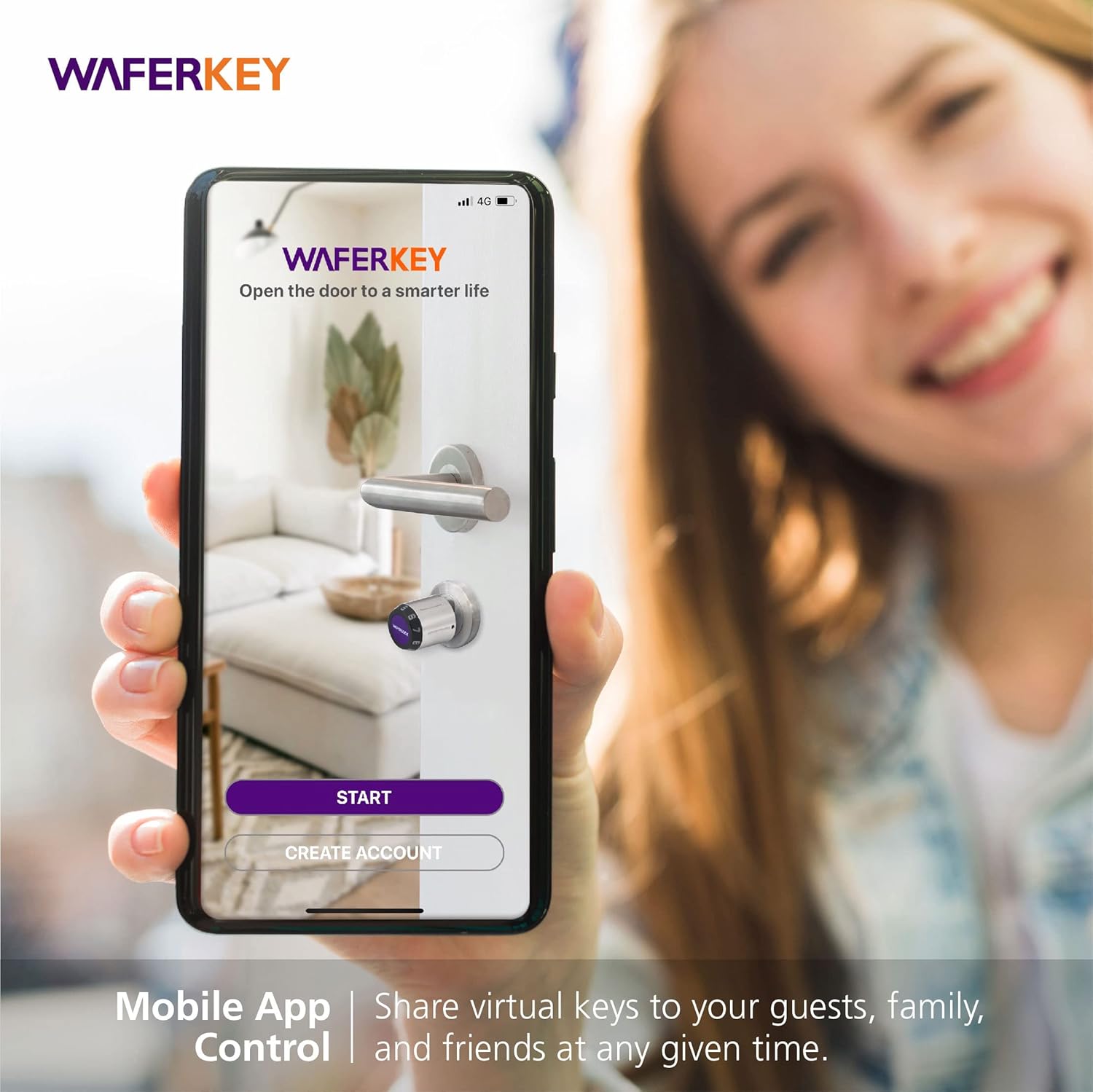
Image 3.1: The WAFERKEY mobile app allows for convenient control and sharing of virtual keys with others.

Image 3.2: The WAFERLOCK L701 in use, demonstrating the smartphone app's ability to unlock the door.
3.2. Key Card Access
The L701 supports up to 2,000 key cards. To add or remove key cards, use the WAFERKEY app following the instructions for managing access credentials.
- Pikeun muka konci: Present a registered key card to the card reader area on the lock's keypad. The lock will emit a confirmation sound and unlock.
3.3. Passcode Entry
The L701 supports up to 2,000 unique passcodes. Passcodes can be generated and managed via the WAFERKEY app.
- Pikeun muka konci: Enter your registered PIN code on the keypad, then press the '#' key. The lock will confirm the entry and unlock.
4. Pangropéa
Proper maintenance ensures the longevity and optimal performance of your WAFERLOCK L701 smart lock.
4.1. Ngagantian batré
The L701 smart lock is powered by one CR2 battery (included). The WAFERKEY app will notify you when the battery level is low. To replace the battery:
- Locate the battery compartment on the indoor unit of the lock.
- Buka panutup kompartemen.
- Leupaskeun batré CR2 heubeul.
- Insert a new CR2 lithium metal battery, ensuring correct polarity.
- Tutup panutup kompartemen batré aman.
Catetan: Always use high-quality CR2 lithium metal batteries for best performance and battery life.
4.2. beberesih sarta perawatan
The L701 is made of stainless steel and is IP68 rated, making it resistant to dust and water. To clean the lock:
- Ngusap permukaan luar kalayan lemes, damp lawon.
- Ulah make cleaners abrasive, pangleyur, atawa bahan kimia kasar, sabab ieu bisa ngaruksak finish.
- Ensure the keypad and card reader areas are free from dirt and debris for optimal functionality.
Despite its waterproof rating, prolonged submersion is not recommended. The lock is designed to withstand rain and splashes in outdoor environments.
5. Cara ngungkulan
If you encounter issues with your WAFERLOCK L701, please refer to the following common troubleshooting steps:
| Masalah | Mungkin Cukang lantaranana | Solusi |
|---|---|---|
| Lock does not respond to app/card/passcode. | Low battery; incorrect passcode/card; Bluetooth off (for app); lock is jammed. | Replace battery; re-enter correct passcode/re-present registered card; ensure Bluetooth is on and app is connected; check for obstructions around the latch/bolt. |
| Aplikasi teu tiasa nyambung ka konci. | Bluetooth is off; phone is too far; app not updated; pairing issue. | Ensure Bluetooth is enabled on your phone; move closer to the lock; update WAFERKEY app; try re-pairing the lock through the app settings. |
| Lock is difficult to turn or engage. | Misalignment with door frame; obstruction; internal mechanism issue. | Check door alignment and strike plate; ensure no debris is blocking the latch; if issue persists, consult a professional or contact support. |
| Keypad not lighting up or unresponsive. | Dead battery; internal wiring issue. | Replace the CR2 battery immediately. If the problem persists after battery replacement, contact customer support. |
If you are unable to resolve the issue using these steps, please contact WAFERLOCK customer support for further assistance.
6. Spésifikasi
| Atribut | Rincian |
|---|---|
| merek | WAFERLOCK |
| Nomer modél | L701-B05 |
| Ukuran (L x W x H) | 29 x 4 x 2.1 cm (11.4 x 1.6 x 0.8 inci) |
| Beurat | 1.77 kilogram (3.9 lbs) |
| Bahan | Beusi sténless |
| Warna | Bodas |
| Gaya | Modern |
| Tipe rengse | Dipoles |
| Fitur husus | Passcode Unlock, App Control, Waterproof (IP68), Fireproof (60 minutes) |
| Tipe Konci | Papan tombol |
| Sumber Daya | 1 x Batré CR2 (kaasup) |
| Komposisi batré | Logam Litium |
| Suhu Operasi | -20 °C nepi ka 60 °C (-4 °F nepi ka 140 °F) |
| Sertifikasi | EN16867 |
| Dianjurkeun Paké | Securing doors in residences, offices, and outdoor environments requiring weather resistance. Compatible with wood, PVC, and composite doors. |
7. Garansi jeung Rojongan
For warranty information, please refer to the documentation included with your product or visit the official WAFERLOCK website. WAFERLOCK is committed to providing high-quality products and customer satisfaction.
If you require technical assistance, have questions about installation, operation, or maintenance, or need to report an issue, please contact WAFERLOCK customer support. Contact details can typically be found on the product packaging or the official WAFERLOCK websitus.
Catetan: Inpormasi ngeunaan kasadiaan suku cadang pikeun produk ieu ayeuna teu sayogi.


