1. Bubuka
This manual provides essential information for the safe and efficient operation of your LG 98UH5F-H 98-inch UHD LCD Monitor. Please read this manual thoroughly before using the product and retain it for future reference. The LG 98UH5F-H is a high-performance 98-inch Ultra High Definition (UHD) LCD display designed for various professional applications, featuring a 3840x2160 resolution, multiple input options including HDMI, DisplayPort, and DVI-D, built-in speakers, and Wi-Fi connectivity.
2. Émbaran Kasalametan
Titénan pancegahan kaamanan di handap ieu pikeun nyegah shock listrik, seuneu, atawa karuksakan produk.
- Sumber Daya: Use only the power cord and adapter supplied with the unit. Connect to a grounded power outlet.
- Ventilasi: Pastikeun ventilasi anu cekap di sakitar layar. Ulah ngahalangan liang ventilasi.
- Cairan sareng Uap: Do not expose the display to rain or moisture. Do not place objects filled with liquids on the display.
- beberesih: Pegatkeun sambungan kabel listrik saméméh beberesih. Paké lawon lemes, garing. Hindarkeun pembersih cair atanapi semprotan aerosol.
- Pamasangan: Due to its size and weight (approximately 343 pounds), this display requires professional installation. Ensure the mounting surface or stand can safely support the weight.
- Palayanan: Entong nyobian ngalayanan produk ieu nyalira. Rujuk sadayana ngalayanan ka tanaga jasa anu mumpuni.
3. Naon dina Box
Taliti ngabongkar kotak sareng pastikeun sadaya barang aya sareng teu ruksak.
- LG 98UH5F-H 98-inch UHD LCD Monitor
- Stand (if included with your specific package)
- Kabel listrik
- Remote Control (kalayan batré)
- Manual pangguna (dokumén ieu)
- Kartu Garansi
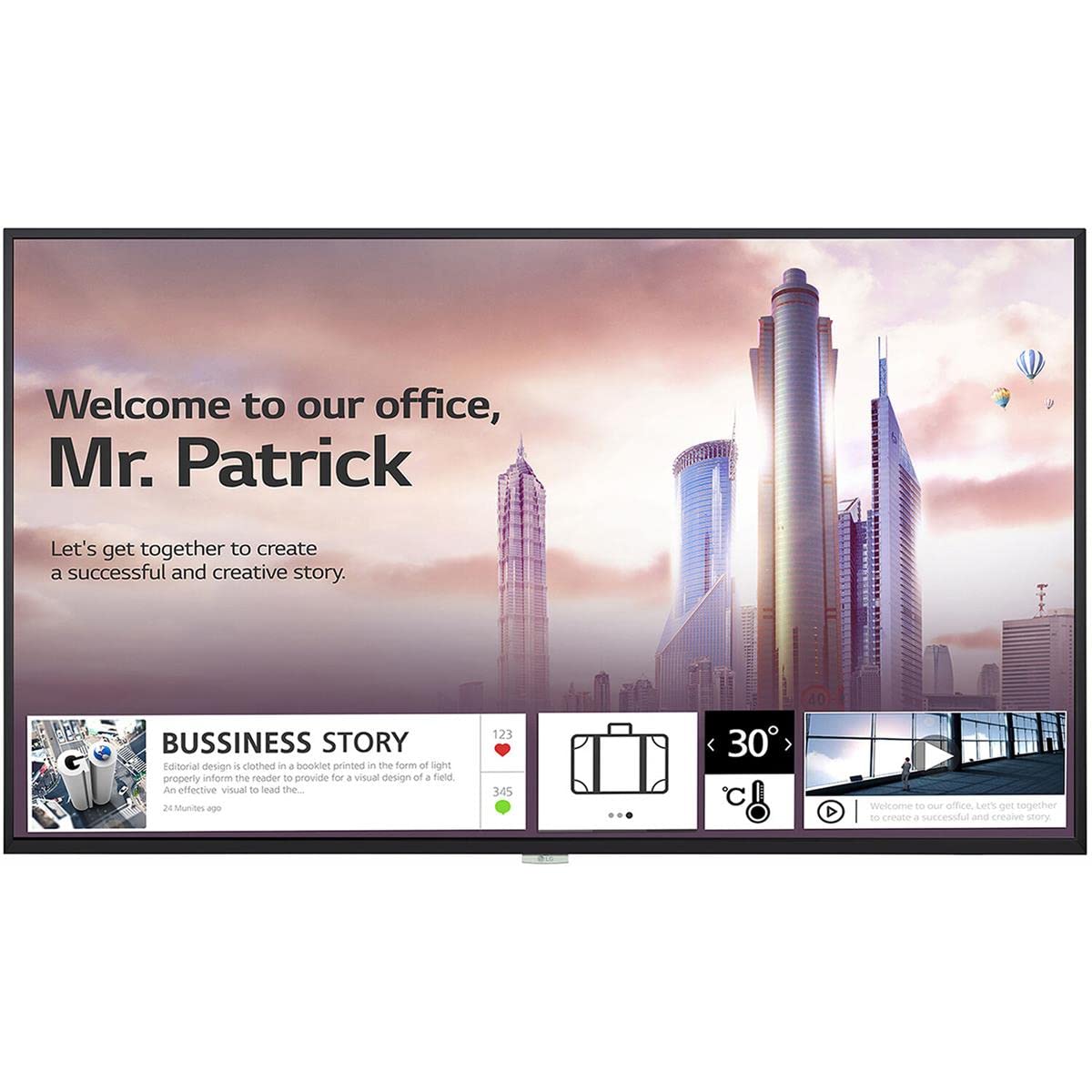
Gambar 1: Hareupeun view of the LG 98UH5F-H 98-inch UHD LCD Monitor. The display is black with a thin bezel.
4. Setélan
4.1. Instalasi fisik
Due to the large size and weight of the 98UH5F-H monitor, professional installation is highly recommended. Ensure the chosen location and mounting hardware (if wall-mounted) can support the display's weight of approximately 343 pounds (155 kg). Maintain adequate space around the display for ventilation.
4.2. Nyambungkeun Kabel
Before connecting any cables, ensure the monitor and all connected devices are powered off.
- Video Input: Connect your video source (PC, media player, etc.) to one of the available input ports: HDMI (3 ports), DisplayPort (DP), or DVI-D.
- Input/Kaluaran Audio: If using external audio devices, connect them to the appropriate audio ports. The monitor also has built-in speakers.
- Alat USB: Connect USB storage devices or peripherals to the USB 2.0 ports (2 ports).
- Sambungan jaringan: For network features and updates, connect an Ethernet cable to the LAN port or use the built-in Wi-Fi.
- Sambungan Daya: After all other connections are made, connect the power cord to the monitor and then to a grounded electrical outlet.

Gambar 2: Sisi view of the LG 98UH5F-H monitor, illustrating the location of various input ports including HDMI, DisplayPort, DVI-D, and USB.
5. Parentah Operasi
5.1. Daya Hurung / Pareum
Press the power button on the remote control or on the monitor's control panel to turn the display on or off. A power indicator light will illuminate when the monitor is on.
5.2. Pamilihan Sumber Input
Use the 'Input' or 'Source' button on the remote control to cycle through available input sources (HDMI1, HDMI2, HDMI3, DP, DVI-D). Select the input corresponding to your connected device.
5.3. Menu dina Layar (OSD).
The OSD menu allows you to adjust various display settings. Press the 'Menu' button on the remote control to access the OSD. Use the arrow buttons to navigate and 'OK' or 'Enter' to select options.
- Setélan Gambar: Saluyukeun kacaangan, kontras, seukeutna gambar, suhu warna, sareng rasio aspek.
- Setélan Audio: Control volume, balance, and select audio output modes (Off/Fixed/Variable).
- Setélan umum: Configure language, time, power-saving options, and network settings (Wi-Fi).
- Puterkeun USB: Access content from connected USB storage devices. The monitor has 8GB internal memory (3.6GB available for user content).
5.4. Landscape and Portrait Mode
The LG 98UH5F-H supports both landscape and portrait orientations. Ensure the content source is configured to match the display's physical orientation for optimal viewing.
6. Pangropéa
6.1. Ngabersihan Tampilan
Always unplug the power cord before cleaning. Use a soft, lint-free cloth to gently wipe the screen and exterior surfaces. For stubborn marks, lightly dampen the cloth with water or a mild, non-abrasive screen cleaner. Never spray liquid directly onto the screen or into any openings.
6.2. Panyimpenan
Upami nyimpen monitor kanggo waktos anu lami, pegatkeun sadaya kabel teras simpen di tempat anu tiis sareng garing, langkung saé dina bungkus aslina pikeun ngajagi tina lebu sareng karusakan fisik.
7. Cara ngungkulan
If you encounter issues with your LG 98UH5F-H monitor, refer to the following common problems and solutions.
| Masalah | Mungkin Cukang lantaranana | Solusi |
|---|---|---|
| Taya Daya | Power cord disconnected; Power outlet faulty. | Pastikeun kabel listrik disambungkeun aman. Nguji stop kontak jeung alat sejen. |
| Taya Sinyal | Incorrect input source selected; Video cable loose or faulty; Source device off. | Pilih sumber input anu leres. Pariksa sambungan kabel vidéo. Pastikeun alat sumber dihurungkeun. |
| Kualitas Gambar Miskin | Incorrect resolution; Picture settings misconfigured; Faulty cable. | Set source device to 3840x2160 resolution. Adjust picture settings in OSD. Try a different video cable. |
| Taya Sora | Volume too low or muted; Incorrect audio output selected; External speakers off. | Increase volume. Check audio settings in OSD. Ensure external speakers are powered on and connected. |
| Masalah Sambungan Wi-Fi | Sandi salah; Masalah router; Gangguan sinyal. | Verify Wi-Fi password. Restart your router. Move monitor closer to router or reduce interference. |
8. Spésifikasi
Key technical specifications for the LG 98UH5F-H monitor.
| Fitur | Spésifikasi |
|---|---|
| Nomer modél | 98UH5F-H |
| Ukuran layar | 98 inci |
| Resolusi | 3840 x 2160 (UHD) |
| Refresh Laju | 60Hz |
| Tipe Panel | LCD |
| Halimun | 28% |
| Input Video | 3x HDMI, 1x DisplayPort, 1x DVI-D |
| Audio | Audio In/Out, Built-in Speaker |
| palabuhan USB | 2x USB 2.0 |
| Mémori internal | 8GB (System 4GB + Available 3.6GB) |
| Konektipitas | Diwangun-di Wi-Fi |
| Jam Operasi | 24/7 (50,000 hours) |
| Orientasi | Bentang jeung Potrét |
| Viewdina Angle | 178 x 178 derajat |
| Item Beurat | 343 pon (kira-kira 155 kg) |
| Ukuran produk (L x W x H) | 92.2 x 54.6 x 15.8 inci |
9. Garansi jeung Rojongan
Kanggo inpormasi jaminan, mangga tingal kartu garansi anu kalebet dina produk anjeun atanapi kunjungan ka LG resmi website. For technical support, service inquiries, or to download the latest drivers and software, please visit the LG support portal or contact LG customer service directly. Contact details can typically be found on the LG official websitus atanapi dina dokuméntasi produk anjeun.
LG Resmi Websitus: www.lg.com