1. Bubuka
This manual provides essential information for setting up, operating, maintaining, and troubleshooting your ASUS ROG Strix Scar 17 G733QSA-PB96 gaming laptop. Designed for high-performance gaming, this laptop features an AMD Ryzen™ 9 5900HX CPU, NVIDIA GeForce RTX™ 3080 GPU, and a 17.3-inch 360Hz Full HD display.
fitur konci ngawengku:
- NVIDIA GeForce RTX 3080 16GB GDDR6 with ROG Boost.
- 360Hz 3ms 17.3” Full HD (1920x1080) IPS-Type Display.
- 16GB DDR4 3200MHz RAM and 1TB PCIe NVMe M.2 SSD.
- ROG Intelligent Cooling thermal system with Thermal Grizzly Liquid Metal Thermal Compound.
- Opti-Mechanical Per-Key RGB Keyboard.
- Windows 10 Professional operating system.

Image 1.1: The ASUS ROG Strix Scar 17 G733QSA-PB96 gaming laptop, showcasing desain na jeung cahaya RGB.

Gambar 1.2: Leuwihview of the laptop highlighting its AMD Ryzen 9 5900HX CPU, NVIDIA RTX 3080 GPU, and Windows 10 Pro operating system.
2. Naon dina Box
Verify that all items are present upon unboxing your new laptop:
- ASUS ROG Strix Scar 17 G733QSA-PB96 Laptop
- Adaptor Daya & Kabel
- Kartu Garansi
- Pitunjuk pangguna (dokumén ieu)
3. Setup Awal
3.1. Nyambungkeun Adaptor Daya
- Sambungkeun kabel listrik kana adaptor AC.
- Plug the AC adapter into the power input port on the laptop.
- Colokkeun kabel listrik kana stop kontak témbok.
It is recommended to fully charge the laptop before initial use.
3.2. Hurungkeun Mimiti
- Buka tutup léptop.
- Pencét tombol daya, biasana ayana di pojok katuhu luhur dek kibor.
- Follow the on-screen instructions to complete the Windows 10 Professional setup. This includes selecting your region, language, creating a user account, and connecting to a Wi-Fi network.
3.3. Nyambungkeun périferal
Utilize the available ports to connect external devices such as a mouse, keyboard, external monitor, or USB drives.
- Port USB 3.0: Four USB 3.0 ports are available for connecting various USB devices.
- Port HDMI: Connect an external display or TV.
- Jack audio: Pikeun headphone atanapi speaker éksternal.
- Port Ethernet: Pikeun sambungan jaringan kabel.
4. Ngoperasikeun Laptop Anjeun
4.1. Fitur tampilan
The laptop features a 17.3-inch Full HD (1920x1080) IPS-Type display with a 360Hz refresh rate and 3ms response time, supporting Adaptive-Sync technology for smooth visuals.
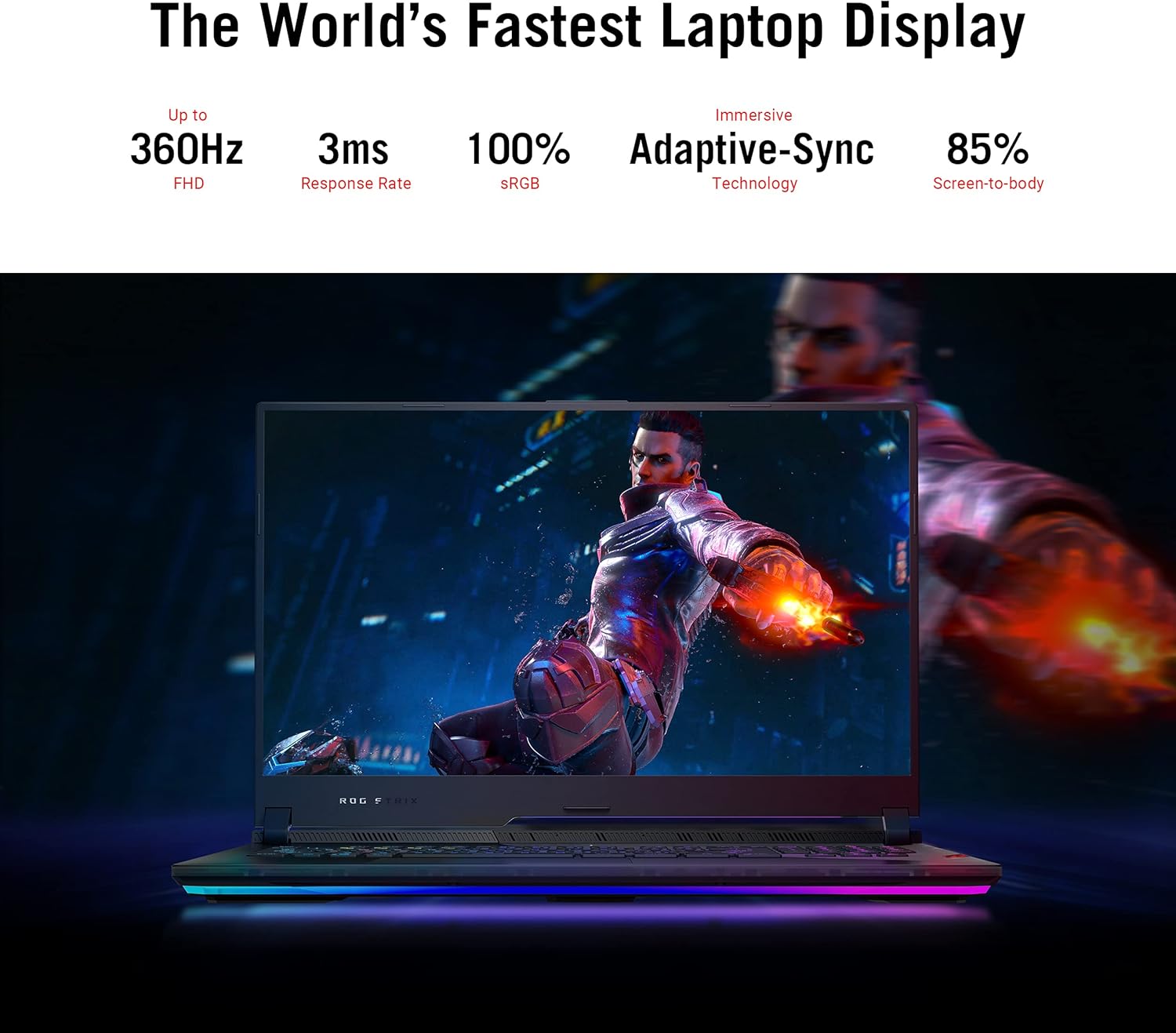
Image 4.1: The laptop display showcasing its 360Hz refresh rate, 3ms response time, 100% sRGB, Adaptive-Sync, and 85% screen-to-body ratio.
4.2. Keyboard jeung Touchpad
The Opti-Mechanical Per-Key RGB Keyboard offers precise and responsive input with a 1.9mm travel distance and a 0.2ms response time. The RGB lighting is customizable via Aura SYNC technology.

Gambar 4.2: Ngabeledug view diagram of the optical mechanical keyboard, illustrating its components and features like 1.9mm travel, per-key RGB, 100M key press lifetime, 0.2ms response time, and Aura SYNC.
The touchpad supports multi-touch gestures for navigation. Some models may feature a NumberPad function integrated into the touchpad.
4.3. Sistem Audio
Experience deep audio immersion with 4X Smart Amp Speakers, 5.1.2 Channel Virtual Surround Sound, Two-Way AI Noise Cancellation, and Dolby Atmos support.
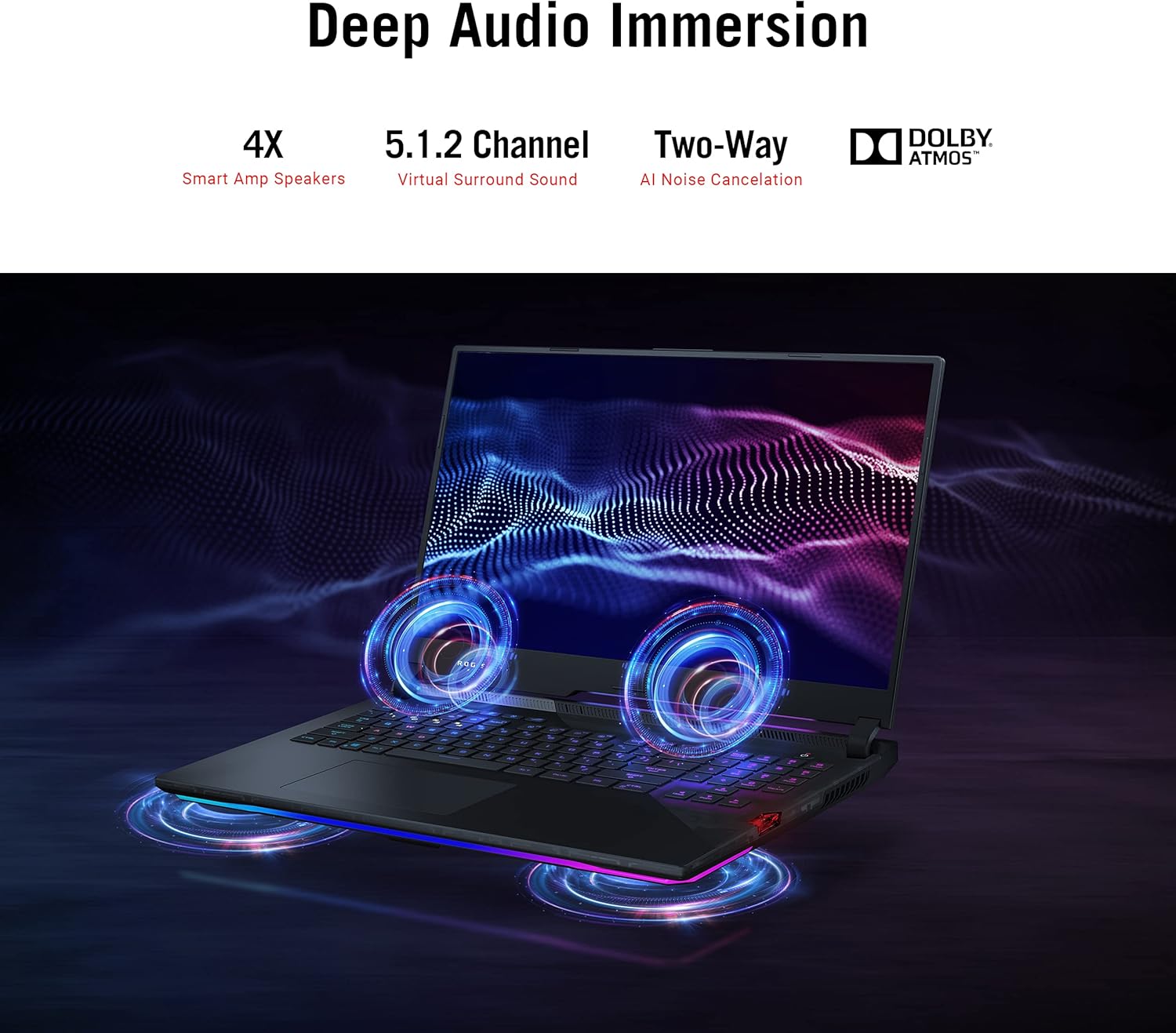
Image 4.3: The laptop illustrating its audio features, including 4X Smart Amp Speakers, 5.1.2 Channel Virtual Surround Sound, Two-Way AI Noise Cancellation, and Dolby Atmos.
4.4. Konektipitas
The laptop supports Wi-Fi 6 (802.11ax) for high-speed wireless internet and Bluetooth for connecting wireless peripherals.

Image 4.4: The laptop highlighting its Wi-Fi 6 certification and long-lasting 90 Wh battery with Type-C charging support.
4.5. ROG Armoury Crate
Utilize the ROG Armoury Crate software for system monitoring, performance tuning, RGB lighting customization, and game profile management. This software allows for quick command customization and managing an encrypted Shadow Drive for security.
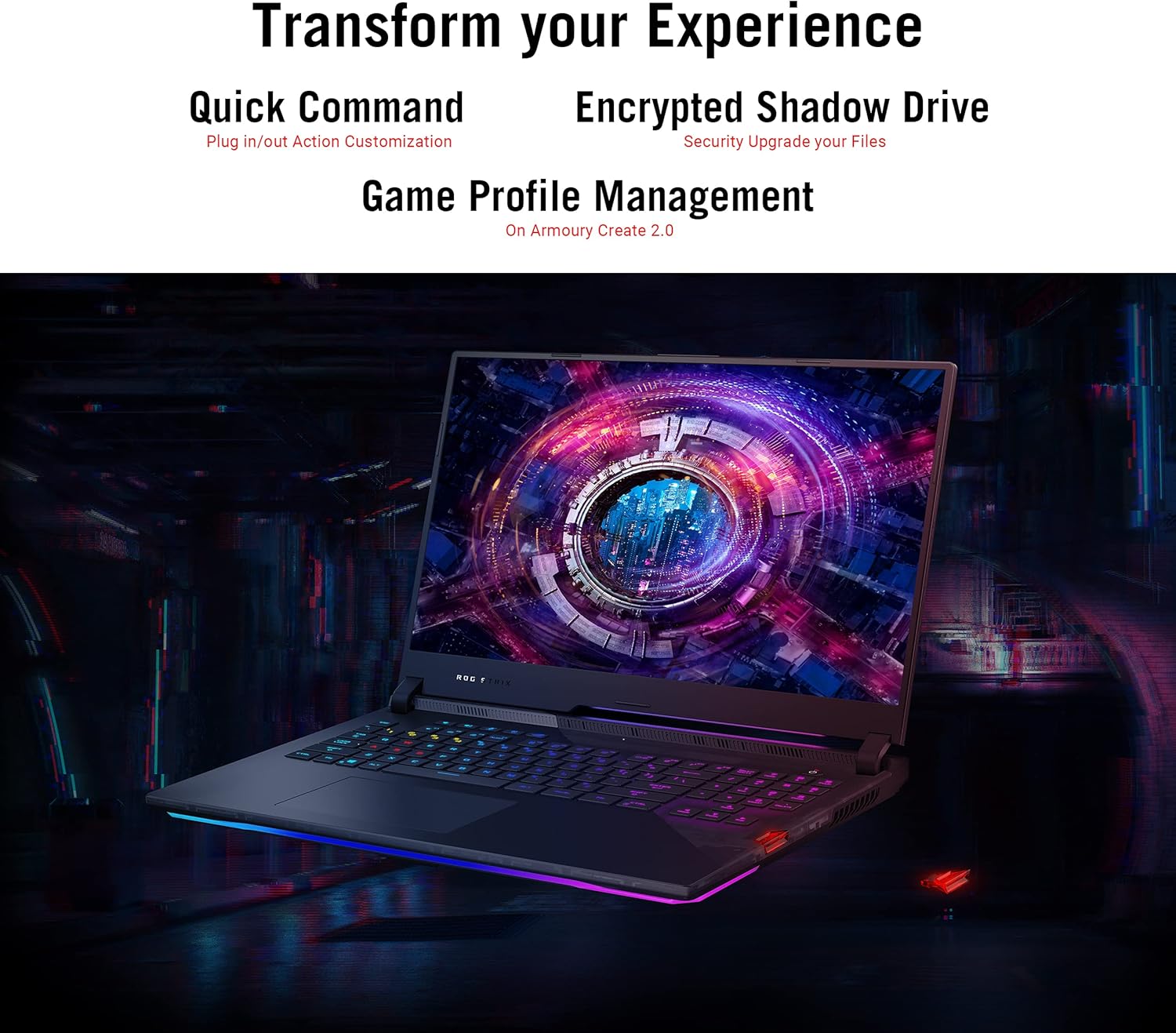
Image 4.5: The laptop display showing the Armoury Crate interface, illustrating features like Quick Command, Encrypted Shadow Drive, and Game Profile Manajemén.
5. Pangropéa
5.1. Ngabersihan Laptop Anjeun
- layar: Anggo kaén anu lemes sareng teu aya serat anu hampang dampdikumbah ku cai atawa pembersih layar. Hindarkeun bahan kimia anu kasar.
- Keyboard sareng Chassis: Anggo lawon anu lemes. Pikeun lebu dina sela-sela, anggo hawa anu dikomprés.
- ventilasi: Regularly check and clean the cooling vents to ensure proper airflow. Use compressed air to remove dust buildup.
5.2. Kaperawatan batré
- Ulah sering ngosongkeun batréna sagemblengna.
- Simpen laptop di tempat anu tiis sareng garing upami henteu dianggo kanggo waktos anu lami.
- Ulah ngalaan batré ka suhu ekstrim.
5.3. Apdet parangkat lunak
Regularly update your operating system (Windows Update), graphics drivers (NVIDIA, AMD), and ASUS utilities (MyASUS, Armoury Crate) to ensure optimal performance and security. Ensure updates are completed without interruption.
6. Cara ngungkulan
6.1. Isu umum jeung Solusi
| Masalah | Solusi anu mungkin |
|---|---|
| Laptop teu hurung. | Pastikeun adaptor AC disambungkeun pageuh kana laptop sareng stop kontak anu tiasa dianggo. Pariksa naha stop kontakna tiasa dianggo. |
| Layar tetep hideung saatos hurung. | Connect an external monitor to verify if the issue is with the laptop's display. Try pressing Fn + F10 (or the appropriate function key) to toggle display output. |
| Kinerja sistemna laun. | Check for background applications consuming resources. Ensure drivers are updated. Verify that cooling vents are not obstructed. Adjust power settings to "High Performance". |
| Laptop overheats during use. | Ensure the laptop is on a hard, flat surface to allow proper airflow. Clean dust from cooling vents. Consider using a laptop cooling pad. Monitor temperatures using Armoury Crate. |
| Masalah sambungan Wi-Fi. | Restart your router and modem. Ensure Wi-Fi is enabled in Windows settings. Update Wi-Fi drivers. |
| Power adapter gets very hot. | This can be normal during heavy use. Ensure the adapter is in a well-ventilated area and not covered by fabric or carpet. If it becomes excessively hot to touch, discontinue use and contact support. |
| Windows requires disk repair regularly. | Run Windows built-in disk check utility (chkdsk). Ensure all Windows updates are installed correctly. If the issue persists, consider reinstalling Windows or contacting support. |
Kanggo ngungkulan masalah anu langkung lengkep, tingali dukungan ASUS websitus atanapi ngahubungan layanan palanggan maranéhna.
7. Spésifikasi
| Fitur | Rincian |
|---|---|
| Ngaran modél | ASUS ROG Strix Scar 17 G733QSA-PB96 |
| Prosesor | AMD Ryzen™ 9 5900HX (3.3 GHz, 8 Cores) |
| Grafik Coprocessor | NVIDIA GeForce RTX 3080 |
| Ukuran RAM Kartu Grafika | 16 GB GDDR6 |
| Ram | 16 GB DDR4 3200 MHz |
| Hard Drive | SSD M.2 PCIe NVMe 1 TB |
| Sistem operasi | Windows 10 Profesional |
| Ukuran layar | 17.3 inci |
| Resolusi layar | 1920 x 1080 piksel (Full HD) |
| Resolusi layar Max | 1920x1080 Piksel |
| Refresh Laju | 360Hz |
| Waktu Tanggapan | 3 ms |
| Tipe Wireless | 802.11ax (Wi-Fi 6), Bluetooth |
| USB 3.0 palabuhan | 4 |
| Item Beurat | 5.95 pon (2.7 kg) |
| Ukuran produk (L x W x H) | 15.55 x 11.1 x 0.92 inci (39.5 x 28.2 x 2.3 cm) |
| Warna | Hideung |
| Batré | 1 batré Litium Ion (kaasup) |
| Fitur husus | Opti-Mechanical Per-Key RGB Keyboard, Advanced Cooling System (Liquid Metal) |
8. Garansi jeung Rojongan
8.1. Émbaran jaminan
Your ASUS ROG Strix Scar 17 G733QSA-PB96 laptop comes with a limited warranty. Please refer to the included Warranty Card for specific terms, conditions, and duration of your product's warranty. Keep your proof of purchase for warranty claims.
Optional protection plans may be available for extended coverage. Check with your retailer or ASUS for details.
8.2. Rojongan Palanggan
For technical assistance, driver downloads, or further information, please visit the official ASUS support websitus:
You may also find helpful resources and FAQs on the ASUS ROG community forums.


