Bubuka
This manual provides detailed instructions for the Jabra Elite 2 True Wireless In-Ear Bluetooth Earbuds. It covers product setup, operation, maintenance, and troubleshooting to ensure optimal performance and user experience. Please read this manual carefully before using your earbuds.
Naon dina Box
The Jabra Elite 2 package includes the following components:
- Jabra Elite 2 Earbuds Wireless Leres
- Ngecas Case
- Kabel Ngecas USB-C
- EarGels (three sizes: Small, Medium, Large)
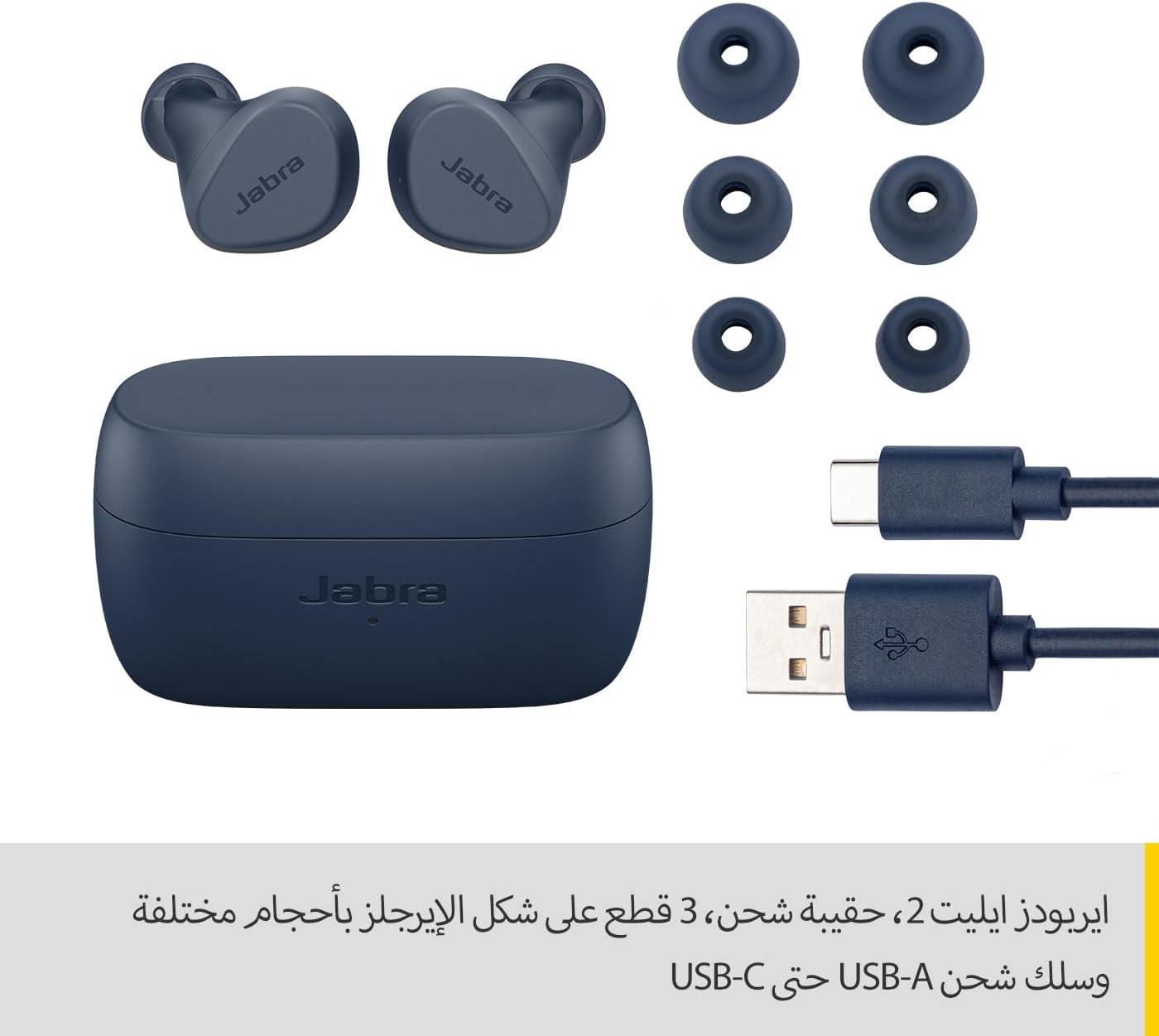
Image: Jabra Elite 2 earbuds, charging case, three sizes of EarGels, and USB-A to USB-C charging cable.
Disetél
1. Ngecas Earbuds jeung Case
Before first use, fully charge the earbuds and the charging case. Place the earbuds into the charging case and connect the USB-C cable to the charging port on the case and a power source.
- The earbuds provide up to 7 hours of listening time on a single charge.
- The charging case extends the total battery life to up to 21 hours.

Image: Jabra Elite 2 earbuds inside their charging case, ready for charging.
2. Nyapasangkeun sareng Alat Bluetooth
- Pastikeun yén earbuds tos dieusi sareng dina wadah ngecas.
- Buka wadah ngecas. Earbuds bakal otomatis asup kana mode papasangan.
- Dina telepon pinter anjeun atanapi alat Bluetooth anu sanés, buka setélan Bluetooth.
- Select 'Jabra Elite 2' from the list of available devices.
- Sakali disambungkeun, ajakan sora bakal mastikeun papasangan suksés.
3. Nyocogkeun Earbuds
For optimal sound quality and comfort, choose the correct size of EarGels. Insert the earbuds into your ears and rotate them slightly to ensure a secure and comfortable fit.
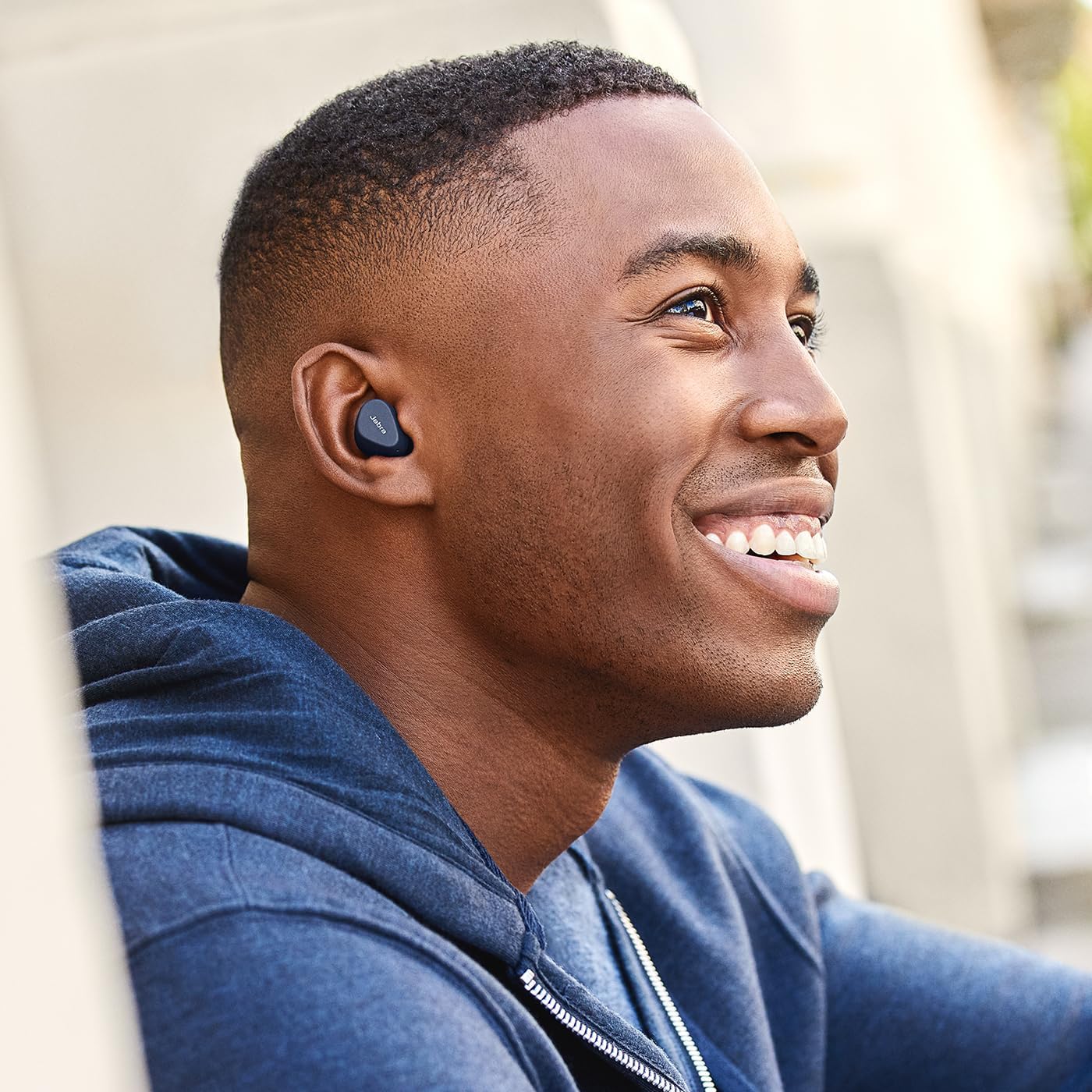
Image: A man wearing Jabra Elite 2 earbuds, demonstrating a proper fit.

Image: A woman wearing Jabra Elite 2 earbuds, demonstrating a proper fit.
Parentah Operasi
The Jabra Elite 2 earbuds feature intuitive controls for managing audio and calls.
Kontrol Musik sareng Telepon
| Aksi | Earbud kénca | Earbud Katuhu |
|---|---|---|
| Puter/Reureuh Musik | Pers tunggal | Pers tunggal |
| Ngajawab / mungkas Telepon | Pers tunggal | Pers tunggal |
| Nolak Telepon | Pencét dua kali | Pencét dua kali |
| Lagu salajengna | Pencét dua kali | N/A |
| Lagu saméméhna | Pencét tripel | N/A |
| Activate Voice Assistant (Alexa for Android) | N/A | Pencét tripel |

Image: Close-up of Jabra Elite 2 earbuds, highlighting the control surface.
Pangropéa
Proper maintenance ensures the longevity and performance of your Jabra Elite 2 earbuds.
beberesih
- Rutin ngabersihkeun earbuds sareng wadah ngecas ku lawon anu lemes, garing, teu aya lint.
- Remove EarGels and clean them with mild soap and water, then dry thoroughly before reattaching.
- Hindarkeun ngagunakeun bahan kimia anu kasar atanapi bahan abrasive.
Tahan cai
The Jabra Elite 2 earbuds are rated IP55 for resistance against dust and water splashes. This means they are protected against low-pressure water jets from any direction, making them suitable for use during light rain or workouts. They are not designed for submersion in water.

Image: A man wearing Jabra Elite 2 earbuds under an umbrella, illustrating their water resistance.
Panyimpenan
Nalika henteu dianggo, simpen earbuds dina wadah ngecasna pikeun ngajagi sareng tetep dicas.
Pamérésan masalah
If you encounter issues with your Jabra Elite 2 earbuds, refer to the following common solutions:
- Taya Sora/Polumeu Lemah: Ensure earbuds are properly seated in your ears, volume is turned up on both earbuds and connected device, and EarGels are the correct size.
- Masalah pasangan: Pastikeun Bluetooth diaktipkeun dina alat anjeun sareng earbud aya dina modeu papasangan. Cobi pegatkeun pasangan sareng pasangkeun deui earbud.
- Sambungan Intermittent: Keep your device close to the earbuds. Avoid environments with strong Wi-Fi or other wireless interference.
- Earbuds Teu Ngecas: Pastikeun kabel ngecas disambungkeun aman tur wadah ngecas boga kakuatan. Bersihkeun kontak anu ngecas boh dina earbuds sareng wadahna.
- Masalah Mikropon: Ensure the microphones are not obstructed. Check the audio input settings on your connected device. The Elite 2 features 2 microphones for clear calls.
For further assistance, visit the official Jabra support websitus.
spésifikasi
| Fitur | Rincian |
|---|---|
| Ngaran modél | Jabra Elite 2 |
| Nomer modél | 100-91400003-60 |
| Téhnologi konektipitas | Nirkabel (Bluetooth) |
| Kahirupan Batré Earbud | Nepi ka 7 jam |
| Total Kahirupan Batré (kalayan casing) | Nepi ka 21 jam |
| Mikropon | 2 diwangun-di mikropon |
| Kontrol bising | Isolasi Sora |
| Peunteun Résistansi Cai | IP55 (Rain, Dust, Water Resistant) |
| Dianjurkeun Mangpaat | Listening to audio (music, podcasts), phone calls, sports, fitness, travel |
| Alat nu cocog | Alat anu diaktipkeun Bluetooth |
| Tipe Kontrol | Media/Volume Control, Remote Control |
| Komponén Kaasup | Protective case, USB-C cable, EarGels |
| Warna | Angkatan Laut |
Garansi sareng Rojongan
Émbaran jaminan
The Jabra Elite 2 earbuds come with a garansi 2 taun. Product registration is required to activate the full warranty period. Please refer to the warranty card included in your package or visit the official Jabra websitus pikeun istilah jeung kaayaan lengkep.
Rojongan Palanggan
For technical support, frequently asked questions, or to register your product, please visit the official Jabra support page:
You may also find additional resources and software updates on the Jabra websitus.


