Buku Panduan Pangguna Pompa Aliran Pinter Jebao MCP-180
merek: Jebao | model: MCP-180
1. Bubuka
The Jebao MCP-180 Smart Cross Flow Pump is designed to create optimal water movement in saltwater aquariums. Featuring advanced cross-flow technology, Wi-Fi connectivity, and an intuitive LCD display controller, this pump ensures efficient water circulation and a healthy aquatic environment. This manual provides detailed instructions for the proper installation, operation, and maintenance of your MCP-180 pump.
2. Émbaran Kasalametan
- Salawasna pegatkeun sambungan kakuatan saméméh ngajalankeun sagala pangropéa atawa instalasi.
- Ensure the pump is fully submerged in water during operation to prevent dry running.
- Do not operate the pump if any part is damaged.
- Keep the power adapter and controller away from water.
- The pump uses powerful magnets. Keep away from sensitive electronic devices and avoid pinching fingers during installation.
3. Eusi Paket
Pastikeun yén sadaya item aya dina bungkusan:
- Jebao MCP-180 Smart Cross Flow Pump
- LCD Display Controller
- Adaptor kakuatan
- Gunung magnét
- Manual pangguna (dokumén ieu)
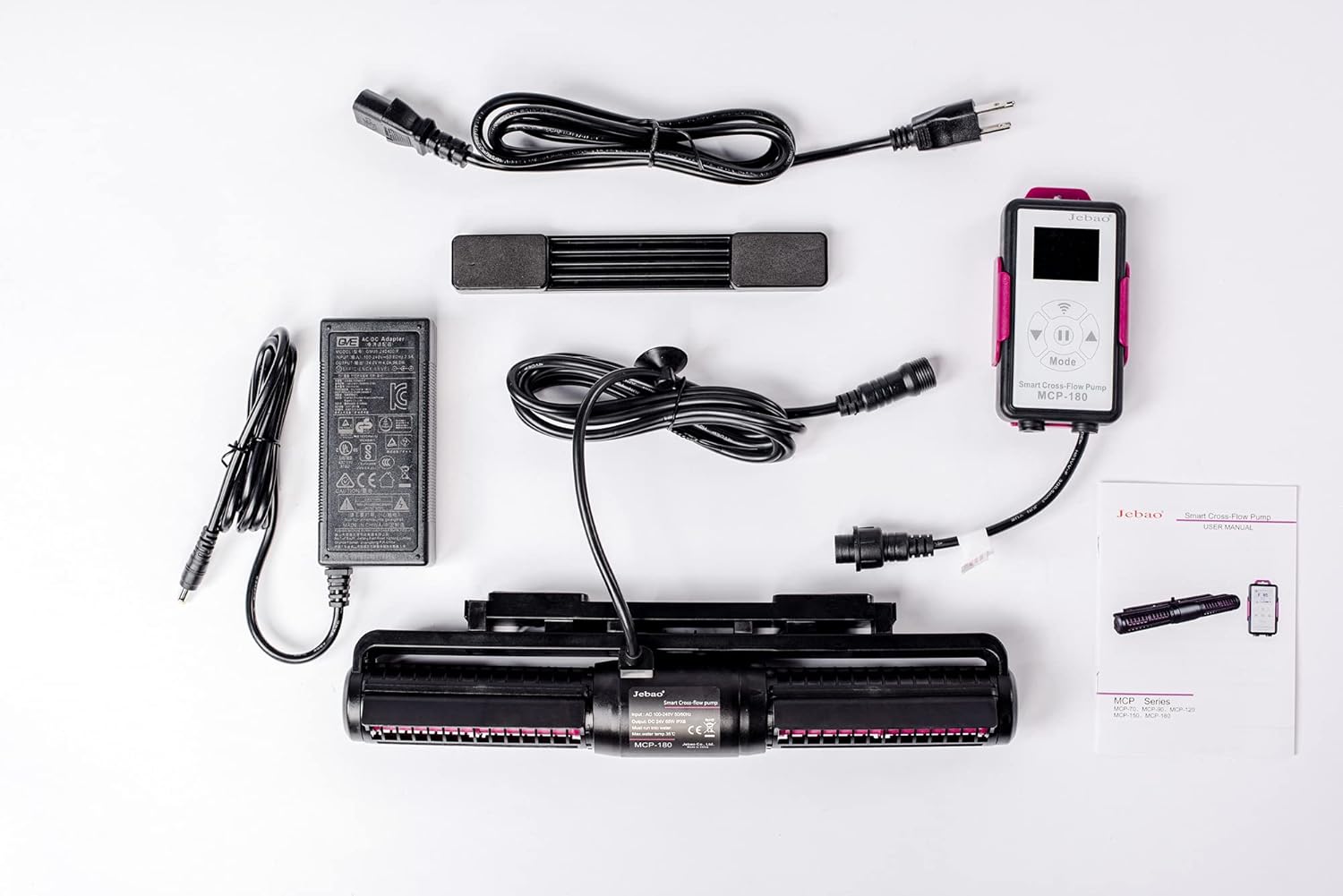
Figure 3.1: All components included with the Jebao MCP-180 Smart Cross Flow Pump.
4. Setup jeung Instalasi
4.1 Instalasi fisik
- Attach the magnetic mount to the pump unit. The magnetic base allows for easy and secure placement on your aquarium glass.
- Position the pump inside your aquarium, ensuring it is fully submerged and the flow is directed as desired. Use the external magnet to secure the pump in place on the outside of the tank glass.
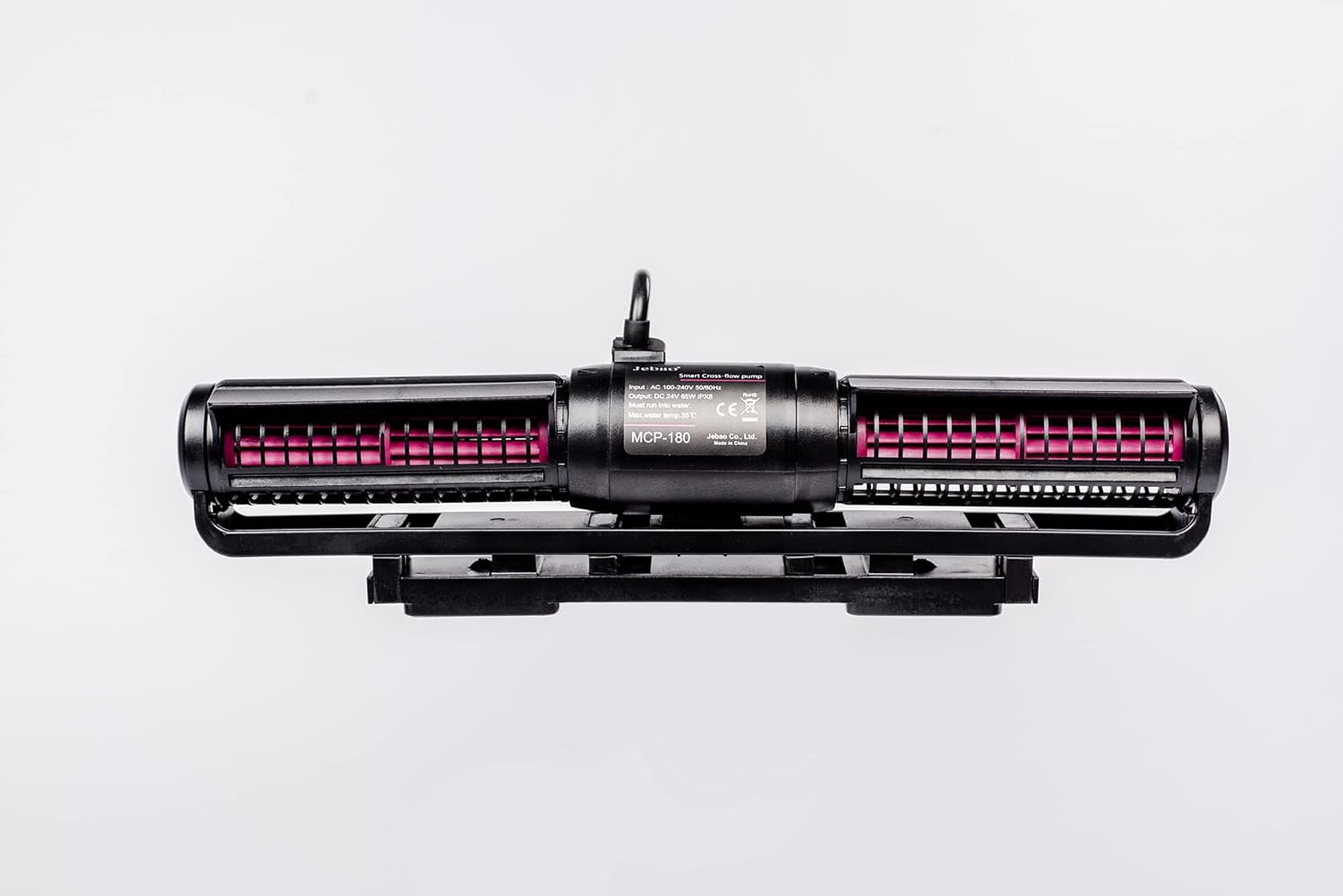
Figure 4.1: The Jebao MCP-180 pump with its magnetic mount, ready for installation.
4.2 Sambungan Daya
- Connect the power supply to the left side of the LCD display controller.
- Connect the pump unit to the right side of the LCD display controller using the provided adapter. Ensure all connections are secure and properly aligned to prevent damage.
- Plug the power supply into a suitable electrical outlet. The controller display should illuminate.
Video 4.1: This video demonstrates the unboxing and initial setup of the Jebao MCP Series Wavemaker, including connecting the power supply and pump to the controller.
4.3 Wi-Fi Connection (Jebao Aqua App)
The MCP-180 series is Wi-Fi controllable via the Jebao Aqua App, available on the Apple App Store and Google Play Store.
- Download and install the "Jebao Aqua" app on your smartphone or tablet.
- Pastikeun alat sélulér anjeun nyambung ka Jaringan Wi-Fi 2.4GHz. The pump does not support 5GHz networks. If your router combines 2.4GHz and 5GHz, you may need to temporarily disable 5GHz or use a dedicated 2.4GHz network for initial setup.
- In the app, select "Add a Wi-Fi device" and then "Wave Pump".
- Lebetkeun nami jaringan Wi-Fi 2.4GHz sareng kecap akses anjeun.
- On the next screen, switch from "Smart Network" to "AP Network" tab.
- Put the controller in AP Network mode by long-pressing the Wi-Fi button until the Wi-Fi logo flashes with the AP indicator.
- Connect your phone to the temporary Wi-Fi network named "Jebao_WiFi-XXX" (password: "123456789").
- Return to the Jebao Aqua app and click "Next" to complete the connection.
Video 4.2: This video demonstrates the process of connecting the Jebao MCP Series Wavemaker to the Jebao Aqua app via Wi-Fi, including specific steps for AP Network mode.
5. Parentah Operasi
5.1 LCD Display Controller
The LCD display controller allows for direct control of the pump's functions. All buttons are touch-sensitive.
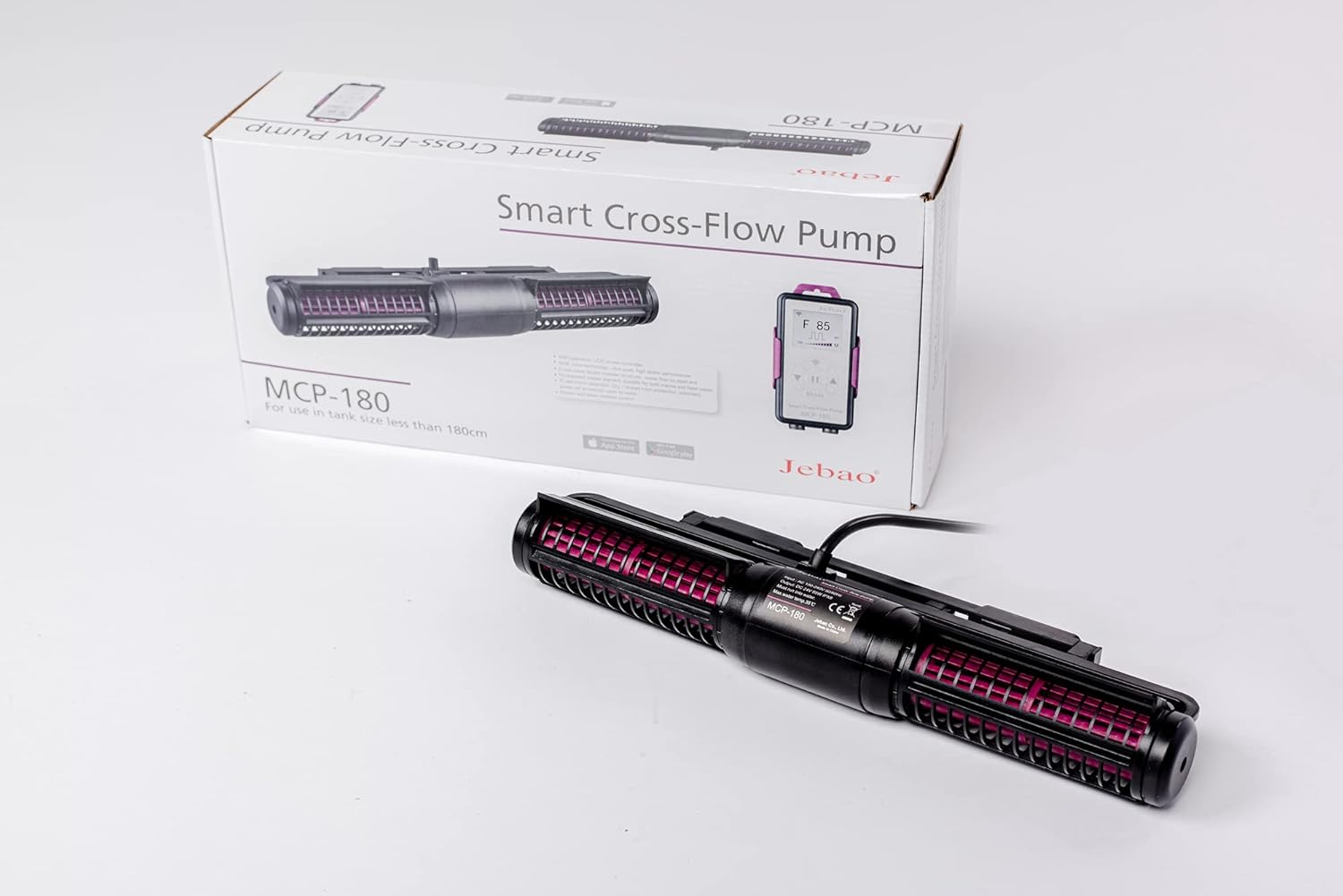
Figure 5.1: The Jebao MCP-180 Smart Cross Flow Pump and its LCD Display Controller.
- Hurungkeun/Pareuman: Long-press the middle button to turn the wavemaker on or off.
- Modeu eupan: Quickly press the middle button to enter Feed Mode. The pump will pause for a set duration (default 30 minutes) to allow for feeding. Press again to exit Feed Mode.
- Nyaluyukeun Laju Aliran: Use the Up (▲) and Down (▼) buttons to adjust the flow rate. Tap to adjust by one unit, or press and hold for quick adjustment. The flow rate ranges from 30 to 100.
- Ngarobih Modeu: Press the "Mode" button to cycle through different wavemaker modes (e.g., W1, W2, H, C, M, S). The display will show an image representing the selected wave pattern.
- Adjusting Frequency (within modes): Press and hold the "Mode" button to adjust the frequency within the selected mode. The frequency number will flash at the lower-left corner. Use the Up (▲) and Down (▼) buttons to adjust the frequency (range typically 5 to 100).
- Mode Master/Budak: Tap the Wi-Fi symbol to enter Master/Slave mode. You will see 'S' for Slave or 'M' for Master in the lower-right corner.
5.2 App Control
Once connected to the Jebao Aqua app, you can control the wavemaker remotely.
- Open the app and select your wavemaker from "My Devices".
- Hurungkeun/Pareuman: Tap the central circle to turn the wavemaker on or off.
- Setélan Manual: Press the "Manual" button (lower-left) to adjust flow rate and frequency for various modes (Pulse, Cross-flow, Sine, Random, Fixed).
- Feeding Pause: Within the manual settings, you can adjust the duration of the feeding pause time.
- Linkage (Master/Slave): Use the "Linkage" button to set the pump as a Master or Slave pump for synchronized operation with other units.
- Program: The "Program" button (lower-right) allows you to schedule specific operating times and modes for the wavemaker. You can adjust the schedule by dragging the time segments on the circular interface. You can also delete set programs.
- Manajemén alat: Tap the three-dot symbol in the top-right corner to rename or delete your device from the app.
6. Pangropéa
Regular maintenance ensures optimal performance and longevity of your Jebao MCP-180 pump.
6.1 Impeller Cleaning
If the pump is not spinning properly or an ER04 error (Pump is blocked) appears, the impeller may be blocked or stiff. Follow these steps to clean and lubricate the impeller:
- Pegatkeun sambungan catu daya tina stop kontak.
- Cabut pompa tina akuarium.
- Remove the end caps of the pump by twisting and pulling them off.
- Carefully remove the impeller units from each side of the pump.
- Clean any debris or blockages from the impellers and the pump casing.
- Apply a small amount of petroleum jelly (safe for aquatic environments) to the ceramic rod of each impeller. This helps to loosen stiffness and ensure smooth rotation.
- Reinsert the impellers into the pump casing, ensuring they are properly seated.
- Reattach the end caps by twisting them back into place.
- Reinstall the pump in the aquarium and reconnect power.
Video 6.1: This video demonstrates how to disassemble the Jebao MCP Series Wavemaker, clean the impellers, and apply petroleum jelly to resolve issues with stiff or blocked impellers.
7. Cara ngungkulan
Refer to the following error codes and solutions for common issues:
| Kode Kasalahan | Katerangan | Solusi |
|---|---|---|
| ER01 | Kurangna kakuatan. | Check if the cables or controller are damaged. |
| ER02 | Controller is overheating. | Check if the controller is exposed to direct sunlight or a high-temperature environment. |
| ER03 | Pompa geus garing. | Check if the pump is running dry without water. Ensure it is fully submerged. |
| ER04 | Pompa diblokir. | Check if the impeller is blocked. Refer to Section 6.1 for cleaning instructions. |
| ER05 | Overvoltage. | Check if the power supply or the adapter is damaged. |
8. Spésifikasi
| Fitur | Rincian |
|---|---|
| Modél | MCP-180 |
| Voltage | DC 24V (Input: AC 100-240V 50/60Hz) |
| Konsumsi Daya | 65W |
| Dimensi produk | 13"P x 3"L x 1.6"T (340x82x52 mm) |
| Laju aliran maksimum | 9642 Gallons Per Minute (approx. 6736 to 9642 GPH) |
| Tank Size Recommendation | For use in tank size less than 180cm |
| Ketebalan tank | ≤19 mm |
| Konektipitas | Wi-Fi (2.4GHz) + Manual Controller |
| Téknologi | SINE wave technology, Cross wave double impeller structure |
| Fitur Kasalametan | IC electronic detection, Dry/locked rotor protection, automatic power-off upon no water |
9. Garansi jeung Rojongan
For warranty information and technical support, please refer to the official Jebao websitus atanapi ngahubungan pangecér Anjeun. Simpen resi pameseran anjeun salaku bukti pameseran.


