Bubuka
The Jebao MOW Smart Wave Maker is designed to create natural wave patterns and water circulation in saltwater aquariums, promoting a healthy environment for marine life. Featuring a compact design, quiet operation, and an intuitive LCD display controller, this device offers precise control over water flow. It can also be controlled via Wi-Fi using the Jebao App on your smartphone.
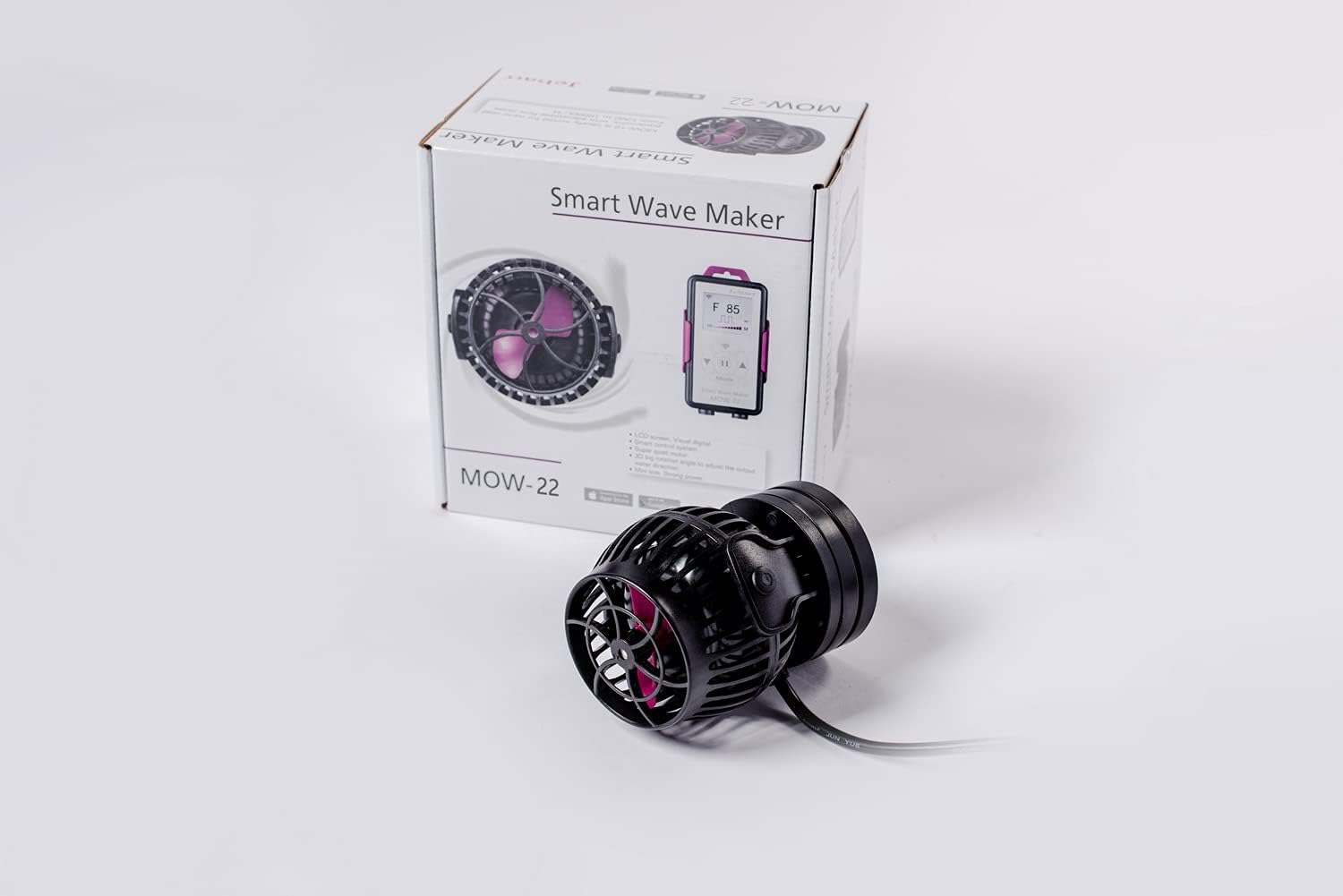
Image: The Jebao MOW-22 Smart Wave Maker shown next to its product packaging, highlighting its compact size and the branding.
Fitur produk
- 2.4G WIFI Connectivity: Control the wave maker via the Jebao App on iOS and Android devices, in addition to the manual LCD controller.
- SINE Wave Technology: Ensures ultra-quiet operation and stable performance, minimizing disturbance to your aquatic environment.
- 3D Rotation Angle: Allows for flexible adjustment of the output water direction, optimizing flow patterns within the tank.
- Tahan korosi: Designed with no exposed copper elements, making it suitable for both marine (saltwater) and freshwater aquariums.
- Wide Flow Range: Capable of flow rates from 449 gallons per hour (1700 L/h) to 5811 gallons per hour (22000 L/h), recommended for 100-150 gallon tanks.
- Daya Éfisién: Operates on DC 24V with a 50-watt input, utilizing a 110V 60Hz US plug.
- Desain kompak: Dimensions of approximately 4.0 inches (Dia) x 5.25 inches (L) for discreet placement.
Naon dina Box
Before beginning installation, please ensure all components are present and undamaged:
- Jebao MOW Smart Wave Maker Unit
- LCD Display Controller
- Magnét Base Gunung
- Adaptor Daya (DC 24V)
- Manual pamaké

Gambar: A lengkep view of all items included in the Jebao MOW-22 package, including the wave maker, controller, power supply, and instruction booklet.
Parentah Setup
- panempatan: Select an appropriate location within your aquarium for the wave maker. Ensure it is positioned to create optimal water flow without disturbing substrate or corals.
- Pamasangan: Attach the wave maker unit to the inside of the aquarium glass using the magnetic base. Position the external magnet on the outside of the glass, directly opposite the internal unit, to secure it firmly.
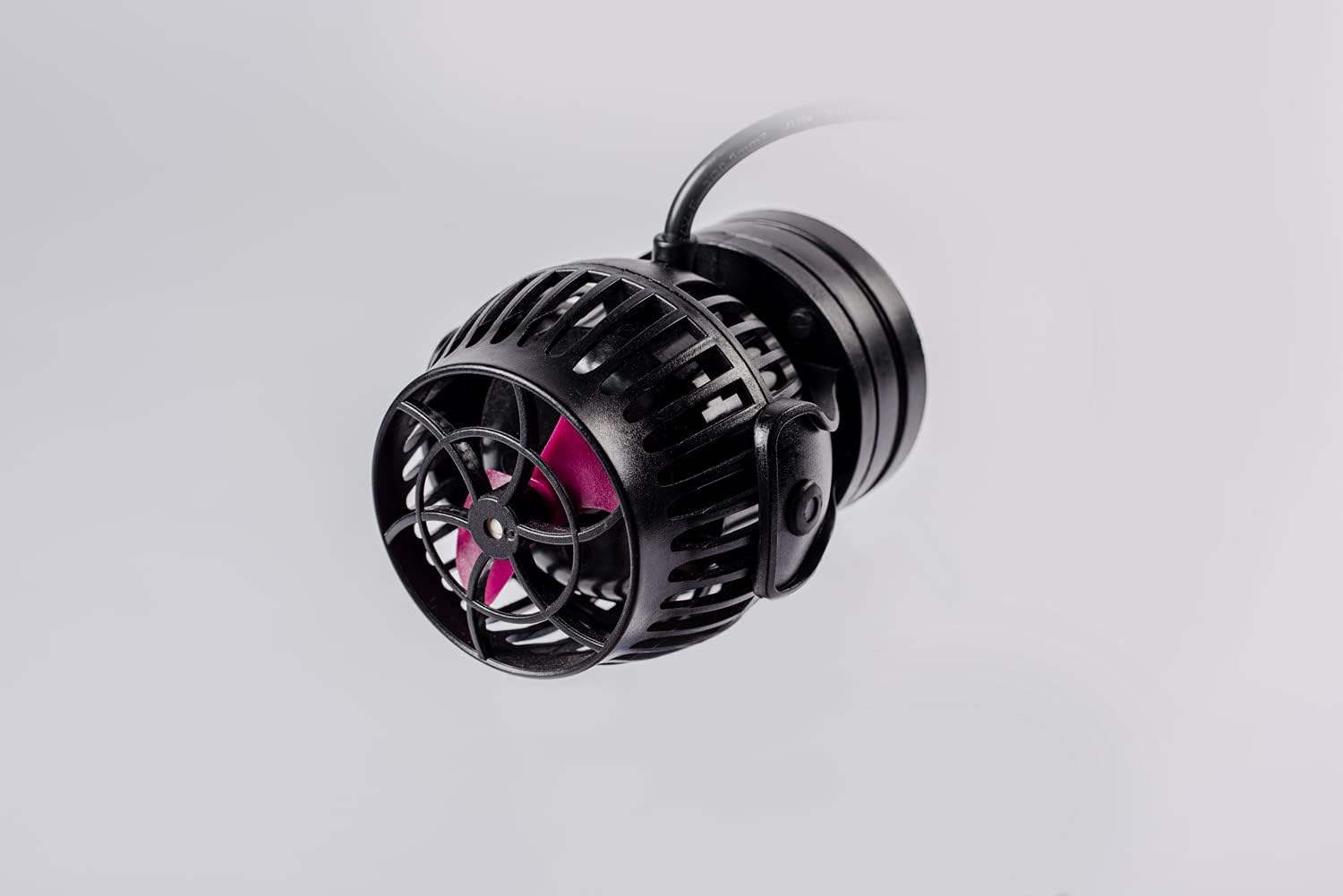
Image: The Jebao MOW-22 wave maker viewed from the side, illustrating its magnetic mounting system.
- Sambungkeun Controller: Connect the wave maker unit's cable to the designated port on the LCD display controller.
- Sambungan Daya: Plug the power adapter into the controller, then plug the power adapter into a standard 110V 60Hz US electrical outlet.
- Saluyukeun arah: Once powered, you can adjust the direction of the water flow by gently rotating the wave maker unit on its magnetic base. The 3D rotation angle allows for precise aiming of the flow.
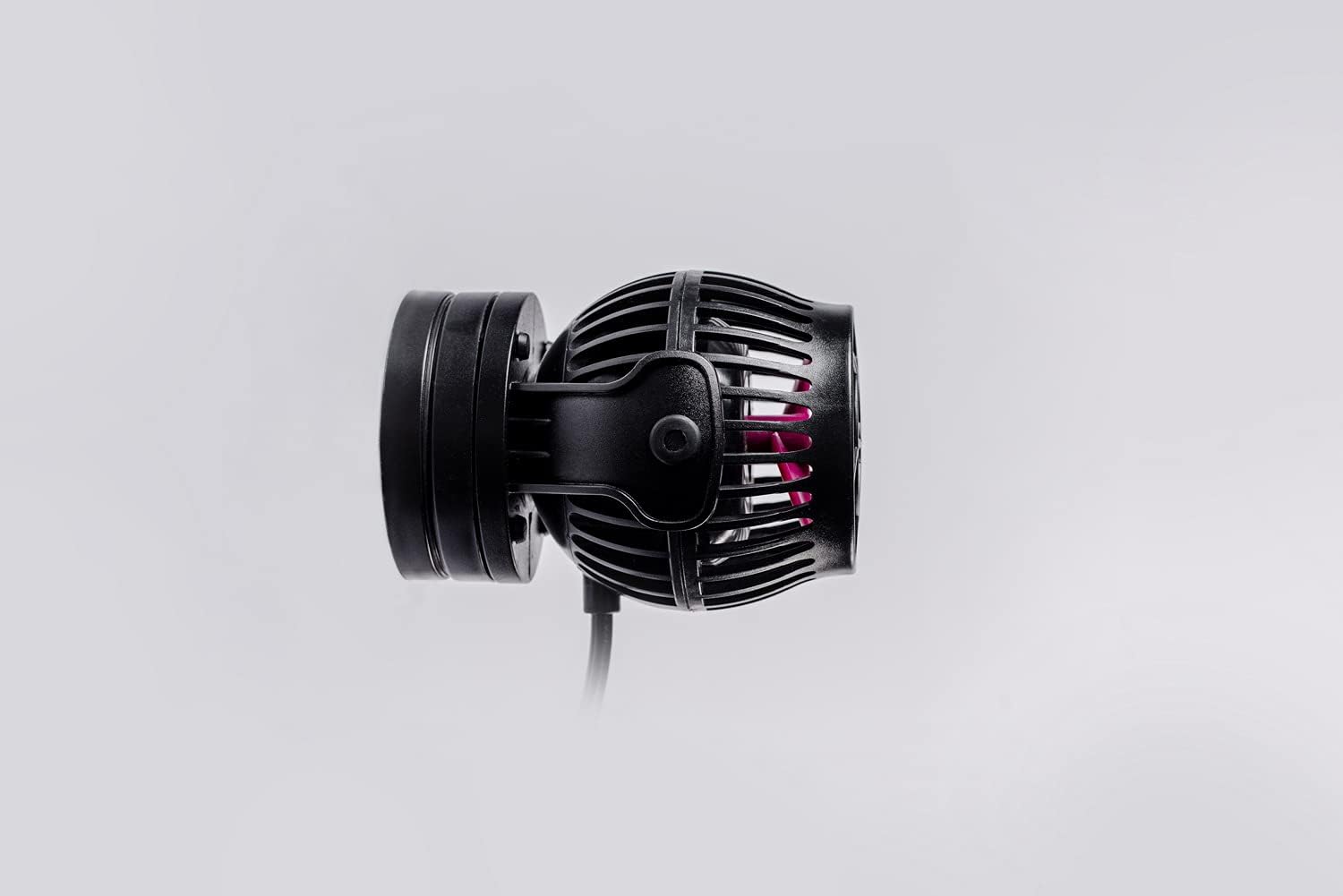
Gambar: A sisi profile view of the Jebao MOW-22 wave maker, demonstrating its sleek and compact form factor.
Operating Instructions: Mode Functions
The Jebao MOW Smart Wave Maker offers various operating modes to simulate natural ocean currents. Use the LCD display controller or the Jebao App to select and adjust modes.
- W1: Classic Wave Mode
In this mode, you can adjust wave patterns among one or more pumps simultaneously using the up/down buttons on the controller or app. This creates a consistent, rhythmic wave.
- W2: Sine Wave Mode
One or more pumps can operate in this mode. The flow rate changes smoothly between 30% and 100% following a sine curve, mimicking natural, gentle swells.
- Else: Random Wave Mode
This mode allows one or more pumps to operate with random power changes, creating an unpredictable and natural flow pattern without specific regulation.
- H: Constant Wave Mode
One or more pumps operate at a constant, steady flow rate. This mode is ideal for maintaining consistent water circulation.
- C: Shift to Flow Mode
Requires two pumps to operate. The pumps alternate working and stopping (P1 works, P2 stops; then P2 works, P1 stops), creating a shifting flow pattern.
- Modeu eupan
To activate, short press the stop button on the controller. The pump will cease operation for 10 minutes, allowing fish to feed without being disturbed by strong currents. The pump will automatically resume after 10 minutes.

Image: An angled front view of the Jebao MOW-22 wave maker, highlighting the impeller blades and the protective housing.
Pangropéa
Regular maintenance ensures optimal performance and longevity of your Jebao MOW Smart Wave Maker.
- beberesih: Periodically remove the wave maker from the aquarium and gently clean the impeller and housing to remove algae, detritus, or calcium buildup. Use a soft brush and aquarium-safe cleaning solutions if necessary.
- Inspeksi Impeller: Check the impeller for any signs of wear, cracks, or foreign objects that might impede its rotation.
- Pamariksaan kabel: Ensure all cables are free from kinks, cuts, or damage.
- Pareum listrik: Always unplug the unit from the power outlet before performing any maintenance or cleaning.

Gambar: Overhead langsung view of the Jebao MOW-22 wave maker, providing a clear look at the impeller and its protective grate.
Pamérésan masalah
| Masalah | Mungkin Cukang lantaranana | Solusi |
|---|---|---|
| Pompa teu hurung. | Taya kakuatan, sambungan leupas, adaptor faulty. | Check power outlet. Ensure all cables are securely connected. Test with another outlet. Contact support if adapter is suspected faulty. |
| Weak or inconsistent flow. | Impeller clogged, calcium buildup, incorrect mode setting. | Clean the impeller and pump housing. Descale if calcium buildup is present. Verify the selected operating mode and adjust flow intensity. |
| Noise atanapi geter anu teu biasa. | Foreign object in impeller, worn impeller, improper mounting. | Disconnect power and inspect impeller for debris. Ensure the magnetic base is securely mounted and the pump is not vibrating against the glass. |
| Masalah sambungan Wi-Fi. | Sandi Wi-Fi salah, router jauh teuing, masalah aplikasi. | Ensure correct 2.4G Wi-Fi network and password. Move router closer or use a Wi-Fi extender. Restart the app and controller. |
Specifications (MOW-22)
| merek | Jebao |
| Nomer modél | MOW-22 |
| Warna | Hideung |
| Bahan | Beusi sténless |
| Gaya | Leuleumpangan |
| Sumber Daya | Adaptor AC/DC |
| Masukan Voltage | DC 24V |
| Konsumsi Daya | 50 Watt |
| Laju aliran maksimum | 96.85 Gallons Per Minute (approx. 5811 GPH / 22000 L/h) |
| Dianjurkeun Ukuran tank | 100-150 galon |
| Dimensi produk | 5.25 x 4 x 5.25 inches (approx. 4.0" Dia x 5.25" L) |
| Item Beurat | 3.79 pon |
| Batré Diperlukeun | No |
Garansi sareng Rojongan
Jebao products are manufactured to high-quality standards. For warranty information, technical support, or service inquiries, please refer to the contact information provided in your product packaging or visit the official Jebao websitus. Punten tahan bukti pameseran anjeun pikeun klaim garansi.
For further assistance, you may contact the seller, CNZ Lighting, through the Amazon platform.