Bubuka
Thank you for choosing PowerLocus P6 Wireless Bluetooth Headphones. These over-ear headphones are designed to provide a high-fidelity stereo sound experience with deep bass, extended playtime, and comfortable wear. This manual will guide you through the setup, operation, maintenance, and troubleshooting of your new headphones.
Naon dina Box
- 1x Headphone PowerLocus P6
- 1x 3.5mm Kabel Audio
- 1x Kabel Ngecas USB
- 1 x Manual Pamaké
- 1x Premium Carry Pouch

Image: All components included in the PowerLocus P6 headphone package.
Fitur produk
- Konektipitas Bluetooth 5.3: Ensures stable and low-latency wireless connection up to 12m/39ft.
- Sora Stereo Hi-Fi: Equipped with upgraded dynamic audio speakers for powerful, crisp sound and deep bass.
- 50-Jam Playtime: Extended battery life for long listening sessions.
- Built-in HD Microphone: Pikeun nelepon tanpa nganggo leungeun anu jelas.
- Desain Lipat & Ringan: Enhances portability and storage.
- Soft Over-Ear Earmuffs: Provides comfort for prolonged use.
- Kasaluyuan Universal: Works with iOS, Android, Windows, and Mac devices.
- Rojongan Asisten Sora: One-click access to Siri/Google Assistant.
- Sambungan Multi-titik: Nyambung ka dua alat sakaligus.

Gambar: Hareupeun view of the PowerLocus P6 Wireless Bluetooth Headphones.

Image: Demonstrating the premium comfort of the headphones with flexible earpads and soft memory foam earmuffs.

Image: Highlighting the universal compatibility of the headphones with various devices.

Image: Visual representation of the main features of the PowerLocus P6 headphones.
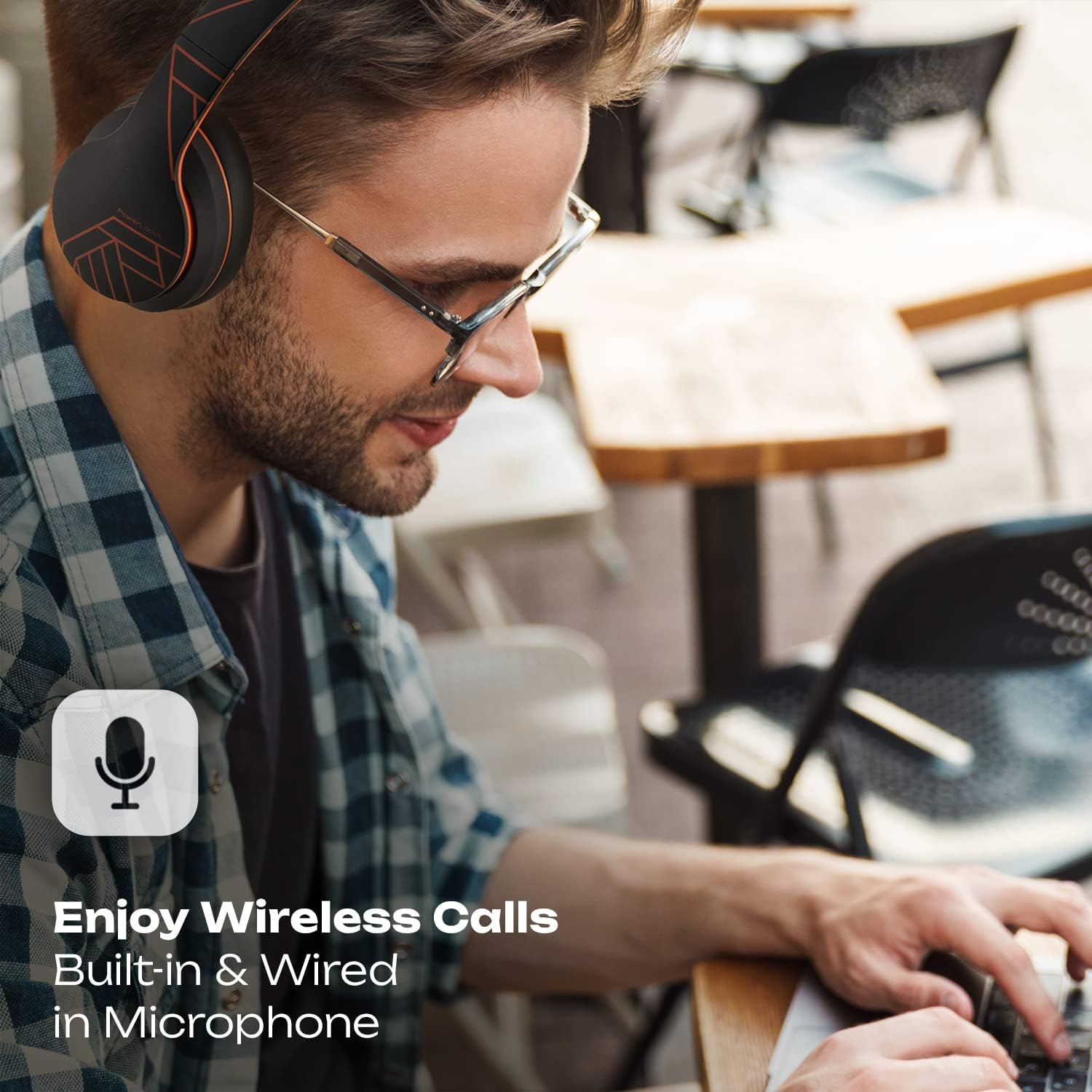
Image: Showcasing the wireless call capability and built-in microphone.
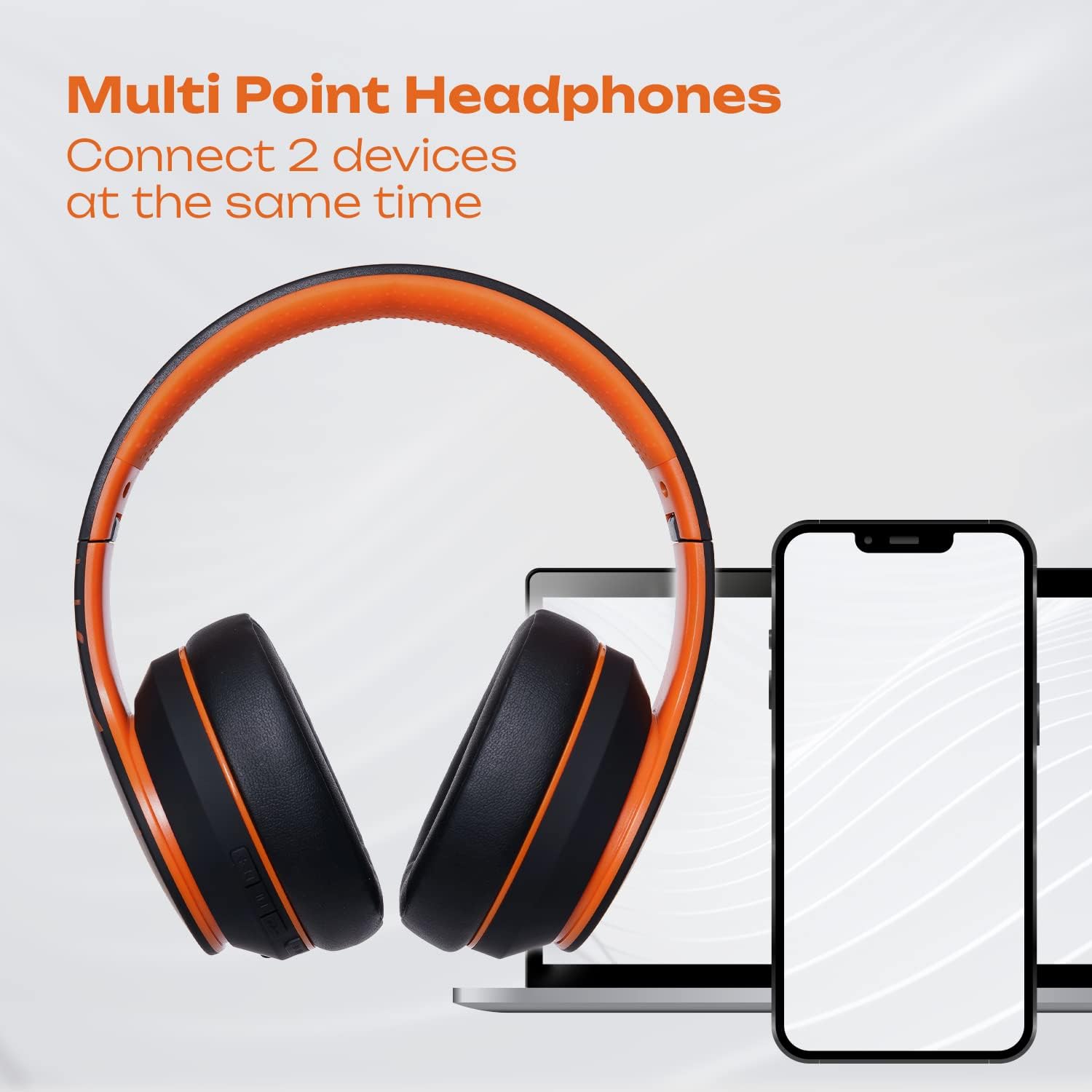
Image: Illustrating the multi-point connection feature, allowing simultaneous connection to two devices.

Image: Highlighting the long wireless playtime of the headphones.
Disetél
Ngecas Headphone
Before first use, fully charge your PowerLocus P6 headphones. Connect the provided USB charging cable to the charging port on the headphones and the other end to a USB power source (e.g., computer USB port, wall adapter). The charging time is approximately 2.5 hours. A full charge provides up to 50 hours of playtime.
Papasangan Bluetooth
- Pastikeun headphone dipareuman.
- Pencét jeung tahan tombol Daya nepi ka indikator LED hurung biru jeung beureum, nuduhkeun mode papasangan.
- Dina alat anjeun (smartphone, tablet, PC), aktipkeun Bluetooth sareng milarian alat anu sayogi.
- Pilih "PowerLocus P6" tina daptar alat.
- Sakali disambungkeun, indikator LED bakal ngahurungkeun biru padet.
Sambungan Multi-Titik
The PowerLocus P6 headphones support connecting to two Bluetooth devices simultaneously. After pairing with the first device, disable Bluetooth on that device. Then, pair the headphones with the second device. Once paired, re-enable Bluetooth on the first device. The headphones should now be connected to both devices, allowing you to switch audio sources seamlessly.
Parentah Operasi
Kadali
- Hurungkeun/Pareuman: Pencét jeung tahan tombol Daya.
- Puter / Reureuh: Pencét tombol Multi-fungsi sakali.
- Volume Kaluhur/Turun: Pencét tombol Volume +/-.
- Lagu Salajengna / Saméméhna: Long press the Volume + / - buttons.
- Ngajawab / mungkas Telepon: Pencét tombol Multi-fungsi sakali.
- Nolak Telepon: Pencét lila tombol Multi-fungsi.
- Aktipkeun Asisten Sora (Siri / Asisten Google): Press the Voice Control button once.
Modeu kabel
To use the headphones in wired mode, connect the provided 3.5mm audio cable to the headphone's audio jack and the other end to your audio source. This mode is useful when the battery is depleted or for devices without Bluetooth connectivity.
Pangropéa
- beberesih: Anggo lawon anu lembut sareng garing pikeun ngabersihan headphone. Ulah make bahan kimia kasar atawa bahan abrasive.
- Panyimpenan: When not in use, store the headphones in the provided carry pouch to protect them from dust and scratches. The foldable design allows for compact storage.
- Tahan cai: These headphones are not water resistant. Avoid exposure to liquids, moisture, and extreme temperatures.
- Perawatan batré: Pikeun manjangkeun umur batre, ulah miceun headphone sacara sering. Ngeusi batre aranjeunna rutin, sanajan teu di pamakéan konstan.

Image: PowerLocus P6 headphones folded and stored in their protective pouch.
Pamérésan masalah
- Headphone teu tiasa dihurungkeun: Pastikeun headphone dicas pinuh.
- Teu tiasa dipasangkeun sareng alat: Make sure Bluetooth is enabled on your device and the headphones are in pairing mode (flashing blue and red LED). Try restarting both devices.
- Teu aya sora: Check the volume levels on both the headphones and your connected device. Ensure the headphones are properly paired. If using wired mode, ensure the 3.5mm cable is fully inserted.
- Kualitas sora goréng: Ensure the headphones are within Bluetooth range (12m/39ft) of your device. Avoid obstacles that may interfere with the signal.
- Mikropon teu jalan: Pastikeun headphone disambungkeun leres tur dipilih salaku alat input audio dina komputer atawa smartphone Anjeun.
spésifikasi
| Ngaran modél | P6 |
| merek | PowerLocus |
| Téhnologi konektipitas | Nirkabel (Bluetooth 5.3) |
| Téknologi Komunikasi Nirkabel | Bluetooth |
| Headphone Jack | 3.5 mm Jack |
| Panempatan Ceuli | Leuwih Ceuli |
| Kontrol bising | Isolasi sora |
| Kahirupan batré | 50 Jam |
| Waktu Ngecas | 2.5 Jam |
| Rentang Bluetooth | 36 suku (kira-kira 12 méter) |
| Ukuran Supir Audio | 40 milimeter |
| Rentang Frékuénsi | 20Hz-20000kHz |
| Impedansi | 32 ohm |
| Item Beurat | 0.35 Kilogram (12.3 ons) |
| Bahan | Kulit |
| Tingkat Résistansi Cai | Henteu Tahan Cai |
Garansi & Rojongan
PowerLocus P6 Wireless Bluetooth Headphones come with a 24-garansi sasih covering manufacturing defects. We are committed to providing excellent customer service based in the USA.
For any questions, issues, or warranty claims, please contact PowerLocus customer support through the retailer's platform or visit the official PowerLocus websitus pikeun inpo kontak.


