
Bubuka
Hatur nuhun pikeun meuliasing the Cuifati Retro Bluetooth Speaker. This manual provides essential information for the safe and efficient use of your device. Please read it thoroughly before operating the speaker and retain it for future reference.
Émbaran Kasalametan
- Ulah ngalaan speaker ka suhu ekstrim, sinar panonpoé langsung, atawa kalembaban luhur.
- Hindarkeun lungsur atanapi nahan panyatur kana tabrakan anu kuat.
- Ulah ngabongkar, ngalereskeun, atanapi ngarobih alat nyalira. Hubungi petugas servis anu mumpuni pikeun perbaikan naon waé.
- Jauhkeun spéker tina cai sareng cairan sanés.
- Paké ngan vol ngecas dieusiantage (DC 5V) and cable.
- Dispose of the battery and device according to local regulations.
Produk Leuwihview
The Cuifati Retro Bluetooth Speaker is a compact, portable wireless speaker designed for high-fidelity audio playback and hands-free calling. Its retro design complements its modern functionality.
Eusi pakét
- Cuifati Retro Bluetooth Speaker
- Kabel Ngecas USB
- Manual pangguna (dokumén ieu)
Komponén Speaker

Gambar 1: Hareupeun view of the Cuifati Retro Bluetooth Speaker, showing the speaker grille and the included USB charging cable.

Gambar 2: Samping view of the speaker, highlighting the control panel with buttons and ports.
The speaker features a main audio driver on the front, enclosed in a wooden-look cabinet. On one side, you will find the control panel.
- Tombol Daya (Ⓘ): Pencét terus tahan pikeun ngahurungkeun/mareuman.
- Volume Kaluhur / Tombol Lagu Salajengna (+): Short press to increase volume, long press for next track.
- Play / Pause / Call Button (⏸): Short press to play/pause music, press to answer/end calls.
- Volume Turunkeun / Tombol Lagu Saméméhna (-): Short press to decrease volume, long press for previous track.
- Micro USB Port (5V IN): Pikeun ngecas speaker.
- Liang Mikropon: Pikeun nelepon handsfree.
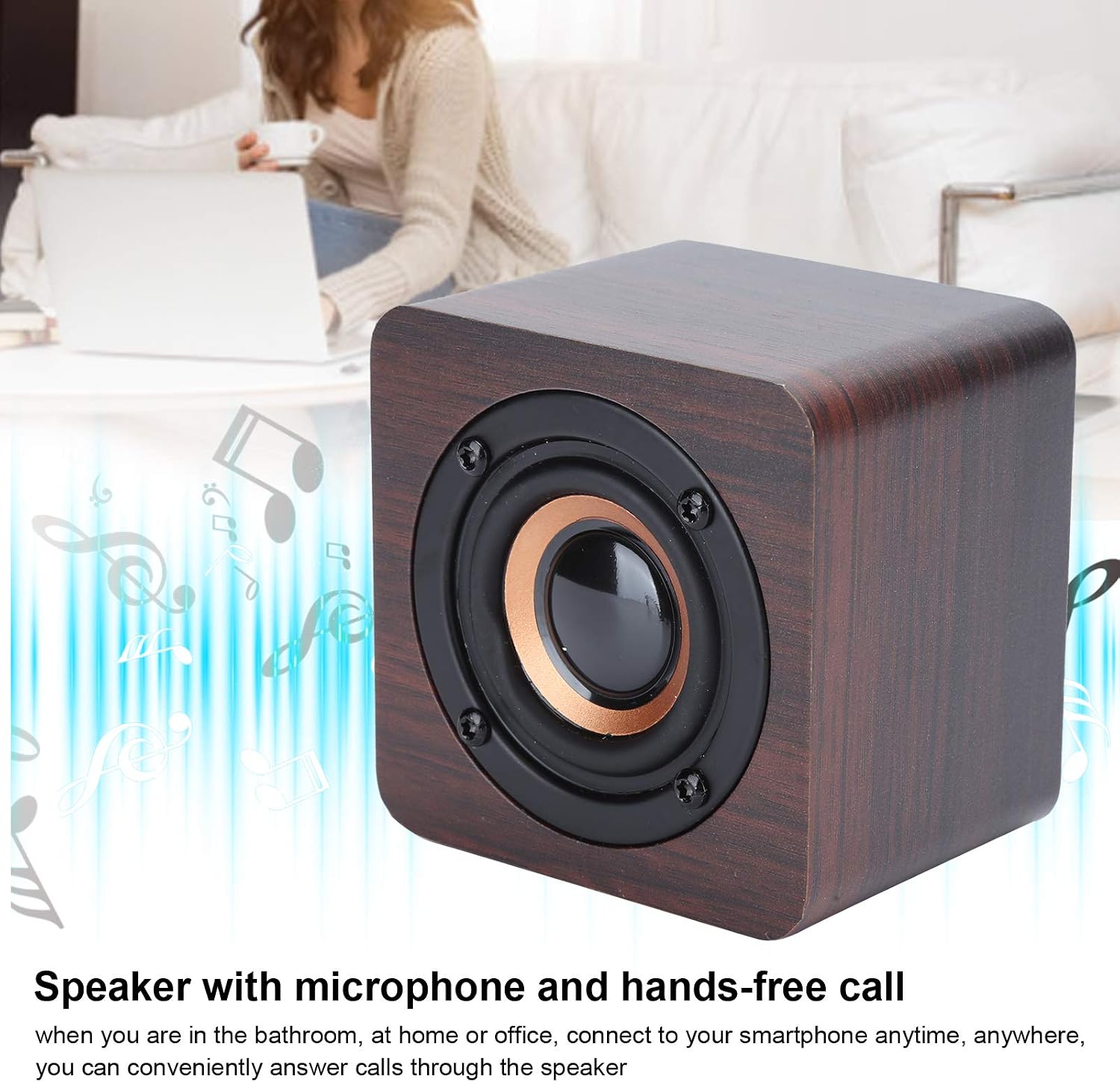
Gambar 3: The speaker supports hands-free calling through its integrated microphone.
Disetél
1. Ngecas Speaker
- Connect the small end of the provided USB charging cable to the Micro USB port (5V IN) on the side of the speaker.
- Connect the larger end of the USB cable to a standard USB power adapter (DC 5V, not included) or a computer's USB port.
- The charging indicator light (if present, usually red) will illuminate during charging and turn off or change color when fully charged.
- A full charge takes approximately 2 hours and provides 6-8 hours of operating time.
2. Powering on / Pareum
- Pikeun Ngahurungkeun: Pencét jeung tahan tombol Daya (Ⓘ) for a few seconds until you hear an audible prompt or see an indicator light.
- Pikeun mareuman: Pencét jeung tahan tombol Daya (Ⓘ) again for a few seconds until you hear an audible prompt or the indicator light turns off.
3. Papasangan Bluetooth
- Ensure the speaker is powered on and within 10 meters (33 feet) of your Bluetooth-enabled device (e.g., smartphone, tablet).
- The speaker will automatically enter pairing mode when powered on for the first time or if no device is connected. An indicator light (often blue) will flash, and you may hear an audible prompt.
- Dina alat Bluetooth anjeun, buka setélan Bluetooth teras aktipkeun Bluetooth.
- Milarian pikeun available devices. You should see "Cuifati Speaker" or a similar name appear in the list.
- Pilih spiker tina daptar pikeun ngamimitian papasangan.
- Once successfully paired, you will hear a confirmation sound, and the indicator light will typically stop flashing and remain solid.
- Spéker bakal otomatis nyobian nyambung deui ka alat anu dipasangkeun terakhir nalika diaktipkeun.
Parentah Operasi
Maén Musik
- After successful Bluetooth pairing, open your music player application on your connected device.
- Puter / Reureuh: Short press the Play/Pause button (⏸) pikeun muterkeun atawa ngareureuhkeun lagu nu ayeuna.
- Penyesuaian volume:
- Pencét sakeudeung tombol Volume Naék (+) to increase volume.
- Pencét sakeudeung tombol Volume Turun (-) pikeun ngurangan volume.
- Napigasi lagu:
- Pencét lila tombol Volume Naék (+) for the next track.
- Pencét lila tombol Volume Turun (-) pikeun lagu saméméhna.
Leungeun-Free Telepon
- When a call comes in, the music will pause, and you will hear a ringtone through the speaker.
- Ngajawab Telepon: Short press the Play/Pause button (⏸) pikeun ngajawab telepon asup.
- Tungtung Telepon: Short press the Play/Pause button (⏸) again to end the current call.
- Nolak Telepon: Pencét terus tahan tombol Puter/Pause (⏸) for a few seconds to reject an incoming call.
- Speak clearly towards the microphone hole on the speaker for optimal call quality.
Pangropéa
- beberesih: Anggo lawon anu lemes sareng garing pikeun ngusap permukaan spiker. Entong nganggo pembersih anu abrasif, alkohol, atanapi pangleyur kimia.
- Panyimpenan: Lamun teu dipaké pikeun période nambahan, nyimpen speaker dina tiis, tempat garing, jauh ti sinar panonpoé langsung jeung hawa ekstrim. Disarankeun ngecas spéker sahenteuna sakali unggal tilu bulan pikeun ngajaga kaséhatan batré.
- Perawatan batré: Avoid fully discharging the battery frequently. Charge the speaker when the low battery indicator appears.
Pamérésan masalah
| Masalah | Mungkin Cukang lantaranana | Solusi |
|---|---|---|
| Speaker teu hurung. | Batré béak. | Charge the speaker using the provided USB cable and a DC 5V power source. |
| Teu tiasa dipasangkeun sareng alat Bluetooth. | Bluetooth dina alat anjeun pareum; spikerna jauh teuing; spiker parantos dipasangkeun ka alat anu sanés. |
|
| Taya sora atawa volume low. | Volume teuing leutik dina spiker atanapi alat anu nyambung; spiker henteu nyambung kalayan leres. |
|
| Kualitas panggero goréng. | Microphone obstruction; distance from speaker. |
|
spésifikasi
| merek | Cuifati |
| Nomer modél | Cuifatiptir80vy9u |
| ASIN | B08XH6CK96 |
| Bahan | ABS |
| Warna | Walnut (Default) |
| Tipe Speaker | Speaker Bluetooth portabel |
| Fitur husus | Portable, Wireless, Hands-free Calling |
| Téhnologi konektipitas | Bluetooth 4.2 |
| Range nirkabel | Approx. 10 meters (33 feet) without obstacles |
| Daya Kaluaran | 3W |
| Ngecas Voltage | DC 5V |
| Jenis Batré | Batré Litium Polimér |
| Kapasitas batré | 3.7 V 1200 mAh |
| Waktos Operasi | Kira-kira. 6-8 jam |
| Waktu Ngecas | Kira-kira. 2 jam |
| Beurat | Kira-kira. 281g |
Garansi sareng Rojongan
For warranty information or technical support, please refer to the documentation provided at the time of purchase or contact your retailer. You may also visit the official Cuifati websitus pikeun bantuan salajengna.