
Bubuka
Thank you for choosing the Konix FFF Wired Controller. This controller is designed to enhance your gaming experience on Nintendo Switch, Switch 2, and PC, offering an ergonomic design, vibration feedback, and a convenient screenshot button. Please read this manual carefully before use to ensure proper setup and operation.

Figure 1: Konix FFF Wired Controller (White)
Fitur konci
- Pakem ergonomis: Crafted with quality materials and anti-slip grips for comfortable extended gaming sessions, reducing hand fatigue.
- Sambungan kabel: Features a 3-meter cable, providing ample length for flexible gameplay without battery concerns.
- Fungsi geter: Enhances immersion during gameplay with responsive vibration feedback.
- Tombol Potret Layar: Capture and share your in-game moments with a dedicated screenshot button, similar to official Nintendo Switch controllers.
- Kasaluyuan Multi-Platform: Fully compatible with Nintendo Switch, Switch 2, and PC.

Figure 2: Controller features overview
Parentah Setup
Connecting to Nintendo Switch / Switch 2
- Enable Pro Controller Wired Communication:
Before connecting the controller for the first time, you must enable the "Pro Controller Wired Communication" option on your Nintendo Switch console.
- Tina Menu RUMAH, pilih "System Settings".
- Scroll down the left-hand menu and select "Controllers and Sensors".
- Pilih "Pro Controller Wired Communication" to enable this feature. (Select it again to disable if needed).
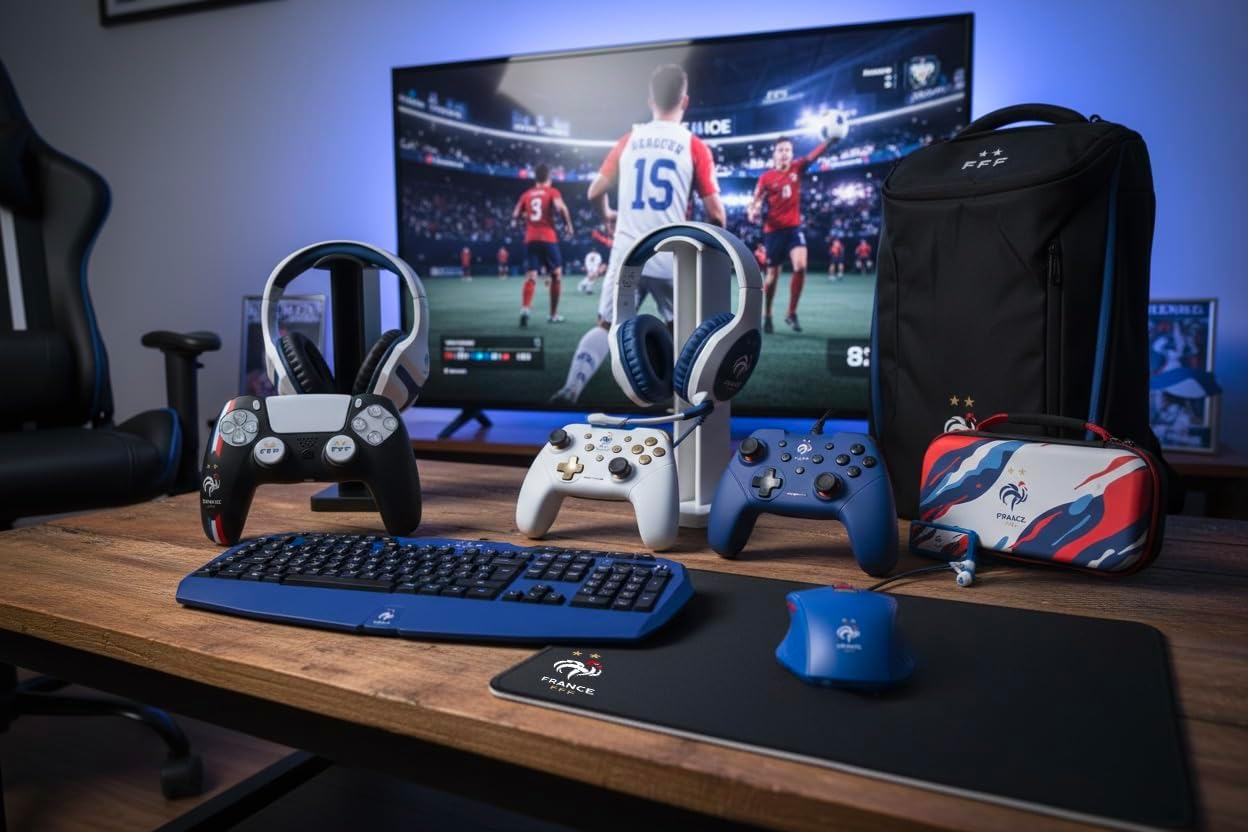
Figure 3: Enabling Pro Controller Wired Communication on Nintendo Switch
- Sambungkeun Controller:
Plug the USB-A end of the controller's cable into an available USB port on your Nintendo Switch dock. The controller will automatically connect and be ready for use.

Figure 4: USB cable connection point
Nyambungkeun ka PC
- Nyolok sareng Puter:
Connect the USB-A end of the controller's cable to an available USB port on your PC. The operating system should automatically detect and install the necessary drivers. The controller will then be ready for use with compatible PC games.
Parentah Operasi
The Konix FFF Wired Controller functions similarly to standard gamepads. Refer to your game's specific control scheme for button assignments.
Tombol Layout
The controller features standard buttons including A/B/X/Y, directional pad, left and right analog sticks, L/R shoulder buttons, ZL/ZR triggers, Home button, Plus (+), Minus (-), and a dedicated Screenshot button.
Figure 5: Controller button layout (front view)
Using the Screenshot Button
- Pencét éta Tombol screenshot (located below the directional pad) during gameplay to capture an image of your screen.
- On Nintendo Switch, captured images can be accessed and managed from the Album on the HOME Menu.
Fungsi Geter
- The controller's vibration function provides tactile feedback during compatible games.
- Vibration intensity may be adjustable within individual game settings or console system settings.
Pangropéa
- beberesih: Use a soft, dry cloth to clean the controller. Do not use abrasive cleaners or solvents.
- Panyimpenan: Nyimpen controller dina tiis, tempat garing jauh ti sinar panonpoé langsung jeung hawa ekstrim.
- Perawatan kabel: Hindarkeun tikungan seukeut atanapi tarik kaleuleuwihan dina kabel pikeun nyegah karusakan.
Pamérésan masalah
| Masalah | Mungkin Cukang lantaranana / Solusi |
|---|---|
| Controller not recognized by Nintendo Switch. |
|
| Kontroler teu dikenal ku PC. |
|
| Vibration function not working. |
|
| Tombol-tombolna teu ngaréspon atanapi lengket. |
|
spésifikasi
- Jumlah modél: 3328170282925
- Kasaluyuan: Nintendo Switch, Nintendo Switch 2, PC
- Jenis sambungan: USB kabel
- Panjang kabel: 3 méter
- Fitur: Vibration function, Screenshot button, Ergonomic design
- Ukuran (L x W x H): 7 x 21.5 x 17.5 cm
- beurat: 390 gram
- Umur Disarankeun: 3 taun sarta heubeul
Émbaran jaminan
Konix products are covered by a limited warranty against defects in materials and workmanship. For specific warranty terms and conditions, please refer to the documentation included with your purchase or visit the official Konix websitus. Simpen bukti pameseran anjeun pikeun klaim garansi.
Rojongan Palanggan
If you encounter any issues or have questions regarding your Konix FFF Wired Controller, please contact Konix customer support through their official websitus atanapi inpormasi kontak anu disayogikeun sareng bungkusan produk anjeun.
Kanggo inpo nu leuwih lengkep, buka di Konix Store on Amazon.