
Bubuka
Thank you for choosing the GLARRY 61-Key Portable Electronic Piano Keyboard. This manual provides essential information for setting up, operating, and maintaining your new instrument. Please read it thoroughly to ensure proper use and to maximize your musical experience.
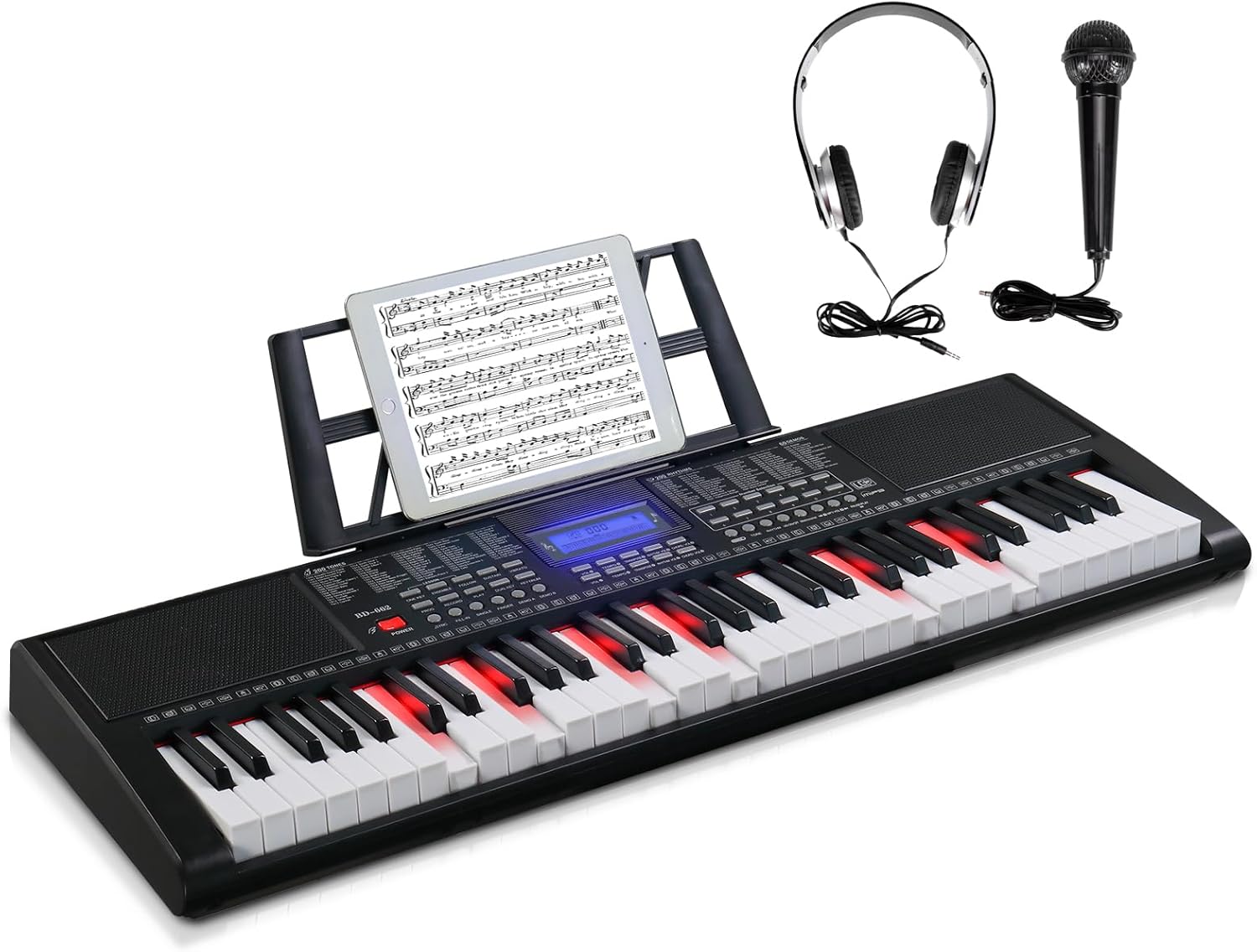
Figure 1: GLARRY 61-Key Portable Electronic Piano Keyboard with accessories.
1. Setélan
1.1 Eusi pakét
Pastikeun yén sadaya item aya dina bungkusan:
- GLARRY 61-Key Electronic Piano Keyboard
- Adaptor Daya (DC 12V)
- Headphone
- Mikropon
- Stand Musik
- Instruksi Manual
1.2 Ngahurungkeun Kibor
The keyboard can be powered using the included power adapter or batteries.
- Ngagunakeun Adaptor Daya: Connect the DC 12V power adapter to the DC IN port on the back of the keyboard and plug it into a standard electrical outlet.
- Ngagunakeun Batré: (Batteries not included) Locate the battery compartment on the underside of the keyboard. Insert the required number of AA batteries, ensuring correct polarity.
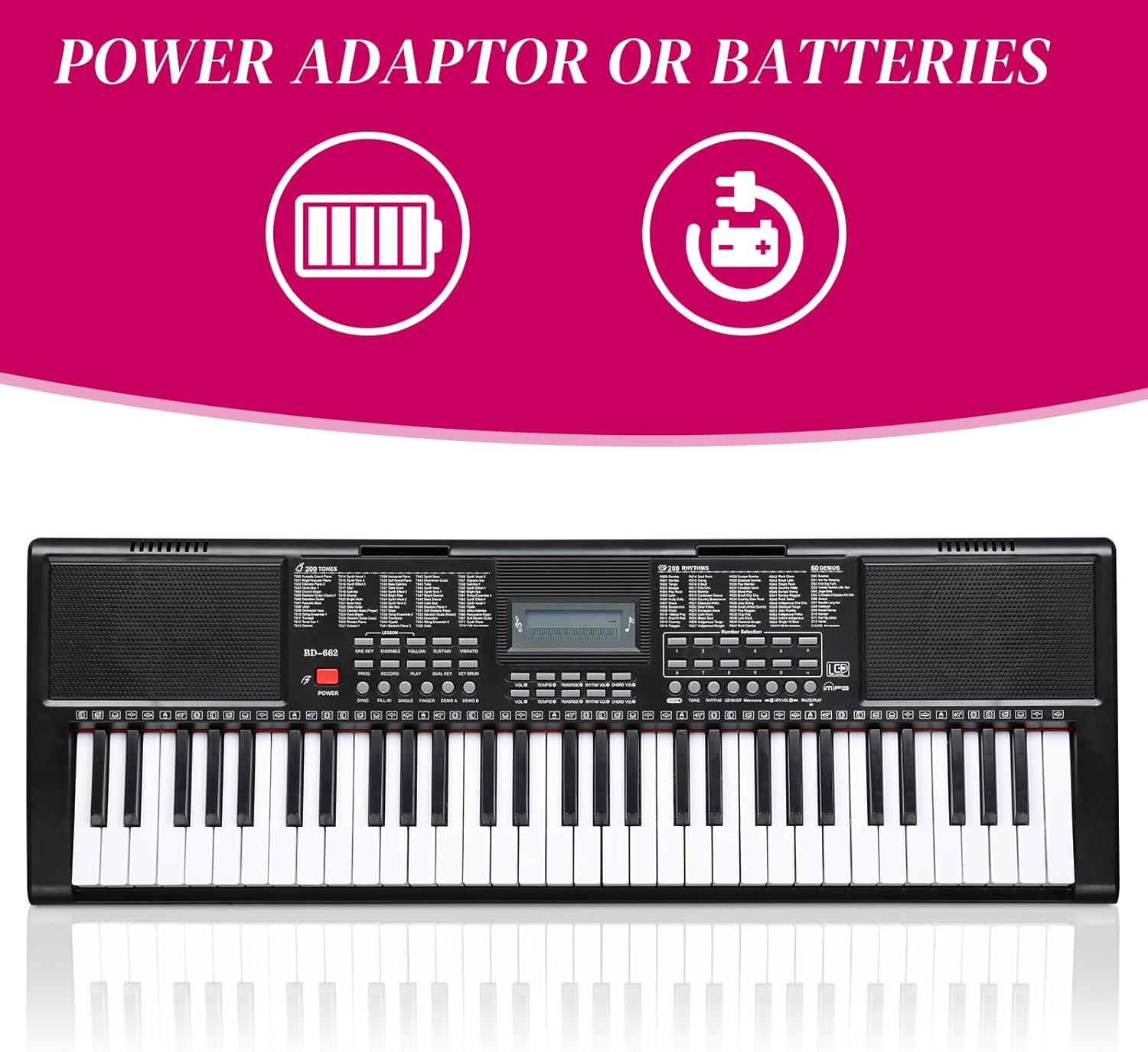
Figure 2: Power options for the keyboard.
1.3 Nyambungkeun Asesoris
Connect the headphones and microphone to their respective 3.5mm jacks on the keyboard. The music stand can be attached to the designated slots on the top panel.

Figure 3: Headphones and microphone accessories.
2. Parentah Operasi
2.1 Basic Controls and LCD Display
The keyboard features an LCD display that shows the status of various functions. Use the dedicated buttons to adjust volume, tempo, and other settings.

Figure 4: Keyboard control panel and connectivity options.
2.2 Tone and Rhythm Selection
The keyboard offers 510 timbres (tones) and 300 rhythms. Use the number selection buttons to choose your desired tone or rhythm. The LCD display will show your current selection.
2.3 Lighted Keys Function
For beginners, the 61 lighted keys provide visual guidance. Keys will light up to indicate which notes to play. This feature can be toggled ON/OFF using the dedicated button.
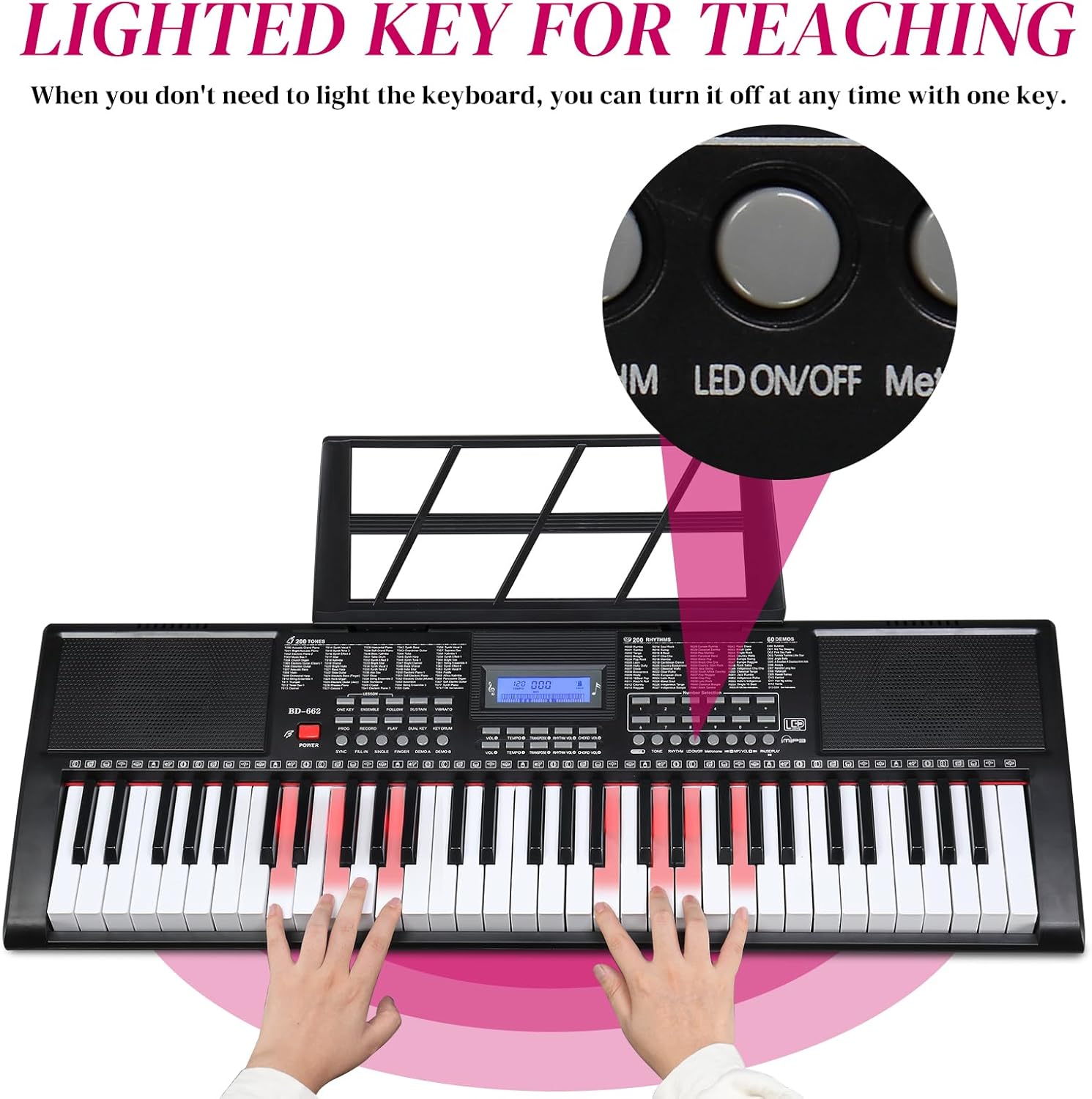
Figure 5: Lighted keys feature and LED ON/OFF button.
2.4 Teaching Modes
Three teaching modes are available to assist learners:
- Single Key Mode: Focuses on individual notes.
- Modeu Canggih: Guides through more complex melodies.
- Modeu Master: For practicing full pieces.
These modes are designed to help users quickly familiarize themselves with the keyboard and learn songs.
2.5 Ngarekam jeung Playback
The keyboard includes sound recording and playback functions, allowing you to record your performances and listen back to them.
2.6 Metronome and Other Functions
Utilize the metronome function for timing practice. Additional features include sound volume adjustment, multi-tone selection, split/touch control, sustain, and vibrato.

Gambar 6: Leuwihview of keyboard functions.
3. Pangropéa
Pikeun mastikeun umur panjang sareng kinerja optimal keyboard anjeun, turutan tungtunan pangropéa ieu:
- beberesih: Use a soft, dry cloth to wipe the surface of the keyboard. Avoid abrasive cleaners or solvents.
- Panyimpenan: Simpen kibor di tempat anu tiis sareng garing, jauh tina sinar panonpoé langsung, suhu anu ekstrim, sareng kalembaban anu luhur.
- Penanganan: Ulah nepi ka ngalungkeun kibor atawa ngabalukarkeun keuna ku benturan anu kuat. Ulah neundeun barang anu beurat di luhurna.
- kakuatan: Disconnect the power adapter when the keyboard is not in use for extended periods. Remove batteries if storing for a long time to prevent leakage.
4. Cara ngungkulan
If you encounter any issues with your keyboard, refer to the following common troubleshooting steps:
- Henteu aya kakuatan: Ensure the power adapter is securely connected to both the keyboard and a working electrical outlet. If using batteries, check that they are inserted correctly and are not depleted.
- Henteu aya sora: Check the master volume level. Ensure headphones are not plugged in if you intend to use the built-in speakers. Verify that the selected tone is active.
- Konci Teu Ngabales: Ensure the keyboard is powered on. If specific keys are not responding, check for any obstructions or debris.
- Sora distort: Reduce the volume level. Ensure all connections (microphone, headphones) are secure.
Upami masalahna teras-terasan saatos nyobian léngkah-léngkah ieu, mangga ngahubungi dukungan palanggan.
5. Spésifikasi
| Fitur | Spésifikasi |
|---|---|
| merek | GLARRY |
| Nomer modél | GLK447 |
| Jumlah konci | 61 |
| Nada (Timbres) | 510 |
| Wirahma | 300 |
| Demo Lagu | 30 |
| Modeu Pangajaran | 3 (Single Key, Advanced, Master) |
| tampilan | Layar LCD |
| Konektipitas | 3.5mm Jack (Headphones, Microphone, Auxiliary) |
| Sumber Daya | Electric (DC 12V Adapter) |
| Item Beurat | 4.11 Kilogram (9.03 pon) |
| Ukuran Paket | 37.6 x 14 x 5.25 inci |
| Warna | Hideung |

Figure 7: Keyboard dimensions.
6. Garansi jeung Rojongan
Specific warranty details and direct support contact information are not available in the provided product data. Please refer to the product packaging or the retailer's website for warranty claims and customer service inquiries.