
1. Produk Langkungview
The Amazfit Zepp E Circle Smart Watch is a sophisticated wearable device designed for health management and activity tracking. It features a 3D curved bezel-less glass and an integrated metal case, offering a sleek and ultra-slim design. This manual provides essential information for setting up, operating, and maintaining your device.
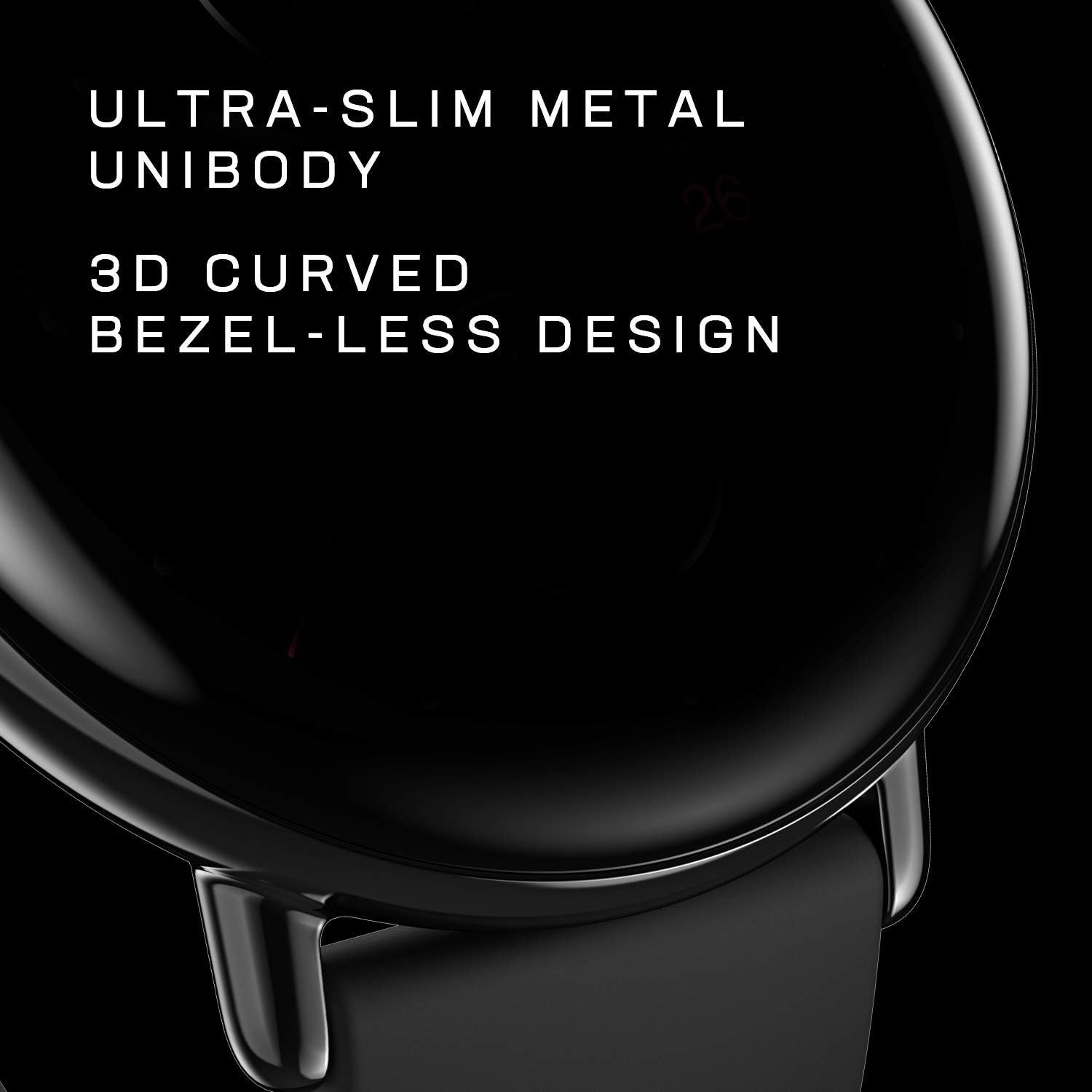
Figure 1.1: Amazfit Zepp E Circle Smart Watch
2. Naon dina Box
Pastikeun yén sadaya barang aya dina bungkusan produk anjeun:
- Smart Watch
- Magnét Ngecas Base
- Manual pamaké
3. Setup Guide
3.1 Ngecas Awal
Before first use, fully charge your Amazfit Zepp E Circle Smart Watch. Connect the magnetic charging base to a USB power adapter (not included) and attach the watch to the base. The watch display will indicate charging status.
3.2 Masangkeun sareng Smartphone Anjeun
To unlock the full functionality of your smart watch, pair it with the Zepp app on your smartphone.
- Unduh Aplikasi Zepp ti App Store (ios) atanapi Google Play Store (Android).
- Buka aplikasi Zepp sareng jieun akun atanapi log in.
- Follow the on-screen instructions in the app to add your Amazfit Zepp E Circle Smart Watch. Ensure Bluetooth is enabled on your smartphone.
- Konfirmasi pamundut papasangan dina jam tangan sareng smartphone anjeun.

Figure 3.1: Zepp App Interface for pairing
Video 3.1: Leuwihview of the Zepp E Circle Smart Watch features, including heart rate and SpO2 monitoring, and its sleek design.
4. Parentah Operasi
4.1 Napigasi Dasar
The Zepp E Circle Smart Watch features a responsive touchscreen and a physical button for navigation. Swipe left, right, up, or down to access different functions and menus. Press the side button to return to the watch face or access the app list.
4.2 Ngaropea Watch Faces
Personalize your watch by changing the watch face. You can select from various pre-installed faces or download more through the Zepp app.
- On the watch face, press and hold the screen to enter the watch face selection menu.
- Gesek ka kenca atawa ka katuhu pikeun ngotéktak rupa jam anu sayogi.
- Tap to select your desired watch face.

Gambar 4.1: Beungeut Jam Anu Tiasa Disaluyukeun
4.3 Notifications and Alarms
Receive notifications for incoming calls, emails, messages, and other applications directly on your watch. Set alarms and sedentary reminders to stay on track.
- Ensure notifications are enabled in the Zepp app settings on your smartphone.
- Gesek ka handap dina beungeut arloji pikeun view bewara panganyarna.
- Set alarms and reminders via the Zepp app or directly on the watch.
4.4 Phone Music Control
Kadalikeun puter musik dina telepon pinter anjeun langsung tina jam tangan anjeun. Fitur ieu ngamungkinkeun anjeun pikeun muterkeun, ngareureuhkeun, ngalangkungan lagu, sareng nyaluyukeun volume tanpa kedah ngaksés telepon anjeun.
5. Fitur Pangimeutan Kaséhatan
The Zepp E Circle Smart Watch offers comprehensive health tracking capabilities to help you monitor your well-being.
5.1 Pangimeutan Denyut Jantung
The watch continuously monitors your heart rate throughout the day. You will receive notifications if your heart rate exceeds the recommended limit.
Video 5.1: Demonstration of various health monitoring features of the Zepp E Smart Watch, including heart rate, blood oxygen, and sleep tracking.
5.2 Blood Oxygen Saturation (SpO2) Measurement
Measure your current blood-oxygen saturation instantly from your wrist. SpO2 is an important indicator of health, particularly in high-altitude or low-oxygen environments, or during high-intensity sports.

Figure 5.1: Blood Oxygen Saturation Measurement
5.3 Pemantauan Kualitas Sare
The watch monitors your sleep patterns, including light sleep, deep sleep, rapid eye movement (REM), and awake time. It provides a score on sleep quality and breathing quality, and can even track short naps during the day.

Gambar 5.2: Pemantauan Kualitas Sare
5.4 Stress Detection
The watch can detect and monitor your stress levels throughout the day, providing insights into your mental well-being.
5.5 PAI Health Assessment System
The PAI (Personal Activity Intelligence) system converts heart rate data into a single, personalized score, providing an easy-to-understand metric for your overall health and fitness.

Figure 5.3: PAI Health Assessment System
6. Sports Modes and Battery Life
6.1 Modeu Olahraga
The watch supports 11 sports modes, allowing you to track various physical activities and monitor your performance.

Figure 6.1: Sports Mode Tracking
6.2 Kahirupan batré
The Zepp E Circle Smart Watch offers up to 7 days of battery life in typical usage mode on a single full charge, reducing the need for frequent recharging.

Gambar 6.2: Manjangkeun Umur Batré
6.3 Tahan cai
The device features 5 ATM water resistance, making it suitable for swimming and other water-related activities. Avoid using it in hot showers or saunas.

Gambar 6.3: Fitur Tahan Cai
7. Pangropéa
Pangropéa anu leres mastikeun umur panjang sareng kinerja optimal jam tangan pinter anjeun.
- beberesih: Lap layar sareng tali jam tangan sacara rutin nganggo lawon anu lemes sareng garing. Upami diperyogikeun, anggo sakedikamp cloth for the strap. Avoid harsh chemicals.
- Ngecas: Use only the provided magnetic charging base. Ensure the charging contacts on both the watch and base are clean and dry before charging.
- Panyimpenan: Simpen arloji dina tempat anu tiis sareng garing upami henteu dianggo. Hindarkeun suhu anu ekstrim.
8. Cara ngungkulan
If you encounter issues with your Amazfit Zepp E Circle Smart Watch, refer to the following common solutions:
- Lalajo teu hurung: Pastikeun jam tangan tos dicas pinuh. Sambungkeun kana dasar ngecas sahenteuna 30 menit.
- Teu tiasa dipasangkeun sareng telepon: Make sure Bluetooth is enabled on your phone and the watch is within range. Restart both the watch and your phone, then try pairing again through the Zepp app.
- Data kaséhatan teu akurat: Pastikeun arloji dipaké pas dina pigeulang anjeun, teu ketang teuing atawa longgar teuing. Ngabersihan sénsor dina tonggong arloji.
- Bewara teu muncul: Check notification settings in the Zepp app and your phone's system settings to ensure the app has necessary permissions.
- Layar teu ngaréspon: Cobi hurungkeun deui jam tangan ku mencét terus tombol sisi dugi ka pareum, teras hurungkeun deui.
9. Spésifikasi
| Fitur | Rincian |
|---|---|
| Ngaran modél | W1936OV1Q |
| merek | Amazfit |
| Sistem operasi | Zepp OS |
| Ukuran layar | 1.28 inci |
| Tipe tampilan | AMOLED |
| Resolusi | 368 x 448 |
| Téhnologi konektipitas | Bluetooth |
| Tingkat Résistansi Cai | 50 Méter (5 ATM) |
| Batré Rata Kahirupan | 7 dinten |
| Métrik Diukur | Optical Heart Rate Sensor, SpO2 Sensor |
| Alat nu cocog | Smartphone (Android, iPhone) |
| Item Beurat | 36 gram |
| Item Dimensi | 1.66 x 1.66 x 0.36 inci |
| Tipe Bahan Pita | Fluoroelastomer |
| Case Material Type | Beusi sténless |
10. Émbaran jaminan
The Amazfit Zepp E Circle Smart Watch comes with a 1-Taun jaminan kawates. This warranty covers manufacturing defects under normal use. For detailed terms and conditions, please refer to the official Amazfit websitus atanapi ngahubungan rojongan customer.
11. Rojongan
Pikeun bantuan salajengna, rojongan teknis, atawa pikeun view patarosan anu sering ditaroskeun, mangga buka dukungan resmi Amazfit website or contact their customer service team. Keep your purchase receipt and product model number (W1936OV1Q) handy when seeking support.
Resmi Websitus: www.amazfit.com