Bubuka
This manual provides comprehensive instructions for the HyperX Alloy Origins Mechanical Gaming Keyboard. It covers product features, setup procedures, operational guidelines, maintenance tips, troubleshooting solutions, and detailed specifications. Please read this manual thoroughly to ensure optimal performance and longevity of your keyboard.

Image: The HyperX Alloy Origins Mechanical Gaming Keyboard, showcasintata letak lengkep sareng lampu latar RGB anu caang.
Eusi pakét
Pastikeun yén sadaya item aya dina pakét produk anjeun:
- HyperX Alloy Origins Mechanical Gaming Keyboard
- Detachable USB Type-C to Type-A Cable
- Gancang Mimitian Guide
- Kartu Garansi
- Welcome Card from HyperX
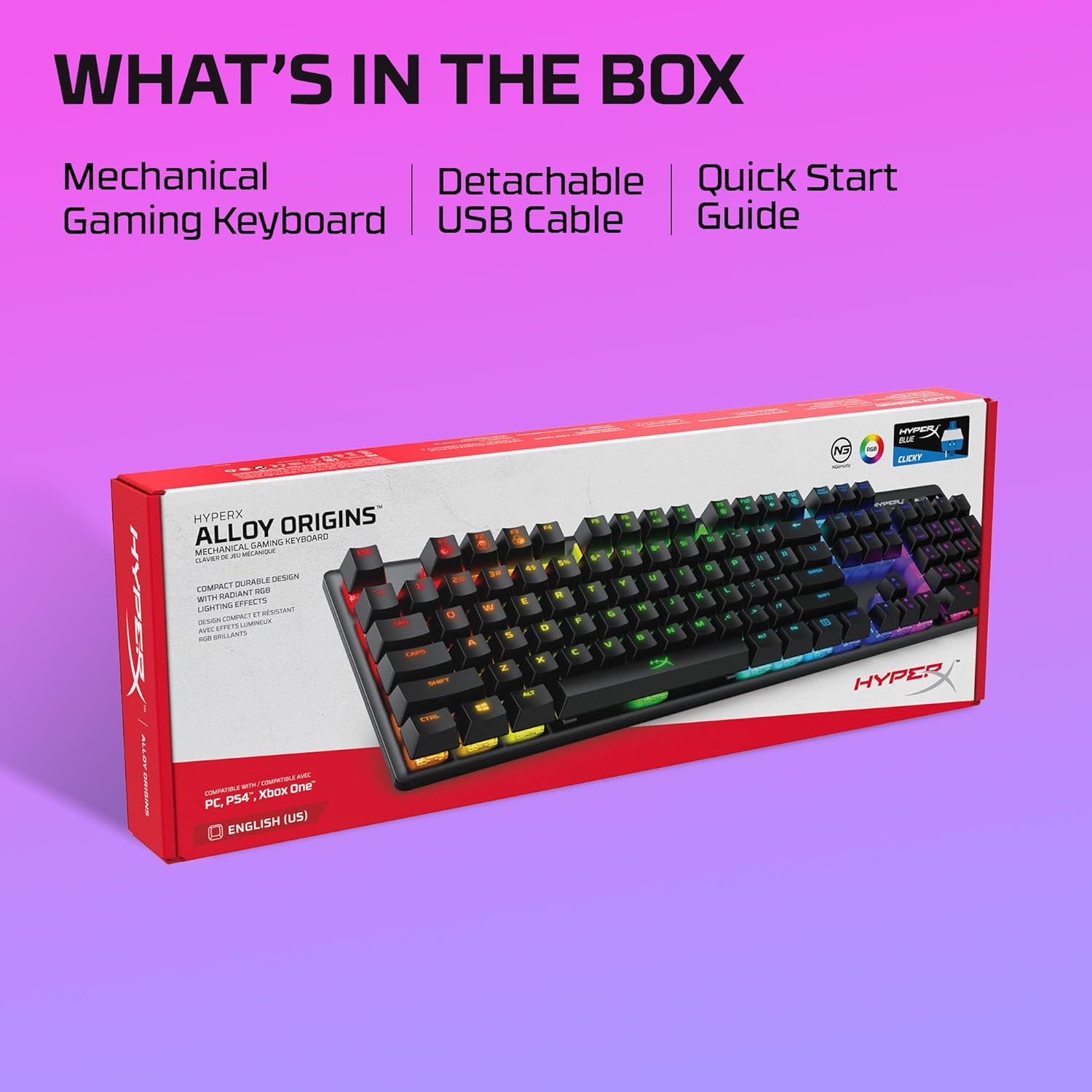
Image: The retail box for the HyperX Alloy Origins keyboard, indicating the included mechanical gaming keyboard, detachable USB cable, and quick start guide.
Disetél
- Sambungkeun kibor: Connect the detachable USB Type-C end of the provided cable to the keyboard and the USB Type-A end to an available USB port on your computer or compatible gaming console.
- Pamasangan supir: The keyboard is plug-and-play. For advanced customization, download the HyperX NGENUITY Software from the official HyperX websitus.
- Kasaluyuan: The keyboard is compatible with Windows® 10, 8.1, 8, 7; PS4; and Xbox One.

Gambar: A close-up view of the HyperX Alloy Origins keyboard's USB Type-C port and the detachable braided cable, highlighting its easy connectivity.
Parentah Operasi
Fungsi sareng Fitur Kunci
- HyperX Mechanical Switches: The keyboard features custom-designed HyperX Blue mechanical switches, known for their clicky tactile feedback and durability, rated for 80 million keypresses.
- Lampu tukang RGB: Enjoy per-key RGB lighting with radiant effects. The exposed LED design of the switches enhances brightness. There are 5 adjustable brightness levels.
- Mémori Onboard: Save up to three custom profiles directly to the keyboard's onboard memory, allowing you to carry your personalized settings wherever you go.
- Adjustable Tilt Angles: Customize your typing or gaming posture with three adjustable keyboard tilt angles (3°, 7°, or 11°) using the two-step keyboard feet.
- Modeu Kaulinan: Activate Game Mode to prevent accidental interruptions during gameplay, such as minimizing the game by pressing the Windows key.
- 100% Anti-Ghosting and N-Key Rollover: These features ensure that every keypress is registered accurately, even during rapid, simultaneous inputs.

Image: The HyperX Alloy Origins keyboard displaying its vibrant RGB lighting effects, alongside a screenshot of the HyperX NGENUITY software interface for customization.
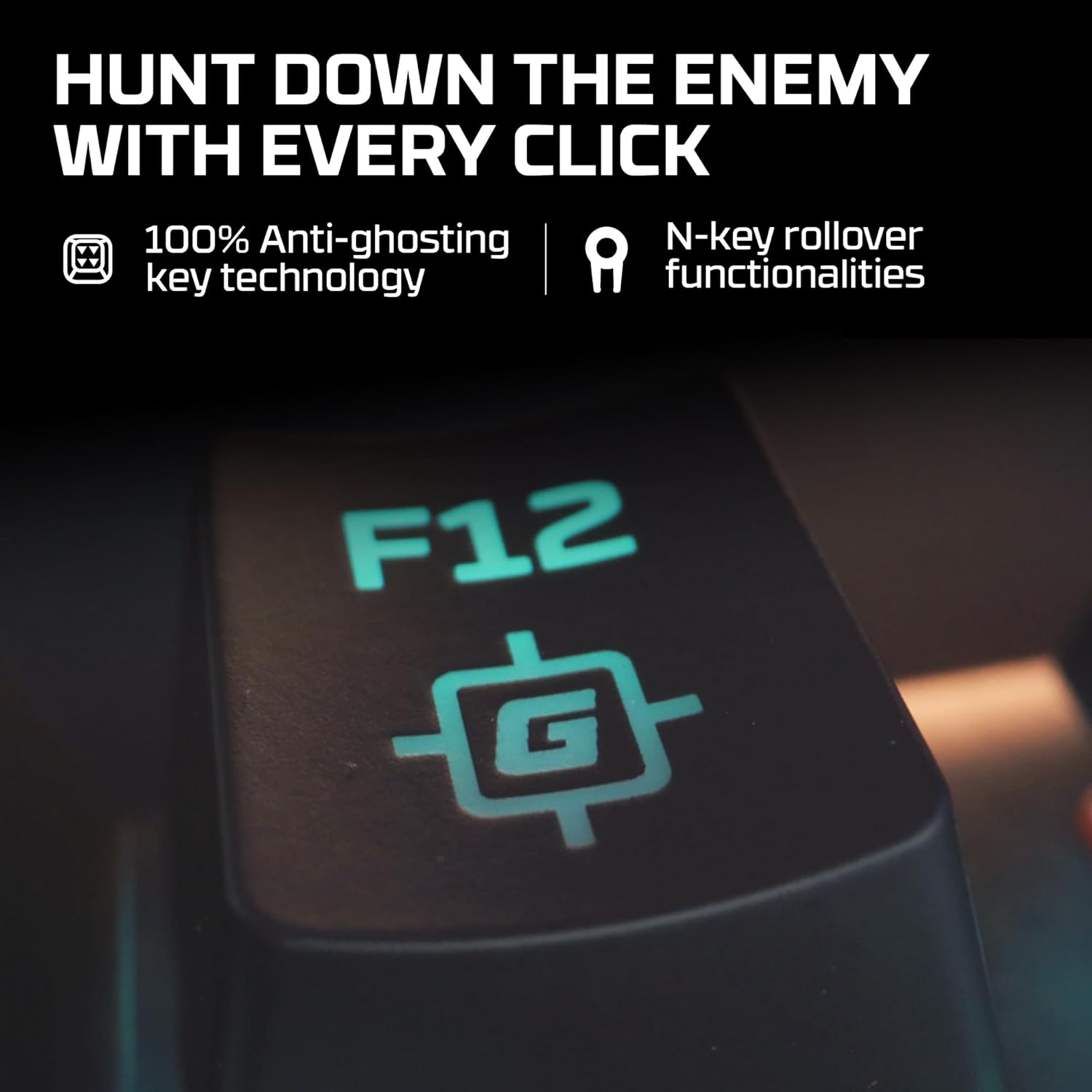
Image: A close-up of the F12 key on the HyperX Alloy Origins keyboard, featuring a gaming icon, symbolizing the 100% anti-ghosting and N-key rollover technologies.

Image: The HyperX Alloy Origins keyboard in use, demonstrating its compatibility with PlayStation and Xbox consoles, as well as Windows PC.
Customization with HyperX NGENUITY Software
The HyperX NGENUITY software provides advanced customization options for your keyboard:
- Pangaruh cahaya: Create and apply custom RGB lighting patterns and effects for individual keys or zones.
- Nyiptakeun makro: Program complex key sequences and assign them to single keys for quick execution.
- Setélan Modeu Kaulinan: Configure which keys are disabled in Game Mode to prevent accidental presses.
- Profile Manajemén: Manage and save your custom settings as profiles, which can be stored on the keyboard's onboard memory.
Download the latest version of HyperX NGENUITY from the official HyperX website for the full range of customization features.
Pangropéa
To maintain the performance and appearance of your HyperX Alloy Origins keyboard, follow these guidelines:
- beberesih: Use a soft, lint-free cloth to wipe the keyboard surface. For deeper cleaning, use compressed air to remove dust and debris from between the keycaps. Avoid using harsh chemicals or abrasive materials.
- Ngahapus Keycap: If necessary, keycaps can be carefully removed using a keycap puller for thorough cleaning. Exercise caution to avoid damaging the switches.
- Perawatan kabel: Ensure the detachable USB cable is not bent sharply or subjected to excessive strain to prevent damage.
Pamérésan masalah
If you encounter issues with your HyperX Alloy Origins keyboard, refer to the following common solutions:
- Keyboard Teu Ngabales:
- Ensure the USB cable is securely connected to both the keyboard and the computer/console.
- Coba sambungkeun kibor ka port USB anu béda.
- Test the keyboard on another computer or console to rule out system-specific issues.
- Lampu RGB Teu Jalan/Salah:
- Check the brightness settings on the keyboard (usually via function keys).
- Ensure the HyperX NGENUITY software is updated to the latest version.
- Reset the keyboard to factory defaults (refer to the Quick Start Guide for specific instructions).
- Konci Teu Kadaptar:
- Clean around the affected key to ensure no debris is obstructing the switch.
- If using NGENUITY, ensure no macros or key reassignments are interfering with the key's function.
- Masalah parangkat lunak:
- Reinstall the HyperX NGENUITY software.
- Pastikeun sistem operasi anjeun up to date.
For further assistance, visit the official HyperX support websitus atanapi ngahubungan layanan palanggan.
spésifikasi
| merek | HyperX |
| Ngaran modél | HyperX Alloy Origins |
| Nomer modél | HX-KB6BLX-US (4P5P0AA#ABA) |
| Tipe kibor | Keyboard Kaulinan mékanis |
| Pindah Tipe | HyperX Blue Mechanical Switches (Clicky) |
| Konektipitas | USB Type-C to Type-A (Detachable Cable) |
| Bahan | Full Aircraft-Grade Aluminum Body |
| Ukuran (L x W x H) | 44.2 x 13.2 x 3.8 cm (17.4 x 5.2 x 1.5 inci) |
| Beurat | 1.09 kg (2.4 lbs) |
| Lampu tukang | Per-key RGB LED |
| Memori Onboard | 3 Profiles |
| Fitur husus | Ergonomic design, Game Mode, 100% Anti-Ghosting, N-Key Rollover, Adjustable Tilt Angles |
| Alat nu cocog | Windows® 10, 8.1, 8, 7; PS4; Xbox One |

Image: A diagram illustrating the dimensions (width, depth, height) and weight of the HyperX Alloy Origins keyboard.

Gambar: A lengkep view of a HyperX Blue mechanical switch, highlighting its click-style mechanism and design.
Garansi sareng Rojongan
The HyperX Alloy Origins Mechanical Gaming Keyboard comes with a garansi 2 taun. This warranty covers manufacturing defects and ensures free technical support during the warranty period.
For warranty claims, technical assistance, or additional product information, please visit the official HyperX support websitus atanapi ngahubungan departemén layanan palanggan maranéhna. Simpen bukti pameseran anjeun pikeun validasi jaminan.


