1. Bubuka
Thank you for choosing the Boult Audio Airbass Muse Buds True Wireless Earbuds. This manual provides essential information for setting up, operating, and maintaining your new earbuds. Please read it carefully before use.
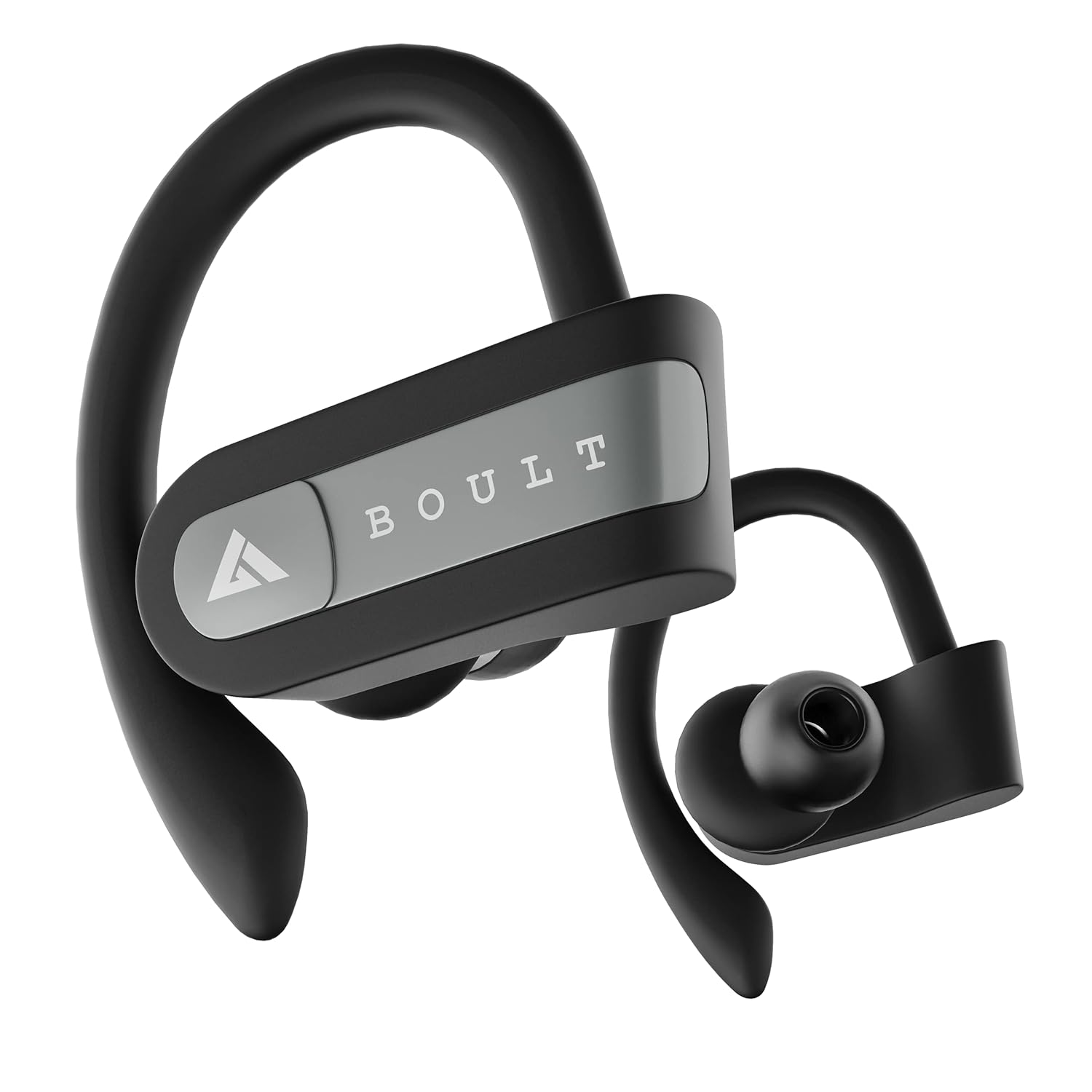
Image: Boult Audio Airbass Muse Buds True Wireless Earbuds in black, showcasing their ergonomic design with ear hooks.
2. Naon dina Box
Your Boult Audio Airbass Muse Buds package includes:
- MuseBuds Earphones (1 pair)
- Kotak Pangisi Daya (1 unit)
- Extra Pair of Earbuds (silicon eartips)
- Charging Micro USB Cable (1 unit)
- Manual pangguna (dokumén ieu)

Image: The Boult Audio Airbass Muse Buds earbuds resting outside their charging case, highlighting their exquisite design.
3. Setup jeung papasangan
3.1 Papasangan awal
- Cabut kadua earbuds tina wadah ngecas. Aranjeunna bakal otomatis hurung tur asupkeun mode papasangan.
- Dina alat sélulér anjeun, aktipkeun Bluetooth.
- Milarian pikeun "Boult Audio Musebuds" in the list of available devices.
- Select "Boult Audio Musebuds" to connect. Once connected, you will hear a confirmation tone or see an LED indicator.
3.2 Nyapasangkeun Otomatis
After initial pairing, the earbuds will automatically connect to the last paired device when taken out of the charging case, provided Bluetooth is enabled on the device.
3.3 Monopod Feature (Single Earbud Use)
The earbuds can be used independently. Simply take one earbud out of the case, and it will connect to your device. The other earbud can remain in the case or be used with a different device if desired.
3.4 Reset Instructions
If you experience pairing issues, follow these steps to reset your earbuds:
- Candak duanana earbuds kaluar tina wadahna.
- Press and hold the touch control of both earbuds for 5 seconds until their LEDs flash red and blue.
- Press the touch control of the right earbud 4 times. The LED light will flash red and blue.
- Wait for 5 seconds. The LED of one earbud will flash blue, and the other earbud will flash red and blue.
- Pasang deui kadua earbuds kana wadah ngecas.
- Delete "Boult Audio Musebuds" from your phone's Bluetooth menu.
- Take both earbuds out of the case and connect with your phone through the Bluetooth menu as per initial pairing.

Image: Visual guide detailing the step-by-step process for resetting the Boult Audio Airbass Muse Buds.
4. Parentah Operasi
4.1 Daya Hurung/Pareuman
- Daya Hurung: Cabut earbuds tina wadah ngecas. Aranjeunna bakal hurung otomatis.
- Pareum listrik: Place the earbuds back into the charging case. They will power off automatically. Alternatively, long press the multifunction button for about five seconds to manually turn them off.
4.2 Telepon Control
- Ngajawab / mungkas Telepon: Single click the multifunction button on either earbud.
- Nolak Telepon: Long press the multifunction button on either earbud.
4.3 Kontrol Musik
- Puter / Reureuh: Single click the multifunction button on either earbud.
- Lagu salajengna: Double click the multifunction button on the right earbud.
- Lagu Sateuacanna: Double click the multifunction button on the left earbud.
4.4 Asistén Sora
To activate your device's voice assistant (Siri/Google Assistant), press and hold the multifunction button for one second until you hear a "beep" sound.

Image: The earbuds with icons indicating voice assistant activation (Siri, Google Assistant) and inline controls for music and calls.
4.5 Volume Control
- Ningkatkeun Jilid: Triple click the multifunction button on the right earbud.
- Turunkeun Jilid: Triple click the multifunction button on the left earbud.
5. Ngecas
5.1 Ngecas Earbuds
Place both earbuds into the charging case and close the lid. The earbuds will automatically begin charging.
5.2 Ngecas Casing
Connect the provided Micro USB charging cable to the charging port on the back of the case and to a power source. The case's LED indicator will show charging status.
A full charge provides up to 5.5 hours of playback time for the earbuds, with the charging case offering 4 additional charges, totaling up to 18 hours of combined playtime.

Image: An illustration highlighting the 18 hours of total playtime provided by the Boult Audio Airbass Muse Buds with their charging case.
6. Pangropéa sarta perawatan
6.1 Tahan cai
The Boult Audio Airbass Muse Buds feature an IPX5 water-resistant rating. This means the earbuds and the charging case's inner nano-coating are protected against water splashes and sweat, making them suitable for workouts and light rain. They can withstand water immersion up to 1 meter deep for 30 minutes. However, it is recommended to dry them thoroughly before placing them back in the charging case.
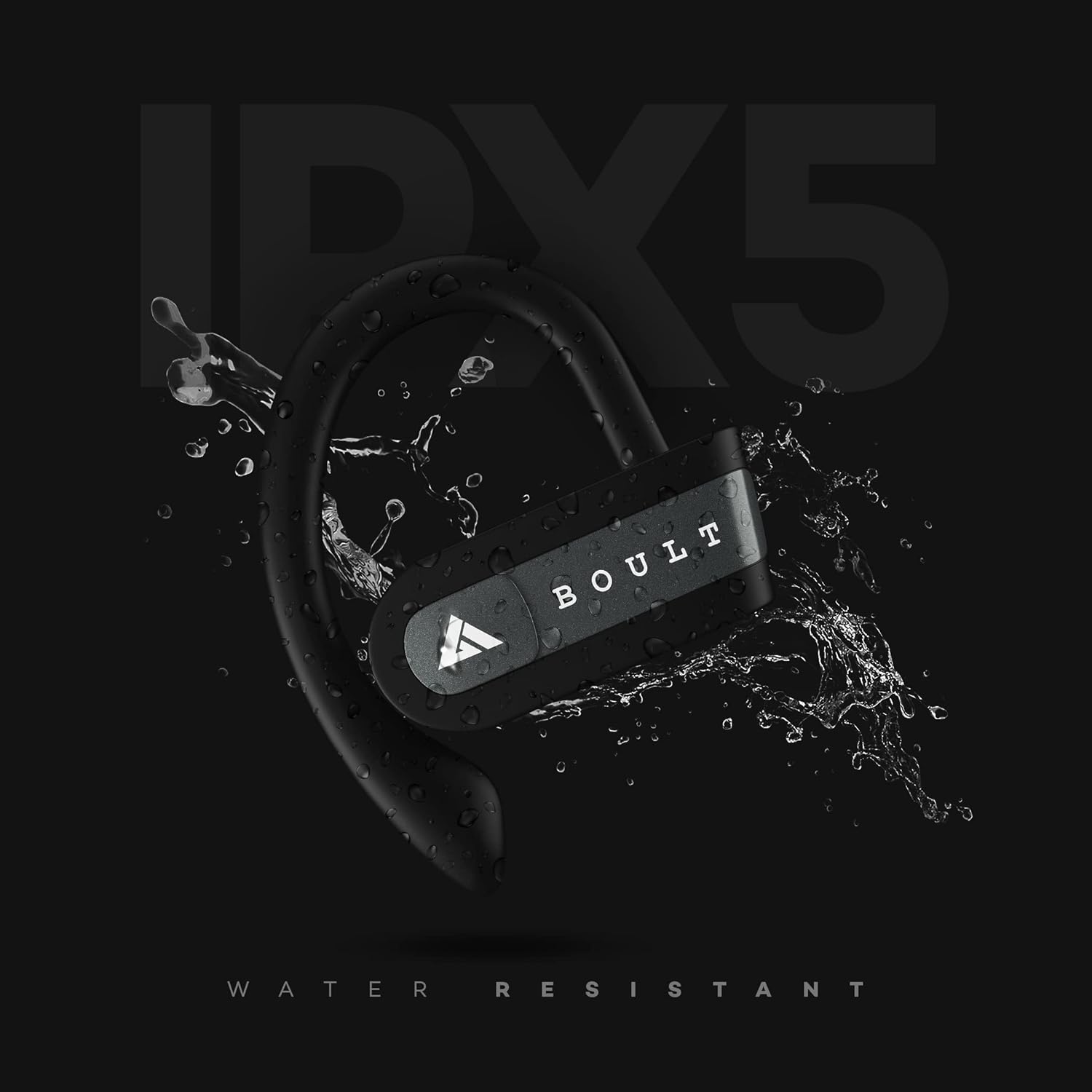
Image: The Boult Audio Airbass Muse Buds earbud with water splashing on it, illustrating its IPX5 water resistance.
6.2 beberesih
Rutin ngabersihkeun earbuds sareng wadah ngecas ku kaén anu lembut sareng garing. Ulah make bahan kimia kasar atawa bahan abrasive.
7. Spésifikasi
| Fitur | Rincian |
|---|---|
| Ngaran modél | AirBassMusebuds |
| Téhnologi konektipitas | Bluetooth 5.0 |
| Range nirkabel | 10 méter |
| Ukuran supir | 9 mm |
| Total Playtime | Nepi ka 18 Jam (kalayan wadah ngecas) |
| Waktos Maénkeun Earbud | Nepi ka 5.5 Jam (per ngecas) |
| Tingkat Résistansi Cai | IPX5 (Tahan Késang) |
| Tipe Kontrol | Voice Control, Touch Control (Multifunction Button) |
| Mikropon | Yes (Improved high quality mic for both earbuds) |
| Faktor Bentuk | In-ear with ear hooks |
| Bahan | palastik |
| Item Beurat | 30 gram |
8. Cara ngungkulan
- Earbuds teu dipasangkeun: Ensure both earbuds are fully charged. Try resetting the earbuds as described in Section 3.4.
- Teu aya sora: Pariksa tingkat volume dina alat anjeun sareng earbud. Pastikeun earbud disambungkeun kalayan leres kana alat anjeun.
- Sambungan intermiten: Ensure there are no obstructions between your device and the earbuds. Keep the earbuds within the 10-meter wireless range.
- Masalah ngecas: Verify the charging cable is securely connected to both the case and the power source. Ensure the charging contacts on the earbuds and inside the case are clean.
9. Garansi jeung Rojongan
Your Boult Audio Airbass Muse Buds come with a 12-month warranty. For warranty claims, technical support, or any other inquiries, please contact Boult Audio customer service.
- Palayanan palanggan: Refer to the warranty card included in your package for contact details.
- Dukungan Online: Visit the official Boult Audio websitus pikeun FAQs jeung sumber rojongan.


