Bubuka
Thank you for choosing the blucoil 5000mAh Portable Power Bank. This manual provides essential information for the safe and efficient use of your device. Please read it thoroughly before operation and retain it for future reference.
Produk Leuwihview
The blucoil 5000mAh Portable Power Bank is a compact and lightweight external battery designed to charge various electronic devices on the go. It features dual USB output ports for simultaneous charging and a Micro USB input for recharging the power bank itself.

Image: The blucoil 5000mAh Portable Power Bank, a black rectangular device with four LED indicator lights and the blucoil logo.
Nyetél sareng Ngecas Power Bank
Before initial use, fully charge your blucoil Portable Power Bank.
- Locate the Micro USB input port on the power bank.
- Connect one end of the supplied 12-inch Micro USB charging cable to the power bank's input port.
- Connect the other end of the charging cable to a compatible USB wall adapter (not included) or a computer's USB port.
- The LED indicator lights on the power bank will illuminate to show the charging status. A full charge typically takes approximately 3.5 hours.
- Once all four LED lights are solid, the power bank is fully charged and ready for use.
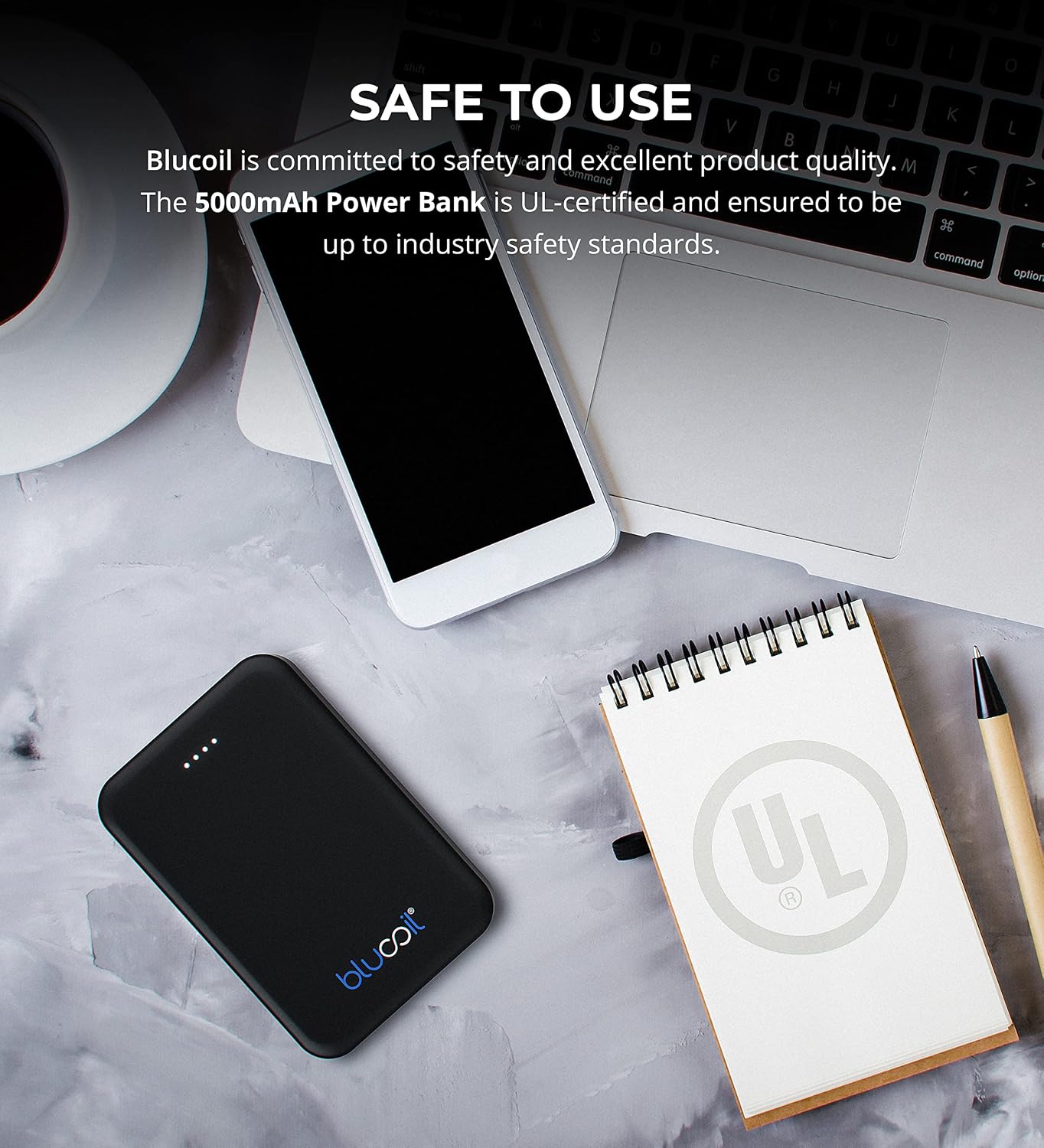
Image: The blucoil power bank connected to a wall adapter via a white USB cable, illustrating the charging process.
Parentah Operasi
Ngecas Alat Anjeun
The blucoil 5000mAh Portable Power Bank is equipped with two USB output ports, allowing you to charge up to two devices simultaneously.
- Sambungkeun kabel ngecas alat anjeun ka salah sahiji palabuhan kaluaran USB dina bank daya.
- Sambungkeun tungtung kabel anu sanésna kana alat éléktronik anjeun.
- The power bank will automatically begin charging your device. The LED indicator lights will show the remaining power level of the power bank.
- Both USB ports provide 5V, 2.1A output power, suitable for fast charging compatible devices.

Image: The blucoil power bank simultaneously charging a smartphone and a tablet using its dual USB output ports.
Indikator Tingkat kakuatan
Opat lampu LED dina power bank nunjukkeun kapasitas batré anu sésana:
- 4 LED: 75-100% dieusian
- 3 LED: 50-75% dieusian
- 2 LED: 25-50% dieusian
- 1 LED: 0-25% tos dicas (engké bakal dicas deui)
Kasaluyuan lega
The blucoil 5000mAh Portable Power Bank is compatible with a wide range of devices, including but not limited to:
- Smartphone
- Tablet
- Kaméra Digital
- MP3 / MP4 Pamaén
- Headphone
- Kaulinan konsol

Image: The blucoil power bank surrounded by icons representing various compatible devices such as phones, tablets, headphones, and game consoles.
Pangropéa sareng Perawatan
- Tetep bank kakuatan garing. Ulah kakeunaan ka beueus atawa cair.
- Hindarkeun suhu anu ekstrim. Ulah nyimpen dina lingkungan pisan panas atawa tiis.
- Bersihkeun bank daya ku kaén anu lembut sareng garing. Ulah make bahan kimia kasar atawa cleaners abrasive.
- Store the power bank with a partial charge (around 50%) if not used for extended periods to prolong battery life.
- Hindarkeun ngaragragkeun atanapi matuhkeun bank daya kana dampak anu kuat.
Émbaran Kasalametan
The blucoil 5000mAh Portable Power Bank is designed with safety in mind and is UL-certified, ensuring it meets industry safety standards.
- Ulah ngabongkar, ngarobih, atanapi nyobian ngalereskeun power bank.
- Jauhkeun tina jangkauan barudak.
- Ulah short-circuit bank kakuatan.
- Buang bank daya sacara tanggung jawab nurutkeun peraturan lokal.

Image: The blucoil power bank placed next to a notebook with a prominent UL certification logo, indicating product safety compliance.
Pamérésan masalah
- Bank kakuatan henteu ngecas: Ensure the charging cable is securely connected to both the power bank's Micro USB input and the wall adapter/USB port. Try a different cable or adapter.
- Alat teu ngecas tina bank daya: Ensure the power bank is sufficiently charged. Check that the device's charging cable is properly connected to both the power bank's output port and your device. Try a different cable.
- Ngecas lalaunan: Ensure you are using a compatible charging cable and that the power bank has adequate charge. Some devices may charge slower if the power bank's charge is very low.
spésifikasi
| Fitur | Rincian |
|---|---|
| merek | blucoil |
| Modél | 5000mAh Portabel Power Bank |
| Kapasitas batré | 5000 Miliamp Jam (18.5Wh) |
| Kaluaran Voltage | 5 volt |
| Kaluaran Ayeuna | 2.1A (per port) |
| Tipe Panyambung | Micro USB (Input) |
| Item Beurat | 4.6 ons |
| Ukuran Paket | 6.26 x 3.58 x 0.71 inci |
| Fitur husus | Lightweight, Portable, Travel-friendly |
Garansi sareng Rojongan
For warranty information or technical support, please refer to the product packaging or contact blucoil customer service through the retailer where the product was purchased. Keep your proof of purchase for any warranty claims.


