1. Bubuka
This manual provides essential information for the safe and efficient operation of your Sharp 32Bi3EA Smart Android TV. Please read these instructions thoroughly before using the television and retain them for future reference. This television features Android TV 9.0, Google Assistant with voice control, integrated Chromecast, Bluetooth connectivity, Harman/Kardon speakers, HDR10 support, and DTS Virtual X audio technology.
2. Émbaran Kasalametan
Salawasna perhatikeun tindakan pencegahan kaamanan ieu pikeun nyegah sengatan listrik, kahuruan, atanapi karusakan televisi:
- Ulah ngalaan televisi ka hujan atawa beueus.
- Ulah muka kabinet; tingal ngalayanan ka tanaga mumpuni.
- Pastikeun ventilasi anu cekap di sakitar televisi.
- Ulah neundeun televisi caket sumber panas atanapi dina sinar panonpoé langsung.
- Anggo ngan ukur kabel daya anu disayogikeun sareng televisi.
- Jauhkeun batré tina jangkauan barudak.
3. Naon dina Box
Verify that all the following items are included with your Sharp 32Bi3EA Smart Android TV:
- Sharp 32Bi3EA Smart Android TV Unit
- Pedestal Stand (2 pieces)
- Kadali jauh
- Batré AAA (2x)
- Manual Pitunjuk (dokumén ieu)
- Kabel listrik
4. Setélan
4.1. Instalasi fisik
Your television can be installed using the included pedestal stand or mounted on a wall (wall mount not included).
Attaching the Pedestal Stand
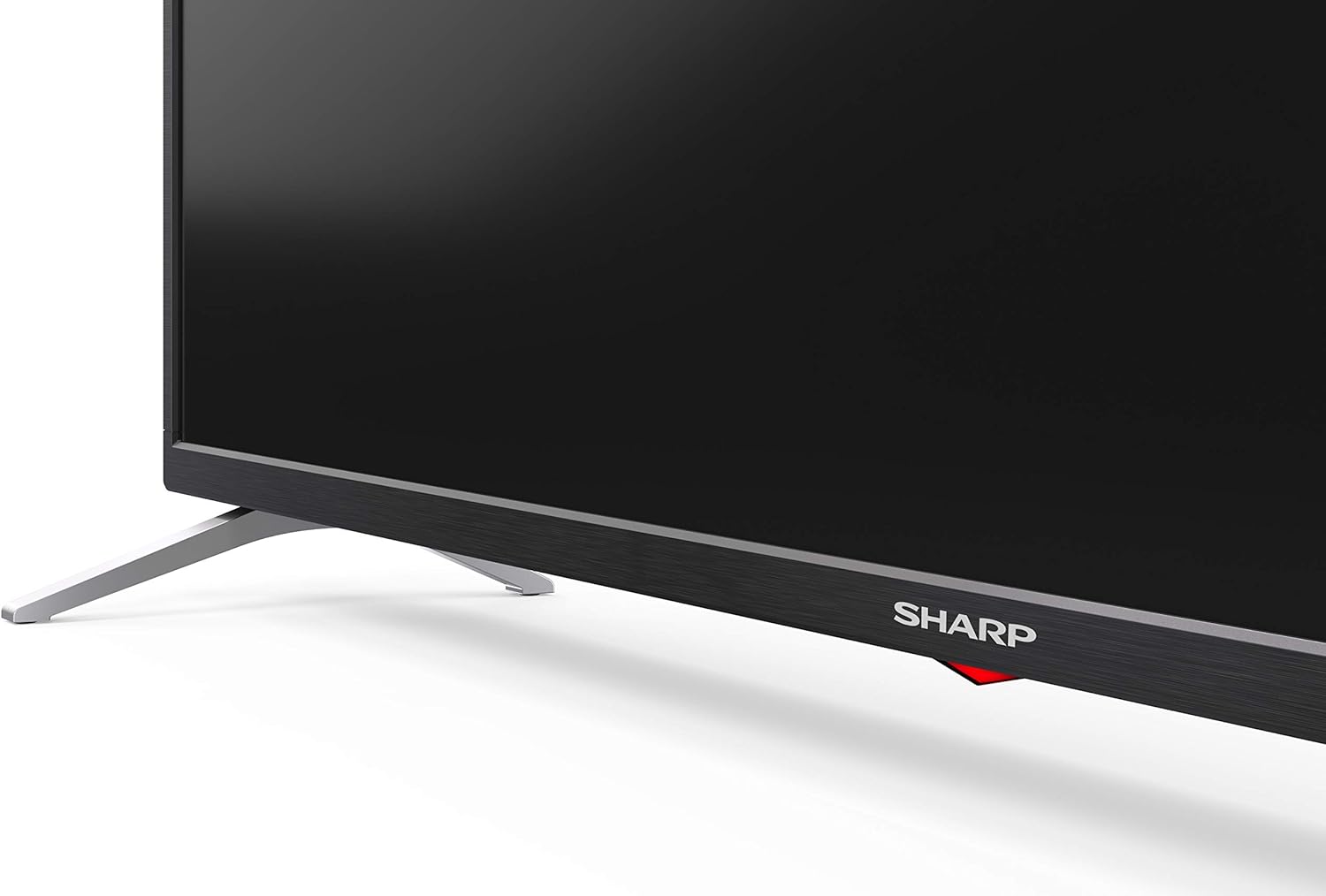
Carefully place the TV screen-down on a soft, flat surface. Align the pedestal stands with the screw holes on the bottom of the TV and secure them using the provided screws. Ensure the stands are firmly attached before placing the TV upright.

Gambar: Sisi view of the Sharp 32Bi3EA TV, illustrating the slim profile and the attached pedestal stand.
Pamasangan témbok
If you choose to wall mount the television, use a VESA compatible bracket with dimensions of 200x100 mm. Consult a professional for wall mounting to ensure proper installation and safety.
4.2. Alat Sambungkeun
Connect your external devices to the appropriate ports on the back or side of the television.
Gambar: Tukangeun view of the Sharp 32Bi3EA TV, highlighting the Ethernet, Optical, HDMI, USB, and AV input ports.
- Port HDMI (3x): Sambungkeun pamaén Blu-ray, konsol kaulinan, atawa kotak set-top.
- Port USB (2x): Sambungkeun alat panyimpen USB pikeun playback média atanapi apdet software.
- Port Ethernet: Pikeun sambungan internét kabel.
- Optik Digital Audio Out: Pikeun nyambungkeun ka sistem audio éksternal.
- Input AV: Pikeun alat heubeul make video komposit jeung audio stereo.
4.3. Mimiti Power-On jeung Android TV Setup
After connecting the power cord and turning on the TV, follow the on-screen instructions to complete the initial setup. This includes selecting your language, connecting to a Wi-Fi network, and logging into your Google account to activate Android TV features like Google Assistant and Chromecast.
5. Ngoperasikeun TV
5.1. Kadali jauh
The included remote control allows you to navigate the Android TV interface, adjust settings, and use Google Assistant voice commands. Insert the two AAA batteries into the remote control, ensuring correct polarity.
- Tombol Daya: Ngahurungkeun atawa mareuman TV.
- Tombol Asisten Google: Activates voice control. Press and hold to speak commands.
- Tombol Napigasi: Anggo tombol arah sareng tombol OK pikeun ngalih dina ménu.
- Tombol imah: Balik deui ka layar utama Android TV.
- Volume +/-: Saluyukeun tingkat polumeu.
- Saluran +/-: Robah saluran TV.
- Tombol potong kompas aplikasi: Direct access to popular streaming services (e.g., Netflix, Amazon Prime Video).
5.2. Fitur Smart TV (Android TV)
Your Sharp 32Bi3EA TV runs on Android TV 9.0, providing access to a wide range of applications and services.
- Asisten Google: Use your voice to search for content, control smart home devices, get answers, and manage tasks.
- Chromecast Diwangun-di: Cast eusi tina smartphone, tablet, atanapi komputer anu cocog langsung ka layar TV.
- Google Play Store: Download and install additional apps, games, and streaming services.
- Layanan Internét anu Dirojong: Access popular platforms such as Netflix, Amazon Prime Video, HBO, Disney+, Movistar+, DAZN, Atresmedia, KODI, IPTV, Steamlink, Twitch, VLC, YouTube, Puffin TV Browser, Spotify, Deezer, and TuneIn Radio.
5.3. Setélan Audio sareng Video
The television supports advanced audio and video technologies for an enhanced viewpangalaman.
- HDR10: Provides a wider range of colors and contrast for compatible content.
- Harman/Kardon Speakers: Integrated audio system designed to deliver clear and powerful sound (2x10W).
- DTS Virtual X / DTS HD: Enhances audio with virtual surround sound capabilities.
- Active Motion 400: Ningkatkeun kajelasan gerak pikeun pamandangan anu gancang.
5.4. Konektipitas
TV nawiskeun sababaraha pilihan konektipitas:
- Wifi: Nyambung ka jaringan nirkabel bumi anjeun pikeun aksés internét.
- Bluetooth: Pair with compatible devices such as headphones, soundbars, or game controllers.
6. Pangropéa
6.1. beberesih
Pikeun ngabersihkeun layar TV, usap lalaunan nganggo lawon anu lemes sareng henteu ngaganggu. Pikeun tanda anu bandel, usap sakedikampen the cloth with water or a specialized screen cleaner. Do not use abrasive cleaners or solvents. For the TV cabinet, use a soft, dry cloth.
6.2. Apdet parangkat lunak
Your Android TV may receive software updates periodically to improve performance and add new features. Ensure your TV is connected to the internet to receive these updates. You can check for updates manually through the TV's settings menu.
7. Cara ngungkulan
If you encounter issues with your television, refer to the following common solutions:
| Masalah | Solusi anu mungkin |
|---|---|
| Taya kakuatan | Pariksa naha kabel listrik dicolokkeun aman kana TV sareng stop kontak témbok. Coba outlet béda. |
| Taya gambar / sora | Pastikeun sumber input anu bener dipilih. Pariksa sambungan kabel ka alat éksternal. |
| Kadali jauh teu jalan | Ganti batréna. Pastikeun teu aya halangan antara jauh sareng sénsor IR TV. |
| Masalah sambungan Wi-Fi | Balikan deui router sareng TV anjeun. Pariksa kecap akses Wi-Fi. Pastikeun TV aya dina jangkauan router. |
| Android TV apps freezing | Restart the TV. Clear the cache of the problematic app in the TV settings. Uninstall and reinstall the app. |
Upami masalahna teras-terasan saatos nyobian solusi ieu, mangga ngahubungi dukungan palanggan Sharp.
8. Spésifikasi
| Fitur | Rincian |
|---|---|
| Nomer modél | 32Bi3E |
| Ukuran layar | 32 Inci (81 cm) |
| Téknologi tampilan | LED |
| Resolusi | 720p (1366 x 768 piksel) |
| Refresh Laju | 60 Hz |
| Sistem operasi | Android TV 9.0 |
| Fitur husus | Google Assistant, Chromecast Built-in, HDR10, DTS Virtual X, Active Motion 400 |
| Sistim Audio | Harman/Kardon (2x10W) |
| Konektipitas | Bluetooth, Ethernet, HDMI (3x), USB (2x), Wireless (Wi-Fi) |
| Gunung VESA | 200x100 mm |
| Dimensi (kalayan stand) | 803.0 x 542.0 x 149.0 mm (P x L x T) |
| Ukuran (tanpa nangtung) | 730.0 x 436.1 x 83.5 mm (P x L x T) |
| Beurat | 4.6 kg |
| Power Consumption (1000h) | 31 kWh (Energy Class F) |

Image: Energy efficiency label for the Sharp 1T-C32BIx series, indicating an F energy class and 31 kWh per 1000 hours of operation. For more details, refer to the official EU EPREL database via the QR code or link: Pangkalan data EPREL.

Image: Detailed Product Information Sheet, providing comprehensive technical specifications and regulatory information for the Sharp 32Bi3EA TV in various languages.
9. Garansi jeung Rojongan
9.1. Émbaran jaminan
Your Sharp 32Bi3EA Smart Android TV comes with a standard manufacturer's warranty. Please refer to the warranty card included with your product or visit the official Sharp websitus kanggo syarat sareng katangtuan anu lengkep khusus pikeun daérah anjeun.
9.2. Rojongan Palanggan
For technical assistance, troubleshooting beyond this manual, or warranty claims, please contact Sharp customer support. Contact information can typically be found on the official Sharp website or in the documentation provided with your television.
Online resources and FAQs may also be available on the Sharp support portal.


