1. Bubuka
Thank you for choosing the LAXIHUB 1080P Full HD Outdoor Security Camera. This device is designed to provide reliable surveillance for your outdoor spaces, featuring high-definition video, two-way audio, motion and noise detection, and robust weatherproofing. Please read this manual thoroughly before installation and use to ensure proper operation and safety.
2. Produk Langkungview
2.1 Eusi pakét
- LAXIHUB Outdoor Security Camera
- Adaptor kakuatan
- Pemasangan Screws sareng Jangkar
- Manual pamaké
- Kartu Micro SD 32GB (tos dipasang atanapi kalebet misah)
2.2 Fitur konci
- Video HD lengkep 1080P: Nangkep foo jelas tur lengkeptage.
- Konektipitas WiFi 2.4G: Connects to your home network for remote access.
- IP65 Tahan Cuaca: Designed to withstand outdoor conditions (operating temperature -20°C to 50°C / -4°F to 122°F).
- Ningkatkeun Visi Peuting: Provides clear monitoring in low-light conditions up to 15 feet.
- Audio Dua Arah: Ngamungkinkeun komunikasi sacara real-time ngalangkungan kaméra.
- Motion & Noise Detection: Alerts you to activity and sound.
- Lokal & Panyimpenan Awan: Supports Micro SD card (up to 128GB, 32GB included) and optional cloud storage.
- Integrasi Smart Home: Cocog sareng Amazon Alexa sareng Asisten Google.
2.3 Komponén kaméra
Biasakeun diri anjeun sareng komponén fisik kaméra:
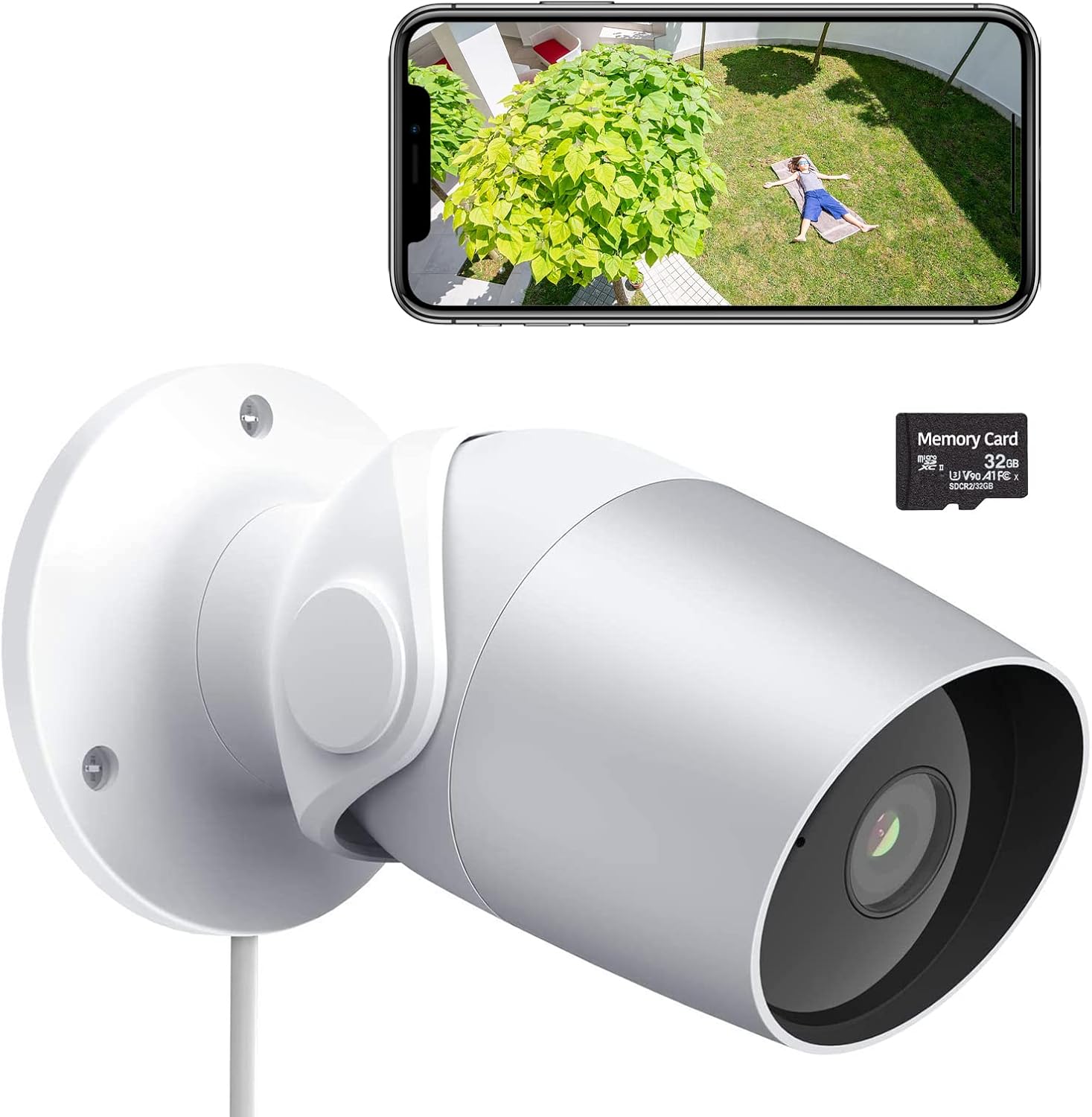
Figure 1: LAXIHUB Outdoor Security Camera with included 32GB Micro SD card and a smartphone displaying live feed.

Figure 2: Visual representation of the camera's main features.
3. Setélan
3.1 Unduh Aplikasi sareng Nyiptakeun Akun
- Download the 'Arenti' app from the App Store (iOS) or Google Play Store (Android).
- Buka aplikasi sareng ngadaptarkeun akun énggal atanapi lebet upami anjeun parantos gaduh.
3.2 Ngahurungkeun kaméra
- Sambungkeun adaptor daya ka port input daya kaméra.
- Colokkeun adaptor kakuatan kana stop kontak listrik standar.
- Wait for the camera's indicator light to flash, indicating it is ready for pairing.
3.3 Nyambungkeun ka Wi-Fi
- In the Arenti app, tap the '+' icon to add a new device.
- Pilih modél kaméra anjeun tina daptar.
- Follow the on-screen instructions to connect the camera to your 2.4GHz Wi-Fi network. Ensure your phone is connected to the same 2.4GHz network during setup.
- Scan the QR code displayed on your phone with the camera lens when prompted.
- Sakali disambungkeun, lampu indikator bakal ngahurungkeun padet.
3.4 Pamasangan Kartu Micro SD
The camera supports a Micro SD card up to 128GB for local storage. A 32GB card is typically included.
- Locate the Micro SD card slot on the camera (refer to the product diagram if needed).
- Lebetkeun kartu Micro SD kana slotna lalaunan bari kontak emasna nyanghareup ka handap dugi ka ngaklik kana tempatna.
- In the app, navigate to camera settings and format the SD card for optimal performance.
3.5 Masang kaméra
The camera is designed for wall mounting.
- Choose a suitable location for mounting, ensuring a clear field of view sareng aksés ka stop kontak.
- Use the included mounting template (if provided) or mark the screw holes on the wall.
- Drill pilot holes and insert wall anchors if mounting into drywall or masonry.
- Secure the camera's mounting base to the wall using the provided screws.
- Saluyukeun sudut kaméra sakumaha diperlukeun pikeun sinyalna optimal.
4. Ngoperasikeun kaméra
4.1 Hirup View sareng Playback
- Open the Arenti app and select your camera to view eupan hirup.
- Anggo fungsi puter deui pikeunview dirékam footage stored on the SD card or cloud.
4.2 Deteksi Gerakan sareng Noise

Figure 3: The camera's AI-powered human motion and sound detection capabilities.
- In the app settings, enable and configure motion and noise detection sensitivity.
- Set up detection zones to focus on specific areas.
- Receive push notifications on your smartphone when activity is detected.
4.3 Audio Dua Arah

Gambar 4: Kelample of two-way audio functionality for communication.
- Nalika hirup view, ketok ikon mikropon pikeun nyarita ngaliwatan kaméra.
- Tap the speaker icon to hear audio from the camera's location.
4.4 Visi Peuting
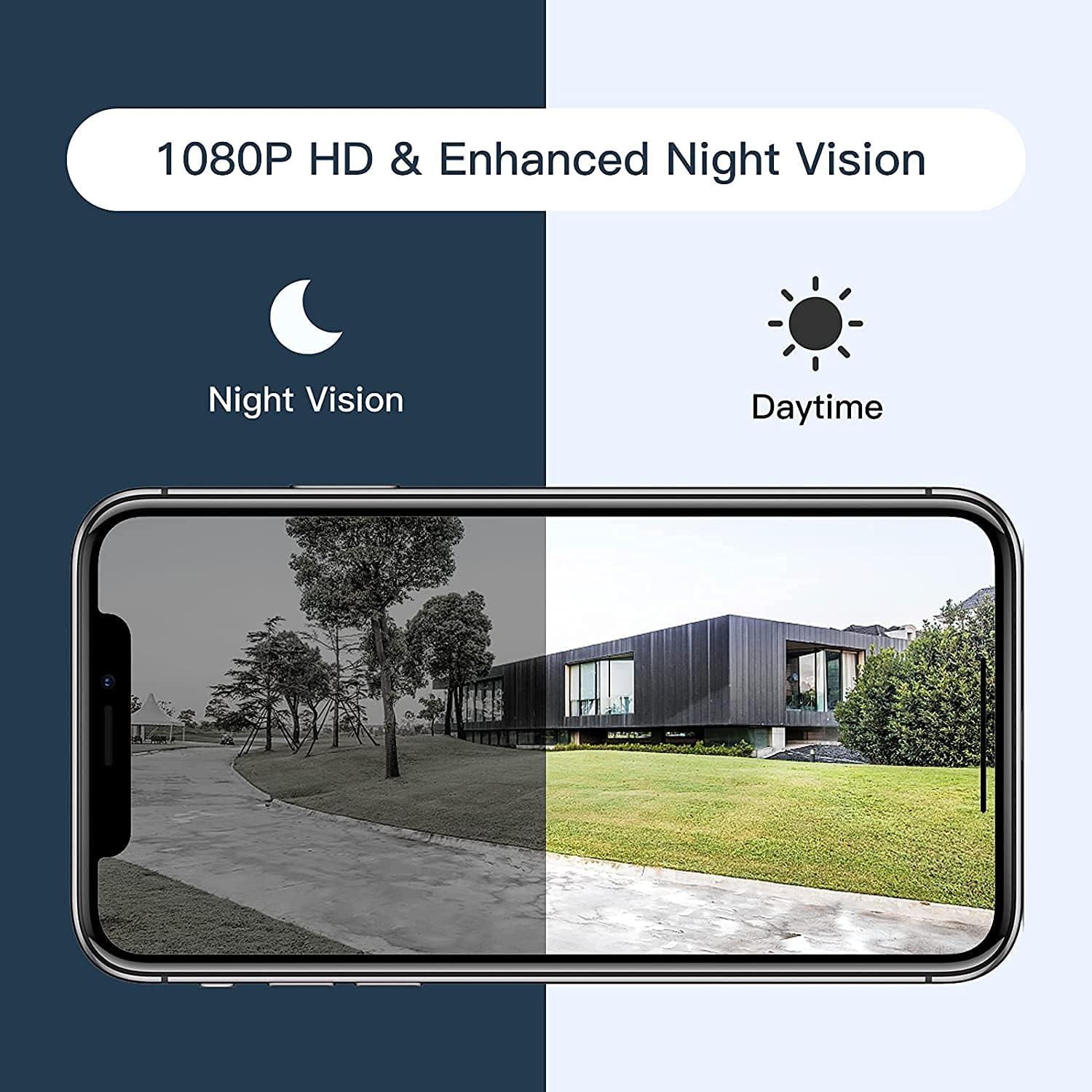
Figure 5: Comparison of daytime and night vision footage.
The camera automatically switches to night vision mode in low-light conditions, providing clear black and white video.
4.5 Pamaduan Smart Home

Figure 6: The camera's compatibility with Amazon Alexa for voice control and viewing.
- To connect with Amazon Alexa or Google Assistant, follow the instructions in the Arenti app's integration section.
- Sakali disambungkeun, anjeun tiasa nganggo paréntah sora pikeun view asupan kaméra dina tampilan pinter anu cocog.
4.6 Aksés Babagi

Figure 7: The camera supports sharing live view access with multiple family members.
You can share access to your camera's live feed with family members through the Arenti app. Navigate to the camera settings and select the sharing option to invite others.
5. Pangropéa
- beberesih: Regularly wipe the camera lens with a soft, dry cloth to ensure clear image quality. Do not use harsh chemicals.
- Pembaruan firmware: Check the Arenti app periodically for available firmware updates. Keeping your camera's firmware updated ensures optimal performance and security.
- Sambungan Daya: Ensure the power cable and adapter are securely connected and free from damage.
- Perlindungan Cuaca: While IP65 rated, avoid directing high-pressure water jets directly at the camera. Ensure the power connection point is protected from excessive moisture.
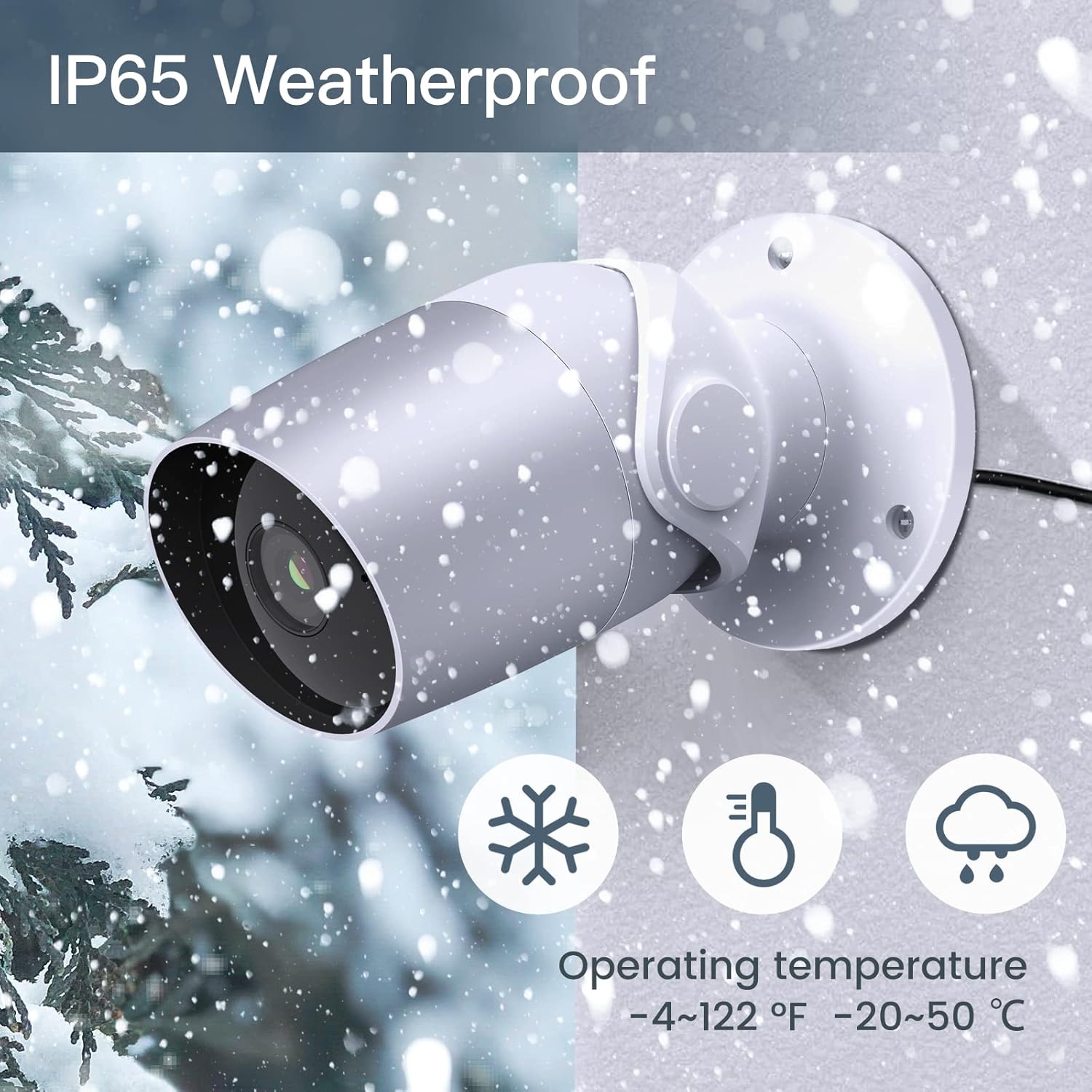
Figure 8: The camera's IP65 weatherproof rating ensures durability in various outdoor conditions.
6. Cara ngungkulan
- Kaméra teu hurung: Ensure the power adapter is correctly connected to the camera and a working power outlet. Try a different outlet or adapter if available.
- Teu bisa nyambung ka Wi-Fi:
- Pastikeun jaringan Wi-Fi anjeun 2.4GHz. Kaméra henteu ngadukung Wi-Fi 5GHz.
- Pastikeun kecap akses Wi-Fi anjeun leres.
- Move the camera closer to your Wi-Fi router during setup.
- Reset the camera (refer to the app or product for reset button location) and try pairing again.
- Kualitas video goréng:
- Check your Wi-Fi signal strength. A weak signal can affect video streaming.
- Ngabersihan lénsa kaméra.
- Motion/Noise detection not working:
- Ensure detection is enabled in the app settings.
- Saluyukeun tingkat sensitipitas.
- Verify notification permissions for the Arenti app on your smartphone.
- Masalah audio dua arah:
- Pariksa setélan volume dina telepon anjeun sareng dina aplikasi.
- Ensure your phone's microphone is enabled for the Arenti app.
7. Spésifikasi
| Fitur | Spésifikasi |
|---|---|
| Resolusi Capture Video | 1080p lengkep HD |
| Protokol konektipitas | Wi-Fi (2.4GHz wungkul) |
| Peunteun Protection Internasional | IP65 Cuaca |
| Viewdina Angle | 110 darajat |
| Wengi Sawangan Sawangan | 15 suku |
| Laju pigura | 25 FPS |
| Sumber Daya | Kabel Listrik (12 Volt DC, 4.5 Watt) |
| Panyimpenan | Micro SD Card (up to 128GB, 32GB included), Cloud Storage |
| Tipe Siaga | Audio and Motion Detection |
| Alat nu cocog | Smartphone, Amazon Alexa, Asisten Google |
| Suhu Operasi | -20°C nepi ka 50°C (-4°F nepi ka 122°F) |
| Dimensi produk | 8 x 3.66 x 6 inci |
| Item Beurat | 14.1 ons |
8. Émbaran jaminan
Specific warranty details for your LAXIHUB Security Camera may vary by region and retailer. Please refer to the warranty card included with your product or contact LAXIHUB customer support directly for detailed information regarding warranty coverage and terms.
9. Rojongan Palanggan
If you encounter any issues or have questions not covered in this manual, please contact LAXIHUB customer support through the Arenti app or visit the official LAXIHUB website for assistance. You may also refer to the seller's support channels if purchased through a third-party retailer.


