1. Bubuka
This manual provides comprehensive instructions for the installation, operation, and maintenance of your PRUNUS Wireless Waterproof Bicycle Computer. Please read this manual thoroughly before use to ensure proper functionality and to maximize the lifespan of your device. This device is designed to accurately track your cycling data, including speed, distance, and more, in various outdoor conditions.
2. Eusi Paket
Punten parios yén sadaya komponén ieu kalebet dina pakét anjeun:
- PRUNUS Bicycle Computer Unit
- Sénsor Speed nirkabel
- Ningkatna Kurung
- Roda Magnét
- Cable Ties (for mounting)
- CR2032 3V Button Cell Battery (pre-installed or included)
- Manual pamaké
3. Setup jeung Instalasi
3.1 Pamasangan batré
The device uses a CR2032 3V button cell battery. If not pre-installed, open the battery compartment on the back of the computer unit and the sensor, insert the battery with the positive (+) side facing up, and close the compartment securely. Ensure the rubber gasket is properly seated for waterproofing.
3.2 Mounting the Computer Unit
Attach the mounting bracket to your bicycle's handlebar or stem using the provided cable ties. Ensure it is securely fastened and positioned for easy viewing. Slide the computer unit onto the bracket until it clicks into place.
3.3 Installing the Speed Sensor and Magnet
Mount the wireless speed sensor on the front fork of your bicycle, facing the wheel. Attach the magnet to a spoke on the wheel. Position the magnet so that it passes within 5mm of the sensor as the wheel rotates. The sensor is designed for bicycles with standard 2mm spokes and wheels 16 inches or larger. The wireless induction distance is approximately 130cm, allowing for flexible sensor placement, including on the rear wheel for indoor cycling trainers.
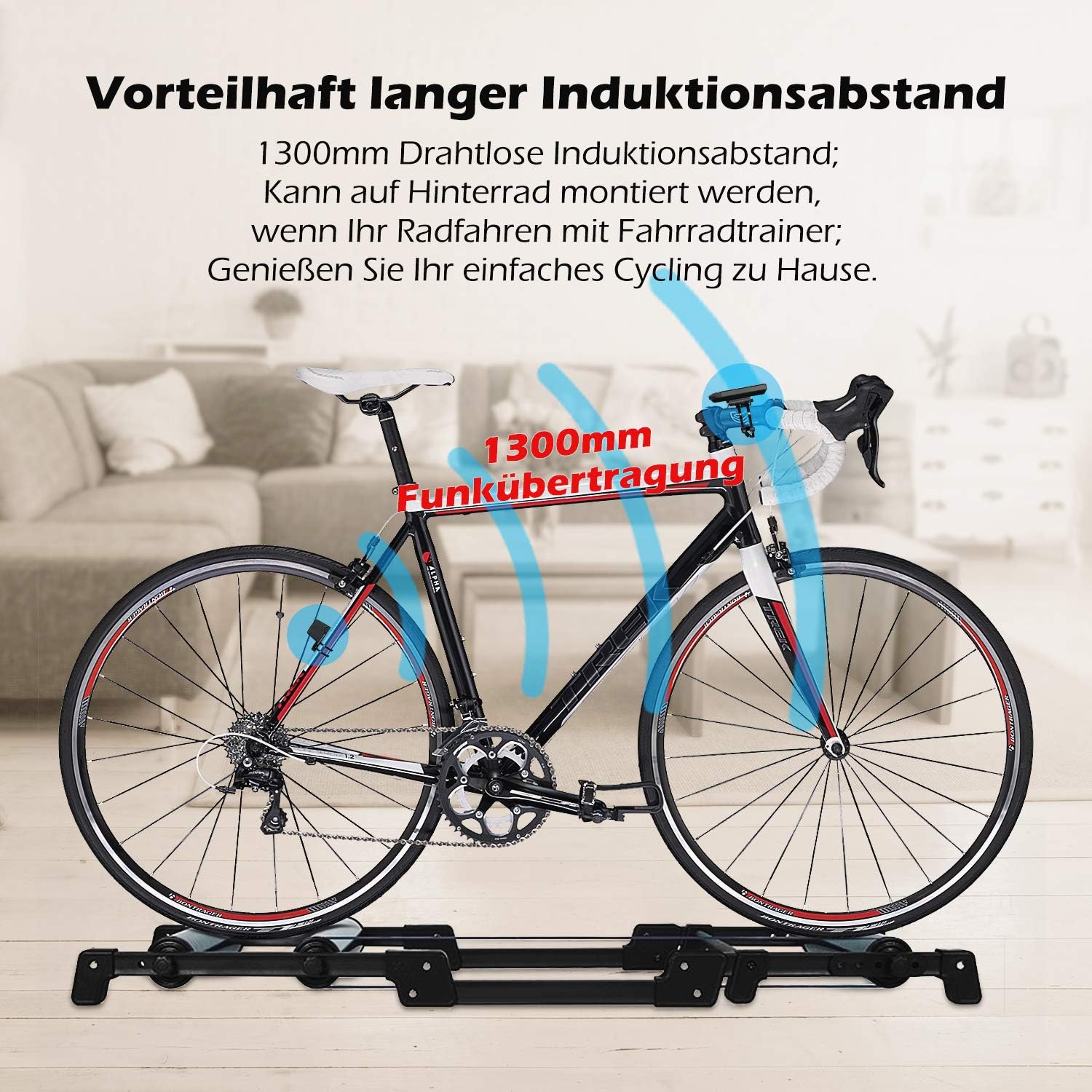
The PRUNUS bike computer supports a long wireless induction distance of 130cm, enabling flexible sensor placement, such as on the rear wheel for indoor cycling setups.
3.4 Initial Setup and Wheel Circumference
Upon first power-on or after battery replacement, you will need to set the wheel circumference. Refer to the table in the specifications section for common wheel sizes and their corresponding circumferences. Use the device's buttons (usually 'SET' and 'MODE') to navigate and adjust the value. Accurate wheel circumference is crucial for precise speed and distance readings.
4. Fitur konci
4.1 IP66 Dustproof and Waterproof
The PRUNUS bike computer is designed with an IP66 rating, providing excellent protection against dust ingress and powerful water jets. This means it can withstand rain and splashes during your rides. While it is highly water-resistant, prolonged submersion is not recommended. Always dry the unit as soon as possible after exposure to water.
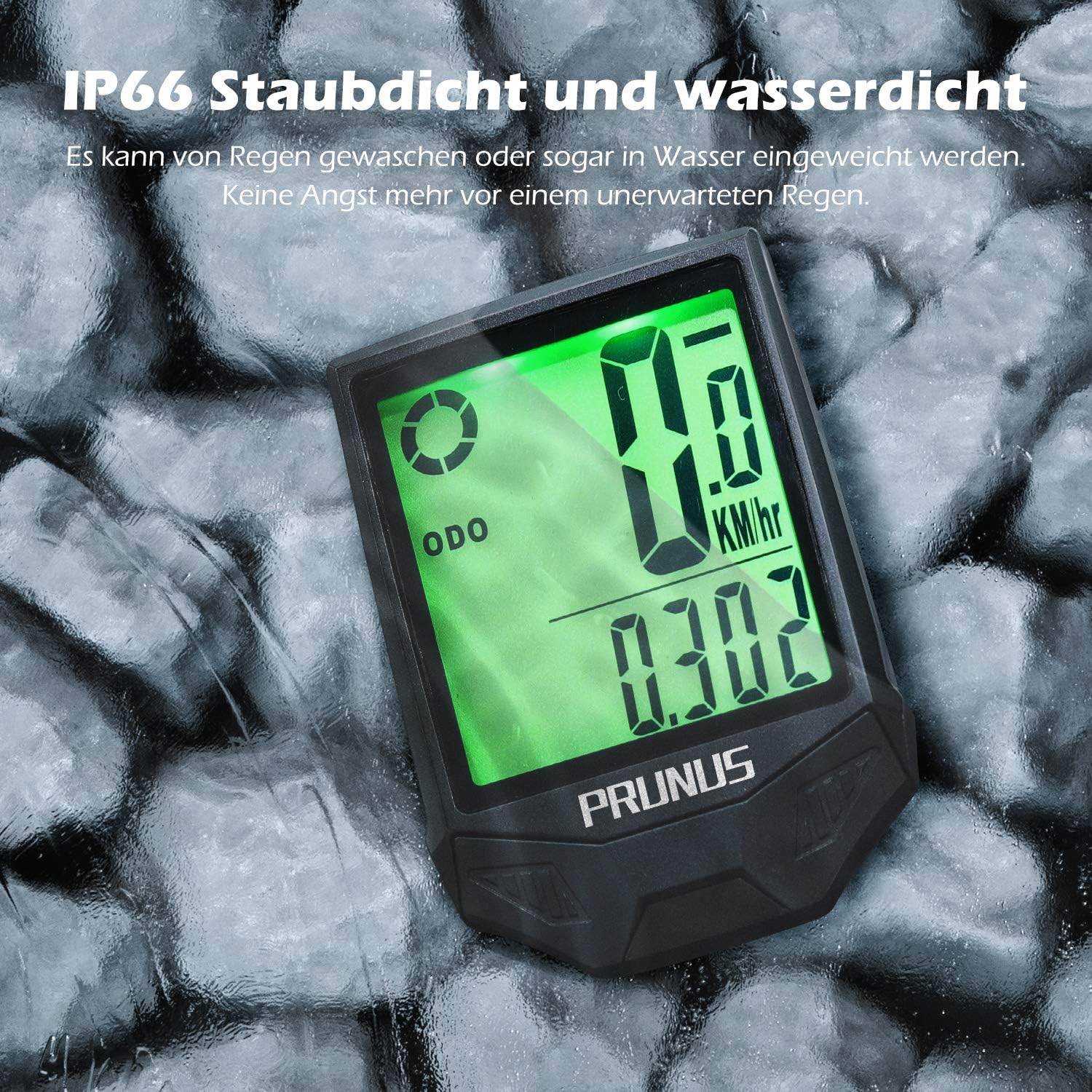
The device is IP66 rated, offering robust protection against dust and water, making it suitable for use in various weather conditions.
4.2 Distinctive Touch Sensor Switch
The device features a unique touch sensor for controlling the backlight. A light touch can activate or deactivate the backlight mode. Once activated, the backlight can remain on, providing clear visibility of your data during night rides or in low-light conditions.

Activate the backlight with a simple touch, enhancing visibility in dark environments.
4.3 Long-lasting Battery Life
Equipped with a CR2032 3V button cell battery, the PRUNUS bike computer is designed for low power consumption, offering a battery life of at least 8 months under typical usage. A low battery reminder will appear on the screen when the battery needs replacement. Note that replacing the battery will clear previously stored trip data, but total odometer data will be retained.

The efficient power management ensures extended battery life, supporting your rides throughout the year.
4.4 Variety of Functions and Large LCD Screen
The computer offers a wide range of practical functions to meet your cycling needs, including:
- Real-time Speed (SPD)
- Average Speed (AVS)
- Maximum Speed (MXS)
- Odometer (ODO) - Total distance
- Jarak perjalanan (DST)
- Suhu
- Trip Time (TM)
- Timer
- Kalori kaduruk
- Gajih Diduruk
- Kilometer to Mile conversion
The device features a large 2.5-inch LCD screen with clear, digital numbers, ensuring easy readability of your sport data at a glance. Six different interfaces can be switched to display your preferred metrics.

Despite its compact form factor, the PRUNUS bike computer features a large 2.5-inch LCD screen for clear data display.
5. Parentah Operasi
5.1 Power On/Off and Automatic Wake-up
The device automatically powers on when motion is detected or a button is pressed. It features an automatic wake-up function. To power off, the device will enter sleep mode after a period of inactivity to conserve battery.
5.2 Mode switching
Press the 'MODE' button to cycle through different display modes and functions (e.g., SPD, AVS, MXS, DST, TM, ODO, Temperature, Calories). The current mode will be indicated on the screen.
5.3 Setting Values (e.g., Wheel Circumference, Time)
To enter setting mode, typically press and hold the 'SET' button. Use the 'MODE' button to adjust values and 'SET' to confirm and move to the next setting. Refer to the on-screen prompts for specific setting procedures.
5.4 Resetting Trip Data
To reset trip-specific data (DST, AVS, MXS, TM, Calories, Fat Burned), usually press and hold the 'MODE' button while in a trip data display mode. The total odometer (ODO) cannot be reset by the user.
6. Pangropéa
6.1 beberesih
Ngusap alat ku lemes, damp lawon. Ulah make cleaners abrasive atawa pangleyur, sabab bisa ngaruksak layar atawa casing. Ensure the device is dry after cleaning, especially around the battery compartment.
6.2 Ngagantian batré
When the low battery indicator appears, replace the CR2032 battery in both the computer unit and the sensor. Open the battery cover, remove the old battery, insert the new one with the positive (+) side up, and securely close the cover, ensuring the waterproof seal is intact.
6.3 Panyimpenan
If storing the device for an extended period, it is recommended to remove the batteries to prevent leakage and potential damage to the unit. Store in a cool, dry place away from direct sunlight.
7. Cara ngungkulan
7.1 Teu Aya Tampilan / Layar Kosong
- Check battery level. Replace battery if low.
- Ensure battery is inserted correctly with proper polarity.
- Pencét tombol naon waé pikeun ngahudangkeun alat.
7.2 Inaccurate Speed/Distance Readings
- Verify the wheel circumference setting is correct.
- Ensure the magnet and sensor are properly aligned and the gap is within 5mm.
- Check if the sensor battery is low.
- Pastikeun teu aya gangguan éléktromagnétik anu kuat caket dieu.
7.3 Sénsor Teu Nyambung
- Pariksa batré sensor.
- Ensure the sensor and computer unit are within the effective wireless range (approx. 130cm).
- Re-pair the sensor with the computer if applicable (refer to specific pairing instructions if available in device menu).
8. Spésifikasi
| merek | PRUNUS |
| Nomer modél | 03 |
| Ukuran tampilan | 2.5 inci |
| Tipe tampilan | LCD |
| Peunteun waterproof | IP66 Dustproof sareng Waterproof |
| Tipe sénsor | Sénsor Speed nirkabel |
| Jarak induksi | Nepi ka 130 cm |
| Jenis Batré | CR2032 3V Button Cell |
| Kahirupan batré | Kira-kira. 8 bulan |
| Item Beurat | 0.08 Kilogram (80g) |
| Ukuran Paket | 11.99 x 7.39 x 6.2 cm |
8.1 Common Wheel Circumference Table
Use this table to set the correct wheel circumference for accurate readings. Measurements are in millimeters (mm).
| Wheel Size (Inches) | kuriling (mm) |
|---|---|
| 16" | 1272 |
| 18" | 1436 |
| 20" | 1596 |
| 24" | 1916 |
| 26" | 2073 |
| 27" | 2155 |
| 27.5" | 2090 |
| 28" (700C) | 2240 |
| 29" | 2330 |
9. Garansi jeung Rojongan
PRUNUS products are manufactured to high-quality standards. For warranty information or technical support, please refer to the contact details provided with your purchase or visit the official PRUNUS websitus. Simpen resi pameseran anjeun salaku bukti pameseran pikeun klaim garansi.


