
Bubuka
This manual provides detailed instructions for the proper use and maintenance of your LG AKB74955603 Air Conditioner Remote Control. Please read this manual thoroughly before operating the device to ensure optimal performance and longevity.
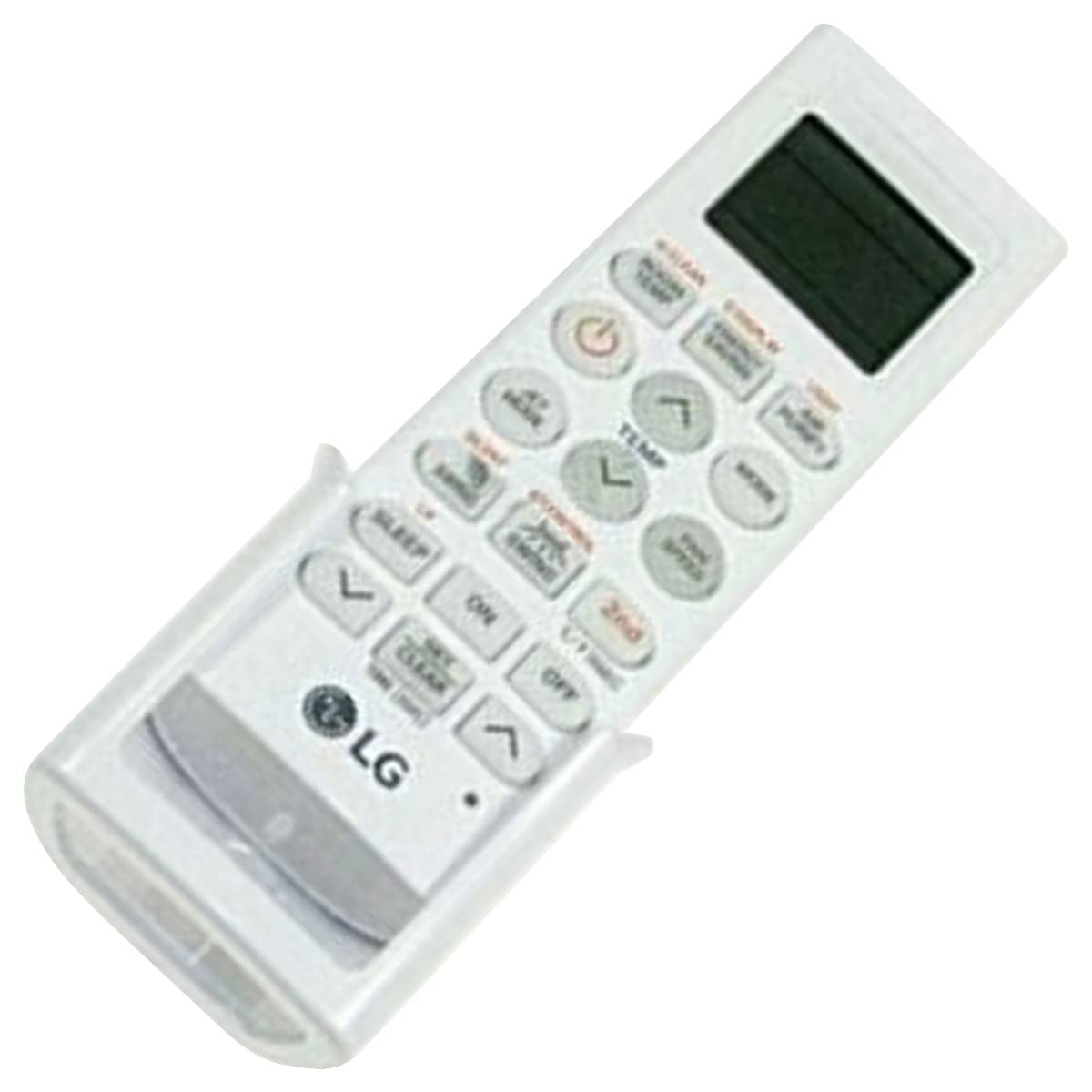
Image: The LG AKB74955603 Air Conditioner Remote Control, a white rectangular device with various control buttons.
Disetél
1. Pamasangan batré
The remote control requires two (2) AAA batteries for operation. Ensure correct polarity when inserting the batteries.
- Buka panutup kompartemen batré anu aya dina tonggong kadali jauh.
- Pasangkeun dua batré AAA anyar, anu cocog jeung terminal (+) jeung (-) sakumaha anu dituduhkeun di jero kompartemenna.
- Tutup panutup kompartemen batré aman.
Catetan: Do not mix old and new batteries, or different types of batteries. Remove batteries if the remote control will not be used for an extended period.
Parentah Operasi
Arahkeun remot kontrol langsung ka panarima AC. Pastikeun teu aya halangan antara remot sareng unitna.
Fungsi konci
- POWER (⏻): Hurungkeun atanapi OFF AC.
- MODÉ: Bisa dipindah-pindah mode operasi: Otomatis, Tiis, Garing, Kipas, Panas.
- TEMP ▲/▼: Saluyukeun setelan suhu nu dipikahoyong.
- Kipas gancang: Selects the fan speed (Auto, Low, Medium, High).
- Ayun: Ngaktipkeun atanapi nganonaktipkeun fungsi ayunan louver.
- TIMER: Nyetél timer ON/OFF pikeun AC.
- SARE: Activates the sleep mode for comfortable night operation.
- CAHAYA: Controls the display light on the air conditioner unit (if available).
- FUNCTION/SPECIAL: Accesses additional functions or settings.
Operasi Dasar
- Pencét éta POWER tombol pikeun ngahurungkeun AC.
- Pencét éta MODÉ button repeatedly to select your desired operating mode (e.g., Cool).
- Ngagunakeun éta TEMP ▲/▼ tombol pikeun ngeset suhu nu dipikahoyong.
- Atur kecepatan kipas nganggo Kipas Gancang tombol lamun diperlukeun.
- Pikeun mareuman unit, pencét tombol POWER tombol deui.
Pangropéa
Ngagantian batré
Replace batteries when the remote control's range decreases or if the display becomes dim. Follow the battery installation steps outlined in the Setup section.
beberesih
Wipe the remote control with a soft, dry cloth. Do not use liquid cleaners, abrasive materials, or chemical solvents, as these may damage the surface or internal components.
Panyimpenan
Simpen remot kontrol di tempat anu tiis, garing, sareng jauh tina sinar panonpoé langsung sareng suhu anu ekstrim. Upami disimpen kanggo waktos anu lami, cabut batréna pikeun nyegah bocor.
Pamérésan masalah
- Kadali jauh teu ngabales:
- Pariksa naha batréna dipasang kalayan leres sareng henteu béak. Ganti upami diperyogikeun.
- Pastikeun aya garis anu jelas antara kadali jauh sareng panarima AC.
- Verify that the remote control is pointed directly at the air conditioner.
- Rentang operasi terbatas:
- Ganti batréna ku nu anyar.
- Ensure no strong light sources (e.g., direct sunlight, fluorescent lights) are interfering with the infrared signal.
spésifikasi
| Fitur | Rincian |
|---|---|
| Ngaran modél | AKB74955603 |
| merek | LG |
| Alat nu cocog | AC |
| Téhnologi konektipitas | Infrabeureum (IR) |
| Jumlah Kancing | 10 |
| Rentang maksimum | 10 méter |
| Jenis Batré | 2 x AAA (teu kaasup) |
| Fitur husus | Gampang Paké |
Garansi sareng Rojongan
For warranty information and customer support, please refer to the documentation provided with your air conditioner unit or visit the official LG websitus. Simpen resi pameseran anjeun salaku bukti pameseran pikeun klaim garansi.
For further assistance, you may contact LG customer service through their official channels.