1. Bubuka
This manual provides instructions for the proper use and maintenance of your Bytech BYAXAU103AC 3-Foot Braided Auxiliary Audio Cable. Please read this manual thoroughly before using the product to ensure optimal performance and longevity.
2. Produk Langkungview
The Bytech BYAXAU103AC is a 3-foot braided auxiliary audio cable designed for connecting audio devices. Its braided outer material enhances durability and prevents tangling. This cable features male-to-male auxiliary connectors for universal compatibility with standard 3.5mm audio jacks.
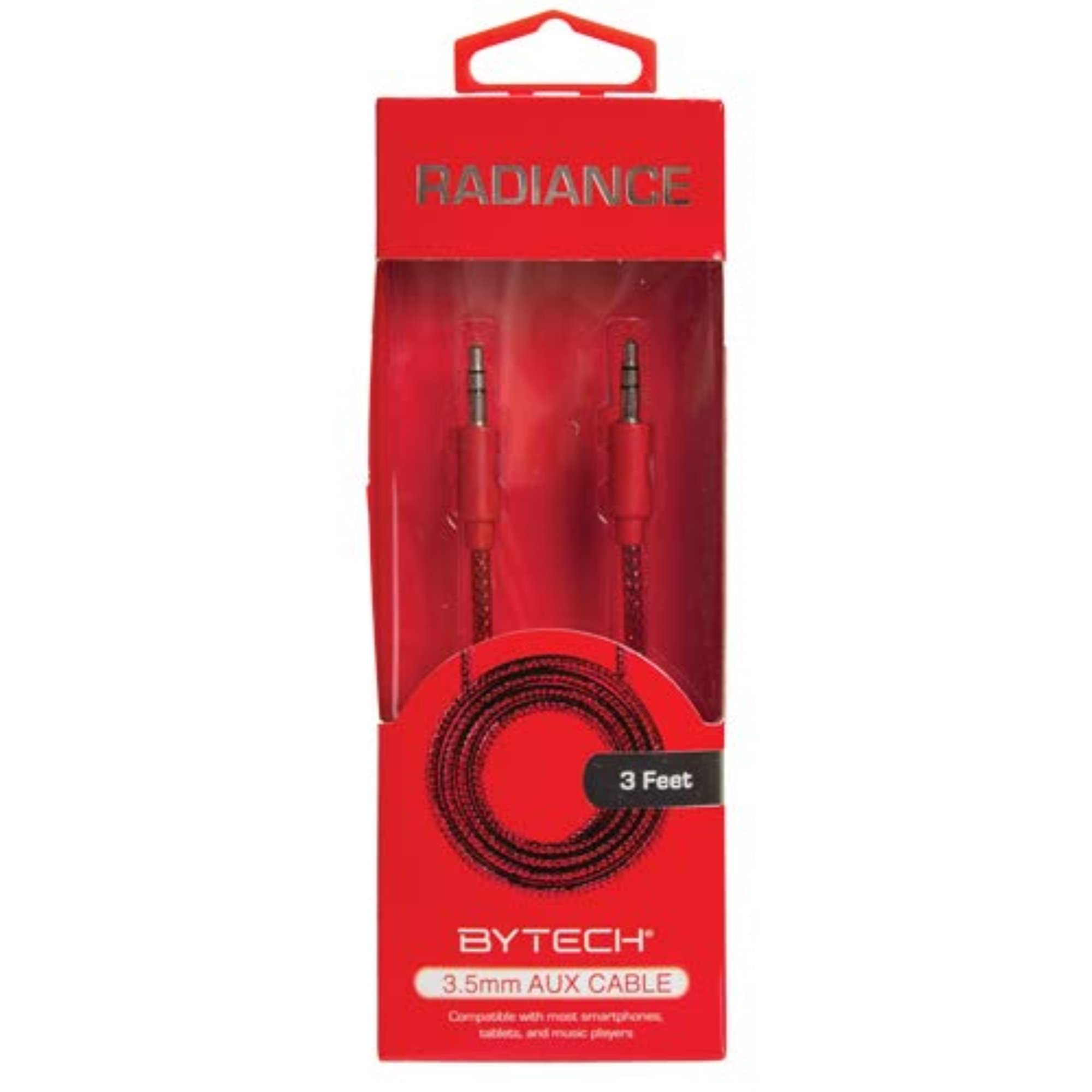
Image 1: Bytech BYAXAU103AC Braided Auxiliary Audio Cable. This image displays the black braided cable with its 3.5mm male connectors on both ends.
Fitur konci:
- Braided Outer Material: Provides enhanced durability and tangle resistance.
- 3-Panjangna suku: Offers convenient reach for various setups.
- Kasaluyuan Universal: Works with devices featuring a standard 3.5mm auxiliary port.
- Pangiriman Audio Kualitas Luhur: Designed for clear sound delivery.
3. Setélan
Setting up your Bytech auxiliary cable is a straightforward process. Ensure both devices you intend to connect have a compatible 3.5mm auxiliary audio input/output port.
- Identipikasi palabuhan: Locate the 3.5mm auxiliary audio output port on your source device (e.g., smartphone, tablet, MP3 player) and the 3.5mm auxiliary audio input port on your receiving device (e.g., car stereo, portable speaker, amplirén).
- Sambungkeun tungtung kahiji: Insert one end of the Bytech auxiliary cable firmly into the audio output port of your source device.
- Sambungkeun tungtung kadua: Insert the other end of the Bytech auxiliary cable firmly into the audio input port of your receiving device.
- Power On Alat: Pastikeun kadua alat anu nyambung parantos dihurungkeun.
- Pilih Input: On your receiving device, select the correct auxiliary input source. This is often labeled "AUX" or represented by an icon.
Your devices are now connected and ready for audio playback.
4. Parentah Operasi
Once the Bytech auxiliary cable is properly connected, audio playback is controlled directly from your source device.
- Mimitian Playback: Begin playing audio (music, podcasts, etc.) on your source device.
- Saluyukeun Volume: Adjust the volume level on both your source device and your receiving device to achieve the desired sound output. It is recommended to start with lower volumes and gradually increase them.
- Kontrol Playback: Use the controls on your source device to pause, skip tracks, or manage other playback functions.
The cable transmits the audio signal; it does not have its own controls.
5. Pangropéa
Proper care will extend the life of your Bytech auxiliary cable.
- Panyimpenan: Nalika teu dianggo, lilitkeun kabelna kalawan leupas. Hindarkeun lilitan anu pageuh atanapi bengkokan anu seukeut, anu tiasa ngaruksak kabel internal.
- beberesih: Use a soft, dry cloth to wipe the cable and connectors. Do not use harsh chemicals or abrasive cleaners.
- Penanganan: Salawasna cekel wadah konektor nalika nyolokkeun atanapi nyabut kabelna. Ulah narik langsung kana kabelna.
- Lingkungan: Jauhkeun kabel tina suhu anu ekstrim, sinar panonpoé langsung, sareng kalembaban.
6. Cara ngungkulan
If you encounter issues with your Bytech auxiliary cable, refer to the following common solutions:
| Masalah | Solusi anu mungkin |
|---|---|
| Teu aya sora atawa sora nu pareum-pareum. |
|
| Poor audio quality (static, distortion). |
|
7. Spésifikasi
| Fitur | Rincian |
|---|---|
| merek | Bytech |
| Ngaran modél | BYAXAU103AC |
| Tipe Panyambung | Bantu (3.5mm Jalu-ka-Jalu) |
| Tipe Kabel | AUX |
| Panjangna | Approximately 3 feet (derived from product title "3\"" interpreted as 3-foot for practical use) |
| Fitur husus | Braided outer material |
| Warna | Hideung |
| Alat nu cocog | Amplifiers, smartphones, tablets, car stereos, portable speakers, and other devices with a 3.5mm audio jack. |
| Dianjurkeun Mangpaat | Connecting audio devices to amplifiers or other audio systems. |
| Bahan Luar | Dijalin |
| Item Beurat | 1 pon (kira-kira) |
| Dimensi produk | 1 x 1 x 1 inches (packaging dimensions, cable length is 3 feet) |
| UPC | 805112313402 |
| ASIN | B082FYMNRN |
| Produsén | DEEJAYLED |
8. Garansi jeung Rojongan
Bytech products are manufactured to high-quality standards. For information regarding warranty coverage, technical support, or service inquiries, please refer to the documentation included with your purchase or visit the official Bytech websitus. Punten tahan bukti pameseran anjeun pikeun klaim garansi.
For further assistance, you may contact Bytech customer support through their official channels.


