Bubuka
The Homcloud Mini 8S Wi-Fi Camera is designed to enhance your home security with smart, intuitive features. This camera allows you to monitor, program, and automate your home devices directly from your smartphone, providing control from anywhere. It integrates seamlessly into your smart home ecosystem, offering convenience and peace of mind.
fitur konci ngawengku:
- Full HD 1080p Video Recording
- Night Vision up to 10 meters
- Motion Detection with Live Notifications
- Two-Way Audio and Noise Reduction
- SD Card and Cloud Storage Options
- Konektipitas Wi-Fi
- Compatibility with Homcloud App, Amazon Alexa, and Google Home

Image: The Homcloud Mini 8S Wi-Fi Camera on a desk, highlighting its key features such as HD Video, Night Vision, SD Card & Cloud storage, Motion Detection, and Live Notifications.
Komponén produk
The Homcloud Mini 8S Wi-Fi Camera package typically includes the following items:
- Homcloud Mini 8S Wi-Fi Camera
- Kabel Daya USB
- Adaptor Daya (bisa rupa-rupa dumasar wewengkon)
- Mounting Accessories (for wall mounting)
- Manual pangguna (dokumén ieu)

Image: The Homcloud Mini 8S Wi-Fi Camera positioned on a desk, demonstrating its compact design and typical indoor placement.
Guide Setup
Follow these steps to set up your Homcloud Mini 8S Wi-Fi Camera:
- Download the Homcloud App: Milarian pikeun "Homcloud" in the Apple App Store or Google Play Store, or scan the QR code below to download the official application.
- Ngadamel akun: Open the Homcloud app and register for a new account or log in if you already have one.
- Daya dina kaméra: Connect the camera to a power source using the provided USB cable and power adapter. Wait for the indicator light to flash, indicating it's ready for pairing.
- Tambahkeun Alat: In the Homcloud app, tap the "+" icon (usually in the top right corner) to add a new device. Select "Security Camera" or "Smart Camera" from the device list.
- Nyambung ka Wi-Fi: Follow the in-app instructions to connect the camera to your 2.4GHz Wi-Fi network. You may need to scan a QR code displayed on your phone screen with the camera lens.
- panempatan: Position the camera in your desired location. It supports standalone placement or wall mounting. Ensure it has a clear view wewengkon nu Anjeun hoyong monitor.

Image: Multiple smartphones displaying the Homcloud application interface, along with the Homcloud logo and a QR code for easy app download. The QR code links to https://smartapp.tuya.com/homcloudsmart.
Parentah Operasi
Once your Homcloud Mini 8S Wi-Fi Camera is set up, you can control and monitor it using the Homcloud app:
- Hirup View: Buka aplikasi teras pilih kaméra anjeun pikeun view live video feed in Full HD 1080p resolution.
- Audio Dua Arah: Use the microphone and speaker icons in the app to communicate with people near the camera.
- Visi Peuting: The camera automatically switches to night vision mode in low-light conditions, providing clear black and white video up to 10 meters.
- Deteksi gerak: Enable motion detection in the app settings to receive instant notifications on your smartphone when movement is detected. You can adjust sensitivity levels.
- Rékam sareng Panyimpenan:
- Kartu SD: Insert a microSD card (not included) into the camera's slot for local video storage. The camera supports continuous recording or event-triggered recording.
- Panyimpenan awan: Subscribe to Homcloud's cloud storage service (if available) for secure off-site video backup.
- Integrasi Smart Home: Connect your Homcloud account with Amazon Alexa or Google Home to control the camera using voice commands (e.g., "Alexa, show me the living room camera").
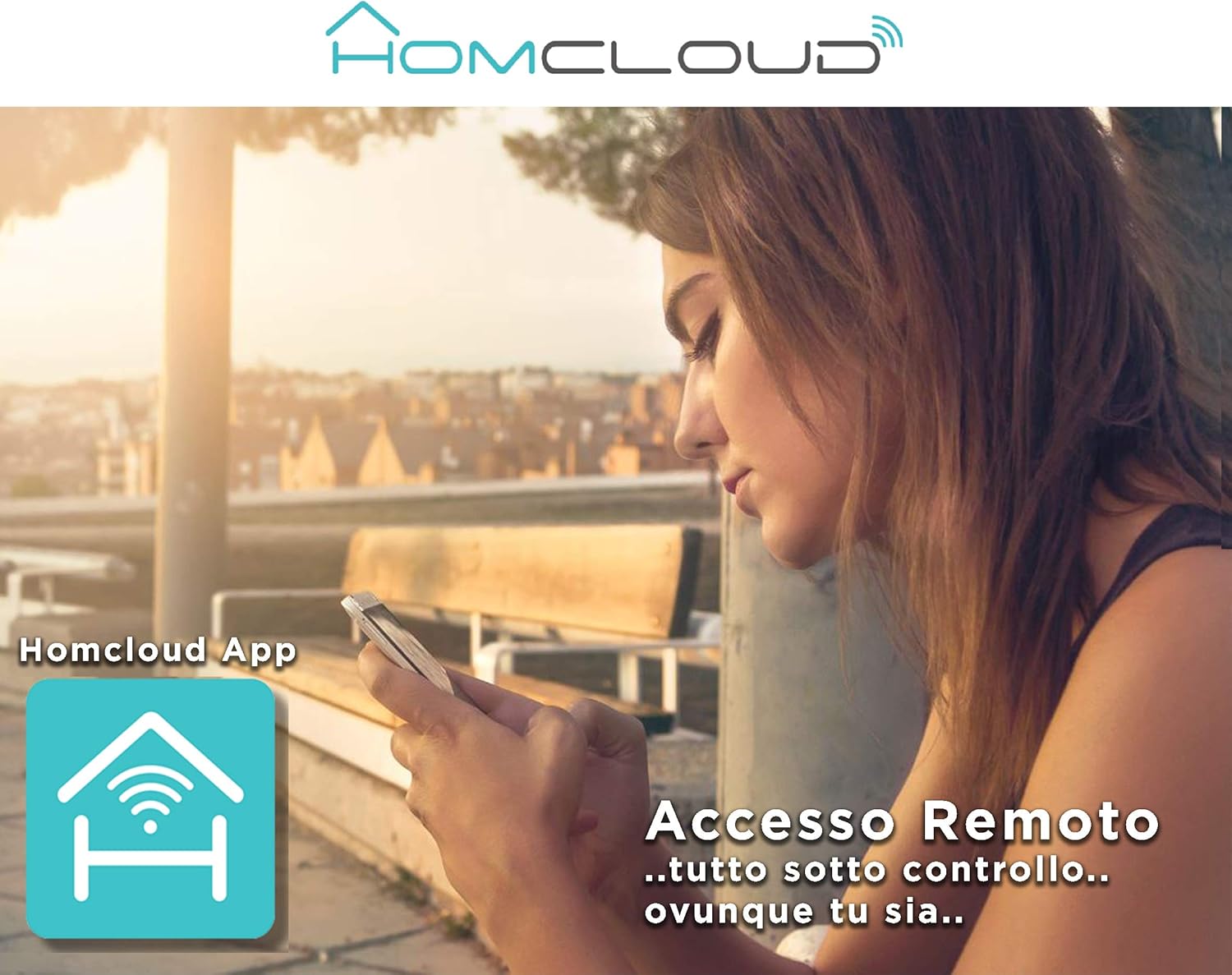
Image: A woman using her smartphone, illustrating the remote access capabilities of the Homcloud App to control and monitor the camera from any location.

Image: A family enjoying their smart home, demonstrating the integration of Homcloud solutions with Amazon Alexa and Google Assistant for convenient control.
Pangropéa
Pangropéa anu leres mastikeun umur panjang sareng kinerja optimal kaméra anjeun:
- beberesih: Gently wipe the camera lens and body with a soft, dry cloth. Avoid using harsh chemicals or abrasive materials that could scratch the lens or damage the casing.
- Pembaruan firmware: Regularly check the Homcloud app for available firmware updates. Keeping your camera's firmware up-to-date ensures you have the latest features, security patches, and performance improvements.
- Sasayogian tanaga: Use only the original power adapter and cable provided with the camera. Ensure the power connection is secure and free from damage.
- Lingkungan: The camera is designed for indoor use. Avoid exposing it to extreme temperatures, direct sunlight, high humidity, or water. While it is listed as "waterproof" in some specifications, this typically refers to splash resistance and not full submersion or outdoor exposure.
Pamérésan masalah
If you encounter issues with your Homcloud Mini 8S Wi-Fi Camera, refer to the following common solutions:
- Kaméra offline:
- Check if the camera is powered on and the power cable is securely connected.
- Ensure your Wi-Fi router is working and the internet connection is stable.
- Pareuman terus hurungkeun deui kaméra ku cara cabut colokan sareng pasang deui.
- Verify that the camera is within range of your Wi-Fi router.
- If the issue persists, try re-pairing the camera with the Homcloud app.
- Kualitas pidéo goréng:
- Bersihkeun lénsa kaméra ku kaén anu lembut.
- Ensure adequate lighting in the monitored area, especially for color video.
- Pariksa kakuatan sinyal Wi-Fi anjeun; sinyal anu lemah tiasa mangaruhan kualitas streaming.
- Deteksi gerak teu jalan:
- Verify that motion detection is enabled in the Homcloud app settings for your camera.
- Saluyukeun sensitivitas deteksi gerakan.
- Pastikeun teu aya halangan anu ngahalangan kaméra view.
- Teu Bisa Nyambung ka Aplikasi:
- Make sure your smartphone is connected to a 2.4GHz Wi-Fi network during the pairing process.
- Confirm that you are entering the correct Wi-Fi password.
- Reset the camera (refer to the app or product for specific reset instructions, usually a small button) and try the pairing process again.
spésifikasi
| Fitur | Rincian |
|---|---|
| merek | Homcloud |
| Nomer modél | TY-WCM8S |
| Resolusi Rekaman Video | 1080p lengkep HD |
| Resolusi Video Éféktif | 1080 |
| Laju pigura | 25 fps |
| Téknologi Komunikasi Nirkabel | Wifi |
| Protokol konektipitas | Wifi |
| Viewdina Angle | 100 darajat |
| Wengi Sawangan Sawangan | 10 méter |
| Fitur husus | Two-Way Audio, Noise Reduction, HD Resolution, Night Vision |
| Dianjurkeun Paké | Kaamanan jero rohangan |
| Jero rohangan / pamakéan outdoor | jero rohangan |
| Alat nu cocog | Homcloud App, Amazon Alexa, Android, Google Home, Smart Life, iOS |
| Sumber Daya | Kabel Listrik |
| Voltage | 5 volt |
| Konsumsi Daya | 2.5 Watt |
| Bahan | palastik |
| Ukuran (L x W x H) | 8 x 5 x 9 cm |
| Beurat | 350 gram |
| Tipe Pamasangan | Tembok Gunung |
| Tingkat Résistansi Cai | Waterproof (Note: Typically splash resistant for indoor use) |
Garansi sareng Rojongan
For warranty information, please refer to the documentation provided at the time of purchase or visit the official Homcloud website. If you require technical assistance or have questions not covered in this manual, please contact Homcloud customer support through their official channels.
You can find more information and support resources on the Homcloud website or through the Homcloud application.


