Bubuka
Welcome to the Ausounds AU-Stream True Wireless Bluetooth Earbuds instruction manual. This guide provides essential information for setting up, operating, and maintaining your earbuds to ensure optimal performance and longevity. The AU-Stream earbuds are designed for high-quality audio and convenience, featuring advanced technologies for an enhanced listening experience.
Naon dina Box
Upon unboxing your Ausounds AU-Stream earbuds, you will find the following items:
- Ausounds AU-Stream True Wireless Earbuds (Left and Right)
- Ngecas Case
- Kabel Ngecas USB-C
- Multiple sets of Silicone Ear Tips (Small, Medium, Large)
- Manual pamaké
- Gancang Mimitian Guide
- Kartu Garansi
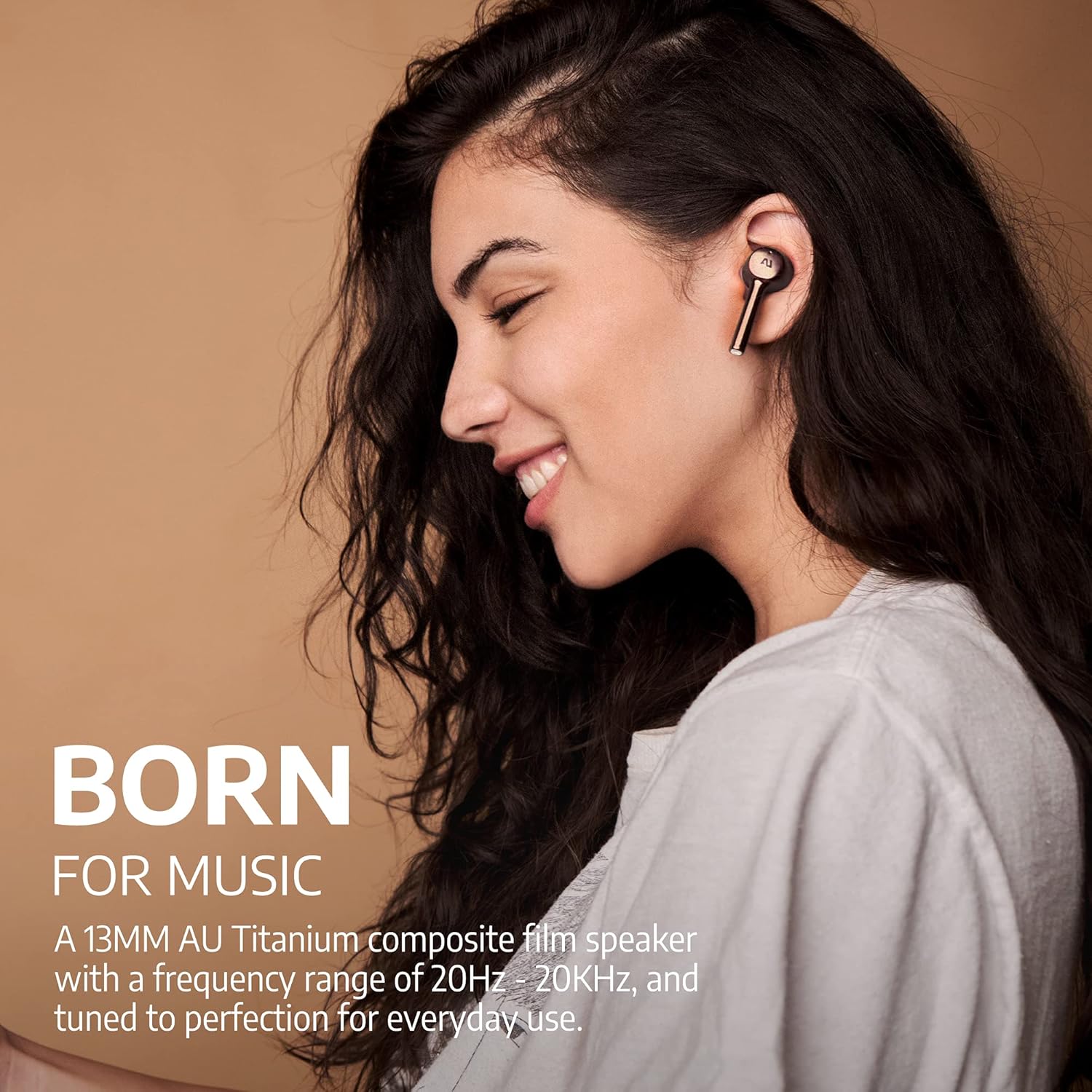
Image: Ausounds AU-Stream True Wireless Earbuds in Gold, showcasing desain anu ramping.
Video: Official Ausounds AU-Stream Unboxing Video, demonstrating the contents of the product packaging.
Fitur produk
- Hybrid Active Noise Cancellation (ANC): Ngurangan noise ambient pikeun pangalaman déngékeun immersive.
- Bluetooth 5.0: Provides stable and efficient wireless connectivity with smart pairing.
- High-Performance AU Titanium Driver: Delivers rich audio quality with clear mids, highs, and warm bass.
- Manjangkeun Umur Batré: Nepi ka 20 jam tina total umur batre sareng wadah ngecas.
- Rapid Wireless Charging: Conveniently charge the case using a Qi-certified wireless charger.
- Telepon Bebas Leungeun Anu Jelas: Equipped with dual microphones for clear voice transmission.
- IPX5 Tahan Cai: Resistant to sustained, low-pressure water jets and sweat, suitable for sports and exercise.
- Rojongan Asisten Sora: Compatible with popular voice assistants like Siri, Google Assistant, and Alexa.
- Kontrol Toél: Manage playback, calls, and noise modes directly from the earbuds.
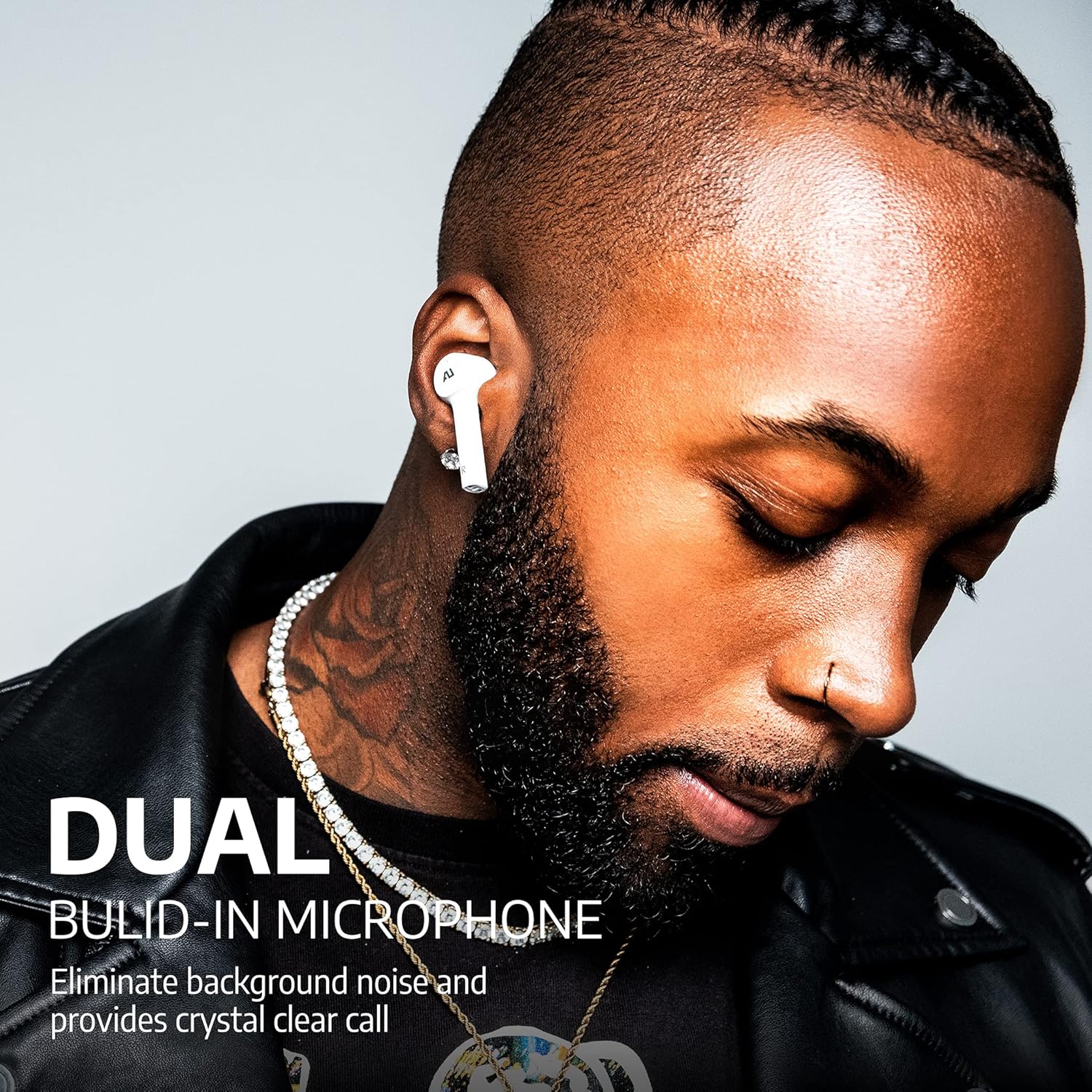
Image: Man wearing white Ausounds AU-Stream earbuds, emphasizing the dual built-in microphone for clear calls.
Setup jeung Papasangan
- Ngecas Earbuds: Before first use, ensure both earbuds and the charging case are fully charged. Place the earbuds in the case and connect the USB-C cable or place the case on a wireless charging pad. The LED indicators on the case will show the charging status.
- Daya Hurung: Earbuds bakal otomatis hurung nalika dicabut tina wadah ngecas.
- Aktipkeun Bluetooth: Dina smartphone atawa alat audio Anjeun, aktipkeun Bluetooth.
- papasangan: Open the charging case with the earbuds inside. The earbuds will enter pairing mode automatically. On your device, search for "AU-STREAM" in the Bluetooth device list and select it to connect.
- Sambungan suksés: A voice prompt will confirm successful pairing. The earbuds are now ready for use.
Note: If pairing issues occur, ensure the earbuds are charged and within range of your device. Restarting your device may also resolve connectivity problems.

Image: A smartphone displaying a successful Bluetooth connection to the 'AU-STREAM' device, with the charging case and earbuds nearby.
Parentah Operasi
The Ausounds AU-Stream earbuds feature intuitive touch controls for various functions:
- Puter / Reureuh: Ketok tunggal dina boh earbud.
- Lagu salajengna: Ketok dua kali dina earbud katuhu.
- Lagu Sateuacanna: Ketok dua kali dina earbud kénca.
- Ngajawab / mungkas Telepon: Ketok tunggal dina boh earbud.
- Nolak Telepon: Pencét jeung tahan boh earbud salila 2 detik.
- Aktipkeun Asisten Sora: Ketok tilu kali dina boh earbud.
- Toggle Noise Control Modes (ANC/Transparency/Normal): Press and hold either earbud for 3 seconds. A voice prompt will announce the current mode.
Note: Ensure ear tips provide a good seal for optimal noise cancellation and audio quality.
Kualitas Telepon
The AU-Stream earbuds are designed to provide clear hands-free calling. In quiet environments, call quality is excellent, ensuring your voice is transmitted clearly. In noisy environments, the dual microphones work to reduce background noise, maintaining good call clarity, though some ambient sounds may still be present.
Video: Official Ausounds video titled 'AU-Stream ANC "Your Music, Less Noise"', demonstrating the noise cancellation feature in various settings.
Performance Audio
Equipped with high-performance AU Titanium drivers, the AU-Stream earbuds deliver a balanced and dynamic audio experience. Users can expect crisp, clear mids and highs, complemented by a warm and impactful bass. The soundstage is well-defined, providing an enjoyable listening experience across various music genres.

Gambar: Hiji ngabeledug view of the internal components of an AU-Stream earbud, alongside a frequency response curve graph illustrating its audio performance.
Ngecas
The AU-Stream earbuds and charging case offer flexible charging options:
- USB-C ngecas: Sambungkeun kabel USB-C anu disayogikeun kana port ngecas dina casing sareng kana sumber daya.
- Ngecas nirkabel: Place the charging case on any Qi-certified wireless charging pad.
The charging case features LED indicators on the front to display the battery level of the case and the charging status of the earbuds. A full charge provides up to 20 hours of total playback time.

Image: The Ausounds AU-Stream charging case resting on a wireless charging pad, illustrating its wireless charging capability.
Tahan cai
The Ausounds AU-Stream earbuds are rated IPX5 water resistant. This means they can withstand a sustained, low-pressure water jet spray and sweat, making them suitable for workouts and outdoor activities. However, they are not designed for submersion in water.
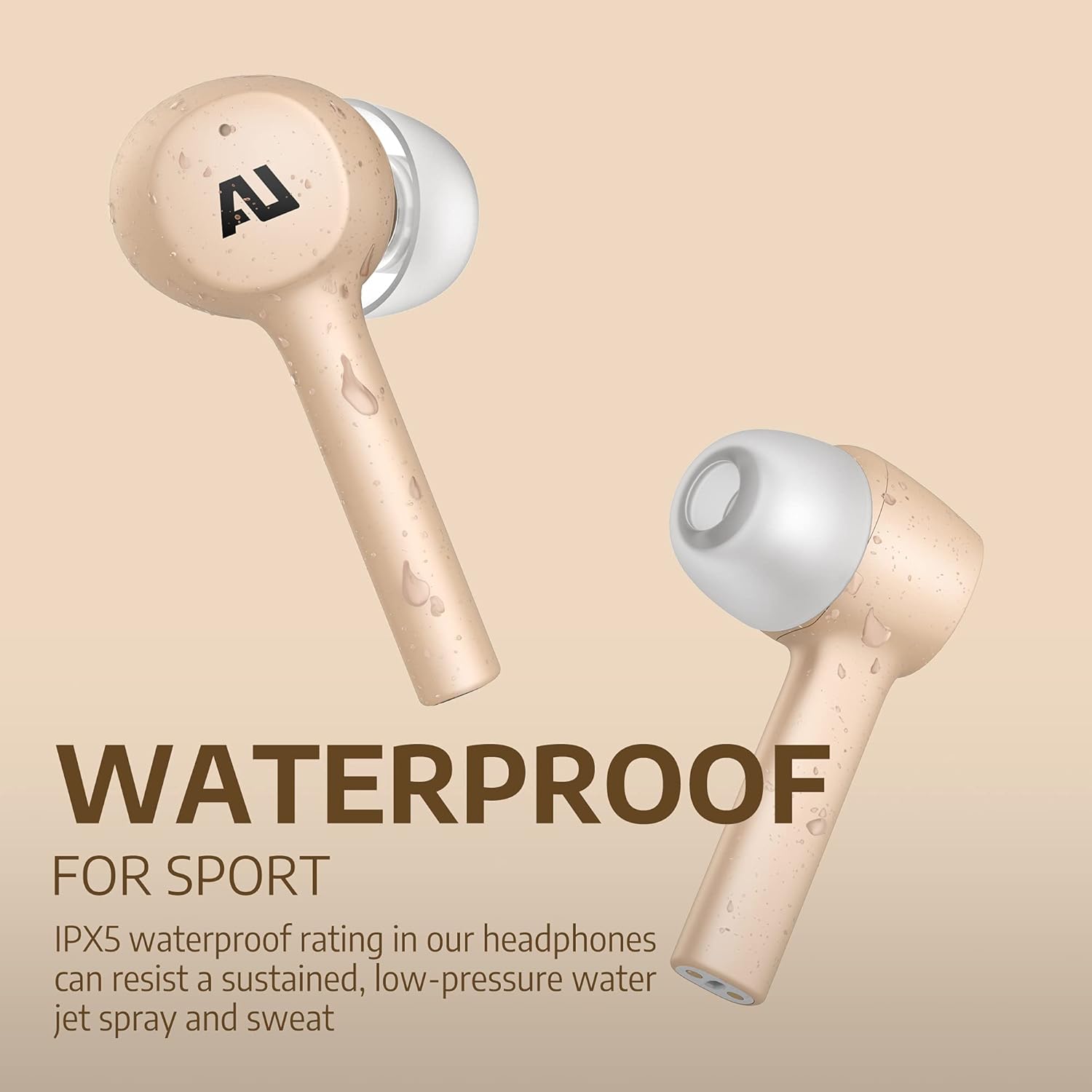
Image: Gold Ausounds AU-Stream earbuds with visible water droplets, highlighting their IPX5 water-resistant feature, suitable for sports.
spésifikasi
| Fitur | Rincian |
|---|---|
| Nomer modél | AUS101 |
| Téknologi Komunikasi Nirkabel | Bluetooth 5.0 |
| Panempatan Ceuli | Dina Ceuli |
| Faktor Bentuk | Dina Ceuli |
| Kontrol bising | Pembatalan Noise aktip |
| Fitur husus | Microphone Included, Noise Cancellation, Water-Resistant, Wireless |
| Tingkat Résistansi Cai | IPX5 |
| Item Beurat | 3.52 ons (0.1 Kilogram) |
| Dimensi produk | 4 x 4 x 2.1 inci |
| Bahan | Silikon |
| UPC | 860002195834 |
Pamérésan masalah
If you encounter issues with your Ausounds AU-Stream earbuds, consider the following:
- Teu Aya Sora/Audio Goréng: Ensure earbuds are properly seated in your ears and a good seal is achieved with the correct size ear tips. Check device volume and Bluetooth connection.
- Masalah pasangan: Make sure Bluetooth is enabled on your device and the earbuds are in pairing mode. Try forgetting the device in your Bluetooth settings and re-pairing. Ensure earbuds are charged.
- Masalah ngecas: Verify the USB-C cable is securely connected or the charging case is correctly placed on the wireless charging pad. Check LED indicators for charging status.
- Active Noise Cancellation (ANC) Ineffective: A proper fit with the correct ear tip size is crucial for effective ANC. Ensure the earbuds are firmly in your ear canal to create a seal.
Garansi sareng Rojongan
Ausounds provides a 30 poé jaminan duit-balik jeung a 1-taun jaminan kawates for the AU-Stream True Wireless Bluetooth Earbuds. For warranty claims, technical support, or further assistance, please refer to the contact information provided in your warranty card or visit the official Ausounds websitus.


