
EVGA 08G-P4-3172-KR
EVGA GeForce RTX 2070 Super XC Gaming Graphics Card User Manual
Model: 08G-P4-3172-KR
Bubuka
The EVGA GeForce RTX 2070 Super XC Gaming graphics card is engineered to deliver exceptional performance for gaming and demanding applications. Powered by the NVIDIA Turing architecture, it features 8GB of GDDR6 memory, dual HDB fans for efficient cooling, adjustable RGB lighting, and a durable metal backplate. This manual provides essential information for the proper installation, operation, and maintenance of your graphics card.
Naon dina Box
Upon opening your EVGA GeForce RTX 2070 Super XC Gaming package, you should find the following items:
- EVGA GeForce RTX 2070 Super XC Gaming Graphics Card
- Manual pangguna (dokumén ieu)
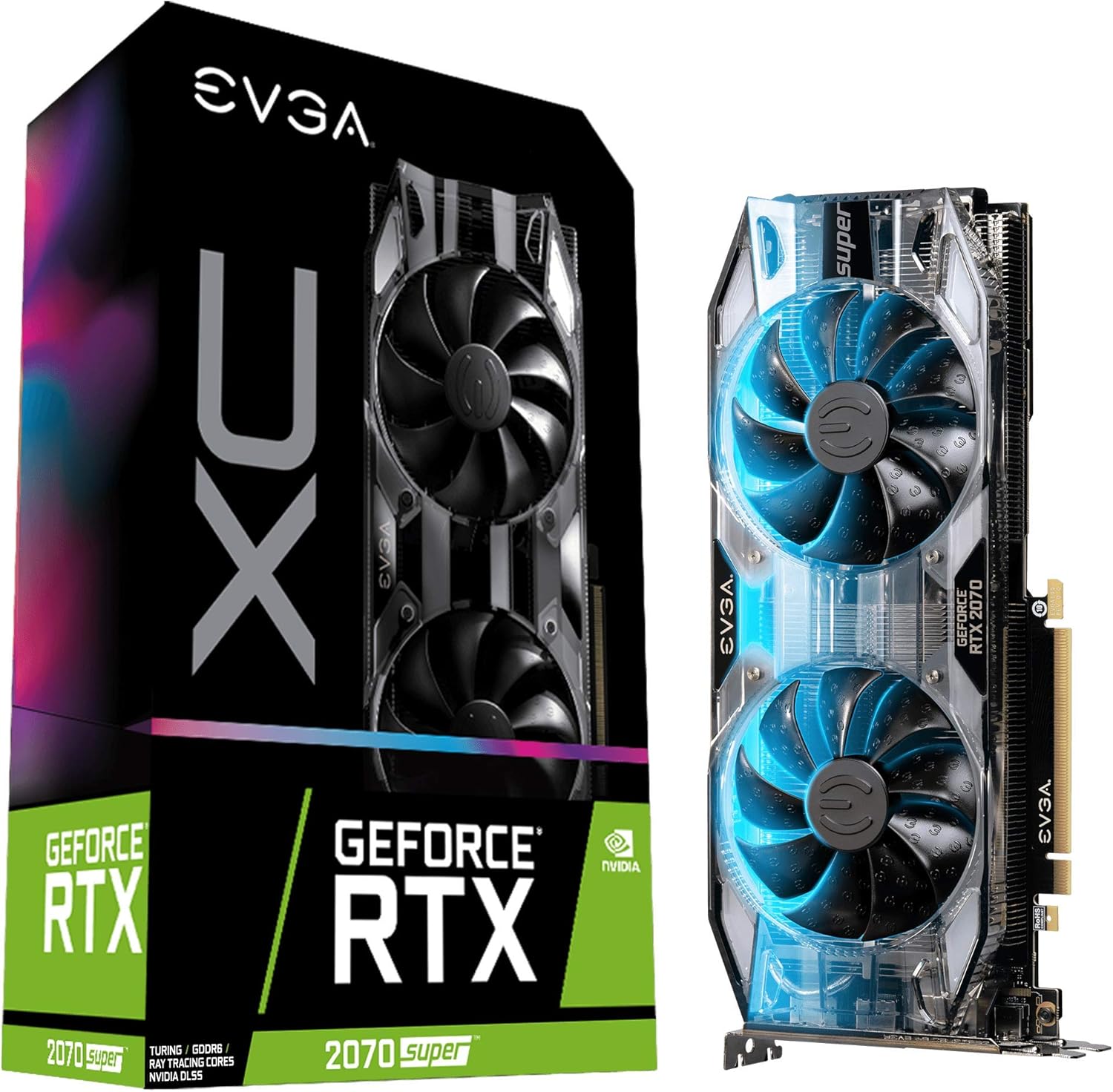
Image: The EVGA GeForce RTX 2070 Super XC Gaming graphics card shown alongside its retail packaging.
spésifikasi
| Fitur | Rincian |
|---|---|
| Grafik Coprocessor | NVIDIA GeForce RTX 2070 |
| Speed Jam GPU | 1800 MHz (Boost) |
| Ukuran RAM Grafis | 8 GB GDDR6 |
| Laju mémori | 14000 MHz |
| Resolusi layar Max | 7680x4320 |
| Panganteur Kaluaran Video | HDMI, DisplayPort, USB-C |
| Niiskeun | Dual HDB Fans |
| Pelat tukang | Sadayana logam |
| Ukuran (L x W x H) | 10.62 x 4.37 x 1.77 inci |
| Item Beurat | 1.76 pon |

Gambar: Top view tina kartu grafis, nunjukkeunasing the dual HDB fans.
Pamasangan
Proper installation is crucial for optimal performance and system stability. Ensure your system meets the minimum power supply and physical clearance requirements before proceeding.
1. Instalasi fisik
- Pareum sareng Cabut colokan: Completely shut down your computer and disconnect all power cables from the wall outlet.
- Kasus Buka: Open your computer case to access the motherboard and PCIe slots.
- Manggihan slot PCIe: Identify an available PCIe x16 slot on your motherboard. This graphics card typically occupies two expansion slots.
- Leupaskeun panutup slot: Remove the necessary metal slot covers from the back of your computer case corresponding to the chosen PCIe slot.
- Selapkeun Kartu Grafik: Taliti align kartu grafik jeung slot PCIe terus pencét handap pageuh nepi ka seated aman. Pastikeun klip ingetan dina motherboard clicks kana tempatna.
- Kartu Aman: Use screws to secure the graphics card to the computer case at the expansion slot bracket.
- Sambungkeun Kakuatan: Connect the required PCIe power cables from your power supply to the graphics card. This model typically requires 8-pin and 6-pin PCIe power connectors.
- Tutup Kasus: Once secured and powered, close your computer case.

Gambar: Sisi view of the graphics card, highlighting the HDMI, DisplayPort, and USB-C outputs.
2. Pamasangan supir
- Daya Hurung: Sambungkeun deui sadaya kabel listrik sareng hurungkeun komputer.
- Boot Awal: Sistem operasi anjeun tiasa boot sareng supir tampilan dasar.
- Unduh Supir: Kunjungi NVIDIA resmi websitus (www.nvidia.com/drivers) to download the latest graphics drivers for your GeForce RTX 2070 Super.
- Pasang Supir: Run the downloaded driver installer and follow the on-screen prompts. A restart may be required after installation.
- Install EVGA Precision X1: For advanced monitoring, overclocking, and RGB control, download and install the EVGA Precision X1 software from the official EVGA websitus (www.evga.com/precisionx1/).

Image: An EVGA banner indicating installation guidance for GeForce GTX and RTX series.
Operasi
Your EVGA GeForce RTX 2070 Super is designed for high-performance computing, particularly for gaming and content creation.
Fitur konci sareng panggunaan:
- Pelacakan Sinar Waktu Nyata: Experience cutting-edge, hyper-realistic graphics in supported games and applications.
- Kinerja luhur: With a Real Boost Clock of 1800 MHz and 8192 MB GDDR6 memory, the card delivers smooth frame rates and efficient processing.
- Sistim cooling: The dual HDB fans provide high-performance cooling while maintaining quiet acoustic noise during normal operation. Fans will spin up under heavy load to dissipate heat effectively.
- Adjustable RGB LED: Customize the integrated RGB lighting to match your system's aesthetic using the EVGA Precision X1 software.
- Video Editing and Content Creation: Beyond gaming, this card is a powerful tool for video editing, 3D rendering, and other graphically intensive tasks, leveraging its robust processing capabilities.

Gambar: Hiji sudut view tina kartu grafis, nunjukkeunasing its design and potential RGB illumination.
Pangropéa
Pangropéa rutin ngabantosan mastikeun umur panjang sareng kinerja optimal tina kartu grafik anjeun.
- Ngaleungitkeun lebu: Periodically clean dust from the fans and heatsink using compressed air. Ensure the computer is powered off and unplugged before cleaning. Hold the fan blades gently to prevent them from spinning rapidly during cleaning, which can damage the bearings.
- Pembaruan supir: Keep your graphics drivers updated to the latest version from the NVIDIA website. Driver updates often include performance improvements, bug fixes, and compatibility enhancements.
- Ngawaskeun parangkat lunak: Use EVGA Precision X1 or other monitoring software to keep an eye on GPU temperatures and fan speeds. Ensure temperatures remain within safe operating limits, especially during heavy loads.

Image: The metal backplate of the graphics card, designed for structural integrity and heat dissipation.
Pamérésan masalah
Upami anjeun ngalaman masalah sareng kartu grafis anjeun, pertimbangkeun léngkah-léngkah ngungkulan masalah umum ieu:
- Henteu aya tampilan/layar hideung:
- Pastikeun kartu grafik geus pinuh seated dina slot PCIe.
- Verify all PCIe power cables are securely connected to the card.
- Check that your monitor cable is connected to the graphics card's output, not the motherboard's integrated graphics port.
- Uji nganggo kabel tampilan atanapi monitor anu béda upami mungkin.
- Masalah/Kacilakaan Supir:
- Perform a clean installation of the latest graphics drivers from NVIDIA's website. Use DDU (Display Driver Uninstaller) in Safe Mode to remove old drivers completely before installing new ones.
- Pastikeun sistem operasi anjeun up to date.
- Overheating / Bising Kipas:
- Lebu beresih tina kipas sareng heatsink.
- Pastikeun aliran hawa nyukupan dina wadah komputer anjeun.
- Monitor temperatures using EVGA Precision X1. If temperatures are consistently high, consider adjusting fan curves or improving case ventilation.
- Masalah Performa (FPS Leutik, Gagap):
- Verify that your system meets the recommended specifications for the games or applications you are running.
- Mastikeun supir grafik up to date.
- Pariksa aplikasi latar tukang anu ngagunakeun sumber daya sistem.
- Confirm that the card is receiving sufficient power from the power supply.
Garansi sareng Rojongan
EVGA stands behind the quality of its products. The EVGA GeForce RTX 2070 Super XC Gaming graphics card comes with a garansi 3 taun.
For technical support, warranty claims, or additional product information, please visit the official EVGA websitus atanapi ngahubungan layanan palanggan maranéhna:
- EVGA Official Websitus: www.evga.com
- Pendaptaran Produk: Register your product on the EVGA website to ensure full warranty coverage and access to support resources.
Ask a question about this manual
Ask about setup, troubleshooting, compatibility, parts, safety, or missing instructions. Manuals+ will review the question and use this page’s manual context to help answer it.