Bubuka
This manual provides detailed instructions for the setup, operation, and maintenance of your MoKo RD9528A Travel Alarm Clock. Please read this guide thoroughly to ensure proper use and to maximize the lifespan of your device.
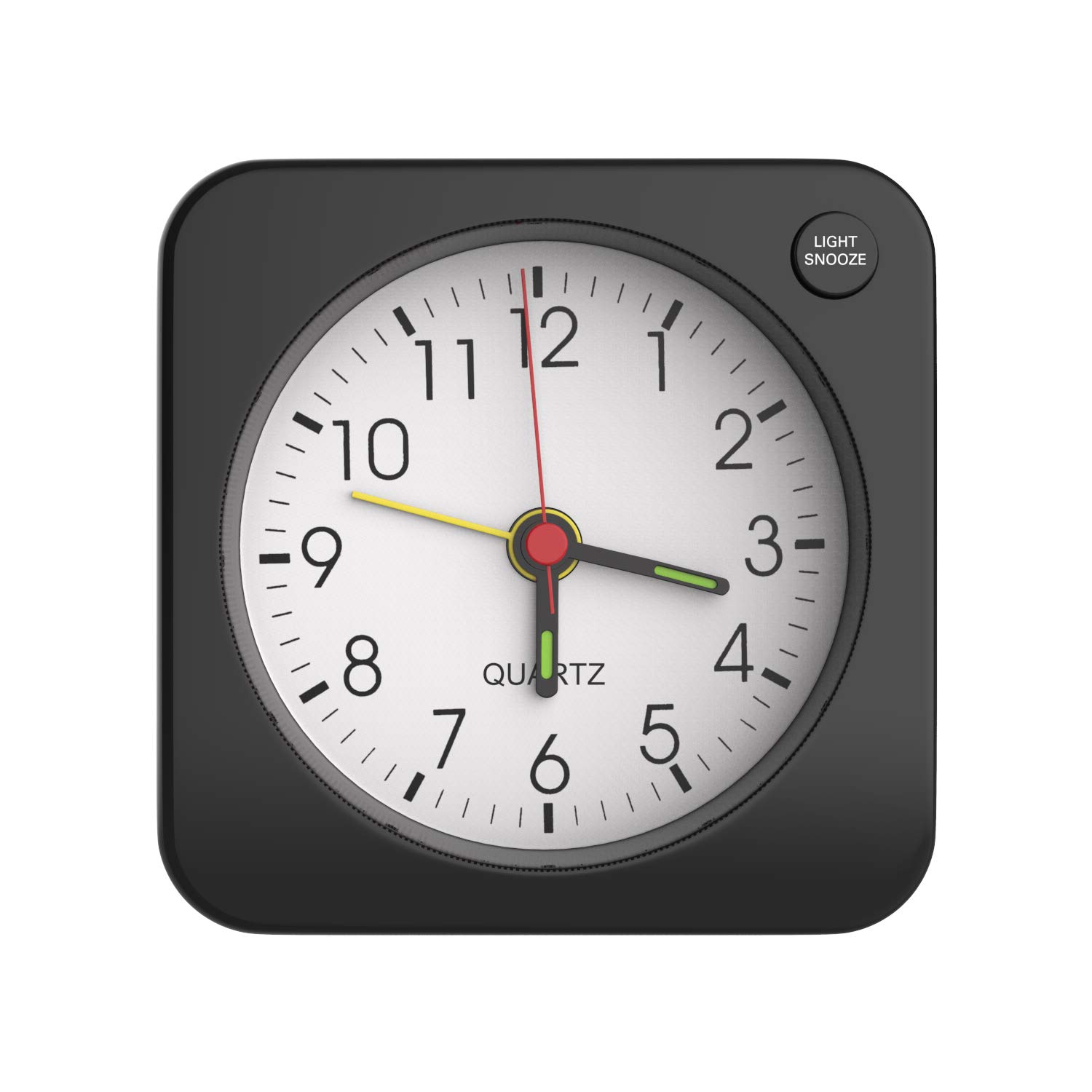
Image: The MoKo RD9528A Travel Alarm Clock, a compact square device, shown held in a hand to illustrate its small size.
Fitur produk
- Desain kompak: Made from durable plastic with a classic square shape, suitable for various environments.
- Fungsi lampu tukang: Features a soft yellow backlight for easy time viewing in low-light conditions. Activated by the LIGHT/SNOOZE button.
- Easy Alarm Setting: Simple alarm switch on top for activation and deactivation. Alarm volume increases gradually in four stages.
- Fungsi Tungkul A 5-minute snooze feature, activated by pressing the LIGHT/SNOOZE button.
- Portability: Mini, lightweight, and portable design, ideal for travel or placement in various rooms.
- Batré Powered: Operates on 1 AA battery (not included).
Disetél
Pamasangan batré
- Panggihan kompartemen batré dina tonggong jam.
- Buka panutup kompartemen batréna lalaunan.
- Insert one AA battery, ensuring the positive (+) terminal is attached first, then the negative (-) terminal.
- Tutup panutup kompartemen batré aman.

Image: A visual guide demonstrating the correct procedure for inserting an AA battery into the clock's battery compartment.
Note: The battery is not included with the clock.
Parentah Operasi
Nyetél Waktos
On the back of the clock, locate the Setélan Waktos knob. Rotate this knob clockwise or counter-clockwise to adjust the clock hands to the current time.

Image: The rear panel of the alarm clock, highlighting the Time Setting knob and other controls.
Nyetel Alarm
- Panggihan lokasina Setélan alarem knob on the back of the clock.
- Rotate this knob to set the alarm hand to your desired wake-up time.
- To activate the alarm, push the Pindah Alarm (located on the top of the clock) upwards.
- To deactivate the alarm, push the Pindah Alarm ka handap.

Image: A diagram illustrating the alarm switch position for activating (up) and deactivating (down) the alarm function.
Fungsi Snooze
Nalika alarm disada, pencét éta Cahaya / SNOOZE button located on the top right side of the clock face. This will temporarily silence the alarm for approximately 5 minutes before it sounds again.

Image: The alarm clock on a nightstand, demonstrating the action of pressing the LIGHT/SNOOZE button to activate the snooze feature.
Aktivasina Lampu Latar
To illuminate the clock face in the dark, press the Cahaya / SNOOZE button. The soft yellow backlight will turn on, allowing you to view the time clearly at night. Release the button to turn off the backlight.

Image: The alarm clock displaying its soft yellow backlight in a dimly lit setting, activated by a user's finger.
Pangropéa
- beberesih: Lap jam ku lawon anu lemes sareng garing. Ulah nganggo pembersih atanapi pangleyur anu abrasif.
- Ngagantian batré: Replace the AA battery when the clock's performance diminishes or stops. Always dispose of used batteries responsibly.
- Panyimpenan: If storing the clock for an extended period, remove the battery to prevent leakage.
Pamérésan masalah
| Masalah | Mungkin Cukang lantaranana | Solusi |
|---|---|---|
| Clock is not working or stops intermittently. | Batré lemah atanapi paéh; batré anu teu dipasang kalayan leres. | Replace the AA battery with a new one. Ensure the battery is inserted with correct polarity (+/-). |
| Alarm teu disada. | Alarm switch is in the OFF position; alarm time not set correctly; low battery. | Push the Alarm Switch upwards to the ON position. Verify the alarm hand is set to the desired time. Replace the battery if needed. |
| Backlight is not working. | Low battery; LIGHT/SNOOZE button not pressed firmly. | Replace the AA battery. Ensure the LIGHT/SNOOZE button is pressed completely. |
| Loud ticking noise. | This is a characteristic of some analog quartz movements. | This is generally not a malfunction. If the noise is excessive or new, ensure the clock is on a stable surface. |
spésifikasi
| Fitur | Rincian |
|---|---|
| merek | MoKo |
| Nomer modél | RD9528A |
| Warna | Hideung |
| Tipe tampilan | Analog |
| Gaya | Classic, Square |
| Fitur husus | Alarm, Snooze, Backlight |
| Sumber Daya | Didukung ku batré (1 batré AA) |
| Bahan | palastik |
| Ukuran (L x W x H) | 2.36 x 1.1 x 2.36 inci (6 x 2.8 x 6 cm) |
| Item Beurat | 1.41 ons (40 gram) |
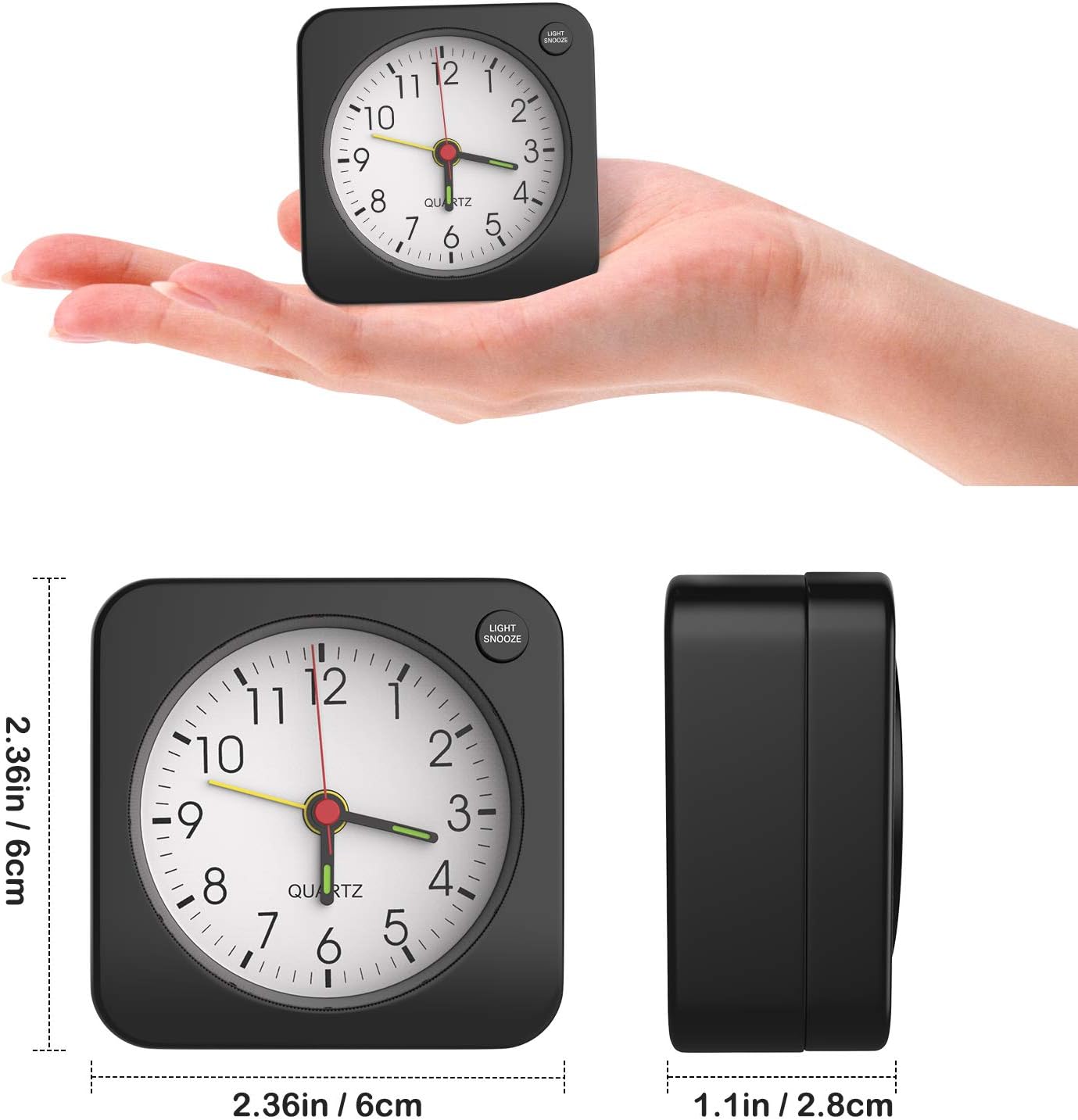
Image: The alarm clock shown with its precise measurements for length, width, and height.
Garansi sareng Rojongan
For warranty information or technical support, please refer to the retailer's return policy or contact MoKo customer service directly through their official website or the platform where the product was purchased. Please have your model number (RD9528A) and purchase details ready.


