1. Bubuka
This manual provides essential information for the safe and efficient use of your PNI ECH16 Portable Charging Cable. Please read these instructions carefully before using the product and retain them for future reference. The PNI ECH16 is designed to provide a convenient and reliable charging solution for electric vehicles requiring a 16A power supply.
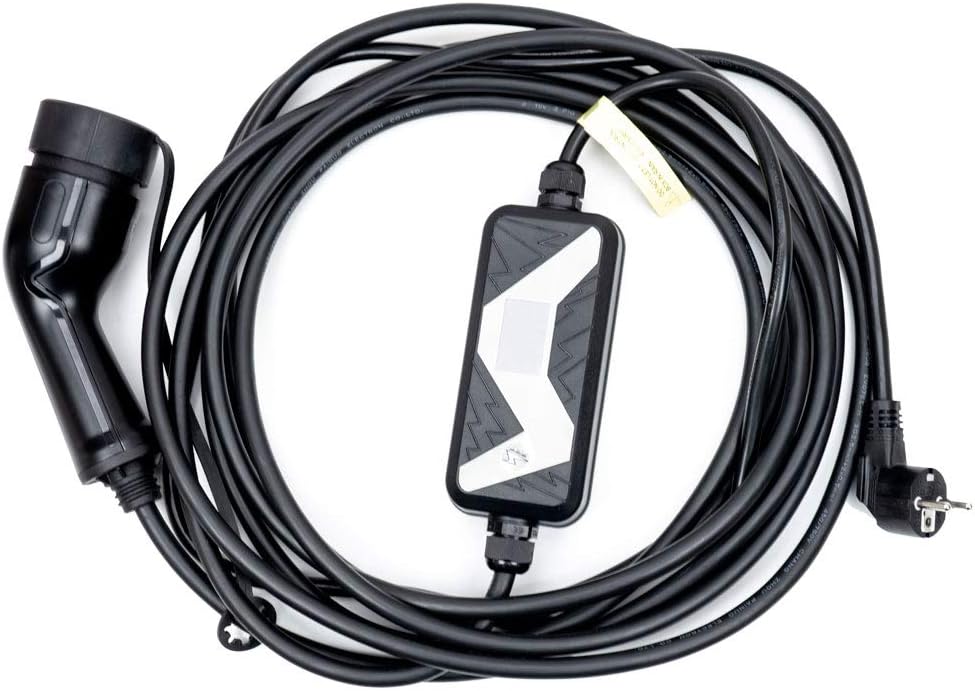
Gambar 1: Leuwihview of the PNI ECH16 Portable Charging Cable.
2. Émbaran Kasalametan
Salawasna perhatikeun pancegahan kaamanan di handap ieu pikeun nyegah tatu atanapi karusakan kana produk sareng kendaraan:
- Do not use the charging cable if it is damaged, frayed, or shows signs of wear.
- Ensure the power outlet is properly grounded and rated for 16A.
- Do not immerse the control box or connectors in water.
- Jauhkeun barudak sareng piaraan tina tempat ngecas.
- Avoid using extension cords or adapters with the charging cable.
- Always disconnect the cable from the power source before disconnecting from the vehicle.
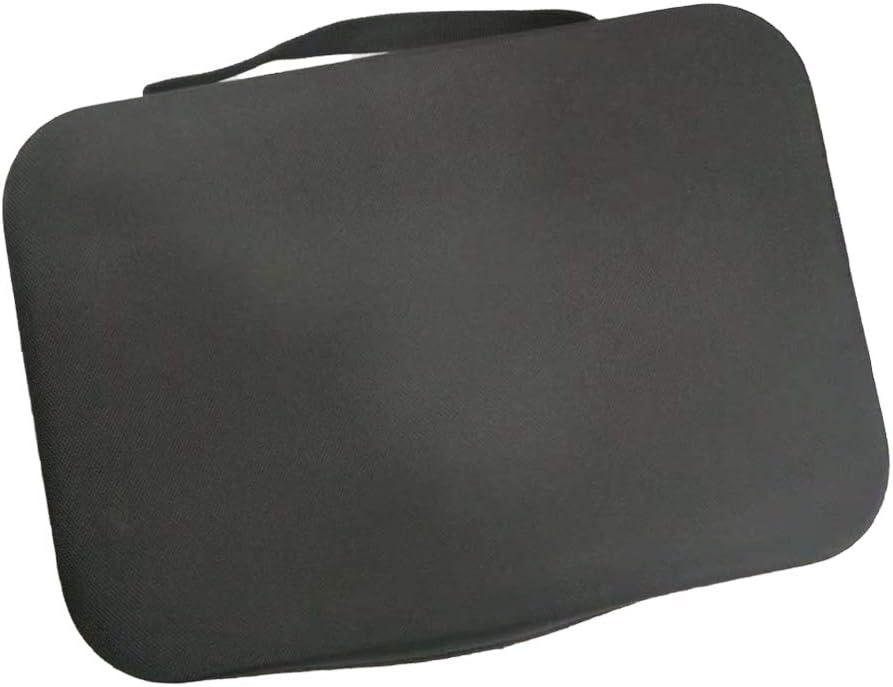
Figure 2: The control box features important safety warnings and operational indicators.
3. Parentah Setup
- Buka bungkus kabel: Carefully remove the charging cable from its packaging. Inspect it for any visible damage.
- Pilih Lokasi: Ensure the charging location is dry, well-ventilated, and away from flammable materials.
- Nyambungkeun ka stop kontak: Plug the Schuko plug (wall plug) of the charging cable into a standard 230V, 16A grounded power outlet. The control box will typically illuminate to indicate power.
- Nyiapkeun Kandaraan: Ensure your electric vehicle is turned off and the charging port is accessible.
4. Parentah Operasi
- Nyambung ka Kendaraan: Insert the Type 2 connector (vehicle plug) firmly into your electric vehicle's charging port. You may hear a click as it locks into place.
- Mimitian Ngecas: The control box will communicate with the vehicle to initiate the charging process. Indicators on the control box will show the charging status (e.g., flashing lights).
- Monitor ngecas: Observe the indicators on the control box and your vehicle's dashboard to confirm charging is active.
- Eureun Ngecas: To stop charging, first unlock the vehicle's charging port (if applicable), then disconnect the Type 2 connector from the vehicle. Finally, unplug the Schuko plug from the wall outlet.

Figure 3: Firmly insert the Type 2 connector into your vehicle's charging port.
5. Pangropéa
- beberesih: Clean the cable and connectors with a dry or slightly damp lawon. Ulah make bahan kimia kasar atawa cleaners abrasive.
- Panyimpenan: When not in use, coil the cable neatly and store it in a dry, cool place, away from direct sunlight and extreme temperatures. The provided carrying bag is ideal for storage.
- Pamariksaan: Regularly inspect the cable, plugs, and control box for any signs of damage, such as cracks, cuts, or discoloration. If damage is found, discontinue use immediately and contact customer support.

Figure 4: Store the charging cable neatly in its carrying bag when not in use.
6. Cara ngungkulan
| Masalah | Mungkin Cukang lantaranana | Solusi |
|---|---|---|
| Ngecas teu ngamimitian | Cable not fully connected; Power outlet issue; Vehicle charging port issue. | Ensure both plugs are fully inserted. Check the power outlet with another device. Consult your vehicle manual. |
| Control box indicators not lighting up | No power from the outlet; Cable fault. | Check the power outlet. If the outlet is functional, the cable may be faulty; contact support. |
| Ngecas lalaunan | Vehicle settings; Power supply limitations. | Check your vehicle's charging settings. Ensure the power outlet is providing full 16A. |
| Overheating of plugs/cable | Overload; Poor connection; Damaged cable. | Immediately disconnect the cable. Ensure the outlet is rated for 16A. Inspect for damage. Do not use if overheating persists. |
7. Spésifikasi
| Fitur | Spésifikasi |
|---|---|
| Nomer modél | PNI-ECH16A |
| Masukan Voltage | 85-265V AC |
| Frékuénsi Input | 50/60 Hz |
| Max Input Ayeuna | 20 A |
| Kaluaran Voltage | 85-265V AC |
| Max Kaluaran Ayeuna | 20 A |
| Wall Plug Type | schuko |
| Vehicle Connector Type | Tipe 2 (IEC 62196-2) |
| Daya Maksimum | 4 kW |
| Item Beurat | 2.7 kg |
| Dimensi produk | 20 x 7 x 7 cm |
| Fitur husus | Portable, Travel-friendly |
| Produsén | SRL TOKO ONLINE |
| Negara asal | Cina |


