
Bubuka
This manual provides comprehensive instructions for the installation, operation, and maintenance of your Aerocool LUX RGB 650M semi-modular power supply. The LUX RGB 650M is designed to deliver stable power to your PC components while offering customizable RGB lighting effects. Please read this manual thoroughly before installation and use to ensure proper functionality and safety.

Gambar: Angled view of the Aerocool LUX RGB 650M Power Supply, showcasing its black finish and RGB lighting panel.
Émbaran Kasalametan
- Pastikeun catu daya dipegatkeun tina stop kontak listrik AC sateuacan dipasang atanapi diropéa.
- Ulah muka unit catu daya. Tinggi voltagaya di jero, anu tiasa nyababkeun sengatan listrik.
- Install the power supply in a well-ventilated area. Do not block the ventilation openings.
- Produk ieu dirancang kanggo dianggo dina komputer pribadi. Entong dianggo pikeun tujuan anu sanés.
- Keep the power supply away from water, moisture, and extreme temperatures.
- Use only the cables provided with the power supply. Using third-party cables may cause damage.
Eusi pakét
Pastikeun yén sadaya item aya dina bungkusan:
- Aerocool LUX RGB 650M Power Supply Unit
- Modular Cable Set (PCIe, SATA, Peripheral)
- Main ATX 20+4 Pin Cable (fixed)
- CPU 4+4 Pin Cable (fixed)
- Kabel Daya AC
- Pamasangan screws
- Manual pamaké
Setup sareng Instalasi
Follow these steps to install your Aerocool LUX RGB 650M power supply:
- Nyiapkeun Kasus PC anjeun: Ensure your computer is powered off and unplugged from the wall outlet. Open your PC case to access the power supply mounting area.
- Pasang Power Supply: Carefully slide the LUX RGB 650M into the designated power supply bay in your PC case. Secure it with the provided mounting screws.
- Connect Fixed Cables:
- Nyambungkeun 20+4 Pin ATX cable to your motherboard's main power connector.
- Nyambungkeun 4+4 Pin CPU cable to your motherboard's CPU power connector.
- Sambungkeun kabel modular: Identify the necessary modular cables for your components (graphics card, SSDs/HDDs, optical drives).
- Sambungkeun nu diperlukeun kabel PCIe to your graphics card(s).
- Nyambung Kabel kakuatan SATA to your storage drives (SSDs, HDDs).
- Nyambung Peripheral (Molex) cables for any other components requiring them.

Gambar: Angled view of the Aerocool LUX RGB 650M Power Supply, illustrating the semi-modular design with fixed and detachable cables.
- Manajemén Kabel: Utilize the semi-modular design to manage cables efficiently, improving airflow and aesthetics within your PC case.
- Nyambungkeun RGB:
- For motherboard synchronization, connect the power supply's Addressable RGB cable to a +5V Addressable RGB header on your compatible motherboard.
- If your motherboard does not have an Addressable RGB header, you can control the lighting effects directly via the LED control button on the power supply.
- Sambungan Daya: Connect the AC power cord to the power supply's input socket and then to a wall outlet. Ensure the power switch on the PSU is in the OFF (0) position before plugging it in.
- System Configuration Note: For optimal performance and stability, ensure your system's power requirements do not exceed the PSU's capacity. A recommended maximum configuration for this 650W model is an Intel i5 processor, an RTX 3060 graphics card, and 16GB DDR4 RAM. For precise power calculations, consult online PSU calculators.
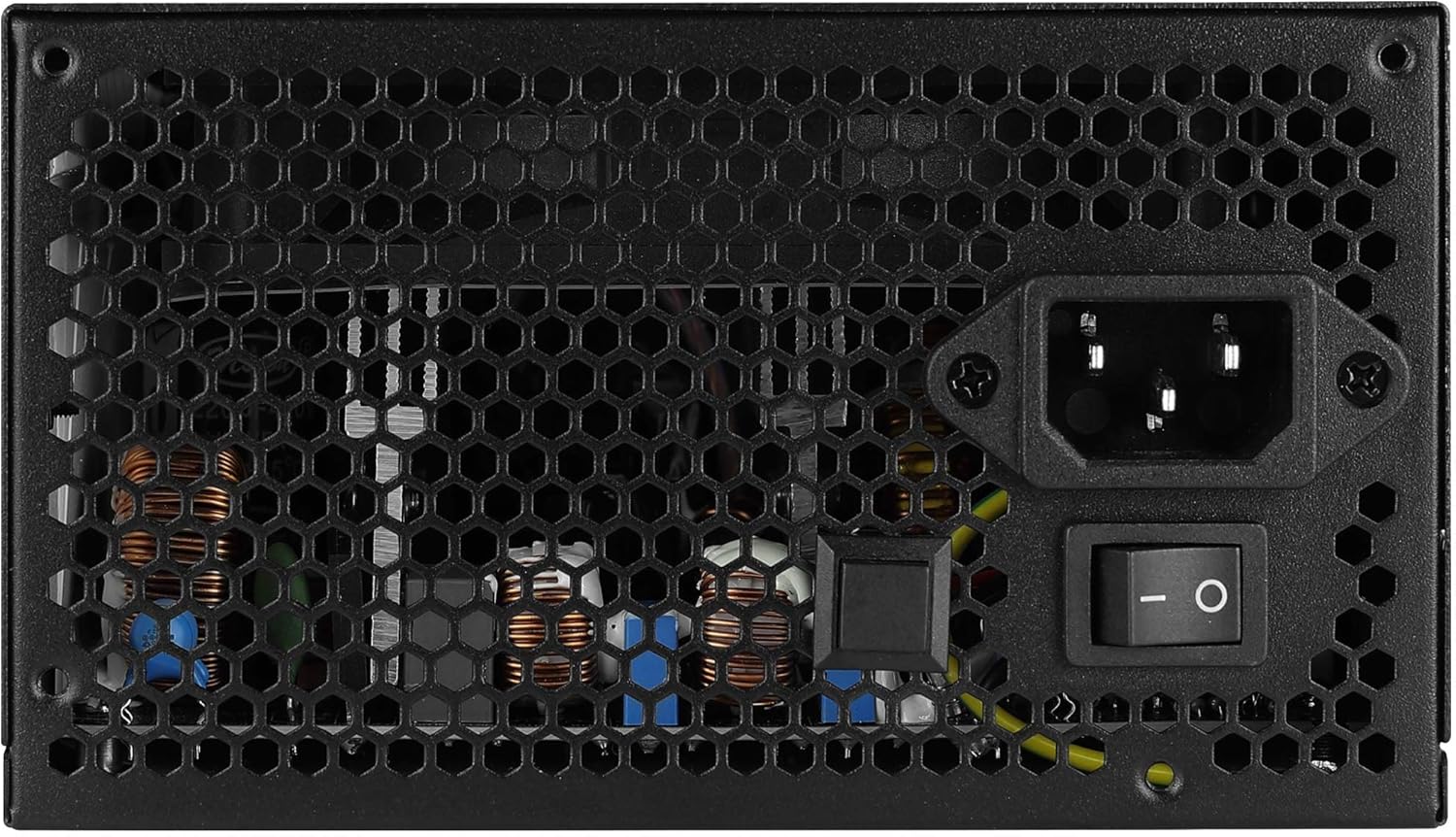
Gambar: Tukangeun view of the Aerocool LUX RGB 650M Power Supply, showing the AC power input, power switch, and ventilation grille.
Parentah Operasi
After successful installation, follow these steps to operate your power supply:
- Daya Hurung: Flip the power switch on the rear of the power supply to the ON (I) position. Then, power on your computer using the case's power button.
- Kontrol Lampu RGB:
- Via LED Control Button: If not connected to a motherboard ARGB header, press the dedicated LED control button on the power supply to cycle through 13 predefined lighting effects.
- Ngaliwatan Parangkat Lunak Motherboard: If connected to a +5V Addressable RGB header on your motherboard, you can control and synchronize the power supply's lighting effects using your motherboard's RGB software (e.g., ASUS Aura Sync, MSI Mystic Light Sync, Gigabyte RGB Fusion, ASRock Polychrome Sync).
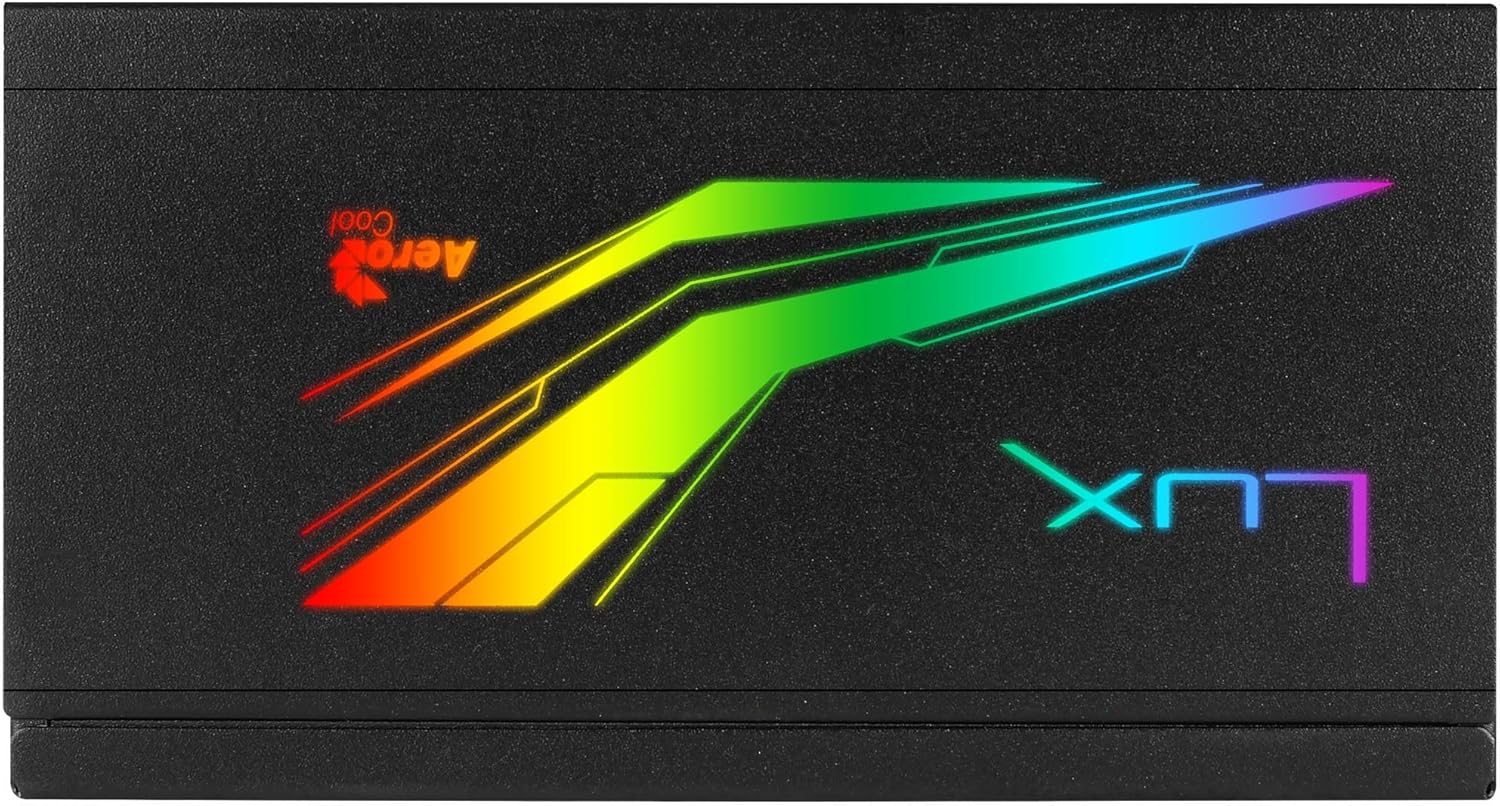
Gambar: Top view of the Aerocool LUX RGB 650M Power Supply, highlighting the integrated RGB lighting panel with the "LUX" and "AeroCool" logos.
Pangropéa
Pangropéa anu leres mastikeun umur panjang sareng kinerja optimal catu daya anjeun:
- beberesih lebu: Periodically clean the power supply's fan and ventilation grilles to prevent dust buildup, which can impede airflow and cooling. Use compressed air for best results. Ensure the power supply is off and unplugged before cleaning.
- Tiupan hawa: The LUX RGB 650M features a 30% increased ventilation area for enhanced airflow. Ensure your PC case has adequate ventilation to support efficient heat dissipation from the power supply.
- Operasi Kipas: The 12cm silent black fan operates with optimized thermal fan speed control, adjusting its speed based on temperature to maintain quiet operation and effective cooling.

Gambar: Sisi view of the Aerocool LUX RGB 650M Power Supply, highlighting the extensive honeycomb ventilation pattern for improved airflow.
Pamérésan masalah
Upami anjeun ngalaman masalah sareng catu daya anjeun, tingali masalah sareng solusi umum ieu:
- Teu Aya Daya pikeun Sistem:
- Pariksa upami kabel listrik AC disambungkeun sacara aman ka catu daya sareng stop kontak témbok.
- Ensure the power switch on the rear of the PSU is in the ON (I) position.
- Verify that all power cables (20+4 Pin ATX, 4+4 Pin CPU, PCIe, SATA) are correctly and firmly connected to their respective components.
- Nguji stop kontak témbok jeung alat sejen pikeun mastikeun eta boga kakuatan.
- Instabilitas Sistem / Kacilakaan:
- Ensure your system's power draw does not exceed the 650W capacity of the PSU. Overloading can cause instability.
- Pariksa sambungan kabel leupas.
- Ensure adequate ventilation within the PC case to prevent overheating.
- Lampu RGB Teu Gawé:
- If using the LED control button, ensure it is being pressed correctly to cycle effects.
- If connected to a motherboard ARGB header, verify the connection is secure and that your motherboard's RGB software is installed and configured correctly. Ensure it's a +5V ARGB header, not a +12V RGB header.
spésifikasi

Image: Electrical specifications label for the Aerocool LUX RGB 650M Power Supply, detailing voltage jeung outputs ayeuna.
| Fitur | Rincian |
|---|---|
| Nomer modél | LUXRGB650M |
| merek | AeroCool |
| Kaluaran kakuatan | 650 Watt |
| Sertifikasi efisiensi | 80Plus 230V EU Bronze (up to 88%+ efficiency) |
| Faktor Bentuk | ATX |
| Cabling Design | Semi-Modular |
| Métode Cooling | Air (12cm silent black fan with optimized thermal speed control) |
| Lampu RGB | Prism RGB (13 predefined effects via button, compatible with +5V Addressable RGB motherboards) |
| Masukan Voltage | 115-230 Volt |
| Ukuran (L x W x H) | 16 x 15 x 8.6 cm |
| Beurat | 1.5 kg |
| Alat nu cocog | Komputer Pribadi |
Garansi
The Aerocool LUX RGB 650M Power Supply comes with a garansi 2 taun on spare parts. Please retain your proof of purchase for warranty claims. The warranty covers defects in materials and workmanship under normal use. It does not cover damage caused by misuse, accident, modification, or unauthorized repair.
Ngarojong
For technical assistance, troubleshooting beyond this manual, or warranty inquiries, please contact AeroCool customer support. Visit the official AeroCool websitus pikeun inpo kontak jeung sumber tambahan.
Sumberdaya Online: www.aerocool.io