1. Bubuka
Hatur nuhun pikeun meuliasing the MIFA A30 Bluetooth Speaker. This manual provides essential information for setting up, operating, and maintaining your device. Please read it thoroughly before use to ensure optimal performance and longevity of your speaker.
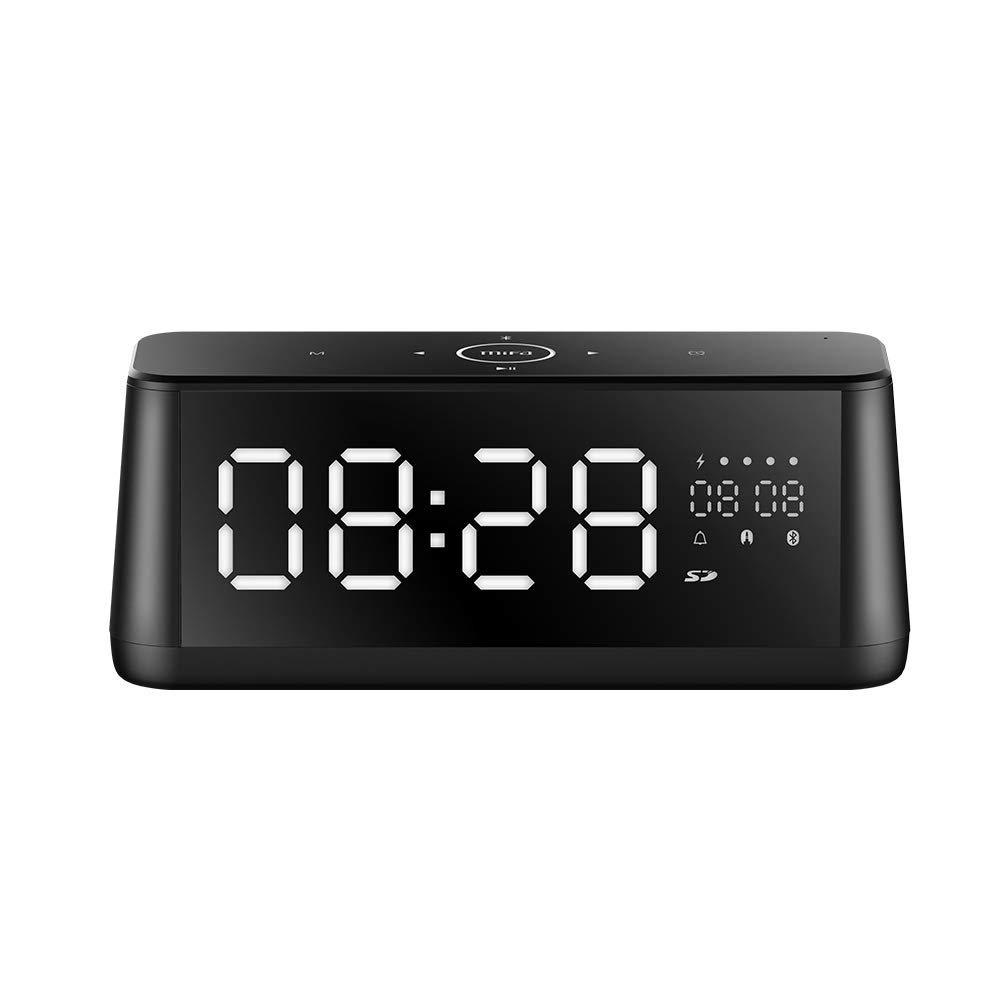
Gambar 1.1: Hareupeun view of the MIFA A30 Bluetooth Speaker, displaying the time on its large LED screen.
2. Émbaran Kasalametan
- Ulah ngalaan speaker ka suhu ekstrim, sinar panonpoé langsung, atawa kalembaban luhur.
- Hindarkeun lungsur atanapi nahan panyatur kana tabrakan anu kuat.
- Do not disassemble, repair, or modify the device yourself. Contact authorized service personnel for any repairs.
- Keep the speaker away from water and other liquids, despite its waterproof rating, to prevent damage to ports when open.
- Paké ngan kabel ngecas husus sarta adaptor.
- Bersihkeun spiker nganggo lawon anu lemes sareng garing. Entong nganggo pembersih anu kasar.
3. Eusi Paket
Mangga parios pakét kanggo barang-barang ieu:
- MIFA A30 Bluetooth Speaker
- Kabel Ngecas USB
- Kabel Audio 3.5mm
- Manual pangguna (dokumén ieu)
4. Produk Langkungview
4.1. komponén
The MIFA A30 speaker features a robust design with advanced audio components for high-quality sound reproduction.

Gambar 4.1: Ngabeledug view illustrating the internal components of the MIFA A30, including two 15-watt drivers and two low-frequency passive radiators.
4.2. Control Panel and Ports
The speaker's top panel features capacitive touch controls, and the rear panel houses various connectivity ports.
Gambar 4.2: Luhur-handap view of the MIFA A30 control panel, indicating the functions of each touch button for mode, playback, volume, and clock adjustment.
- Tombol M (Modeu): Short press to switch between Bluetooth, TF Card, and AUX modes.
- Kontrol Bluetooth: Long press to turn off Bluetooth, short press to turn on.
- Tombol Lacak Sateuacanna: Pencét pondok pikeun muka lagu saméméhna.
- Play/Pause/Hands-Free Button: Pencét pondok pikeun muterkeun/ngareureuhkeun musik. Pencét pondok pikeun ngajawab / mungkas telepon. Pencét lila pikeun nolak telepon.
- Tombol Lacak salajengna: Pencét pondok pikeun muka lagu salajengna.
- Tombol jam: Long press for clock adjustment.
- Volume Up: Puterkeun jarum jam pikeun ningkatkeun volume.
- Volume Turun: Puterkeun ka arah anu sabalikna tina jarum jam pikeun ngirangan volume.
- Mic: Mikropon internal pikeun telepon handsfree.
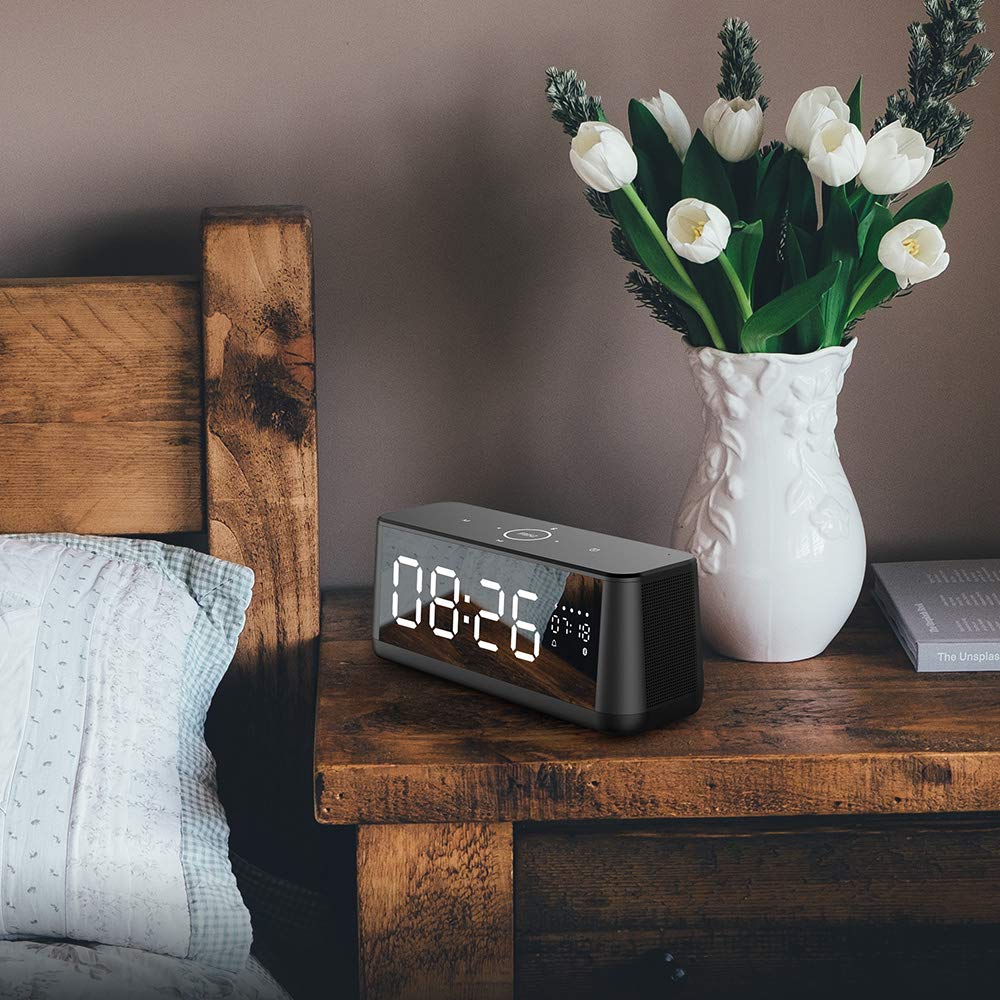
- Témbong LED: Shows time, date, battery level, and current mode.
5. Setélan
5.1. Ngecas Speaker
Before first use, fully charge the speaker. Connect the provided USB charging cable to the speaker's charging port and the other end to a USB power adapter (not included) or a computer's USB port. The LED display will indicate charging status.
5.2. Powering on / Pareum
- Pikeun Ngahurungkeun: Press and hold the Play/Pause button until the LED display lights up.
- Pikeun mareuman: Press and hold the Play/Pause button until the LED display turns off. The speaker will automatically screen out and power off to save battery after a period of inactivity.
6. Parentah Operasi
6.1. Papasangan Bluetooth
- Ensure the speaker is powered on and in Bluetooth mode (indicated by the Bluetooth icon on the LED display). If not, short press the 'M' button to switch to Bluetooth mode.
- Dina smartphone atanapi tablet anjeun, aktipkeun Bluetooth sareng milarian alat anu sayogi.
- Select "MIFA A30" from the list of devices.
- Once paired, the speaker will emit a confirmation sound, and the Bluetooth icon on the display will stop flashing.
- The speaker will automatically re-connect to the last paired device when powered on, if the device is within range.
6.2. Puterkeun Audio
- Puter / Reureuh: Pencét pondok tombol Play / Reureuh.
- Lagu salajengna: Pencét pondok tombol Next Track.
- Lagu Sateuacanna: Pencét pondok tombol Lagu saméméhna.
- Penyesuaian volume: Puterkeun kontrol volume saarah jarum jam pikeun ningkatkeun volume, sabalikna saarah jarum jam pikeun ngirangan volume.
6.3. Nelepon Hands-Free
Nalika disambungkeun via Bluetooth ka smartphone:
- Ngajawab Telepon: Pencét pondok tombol Play / Reureuh.
- Tungtung Telepon: Pencét pondok tombol Play / Reureuh nalika nelepon.
- Nolak Telepon: Pencét lila tombol Puter / Reureuh nalika aya telepon asup.
6.4. TF Card Playback
- Insert a Micro-SD (TF) card with supported audio files (FLAC/APE/MP3/WMA/WAV) into the TF card slot.
- Short press the 'M' button to switch to TF Card mode. The speaker will automatically begin playing music from the card.
6.5. AUX Input
- Connect one end of the 3.5mm audio cable to the speaker's AUX input port and the other end to the audio output of your device (e.g., MP3 player, computer).
- Short press the 'M' button to switch to AUX mode.
- Audio ayeuna bakal diputer ngaliwatan spiker tina alat Anjeun nu disambungkeun.
6.6. Clock and Display Settings
- Penyesuaian jam: Long press the Clock button to enter time setting mode. Use the Next/Previous buttons to adjust values and the Play/Pause button to confirm.
- Display Luminance: The LED display has 7 adjustable luminance levels. Refer to the full product documentation for specific adjustment steps, typically involving short presses of the Clock button or a combination with volume controls.
7. Pangropéa
- beberesih: Lap beungeut spiker ku lawon anu lemes, garing, sareng henteu ngaganggu. Ulah nganggo pembersih cair atanapi aerosol.
- Panyimpenan: Lamun teu dipaké pikeun période nambahan, nyimpen speaker dina tiis, tempat garing, jauh ti sinar panonpoé langsung jeung hawa ekstrim.
- Perawatan batré: Pikeun manjangkeun umur batre, ulah miceun batre pinuh. Ngeusi batre spéker rutin, sanajan teu dipake.
8. Cara ngungkulan
| Masalah | Mungkin Cukang lantaranana | Solusi |
|---|---|---|
| Speaker teu hurung. | batré lemah. | Ngecas speaker sahenteuna 2 jam. |
| Taya sora. | Volume low teuing; modeu salah; alat teu disambungkeun. | Increase speaker and device volume. Ensure correct mode (Bluetooth/AUX/TF Card). Re-pair Bluetooth device or check AUX cable connection. |
| Papasangan Bluetooth gagal. | Speaker henteu dina mode papasangan; alat jauh teuing; gangguan. | Ensure speaker is in Bluetooth mode. Move device closer to speaker. Turn off other Bluetooth devices. Try forgetting "MIFA A30" on your device and re-pairing. |
| TF Card not playing. | Modeu salah; teu dirojong file format; card error. | Switch to TF Card mode. Ensure files are FLAC/APE/MP3/WMA/WAV. Reinsert TF card or try a different card. |
9. Spésifikasi
| Fitur | Rincian |
|---|---|
| Ngaran modél | A30 |
| Tipe Speaker | Rak buku |
| Téhnologi konektipitas | Bluetooth 4.2, Auxiliary (3.5mm), Micro-SD (TF Card) |
| Mode Kaluaran Audio | Stereo |
| Speaker Maksimum Kaluaran Power | 30 Watt (2 x panggerak 15W) |
| Ningkatkeun Bass | Two low-frequency boosters |
| Kapasitas batré | 4000 mAh |
| Waktu maén | Up to 10-12 hours (depending on volume and content) |
| Métode kontrol | Panel Toel Kapasitif |
| tampilan | 7.2" x 2.8" Mirror LED Screen with 106 LEDs, 7-level adjustable luminance |
| Format Audio Dirojong | FLAC/APE/MP3/WMA/WAV |
| Diwangun-di Mikropon | Yes, for hands-free calls |
| Tahan cai | Yes (Note: Ensure ports are covered for water resistance) |
| Warna | Hideung |
| Tipe Pamasangan | Tabletop Gunung |
10. Garansi jeung Rojongan
The MIFA A30 Bluetooth Speaker typically comes with a 30-day warranty from the date of purchase, covering manufacturing defects. Please retain your proof of purchase for warranty claims.
For technical support, troubleshooting assistance beyond this manual, or warranty inquiries, please contact MIFA customer service through their official website or the retailer where the product was purchased. Provide your product model (A30) and purchase details when seeking support.


