
1. Bubuka
This manual provides detailed instructions for the setup, operation, maintenance, and troubleshooting of your DOGNESS Smart Cam Black Treater (Model T03BK). This device allows you to interact with your pet remotely by dispensing treats and monitoring them via a built-in camera and two-way audio.

Image 1.1: DOGNESS Smart Cam Black Treater in use with a dog.
2. Émbaran Kasalametan
- Baca sadaya parentah sateuacan nganggo alat.
- Jauhkeun alat ieu tina cai atanapi kalembaban anu kaleuleuwihi.
- Paké ngan adaptor kakuatan disadiakeun.
- Ulah nyobian ngabongkar atawa ngalereskeun alat sorangan. Kontak rojongan customer pikeun pitulung.
- Ensure the device is placed on a stable surface to prevent tipping. The integrated suction cups can assist with stability.
- Alat ieu dimaksudkeun pikeun pamakéan jero rohangan wungkul.
- Keep out of reach of small children and pets when not in use or supervised.
3. Eusi Paket
Pastikeun yén sadaya item aya dina bungkusan:
- DOGNESS Smart Cam Black Treater (Model T03BK)
- Adaptor Daya (AC/DC)
- Instruksi Manual
4. Produk Langkungview
Familiarize yourself with the components of your Smart Cam Treater:
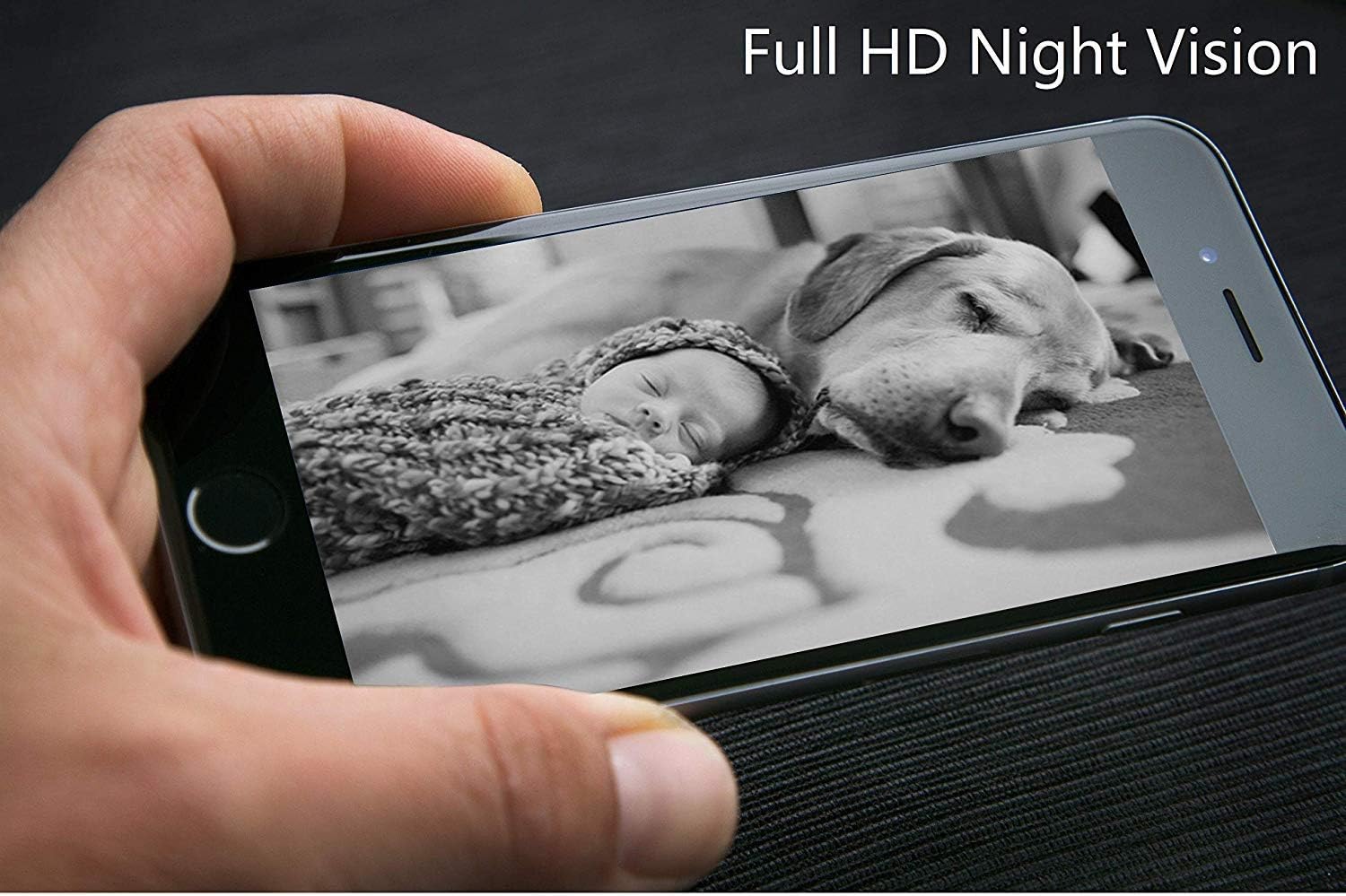
Image 4.1: Labeled diagram of the DOGNESS Smart Cam Black Treater components.
- WiFi Indicator Light: Shows the device's network connection status.
- Natural Bamboo Lid: Covers the treat compartment.
- 165° HD Camera with Night Vision: Nyadiakeun sudut lega view of your pet, even in low light conditions.
- Mikropon: Allows you to listen to your pet and surroundings.
- Speaker: Enables two-way audio communication with your pet.
- SET Button / Manual Treating Button: Used for Wi-Fi setup and manual treat dispensing.
- Snack Outlet: Tempat jajanan dibagikeun.
5. Setélan
5.1 Sambungan Daya
- Place the device on a flat, stable surface. The suction cups on the bottom help secure it.
- Connect the power adapter to the device's power input port.
- Colokkeun adaptor daya kana stop kontak listrik standar. Alat bakal hurung sacara otomatis.
5.2 Ngundeur sareng Instalasi Aplikasi
- Download the "DOGNESS" app from your smartphone's app store (iOS App Store or Google Play Store).
- Install the app and create an account if you are a new user, or log in with your existing credentials.
5.3 Sambungan Wi-Fi
Ensure your smartphone is connected to a 2.4GHz Wi-Fi network. The device does not support 5GHz Wi-Fi networks.
- Open the DOGNESS app and follow the on-screen instructions to add a new device.
- Select the Smart Cam Treater from the list of devices.
- Press and hold the SET button on the device until the Wi-Fi indicator light blinks rapidly, indicating it's in pairing mode.
- Enter your Wi-Fi network name and password into the app.
- The app will generate a QR code. Hold your smartphone screen in front of the device's camera (approximately 4-8 inches away) until you hear a confirmation sound from the treater.
- Once connected, the Wi-Fi indicator light will turn solid.
5.4 Filling Treats
- Remove the natural bamboo lid from the top of the device.
- Fill the treat compartment with dry, crunchy treats that are approximately 0.2-0.6 inches (0.5-1.5 cm) in diameter. Avoid soft, sticky, or oversized treats that may cause jamming.
- Ganti tutupna aman.
6. Parentah Operasi
6.1 Using the DOGNESS App
The DOGNESS app provides full control over your Smart Cam Treater.

Image 6.1: DOGNESS app interface showing live video feed.
- Feed Video Langsung: Access real-time video from the 165° HD camera.
- Audio Dua Arah: Use the microphone and speaker icons in the app to speak to your pet and hear their responses.
- Treat Dispensing: Tap the treat icon in the app to remotely dispense treats.
- Motret poto/video: Capture photos or record videos of your pet directly from the app.
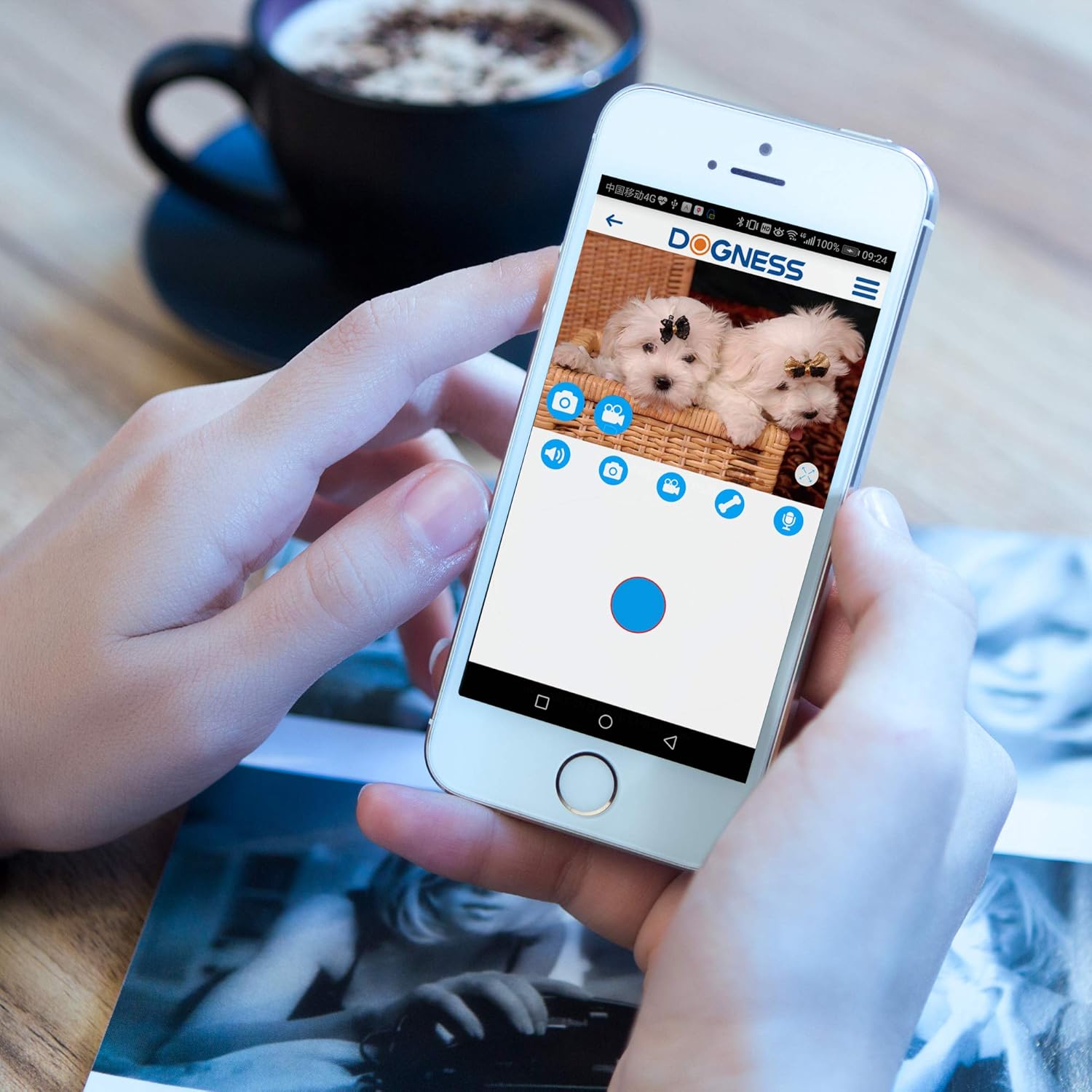
Image 6.2: DOGNESS app control panel for interaction.
6.2 Visi Peuting
The device automatically switches to night vision mode in low-light conditions, providing clear monitoring capabilities 24/7.

Gambar 6.3: Example of Full HD Night Vision.
6.3 Manual Treat Dispensing
Press the SET button on the front of the device to manually dispense a treat without using the app.
7. Pangropéa
7.1 beberesih
- Cabut colokan alat sateuacan beberesih.
- Ngusap bagian luar alat ku lemes, damp lawon. Ulah make cleaners abrasive atawa neuleumkeun alat dina cai.
- Clean the treat compartment regularly to prevent residue buildup. Ensure it is completely dry before refilling with treats.
- Gently wipe the camera lens with a soft, dry cloth to maintain clear image quality.
7.2 Ngeusian deui camilan
Refer to Section 5.4 for instructions on refilling the treat compartment.
8. Cara ngungkulan
| Masalah | Mungkin Cukang lantaranana | Solusi |
|---|---|---|
| Alat teu hurung | Adaptor daya teu nyambung atawa stop kontak faulty. | Pastikeun adaptor kakuatan disambungkeun aman tur stop kontak téh fungsi. Coba outlet béda. |
| Teu bisa nyambung ka Wi-Fi | Incorrect Wi-Fi password; device too far from router; 5GHz Wi-Fi network used; Wi-Fi indicator not blinking. |
|
| Camilan teu dibikeun | Treats jammed; treat compartment empty; incorrect treat size. |
|
| Poor video quality or no image | Dirty camera lens; poor Wi-Fi signal; app issue. |
|
| Audio issues (cannot hear or speak) | Microphone/speaker blocked; app settings; poor network connection. |
|
9. Spésifikasi
| Fitur | Rincian |
|---|---|
| Nomer modél | T03BK |
| Ukuran (L x W x H) | 5.75 x 5.75 x 11.42 inci |
| Item Beurat | 3.24 pon |
| Sumber Daya | Adaptor AC/DC |
| Protokol konektipitas | Wi-Fi (2.4GHz wungkul) |
| Resolusi Capture Video | 1080p, 720p |
| Resolusi Video Éféktif | 1080 piksel |
| Viewdina Angle | 165 darajat |
| Fitur husus | Motion Sensor, Night Vision, Two-Way Audio |
| Alat nu cocog | Smartphone (ios/Android) |
| Peunteun Protection Internasional | IP54 |
| GTIN/UPC | 843775107099 |
10. Garansi jeung Rojongan
For warranty information and technical support, please refer to the warranty card included with your product or visit the official DOGNESS website. You can also contact customer service via the DOGNESS app or through the contact details provided on their websitus.
Websitus: www.dogness.com (Catetan: Ieu placeholder a URL, please refer to your product packaging for the correct websitus.)