Bubuka
Hatur nuhun pikeun meuliasing the Trust Vigor 22867 Wireless Bluetooth Soundbar. This portable speaker is designed to deliver powerful and rich stereo sound, suitable for various audio sources and environments. Please read this manual carefully to ensure proper setup, operation, and maintenance of your device.
Émbaran Kasalametan
- Ulah ngalaan alat ka cai, beueus, atawa suhu ekstrim.
- Hindarkeun ragrag atanapi ngagentoskeun alat kana tabrakan anu kuat.
- Ulah nyobian ngabongkar atawa ngalereskeun alat sorangan. Rujuk sadayana jasa ka tanaga anu mumpuni.
- Jauhkeun alat ieu tina sumber panas sapertos radiator, kompor, atanapi alat-alat penghasil panas anu sanés.
- Anggo ukur kabel ngecas anu disayogikeun atanapi anu sarimbag anu disertipikasi.
- Dengekeun anu berkepanjangan dina tingkat polumeu anu luhur tiasa nyababkeun karusakan dédéngéan. Saluyukeun polumeu ka tingkat anu aman.
Eusi pakét
Pastikeun yén sadaya item aya dina bungkusan:
- Trust Vigor 22867 Wireless Bluetooth Soundbar
- 1-meter Micro-USB Charging Cable
- 3.5mm kabel AUX
- Manual pangguna (dokumén ieu)
Produk Leuwihview
Familiarize yourself with the main components and controls of your soundbar.
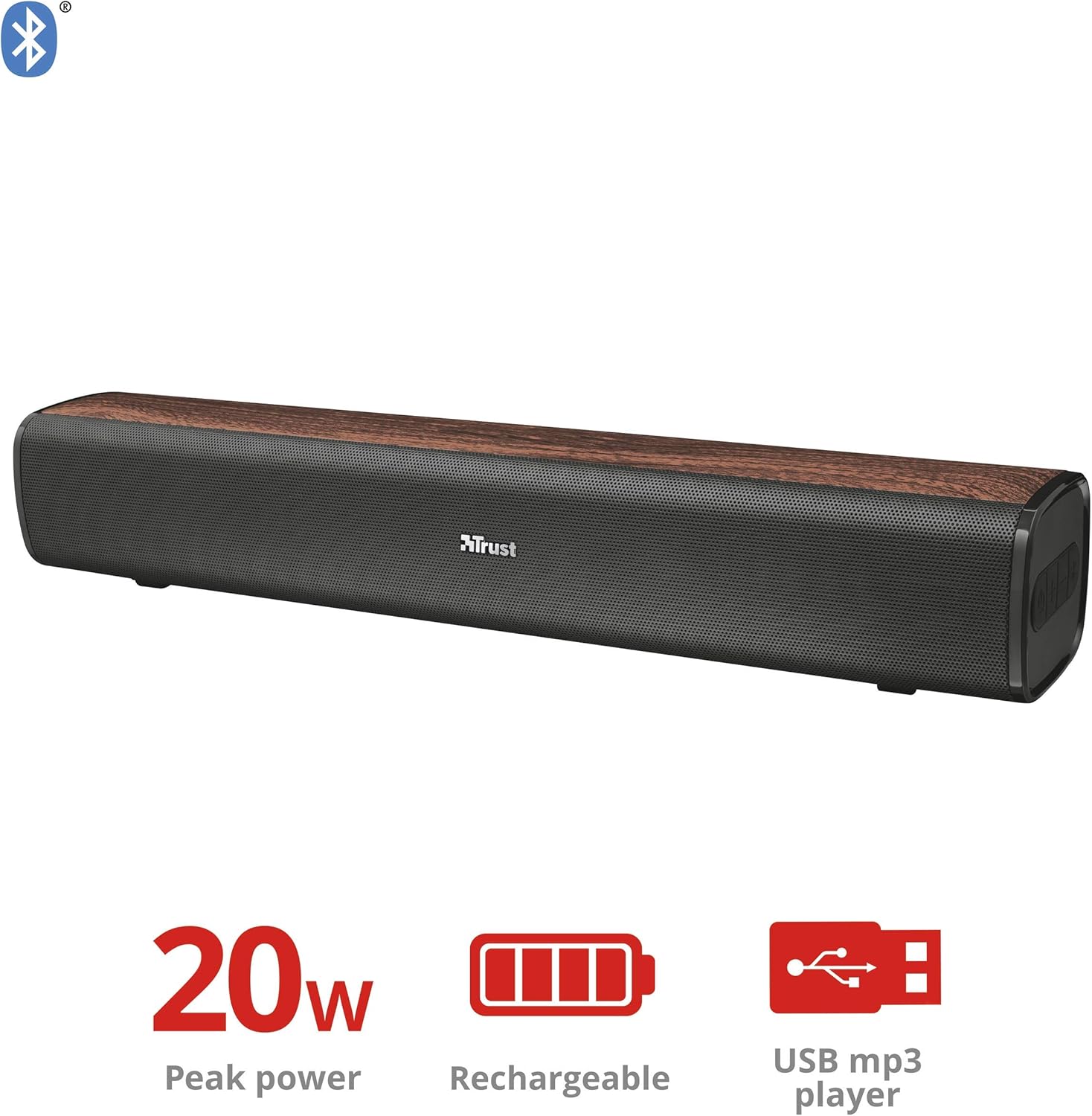
Gambar 1: Hareupeun view of the Trust Vigor 22867 Soundbar, highlighting its 20W peak power, rechargeable battery, and USB MP3 player functionality.
Panél kontrol

Gambar 2: Top view of the soundbar's control panel, showing the power button, volume controls, and Bluetooth pairing button.
- Tombol Daya: Press and hold to turn on/off. Short press to change modes.
- Volume Naik (+): Ningkatkeun volume.
- Volume Turun (-): Ngurangan volume.
- Tombol Bluetooth: Pencét pikeun ngasupkeun mode papasangan Bluetooth.
Palabuhan pungkur

Gambar 3: Tukangeun view of the soundbar, displaying the USB port, AUX input, and DC IN charging port.
- Port USB: Pikeun muterkeun MP3 files ti USB drive.
- Input AUX (3.5mm): Pikeun sambungan kabel ka alat audio.
- DC IN (Micro-USB): Pikeun ngecas soundbar.
Disetél
1. Ngecas Soundbar
- Connect the Micro-USB end of the charging cable to the DC IN port on the soundbar.
- Sambungkeun tungtung USB standar kabel ka adaptor kakuatan USB (teu kaasup) atawa port USB komputer.
- Lampu indikator ngecas bakal hurung. Saatos dicas pinuh (kira-kira 3-4 jam), lampu bakal robih atanapi pareum.
- A muatan pinuh nyadiakeun nepi ka 20 jam playtime.
2. Powering on / Pareum
- To power on, press and hold the Power button on the control panel until the indicator light illuminates.
- Pikeun mareuman, pencét jeung tahan deui tombol Daya nepi ka lampu indikator pareum.
Ngoperasikeun
1. Sambungan Bluetooth
- Turn on the soundbar. It will automatically enter Bluetooth pairing mode, indicated by a flashing blue light.
- Dina telepon pinter, tablet, atanapi alat Bluetooth anu sanés, aktipkeun Bluetooth teras milarian alat anu sayogi.
- Select "Trust Vigor" (or similar name) from the list of devices.
- Once connected, the indicator light will turn solid blue, and you will hear a confirmation tone.
- Upami dipenta pikeun kecap akses, lebetkeun "0000".
- The soundbar will automatically reconnect to the last paired device when powered on, if available.
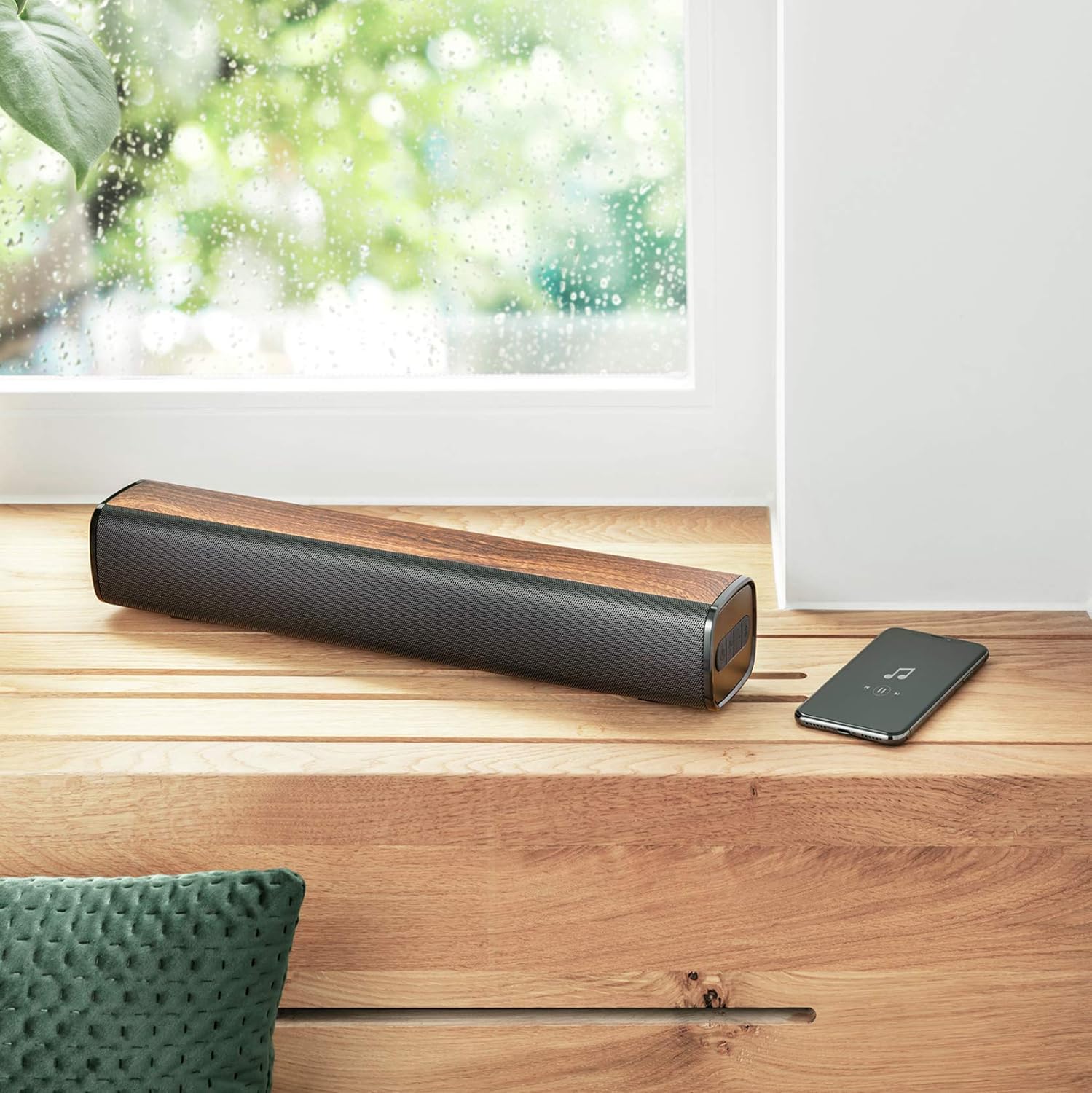
Figure 4: The soundbar wirelessly connected to a smartphone, demonstrating its portable use.
2. Sambungan AUX
- Connect one end of the 3.5mm AUX cable to the AUX input port on the soundbar.
- Connect the other end of the AUX cable to the headphone jack or audio output of your PC, TV, or other audio device.
- Press the Power button briefly to cycle through modes until the AUX mode is selected (indicator light may change color or flash differently).
3. USB MP3 Player
- Lebetkeun drive USB anu ngandung audio MP3 files kana port USB dina soundbar.
- The soundbar will automatically switch to USB mode and begin playing music. If not, briefly press the Power button to cycle modes.
- Use the volume buttons to control playback (short press for track skip, long press for volume).
4. Volume Control
- Pencét éta + tombol pikeun ngaronjatkeun polumeu.
- Pencét éta - tombol pikeun ngurangan polumeu.
Pangropéa
- Bersihkeun soundbar ku lawon anu lemes sareng garing. Ulah make cleaners abrasive atawa pangleyur.
- Simpen alat dina tempat anu tiis sareng garing upami henteu dianggo kanggo waktos anu lami.
- Avoid blocking the speaker grilles to ensure optimal sound quality and prevent overheating.
Pamérésan masalah
| Masalah | Mungkin Cukang lantaranana | Solusi |
|---|---|---|
| Taya kakuatan | Batré béak. | Charge the soundbar using the provided Micro-USB cable. |
| Taya sora | Volume is too low or muted. Incorrect input mode selected. Device not properly connected. | Increase volume. Press the Power button to cycle through input modes (Bluetooth, AUX, USB). Ensure cables are securely connected or Bluetooth is paired. |
| Nyapasangkeun Bluetooth gagal | Soundbar is not in pairing mode. Device is too far from the soundbar. Bluetooth is not enabled on the source device. | Press the Bluetooth button on the soundbar to enter pairing mode. Move the source device closer (within 10 meters). Enable Bluetooth on your source device. |
| Pamuter MP3 USB teu tiasa dianggo | USB drive not inserted correctly. Files are not in MP3 format. Soundbar not in USB mode. | Ensure USB drive is fully inserted. Verify files are MP3. Press the Power button to cycle to USB mode. |
spésifikasi
| Fitur | Rincian |
|---|---|
| Ngaran modél | Vigor |
| Nomer modél | 22867 |
| Tipe Speaker | Stereo |
| Konektipitas | Bluetooth, USB, AUX 3.5mm |
| Daya Kaluaran | 10W RMS (20W Puncak) |
| Impedansi | 4 ohm |
| Jenis Batré | 1x Litium Ion (kaasup) |
| Eusi Énergi Batré | 8.14 Watt-jam |
| Waktu maén | Nepi ka 20 jam |
| Ngecas Input | Micro-USB, 3.7 Volt |
| Ukuran (L x W x H) | 41 x 7 x 7.5 cm |
| Beurat | 0.94 kg |
| Warna | coklat |
| DSP Téhnologi | Sumuhun |
| Integrated MP3 Player | Yes (via USB drive) |
Émbaran jaminan
Trust products are manufactured to high quality standards. This product is covered by the manufacturer's warranty, which typically covers defects in materials and workmanship for a specified period from the date of purchase. Please retain your proof of purchase for warranty claims. For specific warranty terms and conditions, refer to the warranty card included with your product or visit the official Trust websitus.
Ngarojong
If you encounter any issues or have questions regarding your Trust Vigor 22867 Wireless Bluetooth Soundbar that are not addressed in this manual, please contact Trust customer support. You can usually find contact information on the official Trust website or on the product packaging. Please have your product model number (22867) and proof of purchase ready when contacting support.


