1. Bubuka
The HUION PW100 is a battery-free stylus designed for use with a range of Huion Inspiroy Graphics Tablets. This stylus offers a lightweight and ergonomic design, enhancing comfort and precision during digital art creation, writing, and design tasks. Its battery-free technology eliminates the need for charging, providing an eco-friendly and convenient user experience.
2. Setélan
To begin using your HUION PW100 stylus, connect your compatible Huion graphics tablet to your computer. The stylus itself does not require batteries or charging. For optimal performance and customization, it is recommended to install the latest drivers from the official HUION website. Once the tablet is connected and drivers are installed, the stylus should function immediately with compatible software.
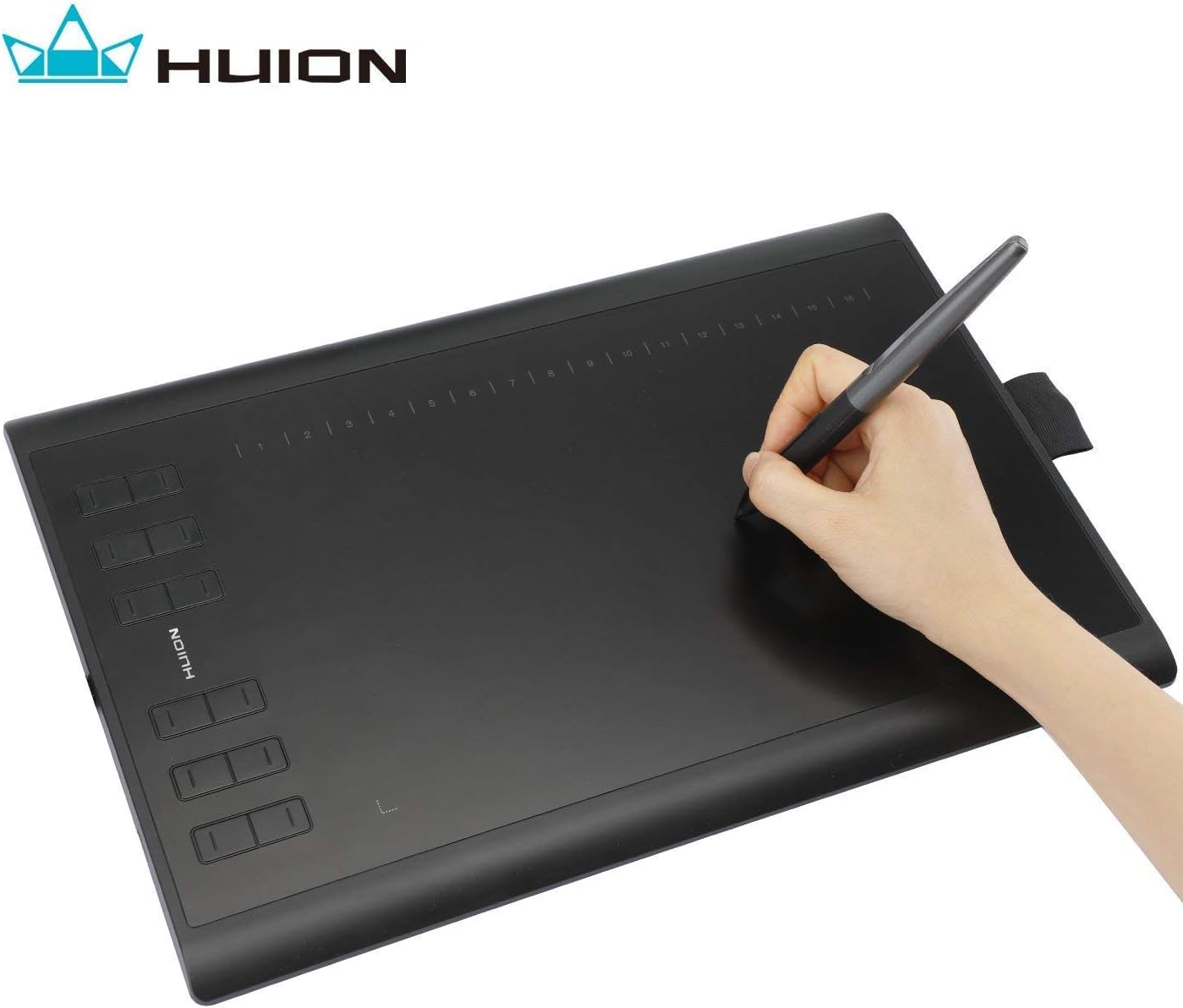
Gambar 1: HUION graphics tablet connected to a laptop, demonstrating the setup for immediate use. The stylus is shown resting on the tablet surface.
3. Parentah Operasi
The PW100 stylus is designed for intuitive use. Simply hold the stylus as you would a traditional pen and interact with the active area of your Huion graphics tablet. The stylus features two customizable buttons on its side, which can be programmed to perform various functions such as eraser, undo, or brush toggles, enhancing your workflow efficiency. The palm rejection design helps prevent unintended inputs from your hand resting on the tablet surface.

Gambar 2: A hand demonstrating the natural grip and use of the HUION PW100 stylus on a graphics tablet, illustrating its ergonomic design for comfortable drawing.
4. Fitur konci
- Battery-Free Technology: The PW100 stylus operates without a battery, eliminating the need for charging and ensuring continuous use. It weighs only 16g, providing a comfortable and balanced feel. The front end is made of wearable silicone for a soothing touch.
- 8192 Tingkat Sensitivitas Tekanan Pulpen: Experience exceptional accuracy and precision with 8192 levels of pressure sensitivity, allowing for nuanced control over line thickness and opacity.
- 233 PPS Report Rate & 5080 LPI Resolution: These specifications ensure smooth, responsive, and highly detailed drawing and sketching on your Huion Inspiroy series tablets.
- Two Customizable Pen Buttons: Easily assign functions like eraser, brush switch, or undo/redo to the side buttons for a personalized and efficient workflow.
- Desain Tolak Palem: The dual keys on the sides of the pen are designed to minimize accidental presses, allowing for a natural and uninterrupted creative process.
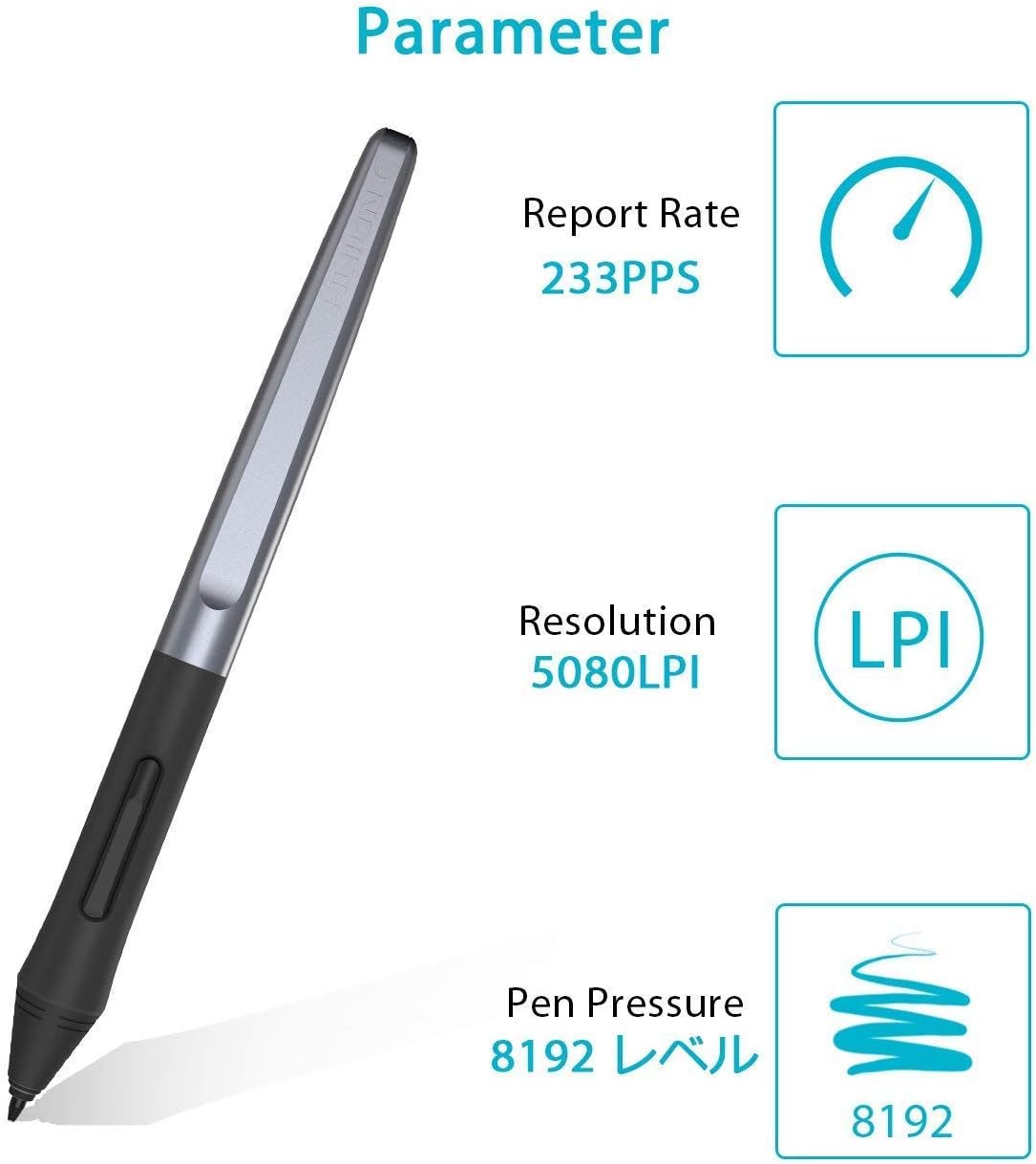
Gambar 3: An illustration highlighting the key technical parameters of the PW100 stylus, including its report rate, resolution, and pressure sensitivity levels.
5. Kasaluyuan
The HUION PW100 Battery-Free Stylus is specifically designed for the following Huion Inspiroy Graphics Tablets:
- Huion Inspiroy H640P
- Huion Inspiroy H950P
- Huion Inspiroy H1060P
- Huion Inspiroy H610Pro V2
- Huion Inspiroy HS610
- Huion Inspiroy HS64
- Huion Inspiroy H420X
- Huion Inspiroy H580X
- Huion Inspiroy H610X
Catetan penting:
- Stylus ieu TEU SESUATU with iPad devices.
- Stylus ieu TEU SESUATU with other brands of graphics tablets.
- Stylus ieu TEU SESUATU with Huion Graphics Monitor GT Series.
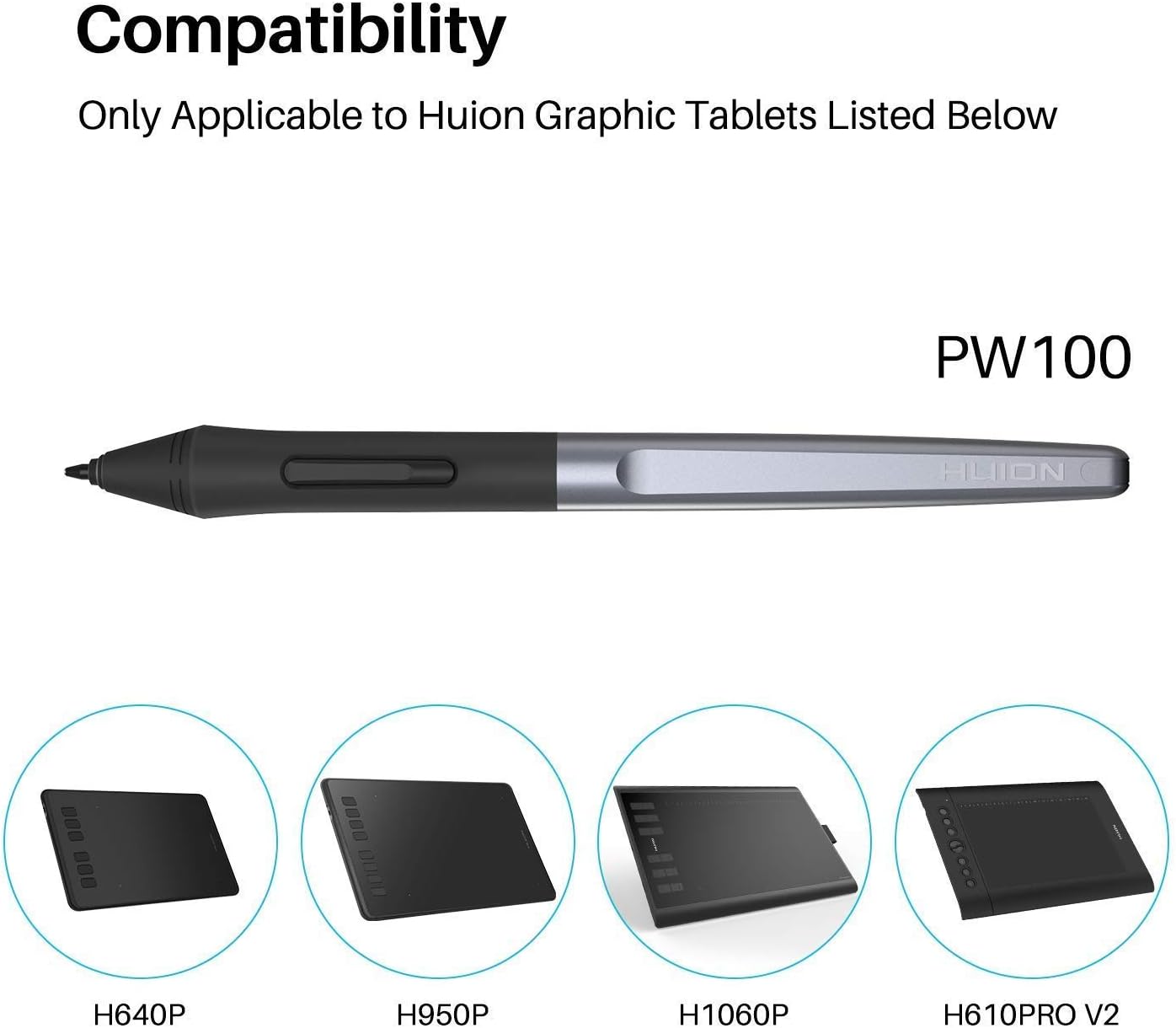
Gambar 4: Visual representation of the HUION PW100 stylus and its compatibility with various Huion Inspiroy graphics tablet models.
6. Pangropéa
To ensure the longevity and optimal performance of your PW100 stylus, follow these maintenance guidelines:
- Ngagantian Nib: The stylus features a wear-resisting nib. If the nib becomes worn or damaged, it can be replaced. Extra nibs are typically provided with your graphics tablet or stylus holder. Use a nib clip or tweezers (often included) to carefully pull out the old nib and insert a new one.
- beberesih: Wipe the stylus body and nib gently with a soft, dry cloth to remove dust or smudges. Avoid using harsh chemicals or abrasive materials.
- Panyimpenan: Store the stylus in a safe place when not in use, preferably in its designated holder, to prevent damage or loss.
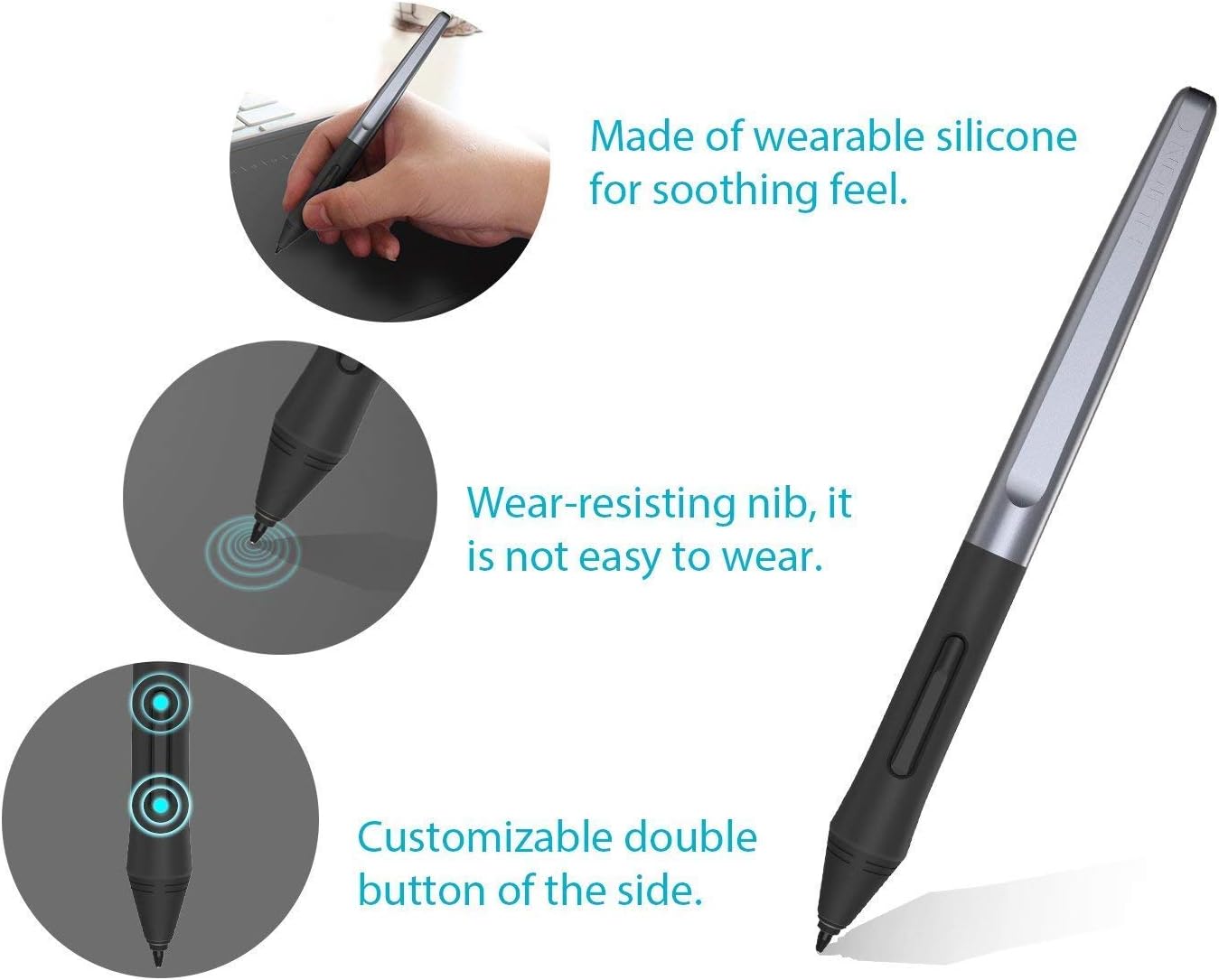
Gambar 5: Diwincik view of the stylus features, including the durable nib and customizable buttons, which are important for maintenance and personalized use.
7. Cara ngungkulan
If you encounter issues with your HUION PW100 stylus, consider the following:
- Stylus Teu Ngabales: Ensure your graphics tablet is correctly connected to your computer and powered on. Verify that the latest drivers for your tablet are installed and up-to-date. Restart your computer and drawing software.
- Gerakan Kursor Anu Teu Akurat: Recalibrate the working area of your tablet through the driver settings. Check for any physical obstructions or debris on the tablet surface or stylus nib.
- Pen Pressure Not Working: Confirm that pen pressure is enabled in your drawing software settings. Reinstall the tablet drivers if necessary.
- Custom Buttons Not Functioning: Access the tablet driver settings to reconfigure or verify the assigned functions for the stylus buttons.
8. Spésifikasi
| Fitur | Spésifikasi |
|---|---|
| Nomer modél | PW100 |
| merek | HUION |
| Sensitipitas tekanan | 8192 tingkatan |
| Laju Laporan | 233 PPS |
| Resolusi | 5080LPI |
| Batré | Batré-gratis |
| Item Beurat | 0.01 ons |
| Bahan | palastik |
| Alat nu cocog | Huion Inspiroy H640P, H950P, H1060P, H610Pro V2, HS610, HS64, H420X, H580X, H610X |
9. Garansi jeung Rojongan
HUION provides a one-year warranty for the PW100 Battery-Free Stylus. For technical support, warranty claims, or further assistance, please visit the official HUION websitus atanapi ngahubungan layanan palanggan maranéhanana langsung.
HUION resmi Websitus: www.huion.com