1. Bubuka
This manual provides essential information for setting up, operating, maintaining, and troubleshooting your ASUS ROG Strix Hero II Gaming Laptop (Model GL504GM-DS74). Designed for high-performance gaming and demanding tasks, this laptop combines powerful hardware with a sleek design to deliver an exceptional user experience.
The ASUS ROG Strix Hero II features a 15.6-inch 144Hz IPS-Type display, an Intel Core i7-8750H processor, NVIDIA GeForce GTX 1060 graphics, and a dual storage solution for speed and capacity. Please read this manual thoroughly to ensure proper use and longevity of your device.
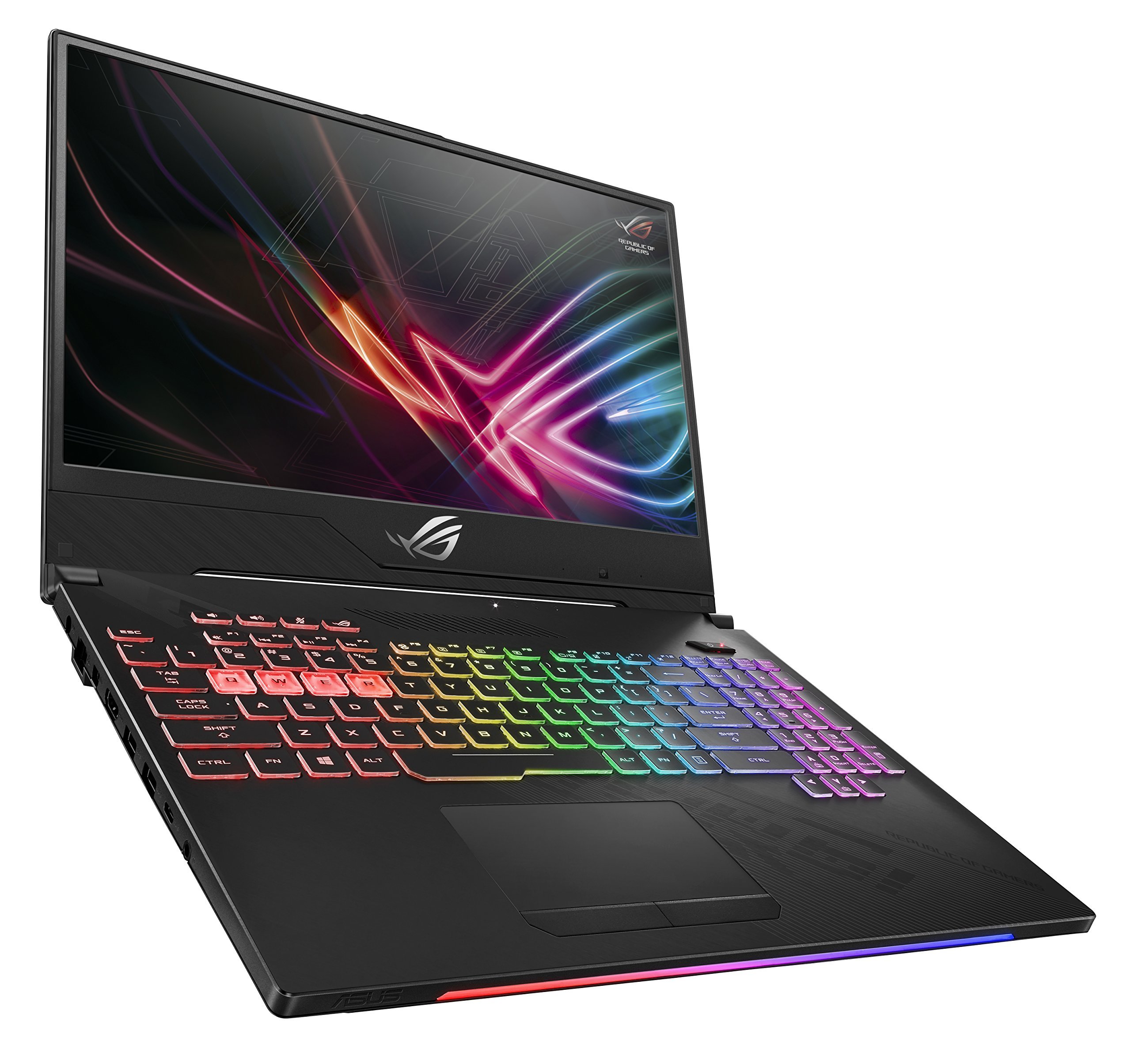
Figure 1: ASUS ROG Strix Hero II Gaming Laptop (GL504GM-DS74)
2. Setélan
2.1 Unboxing sareng Inspeksi Awal
Sacara saksama miceun sadaya komponén tina bungkusan. Pastikeun aya item di handap ieu:
- ASUS ROG Strix Hero II Laptop (GL504GM)
- Adaptor Daya & Kabel
- User E-Manual (digital copy)
- Kartu Garansi
Pariksa laptop sareng asesorisna pikeun tanda-tanda karusakan. Upami aya barang anu leungit atanapi ruksak, langsung hubungi pangecér anjeun atanapi dukungan ASUS.
2.2 Nyambungkeun Daya
Sambungkeun adaptor daya kana port input daya laptop teras colokkeun kabel daya kana stop kontak. Disarankeun pikeun ngecas batréna pinuh sateuacan dianggo mimiti.
2.3 Initial Boot-up and Operating System Setup
Press the power button to turn on the laptop. Follow the on-screen instructions to complete the Windows 10 Home setup process. This includes setting up your user account, network connection, and basic preferences.
3. Ngoperasikeun Laptop
3.1 Fitur tampilan
The ROG Strix Hero II is equipped with a 15.6-inch IPS-Type display nampilkeun a Laju refresh 144Hz jeung a waktos respon 3ms. This combination ensures smooth visuals and reduced motion blur, crucial for fast-paced gaming. The slim bezel design maximizes screen real estate for an immersive viewpangalaman.

Figure 2: Display with 144Hz Refresh Rate and 3ms Response Time
3.2 Keyboard and RGB Lighting
The laptop features a desktop-inspired keyboard kalawan a 20-million-keystroke lifespan, designed for durability and responsiveness. The integrated cahaya RGB can be customized through ASUS Aura Sync software, allowing you to personalize the keyboard's appearance to match your gaming setup or mood.
3.3 Kinerja Leuwihview
The GL504GM-DS74 is powered by an prosésor Intel Core i7-8750H (up to 3.9GHz) and an NVIDIA GeForce GTX 1060 6GB GDDR5 graphics card. Coupled with RAM 16GB DDR4 2666MHz, this configuration provides ample power for running modern games at high settings and handling demanding applications like video editing or 3D rendering. Storage includes a fast SSD PCIe NVMe 256GB for the operating system and frequently used applications, alongside a 1TB HDD for larger game libraries and data storage.
Video 1: Official ASUS ROG Strix Hero II Product Overview. This video highlights the laptop's design, display, keyboard, and internal components, demonstrating its capabilities for gaming and performance.
3.4 Konéktipitas
The laptop offers a comprehensive set of ports for various peripherals and external displays:
- 4 x USB 3.0 palabuhan: For connecting external devices such as mice, keyboards, and external storage.
- 1 x USB 3.1 Type C Port: A versatile port for data transfer and display output.
- 1 x HDMI 2.0 PortPikeun nyambungkeun ka monitor éksternal atanapi TV.
- 1 x Mini DisplayPort: Another option for connecting to external displays.
- 1 x Port Ethernet: For stable wired network connections.
Wireless connectivity is enhanced with RangeBoost Technology, providing wider Wi-Fi coverage and improved signal stability.
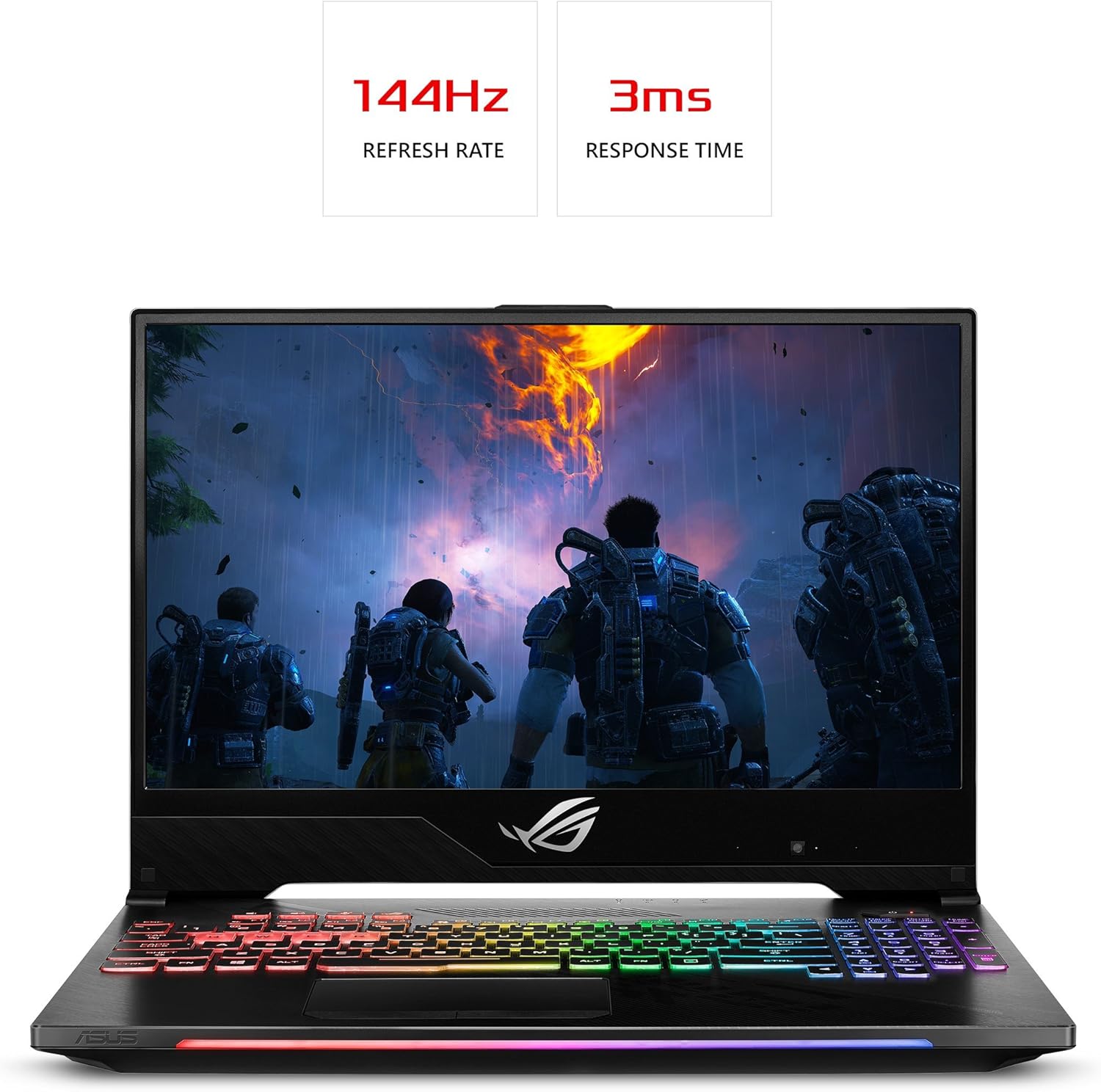
Figure 3: Laptop Side View kalayan Port Konéktivitas
4. Pangropéa
Regular maintenance helps ensure optimal performance and extends the lifespan of your laptop.
4.1 beberesih
- layar: Make kaen nu lemes, teu aya lint rada dampdikumbah ku cai atawa pembersih layar. Hindarkeun bahan kimia anu kasar.
- Kibor sareng Casis: Use a soft brush or compressed air to remove dust and debris. Wipe surfaces with a slightly damp lawon.
- Cooling Vents: Periodically clean the cooling vents with compressed air to prevent dust buildup, which can hinder airflow and lead to overheating. The HyperCool Pro system benefits from clear vents.
4.2 Apdet parangkat lunak
Regularly update your Windows operating system, device drivers (especially graphics drivers), and ASUS utilities to ensure system stability, security, and performance. You can check for updates through Windows Update and the NVIDIA GeForce Experience application.
4.3 Perawatan Batré
To prolong battery life, avoid fully discharging the battery frequently. If you primarily use the laptop while plugged in, consider using battery care software (if provided by ASUS) to limit the charge level to around 80%.
5. Cara ngungkulan
Upami anjeun ngalaman masalah sareng laptop anjeun, cobian léngkah-léngkah ngungkulan masalah dasar ieu:
- Taya DayaPastikeun adaptor daya disambungkeun pageuh kana laptop sareng stop kontak anu tiasa dianggo. Cobi stop kontak anu sanés.
- Masalah tampilan: If the screen is blank, try connecting an external monitor to check if the issue is with the laptop's display. Ensure graphics drivers are up to date.
- Performa Ngalambat: Close unnecessary applications, check for background processes, and ensure the cooling vents are clear. Update drivers and scan for malware.
- Instability Sistim: Perform a system restart. If issues persist, check for recent software installations or updates that might be causing conflicts.
For more complex issues, refer to the comprehensive User E-Manual (digital copy) or visit the official ASUS support website for detailed troubleshooting guides and driver downloads.
6. Spésifikasi
| Fitur | Spésifikasi |
|---|---|
| Ngaran modél | ROG Strix Hero II (GL504GM-DS74) |
| Ukuran layar | 15.6 inci |
| Resolusi layar | 1920 x 1080 piksel (Full HD) |
| Prosesor | Intel Core i7-8750H (dugi ka 3.9 GHz) |
| Ram | 16 GB DDR4 2666 MHz |
| Panyimpenan | 256GB PCIe NVMe SSD + 1TB HDD (5400 RPM) |
| Grafik Coprocessor | NVIDIA GeForce GTX 1060 6GB GDDR5 |
| Sistem operasi | Windows 10 Imah |
| palabuhan USB | 4 x USB 3.0, 1 x USB 3.1 Type C |
| Kaluaran Video | HDMI 2.0, Mini DisplayPort |
| Tipe Wireless | 802.11a/b/g/n/ac |
| Item Beurat | 5.29 pon |
| Dimensi produk | 14.21 x 10.31 x 1.03 inci |
| Batré | 1 batré Litium Polimér (kaasup) |
7. Garansi jeung Rojongan
Your ASUS ROG Strix Hero II Gaming Laptop comes with a manufacturer's warranty. Please refer to the included Kartu Garansi for detailed terms and conditions, including coverage period and service procedures.
Kanggo bantosan téknis, unduhan supir, atanapi dukungan salajengna, mangga buka dukungan resmi ASUS. website or contact their customer service. Keep your product's serial number (found on the bottom of the laptop or packaging) handy when seeking support.
For the most up-to-date information, please visit the official ASUS websitus.


