Bubuka
This manual provides detailed instructions for the GE 4-in-1 LED Power Failure Night Light, Model 29679. This versatile device functions as a power failure light, a night light, a task light, and a portable flashlight. It features a built-in dusk-to-dawn sensor and a rechargeable battery for reliable illumination.

Image: The GE 4-in-1 LED Power Failure Night Light, showing the device and its retail packaging, highlighting its multi-functionality and light sensing feature.
Émbaran Kasalametan
- Pamakéan jero rohangan wungkul: Produk ieu dirancang kanggo dianggo di jero rohangan di tempat anu garing. Ulah kakeunaan cai atanapi kalembaban.
- Peunteun Listrik: Ensure the product is plugged into a standard 120-volt AC outlet.
- beberesih: Disconnect from power before cleaning. Wipe with a soft, dry cloth. Do not use liquid cleaners.
- Henteu aya Bagian anu Bisa Dilayanan Pamaké: Do not attempt to open or repair the unit. Refer all servicing to qualified service personnel.
- Kasalametan batré: The unit contains a non-replaceable rechargeable battery. Do not dispose of the unit in fire or expose to excessive heat.
Eusi pakét
- 1 x GE 4-in-1 LED Power Failure Night Light (Model 29679)
Fitur produk
- Fungsi 4-in-1: Operates as a night light, power failure light, task light, and flashlight.
- Sénsor Magrib-ka-Subuh: Automatically turns the night light on when the room is dark and off when the room is lit.
- Batré anu tiasa dicas deui: Integrated battery charges when plugged into an outlet and powers the light during outages or as a portable flashlight.
- Foldable Plug: Allows for compact storage and comfortable handheld use as a flashlight.
- Illumination Levels: Provides 40 lumens as a flashlight, 20 lumens as a tabletop light, 10 lumens as a night light, and 5 lumens as an emergency light.
Disetél
- Ngabongkar: Taliti miceun lampu peuting tina bungkusan na.
- Colokkeun: Extend the foldable plug and insert the night light into a standard 120-volt AC wall outlet. Ensure it is securely seated.
- Muatan Awal: Allow the unit to charge for several hours upon first use to ensure the internal battery is fully charged. The night light will function while charging.

Image: The night light plugged into a wall outlet, illustrating its light sensing capability, turning off at dawn/when room is lit and on at dusk/when room is dark.
Parentah Operasi
Modeu Lampu Peuting
- When plugged into an outlet, the built-in light sensor will automatically turn the LED panel on at dusk or when the room becomes dark, and off at dawn or when the room is lit.
- To adjust the brightness of the night light, press the side button. This cycles through different brightness levels.
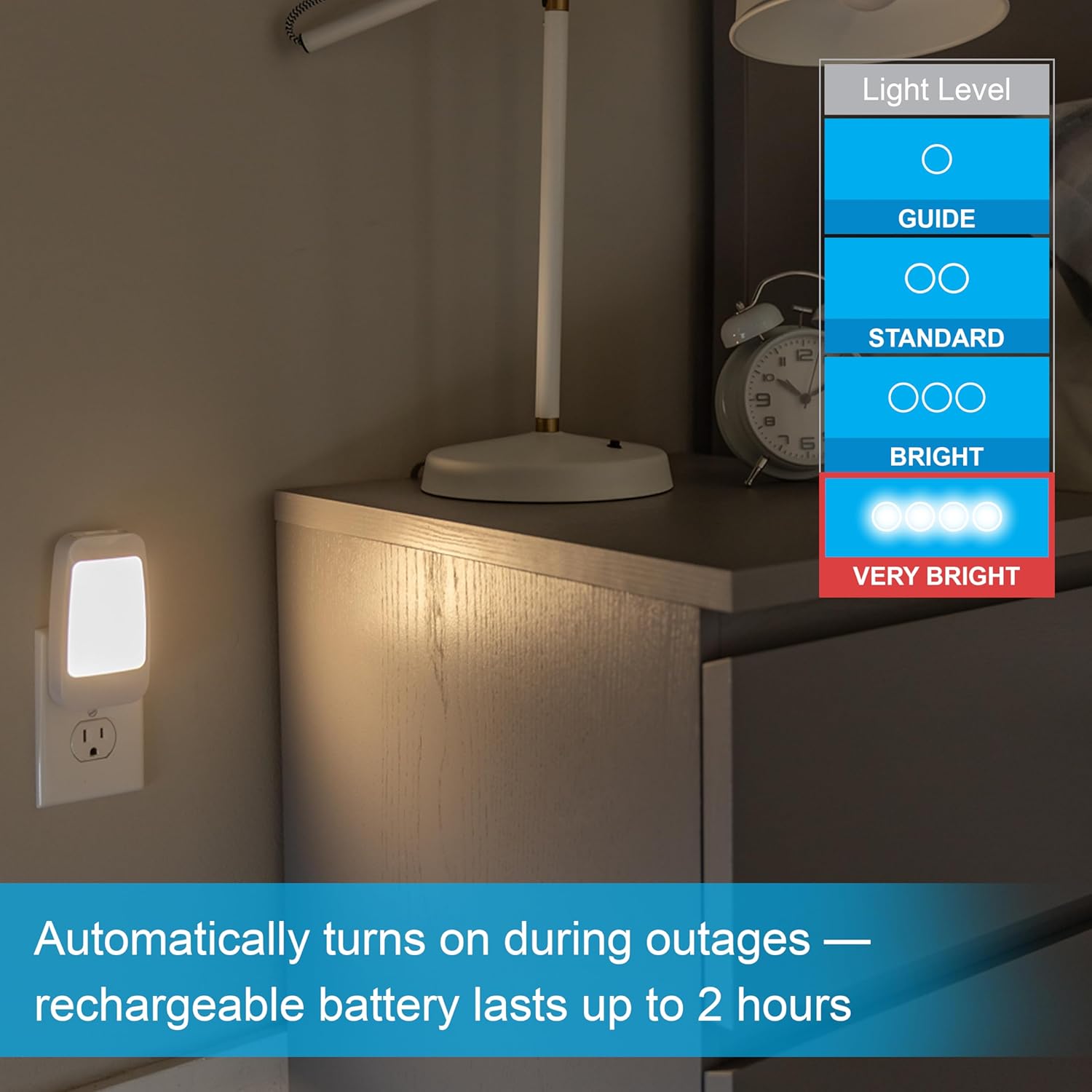
Image: The night light plugged into a wall outlet, with an overlay indicating various light level settings from 'Guide' to 'Very Bright'.
Power Failure Light Mode
- Lamun hiji kakuatan outage occurs while the unit is plugged into an active outlet, the LED panel will automatically illuminate to provide emergency lighting.
- The rechargeable battery provides power for this mode.

Image: The night light plugged into an outlet, with text indicating it automatically turns on during outages and the rechargeable battery lasts up to 2 hours.
Modeu Senter
- Unplug the night light from the wall outlet.
- Fold the electrical plug into the unit for comfortable handheld use.
- Press the side button twice to activate the flashlight.
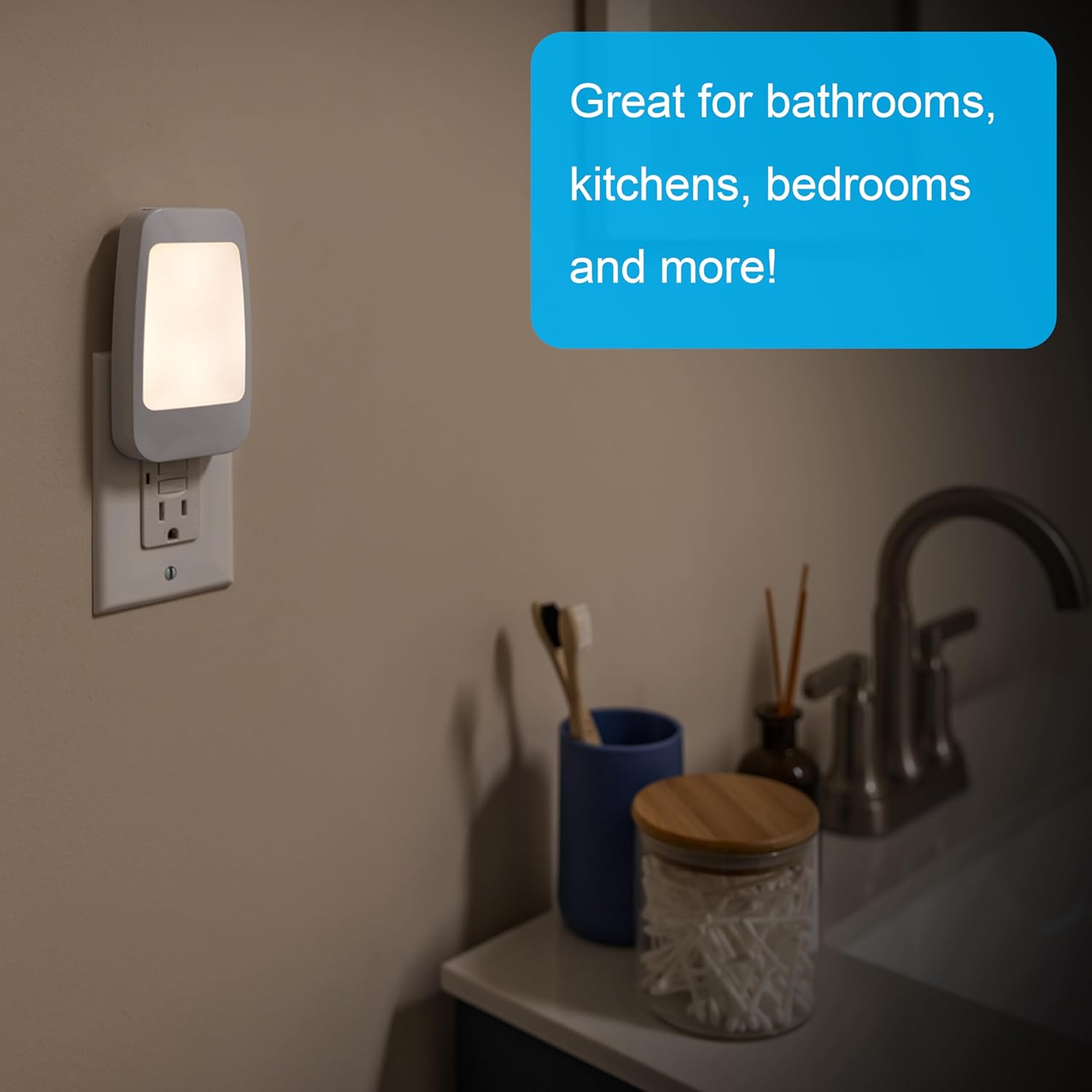
Image: A hand holding the night light as a flashlight, illuminating a circuit breaker panel, demonstrating its handheld mode and foldable plug.
Tabletop Light Mode
- While in flashlight mode, press the side button one more time to switch to the low-level panel light illumination, suitable for tabletop use.
Pangropéa
- beberesih: To clean the night light, ensure it is unplugged from the wall outlet. Use a soft, dry cloth to wipe the exterior. Do not use abrasive cleaners, solvents, or immerse the unit in water.
- Perawatan batré: The internal rechargeable battery is designed for long-term use. Keep the unit plugged in when not in portable use to maintain battery charge.
Pamérésan masalah
| Masalah | Mungkin Cukang lantaranana | Solusi |
|---|---|---|
| Night light does not turn on at dusk. | Room is too bright; unit is not plugged in; sensor is obstructed. | Ensure the room is sufficiently dark. Verify the unit is securely plugged into a working outlet. Check that the light sensor is not covered. |
| Light does not turn on during a power outage. | Battery is not charged; unit is not plugged in. | Ensure the unit has been plugged into an outlet to charge its internal battery. Verify the outlet is functional. |
| Flashlight/Tabletop light is dim or does not turn on. | Batré lemah atawa béak. | Plug the unit into a wall outlet and allow it to charge for several hours. |
spésifikasi
- Jumlah modél: 29679
- merek: Umum Éléktronik
- Ukuran (L x W x H): 4.76" x 2.64" x 1.55"
- Beurat barang: 3.2 ons
- Jenis Sumber Cahaya: LED
- Wattage: 1 watt
- Voltage: 120 volt
- Caang: Up to 40 Lumens (Flashlight Mode)
- Sumber Daya: Ditenagakeun Batré (Bisa dieusi deui)
- Bahan: palastik
- Pamakéan Indoor/Outdoor: Di jero rohangan wungkul
- Fitur husus: Portable, Rechargeable, Dusk-to-Dawn Sensor, Power Failure Auto-On
- UPC: 030878296793
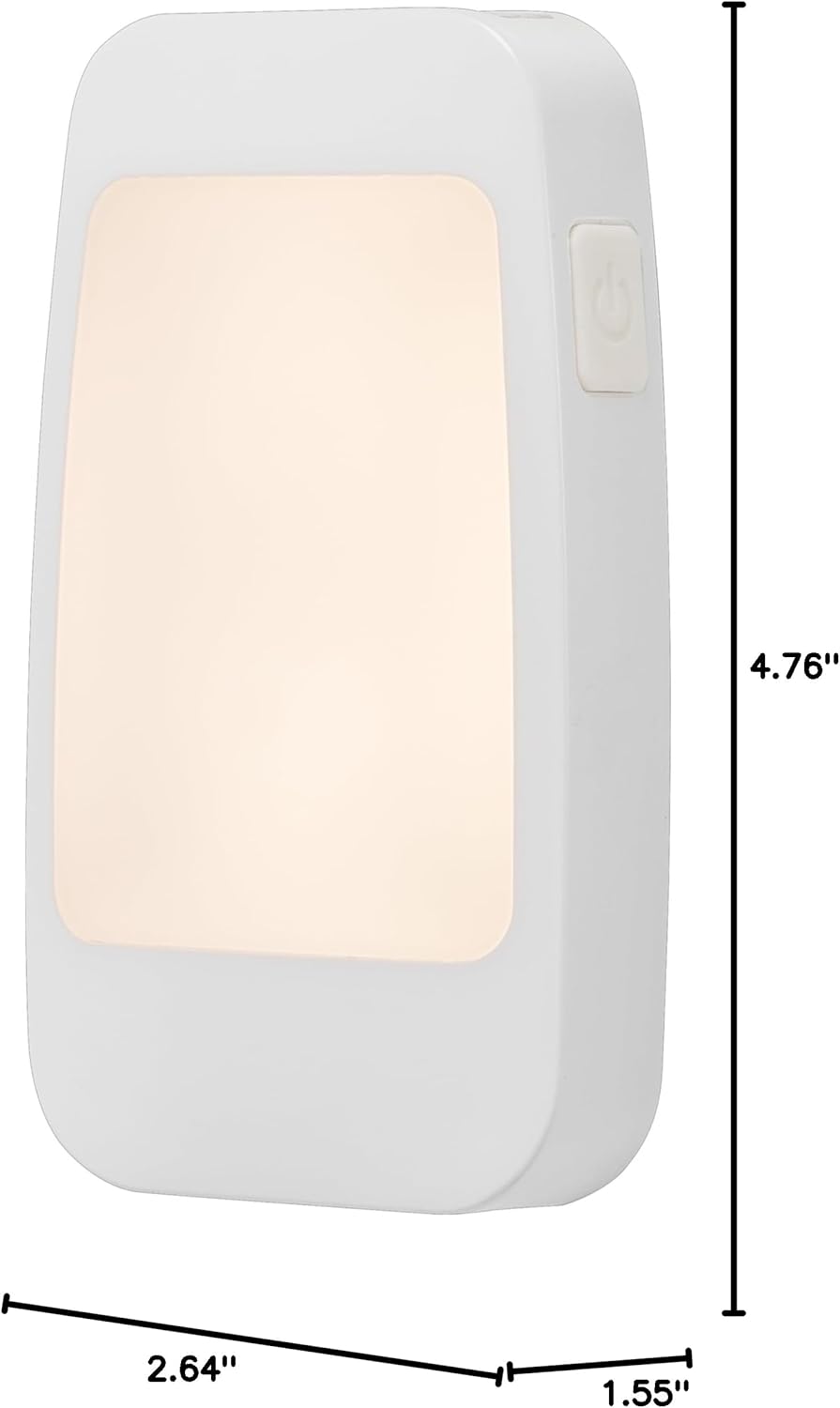
Image: A diagram showing the dimensions of the GE 4-in-1 LED Power Failure Night Light: 4.76 inches in height, 2.64 inches in width, and 1.55 inches in depth.
Garansi sareng Rojongan
Garansi: This product is covered by a Limited-Lifetime Warranty. For specific details regarding warranty coverage, please refer to the documentation included with your purchase or contact customer support.
Rojongan: For further assistance, product information, or to view other GE products, please visit the official GE store on Amazon: Toko Peralatan GE.