Bubuka
The LaCie Rugged USB-C is a portable external hard drive designed for reliable data storage and transfer. It features a durable enclosure providing resistance against drops, shocks, dust, and rain, making it suitable for various environments. This manual provides essential instructions for its proper setup, operation, and maintenance.

Image: The LaCie Rugged USB-C drive is shown in a bag, highlighting its portable design.
Produk Leuwihview
Fitur konci
- USB-C connectivity for modern computers, compatible with Thunderbolt 3.
- Resistance to drops, shocks, dust, and rain for enhanced durability.
- Designed for seamless use with both Mac and Windows operating systems.
- Includes Rescue Data Recovery Services for added peace of mind.
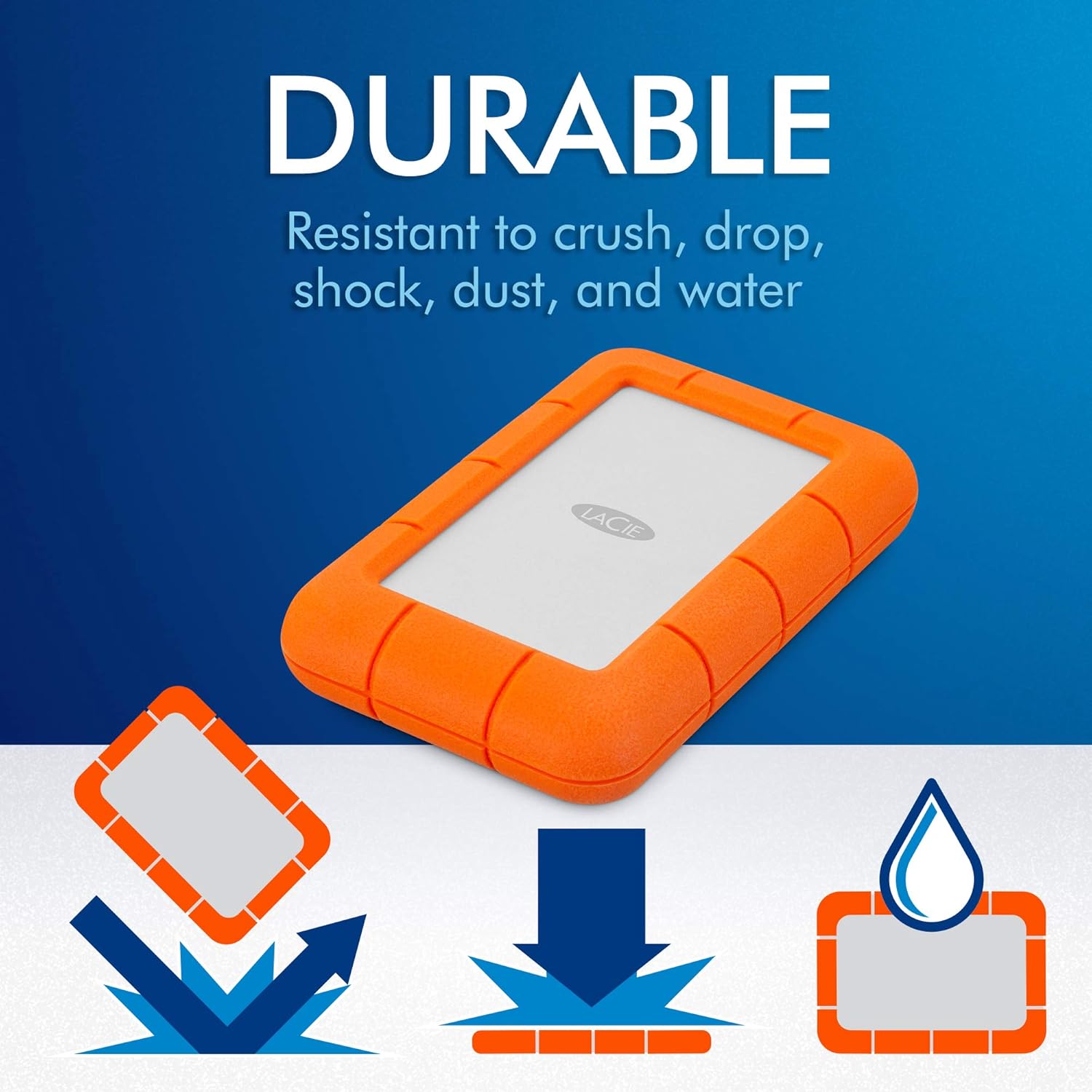
Image: Visual representation of the drive's resistance to drops, crushing, and water.
Naon dina Box
- LaCie Rugged USB-C drive (5TB)
- Kabel USB-C
- USB-C kana kabel USB-A
- Gancang Install Guide
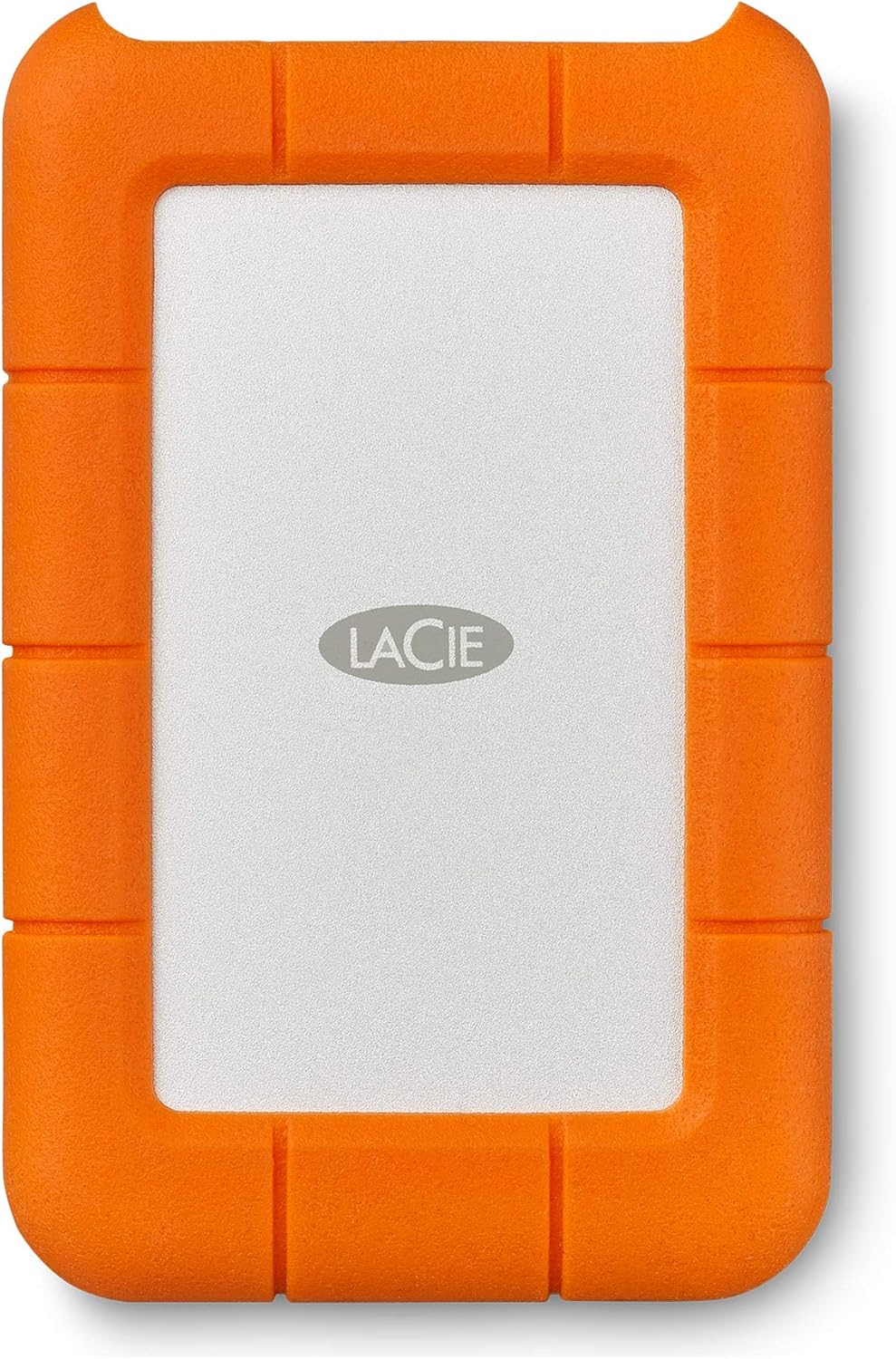
Gambar: A close-up view of the LaCie Rugged USB-C drive.
Disetél
Nyambungkeun Drive
- Use the provided USB-C cable to connect the LaCie Rugged drive to a USB-C port on your computer.
- Alternatively, use the provided USB-C to USB-A cable for computers equipped with standard USB-A ports.

Image: The LaCie Rugged USB-C drive connected to a laptop.
Initial Software Installation
Upon first connection, the drive may prompt you to install necessary software for full functionality and optimal performance. Follow the on-screen instructions to complete the installation. It is recommended to install official LaCie software for access to features like data encryption and backup utilities.
pormat
The drive may come pre-formatted for either Windows (NTFS) or macOS (HFS+). For cross-platform compatibility, consider formatting the drive to exFAT or FAT32.
Warning: Formatting the drive will erase all data. Back up any existing data before proceeding.
- Pikeun Windows: Open Disk Management, locate the LaCie drive, right-click, and select "Format." Choose the desired file sistem.
- Pikeun macOS: Open Disk Utility, select the LaCie drive, click "Erase," and choose the desired format (e.g., APFS, Mac OS Extended (Journaled), exFAT).
Parentah Operasi
Mindahkeun Data
Pikeun mindahkeun files, simply drag and drop them to and from the LaCie Rugged drive icon, which appears on your desktop (macOS) or in your File Explorer (Windows).
Ejection Aman
Always safely eject the drive before disconnecting it from your computer to prevent data corruption or loss.
- Pikeun Windows: Right-click the drive icon in the system tray and select "Safely Remove Hardware and Eject Media."
- Pikeun macOS: Drag the drive icon to the Trash or right-click the drive icon on the desktop and select "Eject."
Sumber Daya
The LaCie Rugged USB-C drive is USB powered and does not require an external power adapter.
Pangropéa
Perawatan Fisik
- Keep the drive's rubber casing clean. Wipe with a soft, damp lawon lamun perlu.
- Avoid exposing the drive to extreme temperatures or direct sunlight for extended periods.
- Ensure the port cover is securely closed when not in use to maintain dust and water resistance.
Integritas Data
- Jieun cadangan data penting anu disimpen dina drive sacara rutin ka lokasi anu sanés.
- Periodically check the drive's health using disk utility tools provided by your operating system.
Layanan Pamulihan Data Nyalametkeun
This product includes Rescue Data Recovery Services. In the event of unexpected data loss due to physical damage or software issues, contact LaCie support for assistance with data recovery. This service provides an additional layer of protection for your valuable data.

Image: Details about LaCie's Rescue Data Recovery Services.
Pamérésan masalah
Drive Teu Dipikawanoh
- Pastikeun kabel USB disambungkeun aman ka duanana drive jeung komputer.
- Coba port USB anu béda dina komputer anjeun.
- Coba kabel USB anu béda.
- Balikan deui komputer anjeun.
- Check Disk Management (Windows) or Disk Utility (macOS) to see if the drive is detected but unformatted or uninitialized.
- Verify that necessary LaCie software drivers are installed.
Kecepatan Transfer Leungit
- Ensure you are using a USB 3.0 or USB-C port for optimal speeds. Connecting to a USB 2.0 port will result in slower performance.
- Tutup aplikasi séjén anu panginten nganggo sumber daya sistem atanapi ngalaksanakeun transfer latar tukang.
- Check the health of the drive using your operating system's disk utility tools.
Drive Disconnects Randomly
- Ensure the cable connection is stable and not loose.
- Disable USB selective suspend settings (Windows) or check power management settings for USB devices to prevent the computer from turning off the USB port.
- Pastikeun panggerak USB komputer anjeun parantos diropéa.
spésifikasi
| Fitur | Rincian |
|---|---|
| Kapasitas | 5 TB (5000 GB) |
| Panganteur | USB 3.2 (compatible with USB-C, USB 3.0, Thunderbolt 3) |
| Tipe Hard Drive | Mékanis Hard Disk |
| Laju rotasi | 5400 rpm |
| Ukuran (L x W x H) | 1.02 x 3.39 x 5.32 inci (2.59 x 8.61 x 13.51 cm) |
| Beurat | 14.1 ons (400 gram) |
| Kasaluyuan System Operasi | Mac, PC |
| Sumber Daya | USB Powered |
| Résistansi | Drop, Shock, Dust, Rain resistant |
| Nomer modél | STFR5000800 |
Garansi sareng Rojongan
Garansi produk
This LaCie product is covered by a limited warranty. For specific warranty terms and conditions, please refer to the documentation included with your product or visit the official LaCie support websitus.
Layanan Pamulihan Data Nyalametkeun
As mentioned, this product includes data recovery services. For assistance with data recovery, visit the LaCie support website and navigate to the Rescue Data Recovery section.
Rojongan Online
For further assistance, frequently asked questions (FAQs), and driver downloads, visit the official LaCie support websitus: www.lacie.com/support.


