1. Naon dina Box
Pastikeun yén sadaya komponén aya dina pakét anjeun:
- MOMAN MA6 Microphone x 1
- 6mm Tie Clip x 1
- Sél Tombol x 1
- Cotton Wind Muff x 2
- Mawa Kantong x 1
- Specialized Windshield x 1

If any items are missing or damaged, please contact Moman customer support.
2. Setup Guide
2.1 Pamasangan batré
- Locate the battery compartment on the microphone's main unit.
- Gently open the compartment.
- Insert the provided button cell battery, ensuring correct polarity (+/-).
- Tutup kompartemen batré anu aman.
2.2 Ngapasangkeun Mikropon
- Attach the 6mm tie clip to the microphone capsule.
- Clip the microphone to your clothing, approximately 6-8 inches (15-20 cm) from your mouth, for optimal sound capture.
- For outdoor use or in windy conditions, install one of the provided cotton wind muffs or the specialized windshield over the microphone capsule to reduce wind noise.
2.3 Nyambungkeun ka Alat Anjeun
The Moman MA6 features auto-pairing technology for seamless connection to various devices.

- For Smartphones (TRRS): Plug the 3.5mm connector directly into your smartphone's headphone/microphone jack. The microphone will automatically adapt to the TRRS input.
- For DSLR Cameras, Camcorders, PCs (TRS): Plug the 3.5mm connector directly into your device's microphone input. The microphone will automatically adapt to the TRS input.
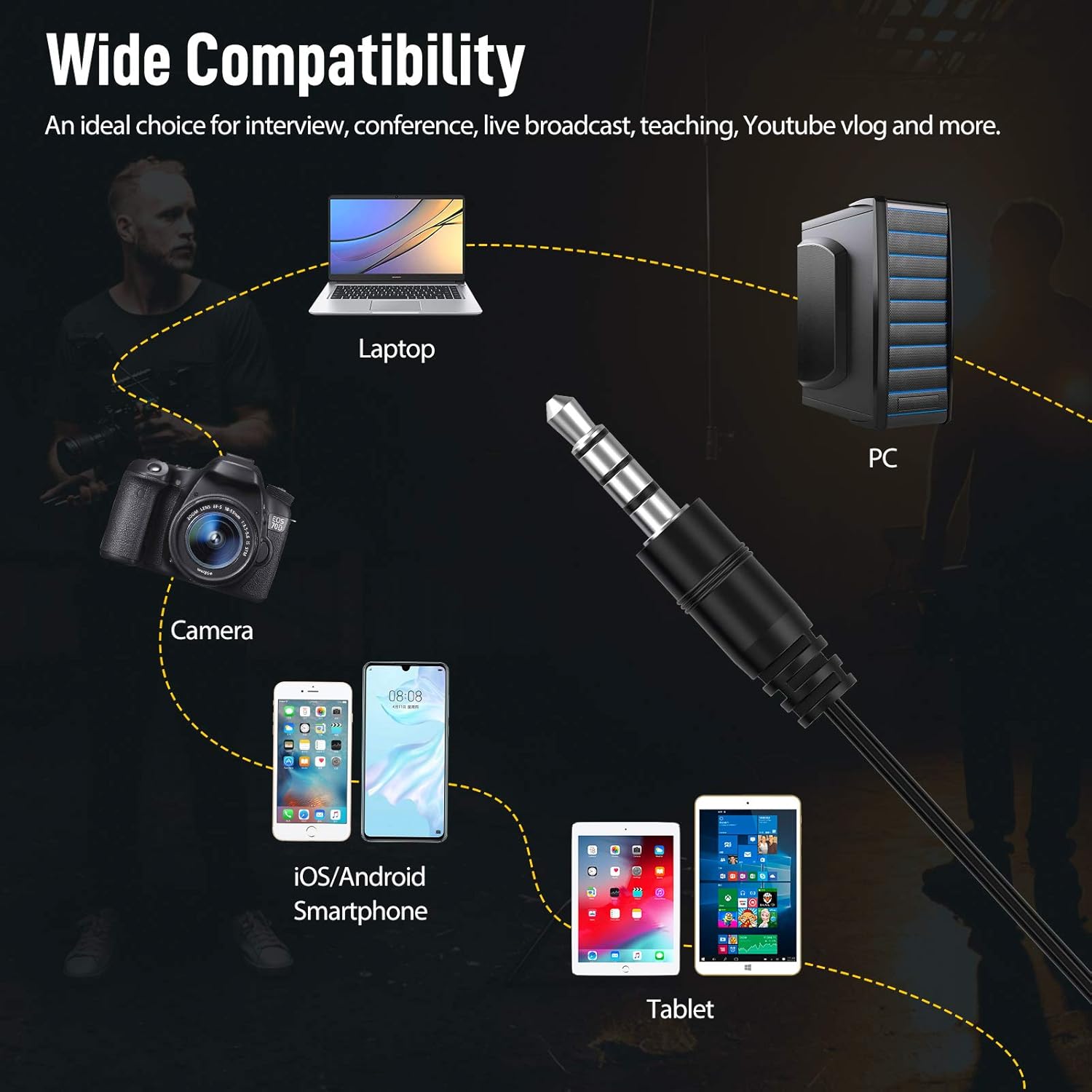
No additional 3.5mm adapters are required for standard TRRS or TRS inputs.
3. Parentah Operasi
3.1 Powering On and Indicator Light
Once connected to a powered device or with a fresh battery, the microphone will activate. Observe the indicator light on the microphone's main unit.
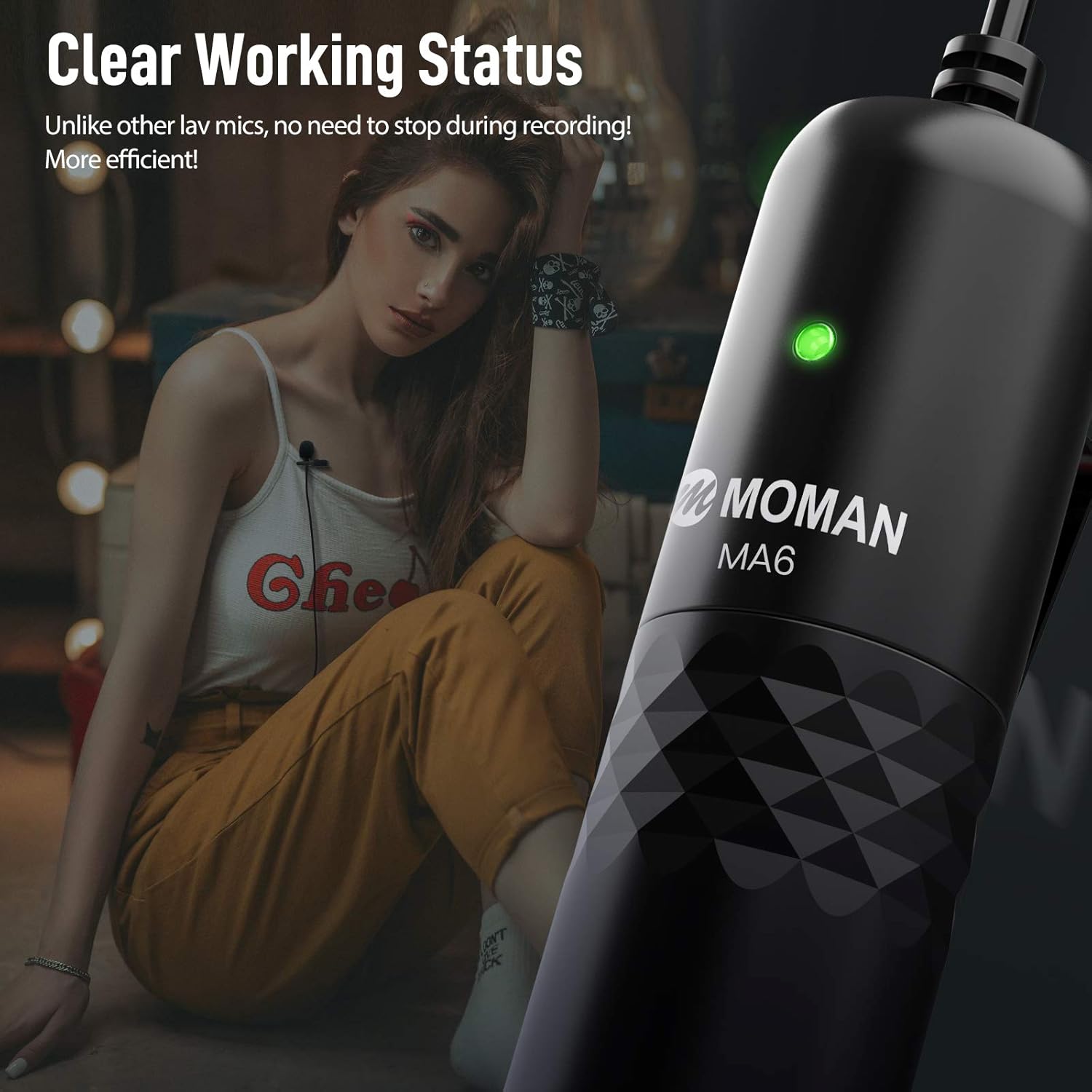
- A steady green light indicates the microphone is powered on and functioning correctly.
- If the light is off or blinking, refer to the Troubleshooting section.
3.2 Omnidirectional Pickup Pattern
The Moman MA6 features a 360-degree omnidirectional condenser capsule, designed to capture sound equally from all directions. This makes it suitable for various recording scenarios, including interviews, vlogs, and presentations.

3.3 Advanced Noise Processing
The microphone incorporates advanced circuitry to reduce self-noise and actively filter out ambient noise below 70Hz. This helps to isolate the subject's voice, delivering clear and intact audio by suppressing unwanted background sounds.

3.4 Stable and Flexible Recording
The 6-meter (19.7-feet) audio cable is constructed from anti-interference material with a metal plug, ensuring stable and fast transmission of the digital voice signal. This extended cable length provides flexibility for various recording setups, including distant shots.

4. Pangropéa
4.1 beberesih
- Gently wipe the microphone body with a soft, dry cloth.
- Do not use liquid cleaners or solvents, as they may damage the microphone.
- Clean the wind muffs as needed by hand washing with mild soap and water, then air dry completely before reattaching.
4.2 Panyimpenan
- Store the microphone in its provided carrying bag when not in use to protect it from dust and physical damage.
- Hindarkeun nyimpen dina suhu ekstrim atanapi kalembaban anu luhur.
4.3 Ngagantian batré
When the indicator light dims or the microphone performance degrades, it may be time to replace the button cell battery. Follow the battery installation steps (Section 2.1) to replace the battery.
5. Cara ngungkulan
If you encounter issues with your Moman MA6 microphone, refer to the following common problems and solutions:
- Henteu aya Sora atanapi Volume Lemah:
- Ensure the microphone is securely plugged into your device's microphone input.
- Pariksa batréna. Ganti upami diperyogikeun.
- Verify the indicator light is steady green.
- Check your device's audio input settings and volume levels.
- Ensure your device is compatible with external microphones.
- Poor Sound Quality (Static, Distortion, Muffled):
- Ensure the microphone is positioned correctly, approximately 6-8 inches from the sound source.
- Pariksa sambungan leupas.
- If recording outdoors, ensure a wind muff or windshield is properly installed.
- Test with another recording device to rule out device-specific issues.
- Avoid placing the microphone near strong electromagnetic interference sources.
- Indicator Light Not On:
- Pariksa batréna. Ganti upami diperyogikeun.
- Ensure the microphone is properly connected to a powered device.
If the problem persists after trying these steps, please contact Moman customer support for further assistance.
6. Spésifikasi
| Nomer modél | MP-GB01RD |
| merek | Moman |
| Faktor Bentuk Mikropon | Lavalier |
| Pola Polar | Omnidirectional |
| Téhnologi konektipitas | Pambantu |
| Tipe Panyambung | 3.5 mm Jack (TRRS/TRS Auto-Pairing) |
| Panjang kabel | 6 méter / 19.7 suku |
| Rasio Signal-to-Noise | 78 dB |
| Platform hardware | Kaméra, Smartphone |
| Sumber Daya | Corded Electric (via device) / Button Cell (for active features) |
| Bahan | Aluminum (plug) |
| Item Beurat | 4.8 ons / 0.3 pon |
| Dianjurkeun Mangpaat | Video Recording, Voice Recording |
7. Garansi jeung Rojongan
For warranty information and customer support, please refer to the documentation included with your purchase or visit the official Moman websitus. Simpen bukti pameseran anjeun pikeun klaim garansi.


