Bubuka
The DoorBird IP Door Chime is designed to integrate seamlessly with DoorBird intercom systems. This device can be mounted on a wall or ceiling and connects to your local area network (LAN) via either a Cat5 network cable or Wi-Fi. Power over Ethernet (PoE) is supported for network cable installations, simplifying the setup process. The chime's settings, including volume, ringtone, and 'do not disturb' features, are configurable through the DoorBird app. It can be connected to an unlimited number of DoorBird intercoms.
Fitur
- Konektipitas: Supports Wi-Fi, Ethernet, and Power over Ethernet (PoE).
- Konfigurasi: Easily configurable via the DoorBird mobile application.
- Kustomisasi: Adjustable volume and ringtone settings.
- genah: Includes a 'do not disturb' feature.
- Skalabilitas: Connects to an unlimited number of DoorBird intercoms.
- Asal: Manufactured in Germany.
Setup sareng Instalasi
Before beginning installation, ensure all power to the existing doorbell system is turned off at the circuit breaker. Electrical work should be performed in accordance with local and national electrical codes. If you are unsure, consult a qualified electrician.
Unboxing sarta komponén
The DoorBird IP Door Chime comes with the main chime unit and necessary mounting hardware. Familiarize yourself with the components before proceeding.
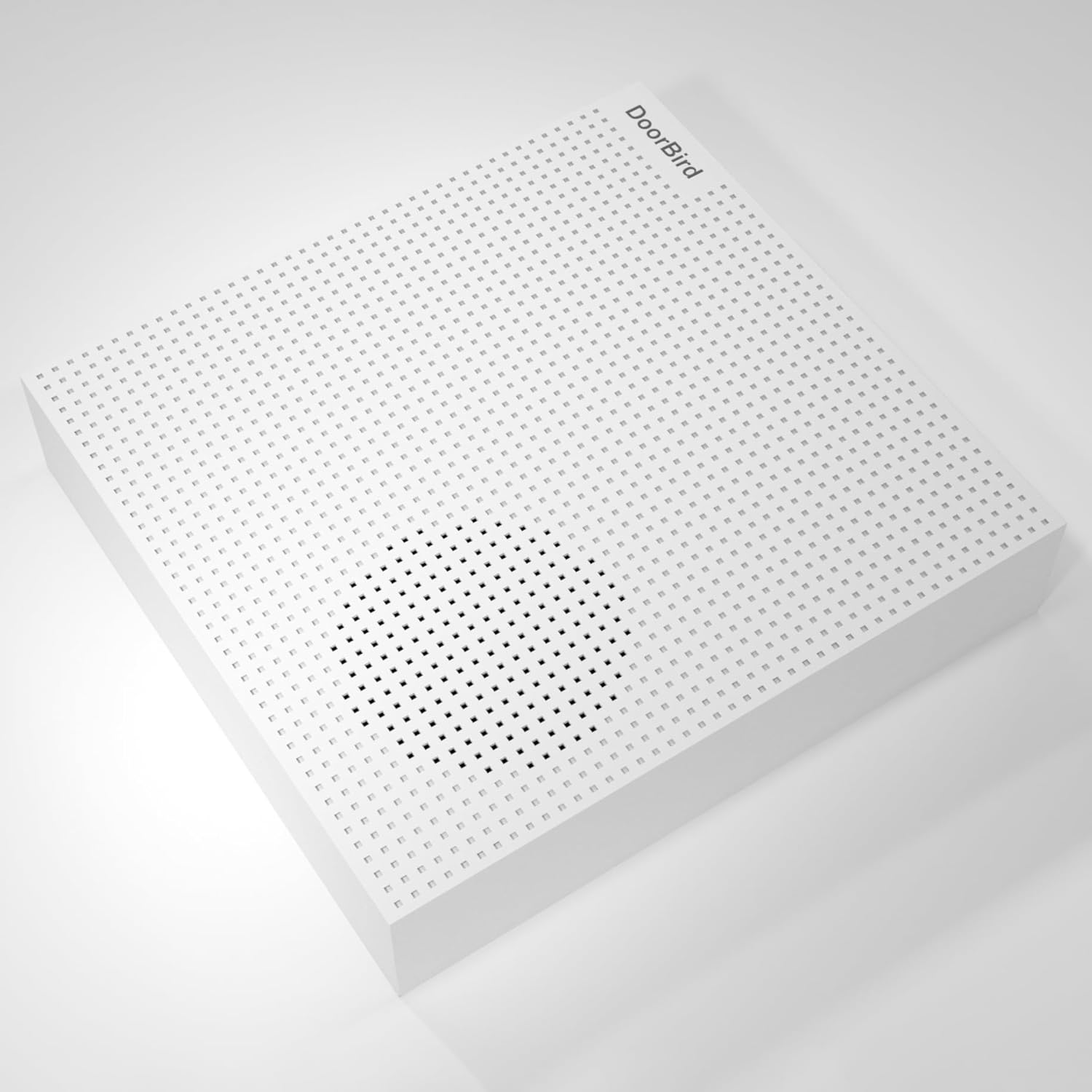
Gambar: Hareupeun view of the DoorBird IP Door Chime unit.

Gambar: Sisi view of the DoorBird IP Door Chime unit, highlighting the mounting points and internal components.
Kabel jeung Pamasangan
The chime can be connected to your network using either a Cat5 cable (supporting PoE) or Wi-Fi. For wired installations, connect the appropriate wires from your existing doorbell system to the chime's terminals. Ensure secure connections to prevent intermittent operation. The unit can be mounted on a wall or ceiling using the provided hardware.
For a visual guide on the installation process, please refer to the product overview pidéo di handap ieu:
Video: Produk Leuwihview Video demonstrating the features and basic installation steps of a doorbell chime.
Parentah Operasi
The DoorBird IP Door Chime is primarily controlled and configured through the dedicated DoorBird mobile application. After successful installation and network connection, open the app to access the chime's settings.
- Kontrol volume: Adjust the chime volume to your preferred level within the app settings.
- Pilihan nada dering: Choose from various available ringtones for different DoorBird intercoms or events.
- Entong ganggu: Activate or deactivate the 'do not disturb' feature to silence the chime during specific periods.
- Papasangan Intercom: The chime can be paired with multiple DoorBird intercoms for comprehensive coverage.
Pangropéa
The DoorBird IP Door Chime requires minimal maintenance. Keep the unit clean by wiping it with a soft, dry cloth. Avoid using abrasive cleaners or solvents. Ensure the unit is free from dust and debris to maintain optimal performance. Regularly check the DoorBird app for firmware updates to ensure your device has the latest features and security enhancements.
Pamérésan masalah
- Henteu aya sora: Check the volume settings in the DoorBird app. Ensure the 'do not disturb' feature is not active. Verify all wiring connections are secure if using a wired setup.
- Masalah konektipitas: For Wi-Fi, ensure the chime is within range of your router and the network credentials are correct in the app. For Ethernet/PoE, check the network cable and ensure your PoE injector/switch is functioning correctly.
- Masalah Konfigurasi Aplikasi: Ensure your DoorBird app is updated to the latest version. Try restarting the app or your mobile device.
- Operasi intermittent: This could indicate loose wiring connections or an unstable network connection. Recheck all physical connections and network stability.
spésifikasi
| Fitur | Rincian |
|---|---|
| Ngaran modél | A1061W |
| merek | Manuk Panto |
| Warna | Bodas |
| Dimensi produk | 1.02 "D x 4.69" W x 4.92" H |
| Item Beurat | 7.1 ons (200 gram) |
| Tipe Pamasangan | Tabletop Mount (can also be wall/ceiling mounted) |
| Téhnologi konektipitas | Ethernet, Wi-Fi |
| Téknologi Komunikasi Nirkabel | Wifi |
| Métode kontrol | App |
| Masukan Voltage | 240 Volt (AC) |
| Sumber Daya | Battery Powered (also supports PoE) |
| Tipe Speaker | Lonceng panto |
| Speaker Maksimum Kaluaran Power | 60 Watt |
| Réspon Frékuénsi | 2.4 GHz |
| Pamakéan jero rohangan / outdoor | Jero rohangan, Luar |
| Tingkat Résistansi Cai | Henteu Tahan Cai |
Garansi
The DoorBird IP Door Chime comes with a Garansi kawates. Please refer to the product packaging or the manufacturer's official websitus pikeun istilah jeung kaayaan husus ngeunaan cakupan jaminan jeung durasi.
Ngarojong
For further assistance, technical support, or to report any issues, please visit the official DoorBird website or contact their customer service. Ensure you have your product model number (A1061W) and purchase details ready when seeking support.


