
1. Bubuka
This manual provides essential information for the safe and effective use of your Sony FE 90mm F2.8 Macro G OSS Full-Frame E-Mount Macro Lens. This lens is designed for Sony E-mount cameras, offering exceptional image quality and versatility for macro photography and general use.
Key features include built-in Optical SteadyShot (OSS) image stabilization, a bright F2.8 maximum aperture, and advanced optics for sharp, clear images with smooth bokeh. The lens is also dust and moisture resistant, making it suitable for various shooting conditions.

Figure 1: Sony FE 90mm F2.8 Macro G OSS Lens. This image shows the lens with its focus and OSS switches, and distance scales.
2. Naon dina Box
Punten parios yén sadaya barang anu didaptarkeun di handap kalebet kana pakét anjeun:
- Sony FE 90mm F2.8 Macro G OSS Full-frame E-mount Macro Lens
- Cap Lénsa Hareup
- Tutup Lénsa Rear
- ALC-SH138 Lens Hood (Round, Bayonet Type)
- Kasus Lensa
- 64GB Extreme SDXC UHS-I Memory Card
- Neoprene Lens Pouch (8")
- Bounce Zoom Slave Flash
- Mémori Card Reader
- Dompét Kartu
- Cleaning Kit (includes items like lens cleaning pen, dust blower)
- Panjaga Cap lénsa
- 72mm UV, Polarizer & FLD Deluxe Filter Kit (set of 3 + carrying case)
- Corel PaintShop Pro X9 Digital Download

Figure 2: Neoprene Lens Pouch. A soft, protective pouch for the lens.
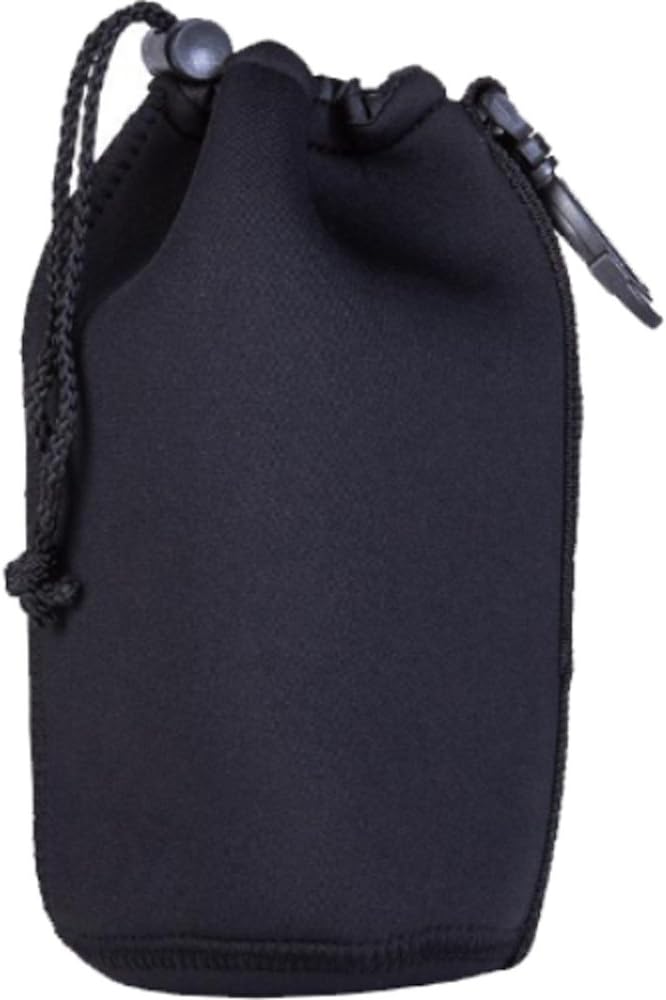
Figure 3: SanDisk Extreme 64GB SDXC Memory Card. For storing high-resolution photos and videos.
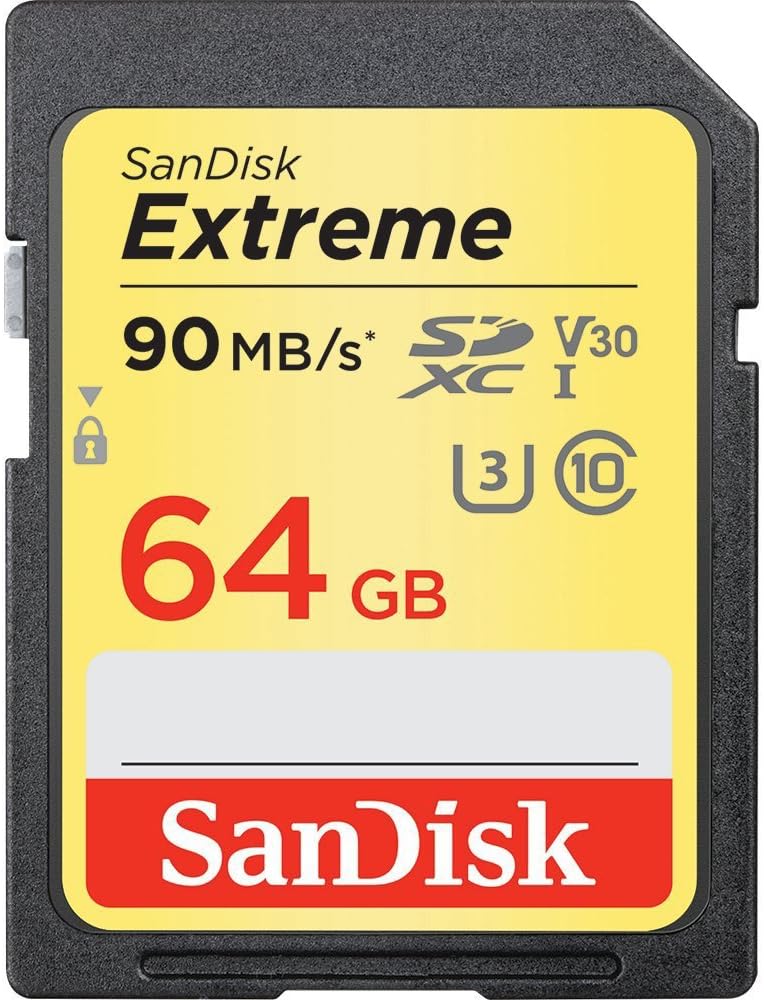
Figure 4: Lens Hood. Helps to prevent flare and protect the front element.

Figure 5: Lens Cleaning Pen. A dual-ended tool for cleaning lens surfaces.

Figure 6: Dust Blower. Used to remove dust and loose particles from lens surfaces.

Figure 7: Lens Cap Keeper. Prevents loss of the lens cap.
3. Setélan
3.1 Ngalampirkeun Lénsa
- Pastikeun kaméra anjeun dipareuman.
- Cabut tutup lénsa tukang tina lénsa sareng tutup awak kaméra tina kaméra anjeun.
- Align the white index mark on the lens barrel with the white index mark on your camera's mount.
- Selapkeun lensa kana dudukan kaméra sareng puterkeun saarah jarum jam dugi ka ngaklik kana tempatna. Ulah maksakeun lensa.
3.2 Ngalampirkeun Tudung Lensa
- Sejajarkeun titik beureum dina sungkup lénsa sareng titik beureum di payun lénsa.
- Insert the lens hood onto the lens and rotate it clockwise until it clicks into place.
- To store, the lens hood can be reversed and attached to the lens.
3.3 Nyelapkeun Kartu Memori
- Locate the memory card slot on your camera (refer to your camera's manual for exact location).
- Insert the 64GB SDXC memory card with the label facing the correct direction until it clicks.
4. Ngoperasikeun Lensa
4.1 Saklar Modeu Fokus (AF/MF)
The lens features a sliding focus ring that allows instant switching between autofocus (AF) and manual focus (MF).
- AF (Pokus otomatis): Slide the focus ring forward for automatic focusing. The camera will control the focus.
- MF (Fokus Manual): Pull the focus ring back towards the camera body for manual focusing. Rotate the focus ring to adjust focus manually.
4.2 Saklar Pangwates Rentang Fokus
This switch helps to optimize autofocus speed by limiting the focus range.
- FULL: The lens will focus across its entire range (from 0.28m to infinity). Use for general photography.
- ∞ - 0.5m: Limits focus to subjects from 0.5 meters to infinity. Useful for non-macro subjects to prevent the lens from hunting in the close-focus range.
- 0.5m - 0.28m: Limits focus to subjects from 0.28 meters to 0.5 meters. Ideal for dedicated macro shooting to speed up focus acquisition.
4.3 Optical SteadyShot (OSS) Switch
The built-in Optical SteadyShot image stabilization compensates for camera shake, especially useful for handheld shooting and in low light conditions.
- ON: Activates Optical SteadyShot. Recommended for most handheld shooting situations.
- Pareuman: Deactivates Optical SteadyShot. Recommended when using a tripod or when the camera is otherwise stabilized, as it can sometimes introduce blur when not needed.
4.4 Tombol Tahan Fokus
Pressing this button locks the focus at the current distance. This is useful for recomposing shots without losing focus on your subject.
5. Pangropéa
5.1 Ngabersihan Lensa
- Always use a lens blower (like the one included in your bundle) to remove dust and loose particles from the lens surface before wiping.
- For smudges or fingerprints, use a soft, clean microfiber cloth or a lens cleaning pen (included) with a small amount of lens cleaning solution. Wipe gently in a circular motion from the center outwards.
- Never use harsh chemicals, solvents, or abrasive materials on the lens.
5.2 Panyimpenan
- When not in use, always attach the front and rear lens caps to protect the lens elements.
- Store the lens in a dry, cool place, away from direct sunlight and extreme temperatures. The included neoprene lens pouch or lens case provides additional protection.
- Avoid storing the lens in areas with high humidity to prevent mold growth. If storing for extended periods, consider using desiccant packets.
6. Cara ngungkulan
| Masalah | Mungkin Cukang lantaranana | Solusi |
|---|---|---|
| Lensa teu napel kana kaméra | Incorrect alignment; obstruction | Ensure white index marks are aligned. Check for any debris on the mount. Do not force. |
| Autofocus is slow or hunts excessively | Low light; low contrast subject; focus range limiter set incorrectly | Ensure adequate lighting. Use the focus range limiter to match your subject distance (e.g., 0.5m-0.28m for macro). Switch to manual focus if necessary. |
| Images are blurry or soft | Camera shake; incorrect focus; dirty lens element; OSS off | Ensure OSS is ON for handheld shooting. Check focus settings. Clean the lens. Use a faster shutter speed or tripod. |
| Optical SteadyShot not working | OSS switch is OFF | Set the OSS switch to ON. |
| Lensa teu dipikawanoh ku kaméra | Lens not properly mounted; camera firmware outdated | Re-attach the lens securely. Check Sony's websitus pikeun apdet firmware kaméra. |
7. Spésifikasi
- merek: Sony
- Ngaran modél: E18SNSEL90M28G (SEL90M28G)
- Jenis lensa: Makro
- Panjang fokus: 90 mm (Tetep)
- Aperture maksimum: f/2.8
- Pamasangan anu cocog: E-Mount Lens/Full-Frame Format
- Stabilisasi Gambar: Optical SteadyShot (OSS)
- Jenis fokus: Fokus Otomatis, Fokus Manual
- Jarak Pokus Minimum: 0.28 méter (0.92 suku)
- Magnification maksimum: 1:1
- Jumlah kado Diafragma: 9 (Circular Aperture)
- Palapis lensa: Nano AR Coating
- Ukuran saringan: 62 mm
- Dust and Moisture Resistance: Sumuhun
- Sudut Nyata View: 27 darajat
- GTIN/UPC: 841434162564
8. Jaminan & Dukungan
8.1 Émbaran jaminan
This Sony FE 90mm F2.8 Macro G OSS Lens is covered by a full SONY USA WARRANTY. Please refer to the warranty card included with your product for specific terms, conditions, and duration of coverage. Keep your proof of purchase for warranty claims.
8.2 Rojongan Palanggan
For technical assistance, service, or further information regarding your Sony product, please visit the official Sony support website or contact Sony customer service directly.
Rojongan Sony Websitus: https://www.sony.com/electronics/support
You may also find helpful resources and FAQs on the Sony website or through authorized Sony service centers.