1. Bubuka jeung Leuwihview
Thank you for choosing the NuWave Pro Precision Induction Cooktop, Model 30301. This advanced countertop burner utilizes induction technology to provide efficient, precise, and safe cooking. Its portable design and accurate temperature control make it an ideal addition to any kitchen, offering a superior cooking experience compared to traditional electric or gas ranges.
This manual provides detailed instructions for the safe and effective use of your NuWave Pro Precision Induction Cooktop. Please read it thoroughly before first use and retain it for future reference.
2. Émbaran Kasalametan penting
PERHATOSAN: Pikeun ngirangan résiko kahuruan, sengatan listrik, atanapi tatu, baca sareng pahami sadaya pitunjuk sateuacan nganggo alat ieu.
- Always place the cooktop on a stable, level, heat-resistant surface.
- Pastikeun ventilasi anu cekap di sakitar unit. Ulah ngahalangan ventilasi hawa.
- Ulah neuleumkeun cooktop dina cai atawa cairan séjén.
- Anggo ngan ukur alat masak anu cocog sareng induksi. Alat masak anu henteu cocog moal panas.
- The cooking surface can remain hot even after cooking. Allow it to cool completely before cleaning or storing.
- Jauhkeun tina jangkauan barudak sareng piaraan.
- Entong dianggo upami kabel listrik atanapi colokan rusak.
- Jalmi-jalmi anu gaduh alat pacu jantung atanapi alat médis anu sami kedah konsultasi ka dokter sateuacan nganggo kompor induksi kusabab aya poténsi gangguan éléktromagnétik.
3. Fitur Produk
- Precision Induction Technology: Heats cookware directly, minimizing heat loss and maximizing energy efficiency.
- Kontrol Suhu Akurat: Offers precise temperature settings for consistent cooking results.
- Desain portabel: Compact and lightweight, making it easy to move and store.
- Permukaan awét: Features a shatter-proof ceramic glass cooking surface.
- Sababaraha Wattage Setélan: Adjustable power levels for various cooking needs.
- Fitur kaamanan: Automatic shut-off, pan detection, and overheat protection.
4. Komponén jeung kadali
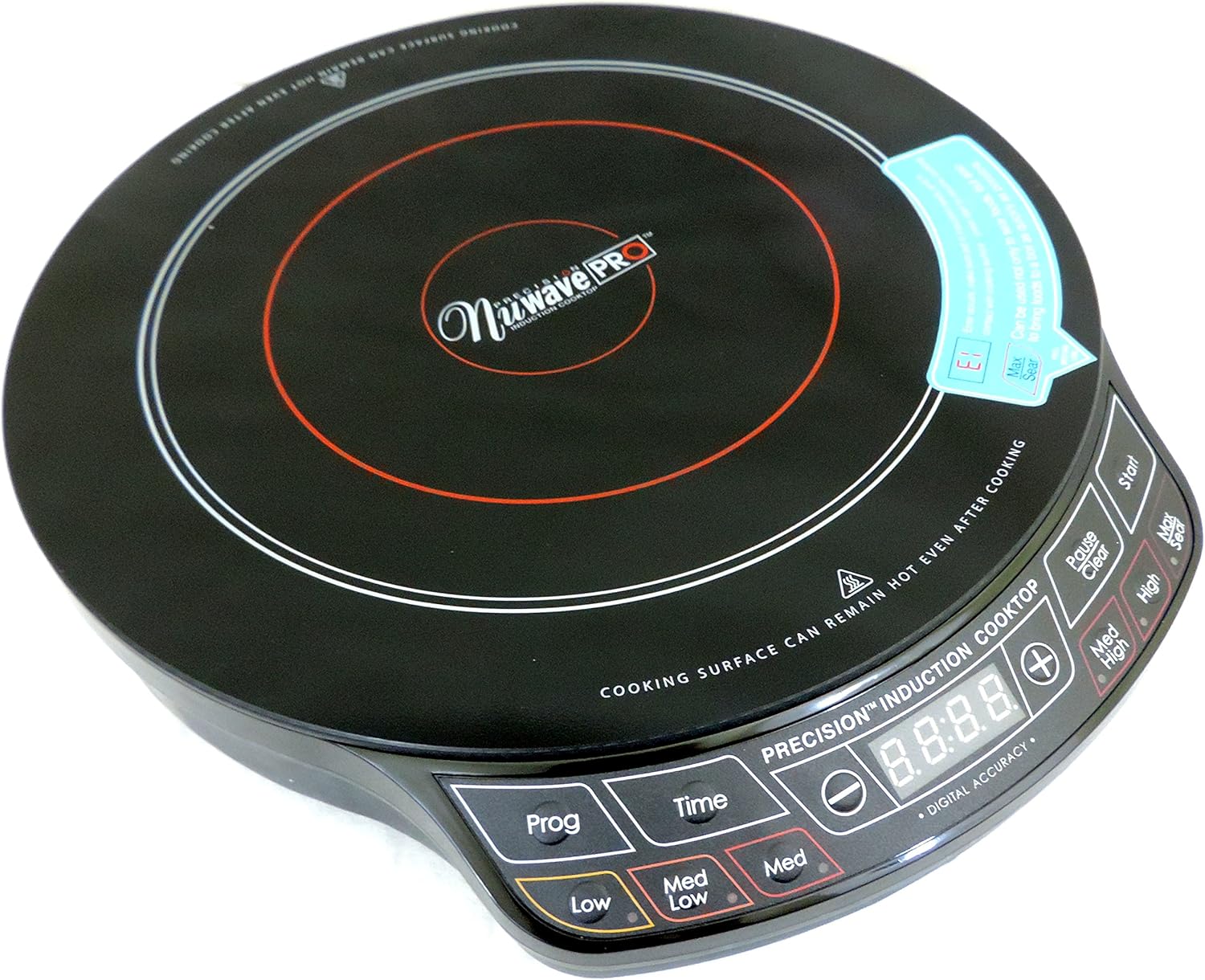
Gambar 4.1: Top-handap view of the NuWave Pro Precision Induction Cooktop, highlighting the cooking zone and digital control panel.
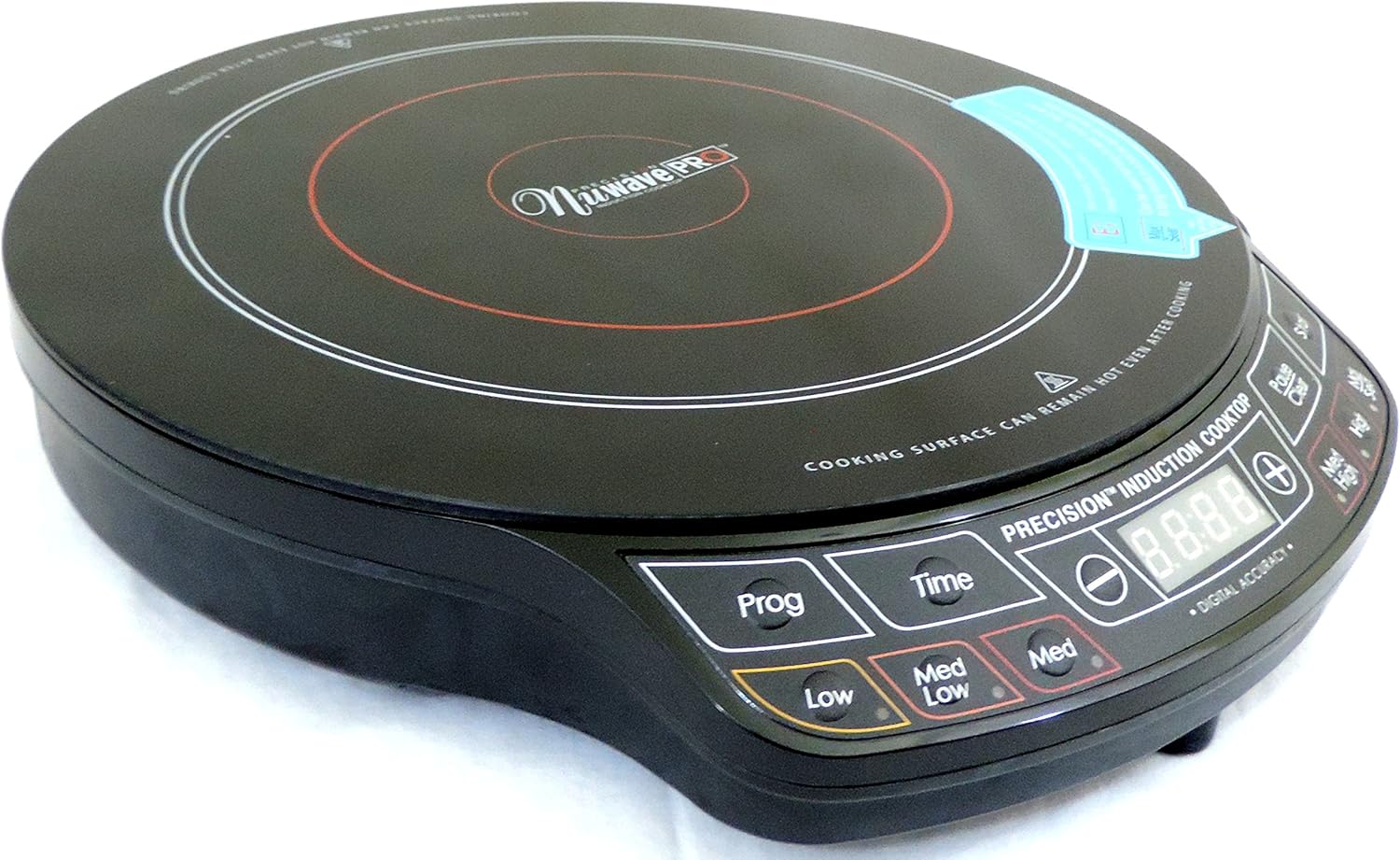
Gambar 4.2: Angled view of the NuWave Pro Precision Induction Cooktop, providing a clearer look at the unit's compact design and the layout of the control buttons.
Kontrol Panel Langkungview:
- Digital tampilan: Shows temperature, time, and error codes.
- Prog (Program): Used to access and set pre-programmed cooking functions.
- Waktos: Activates and adjusts the cooking timer.
- Low / Med Low / Med / Med High / High / Sear: Pre-set temperature/power level buttons for quick selection.
- +/- Tombol: Adjust temperature or time settings incrementally.
- Mimitian: Begins the cooking process.
- Pause / Clear: Pauses cooking or clears current settings.
5. Setélan
- Ngabongkar bungkusan: Carefully remove the cooktop and all packaging materials from the box. Retain packaging for storage or future transport.
- panempatan: Place the cooktop on a dry, flat, stable, and heat-resistant surface. Ensure there is at least 4-6 inches of clear space around all sides for proper ventilation. Do not place on metal surfaces.
- Sambungan Daya: Colokkeun kabel listrik kana stop kontak listrik 120V AC standar.
- Kasaluyuan Cookware: Ensure your cookware is induction-compatible. This typically includes cast iron, enameled iron, and stainless steel with a magnetic bottom. A simple test is to place a magnet on the bottom of your pot or pan; if it sticks, it's compatible.
6. Parentah Operasi
Operasi dasar:
- Place induction-compatible cookware (with contents) centrally on the cooking surface.
- Pencét éta Mimitian button to turn on the unit. The digital display will illuminate.
- Select your desired cooking temperature or power level using the pre-set buttons (Low, Med Low, Med, Med High, High, Sear) or use the +/- buttons for precise adjustments.
- Pikeun nyetel waktos masak, pencét Waktos tombol, teras anggo +/- buttons to adjust the duration. Press Mimitian again to confirm and begin cooking.
- To pause cooking, press Reureuh. To resume, press Mimitian.
- To clear settings or turn off the unit, press and hold the Pause / Clear kancing.
Using Pre-Programmed Settings (Prog):
The Prog button allows access to various pre-programmed cooking functions. Refer to the included recipe book or NuWave's official website for specific details on these programs and their usage.
Note: Always ensure the cooktop is clean and dry before use. Do not operate without cookware on the surface.
7. Pangropéa jeung beberesih
CAUTION: Always unplug the cooktop and allow it to cool completely before cleaning.
- Ngabersihan Permukaan: Ngusap beungeut kaca keramik jeung adamp cloth and mild detergent. For stubborn stains, use a non-abrasive cleaner specifically designed for glass cooktops. Dry thoroughly with a soft cloth.
- Panél kontrol: Ngusap panel kontrol ku lemes, damp lawon. Ulah make cleaners abrasive atawa neuleumkeun unit.
- ventilasi: Periodically check the air intake and exhaust vents for dust or debris. Use a soft brush or vacuum cleaner to gently clear any blockages.
- Panyimpenan: Store the cooktop in a cool, dry place when not in use.
8. Cara ngungkulan
| Masalah | Mungkin Cukang lantaranana | Solusi |
|---|---|---|
| Cooktop teu hurung. | Teu plugged di; kakuatan outage; outlet lepat. | Pastikeun unitna dipasang pageuh kana stop kontak anu tiasa dianggo. Pariksa pemutus sirkuit. |
| Alat masak teu panas. | Alat masak teu cocog sareng induksi; alat masakna leutik teuing atanapi henteu di tengahna; teu aya alat masak anu kadeteksi. | Use induction-compatible cookware. Ensure cookware is centered and covers a sufficient portion of the cooking zone. |
| Unit pareum teu disangka-sangka. | Overheat protection activated; pan removed; internal error. | Allow unit to cool down. Ensure proper ventilation. Replace pan if removed. If problem persists, contact customer support. |
| Temperature control seems inaccurate. | Variations in cookware material/thickness; user expectation. | Induction cooktops heat very rapidly. Adjust settings gradually. Ensure cookware is flat-bottomed. |
| Unit does not shut off with button. | Button not held long enough; temporary software glitch. | Pencét jeung tahan tombol Pause / Clear button for a few seconds. If unresponsive, unplug the unit from the wall for 30 seconds, then plug back in. |
9. Spésifikasi
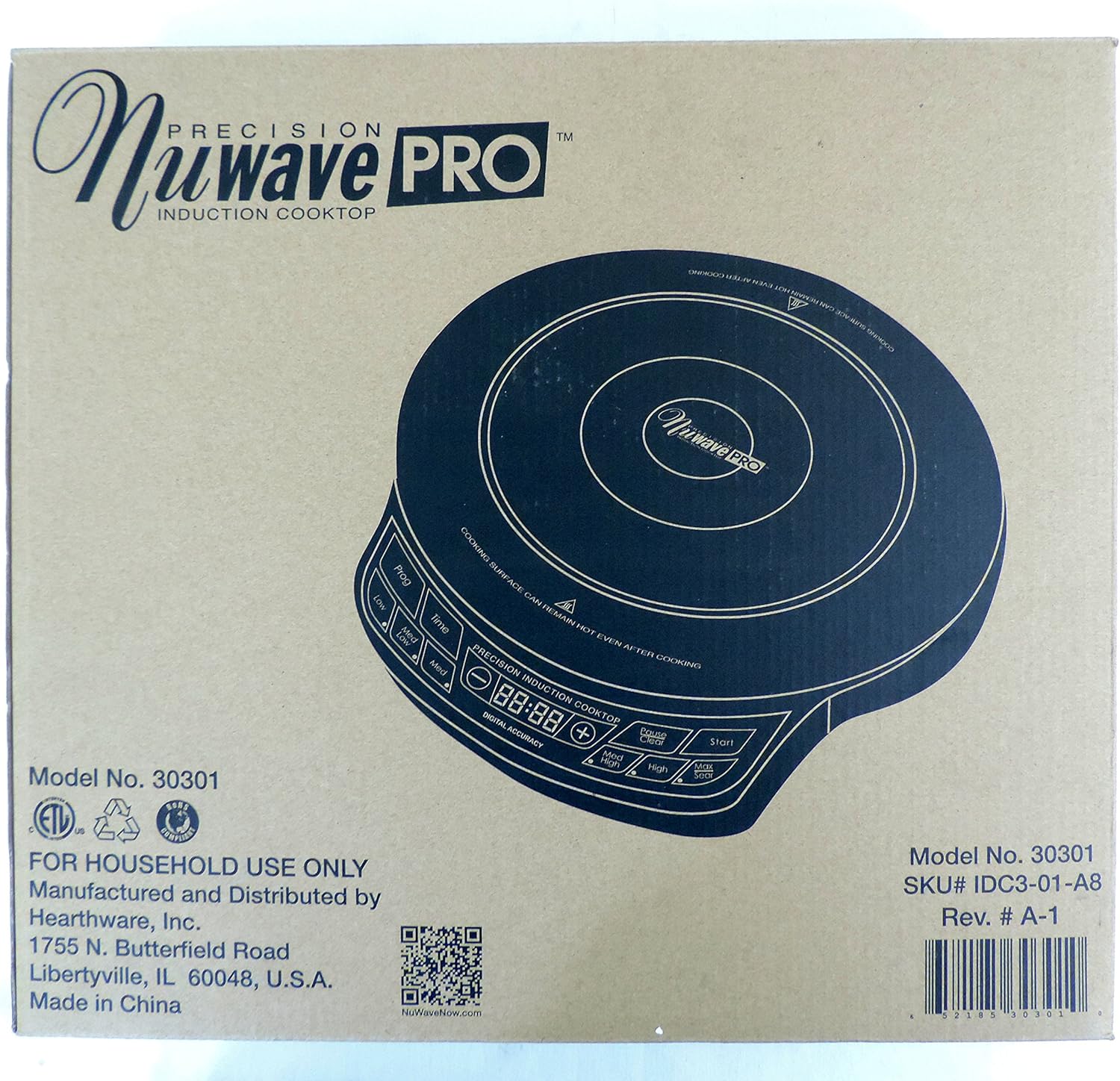
Figure 9.1: Product packaging displaying key model information and manufacturer details.
| Atribut | Rincian |
|---|---|
| Nomer modél | 30301 |
| merek | Nuwave |
| Warna | Hideung |
| Unsur pemanasan | 1 |
| Kontrol Tipe | Pencét Tombol |
| Tipe Burner | Induksi |
| Komponén Kaasup | Cooking Pot (as per product data, though not explicitly shown in images) |
| Sumber Daya | Induction (Electrical) |
| UPC | 652185303010 |
| Ukuran Paket | 15.94 x 14.41 x 3.66 inci |
| Item Beurat | 6.76 pon |
| Tanggal Kahiji Sadia | Pébruari 1, 2017 |
10. Garansi jeung Rojongan
Your NuWave Pro Precision Induction Cooktop is designed for durability and performance. While specific warranty details are not provided in this manual, Nuwave typically offers a limited warranty on its products. Please refer to the warranty card included with your purchase or visit the official Nuwave websitus pikeun inpo jaminan panganyarna.
For customer support, service inquiries, or to register your product, please visit the official Nuwave websitus atanapi ngahubungan departemen layanan palanggan maranéhna:
- Resmi Websitus: www.nuwavenow.com
- Kabijakan pamulangan: Products purchased from authorized sellers typically have a 30-day return policy. Please check with your retailer for specific return terms.


