1. Bubuka
Thank you for choosing the TECKNET Wireless Doorbell. This manual provides detailed instructions for the installation, operation, and maintenance of your new doorbell system. Designed for convenience and reliability, this system features a 400-meter wireless range, IP65 waterproof rating, multiple melodies, and adjustable volume levels to suit various environments.

Gambar 1.1: Leuwihview of the TECKNET Wireless Doorbell system highlighting its 400-meter wireless range. The image shows the doorbell button and receiver in a modern home setting by the sea.
2. Eusi Paket
Mangga parios eusi pakét pikeun mastikeun yén sadaya barang aya:
- 1 x Waterproof Transmitter (Doorbell Button)
- 2 x Plug-in Receivers (Chime Units)
- 1 x Batré CR2032 (tos dipasang dina pemancar)
- Parabot Pemasangan (sekrup, jangkar, pita perekat dua sisi)
- Manual pamaké
3. Setup jeung Instalasi
3.1. Pamasangan panarima
- Plug the receiver unit into a standard electrical outlet in your desired location. Ensure the outlet is easily accessible and not obstructed.
- For optimal performance, place receivers centrally within your home to maximize signal coverage.
3.2. Pamasangan Pemancar
Pemancar tiasa dipasang nganggo pita perekat dua sisi atanapi sekrup anu disayogikeun.
Métode 1: Pamasangan Pita Perekat
- Bersihkeun permukaan anu dipasang sacara saksama pikeun mastikeun éta garing sareng bébas tina lebu atanapi gajih.
- Peel off one side of the double-sided adhesive tape and attach it to the back of the transmitter.
- Peel off the other side of the tape and firmly press the transmitter onto the desired location next to your entrance door for at least 30 seconds.
Métode 2: Pamasangan screw
- Buka pemancar casing carefully using a small screwdriver to reveal the mounting holes.
- Mark the positions for drilling on the wall.
- Drill two holes and insert the provided wall anchors.
- Secure the transmitter base to the wall using the screws.
- Reattach the front cover of the transmitter.

Image 3.1: Step-by-step guide for mounting the doorbell transmitter using either adhesive tape or screws.
4. Parentah Operasi
4.1. Ngaganti Melodi
The doorbell offers 60 different melodies. To change the melody:
- Press the 'Music Selection' button on the side of the receiver to cycle through the available melodies.
- Once you hear your preferred melody, stop pressing the button. The doorbell will remember your selection.
4.2. Nyaluyukeun Volume
There are 5 adjustable volume levels, ranging from 0dB (mute) to 110dB.
- Pencét tombol 'Kontrol Volume' di sisi panarima pikeun nyaluyukeun tingkat volume.
- Each press will cycle through the 5 levels.
4.3. Mute Mode and LED Indicator
The doorbell features a mute mode (0dB) and a blue LED indicator for visual alerts.
- When the volume is set to 0dB, the doorbell is in mute mode, providing only a visual LED flash when the button is pressed. This is useful for quiet environments or for individuals with hearing impairments.
- The blue LED on the receiver will flash when the doorbell is activated, providing a clear visual signal.

Image 4.1: Visual representation of the doorbell's features including 60 melodies, 5 volume levels, and 3 operating modes.

Image 4.2: The doorbell receiver operating in mute mode, ideal for maintaining quiet environments.
5. Pangropéa
5.1. Panggantian Batré (Pamancar)
The transmitter uses one CR2032 battery, which has an estimated lifespan of 4.5 years. When the doorbell button no longer activates the chime, it may be time to replace the battery.
- Taliti muka pamancar casing.
- Leupaskeun batré CR2032 heubeul.
- Selapkeun batré CR2032 anyar, mastikeun polaritasna bener.
- Tutup casing aman.
5.2. beberesih
To maintain the appearance and functionality of your doorbell:
- Wipe the transmitter and receiver with a soft, damp lawon.
- Ulah make cleaners abrasive atawa pangleyur, sabab ieu bisa ngaruksak beungeut cai.
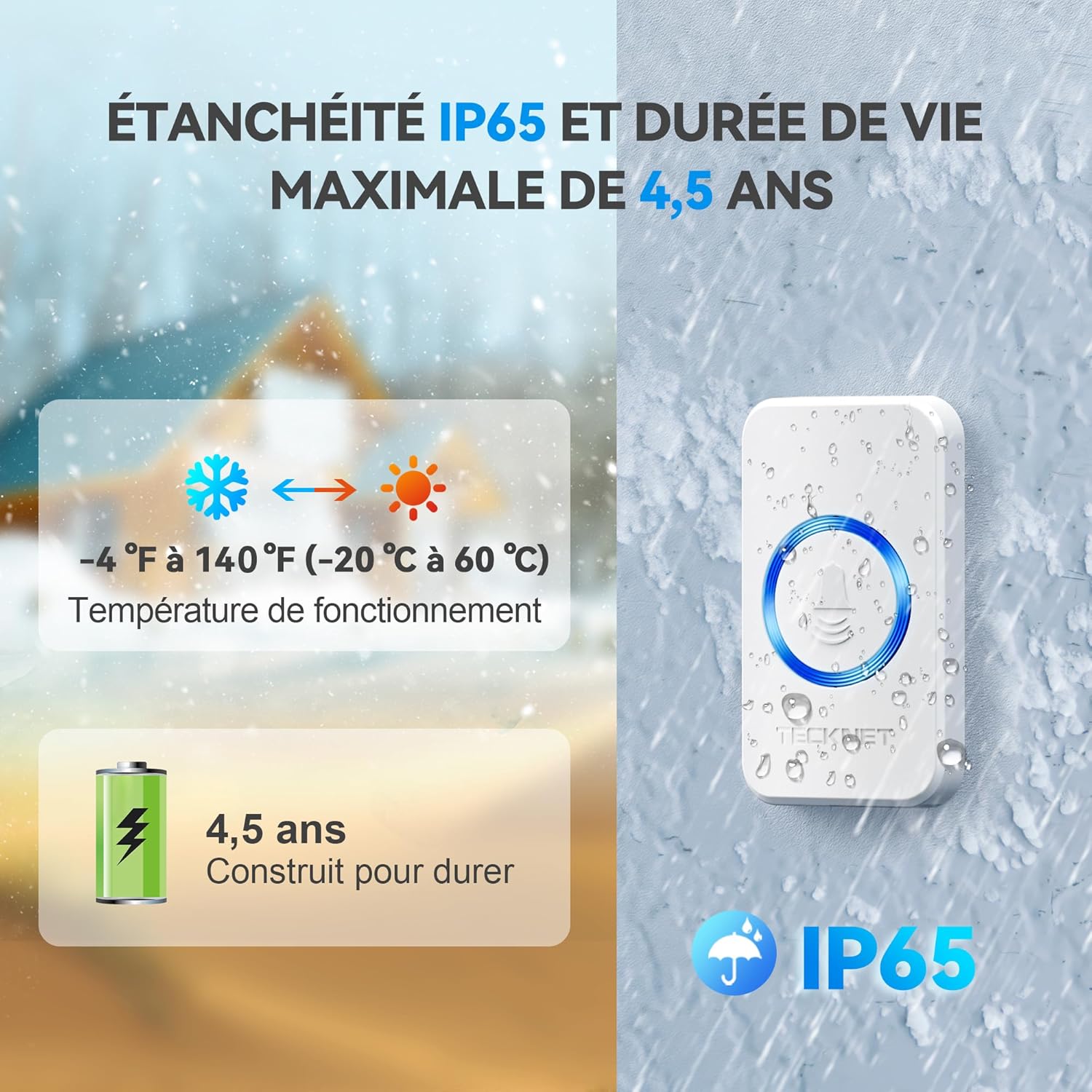
Image 5.1: The doorbell's IP65 waterproof rating, wide operating temperature range, and long battery life for the transmitter.
6. Cara ngungkulan
| Masalah | Mungkin Cukang lantaranana | Solusi |
|---|---|---|
| Bel panto teu hurung. |
|
|
| Interferensi ti alat sejen. |
|
|
| Shortened wireless range. |
|
|
7. Spésifikasi
| Nomer modél | 841584 |
| Range nirkabel | Nepi ka 400 méter (1300 kaki) di daérah kabuka |
| Peunteun waterproof | IP65 (Pamancar) |
| Melodi | 60 mélodi dipilih |
| Tingkat Volume | 5 tingkat (0dB dugi ka 110dB) |
| Suhu Operasi | -20°C nepi ka 60°C (-4°F nepi ka 140°F) |
| Batré pamancar | 1 x CR2032 (kaasup) |
| Kakuatan panarima | AC 220V (Plug-in) |
| Ukuran pamancar | 7.2 cm x 4.2 cm |
| Dimensi panarima | 8.6 cm x 7.4 cm |
| Beurat produk | 251 gram |

Gambar 7.1: Detil view of the transmitter and receiver, including their dimensions and the location of control buttons.
8. Garansi jeung Rojongan
8.1. Émbaran jaminan
TECKNET nawiskeun 36-garansi sasih for this product, subject to registration. Please refer to the warranty card included in your package for registration details and terms and conditions. This warranty covers manufacturing defects and ensures long-term reliability.
8.2. Kawijakan Balik
A hassle-free Kawijakan mulang 30 dinten is provided for your peace of mind. If you are not satisfied with your purchase within 30 days, please contact your retailer for return options.
8.3. Rojongan Palanggan
For any questions, technical assistance, or warranty claims, please contact TECKNET customer support. Contact information can typically be found on the TECKNET official websitus atanapi dina bungkusan produk.


