
Ikea 40250855
Ikea LILLHULT USB Type C to USB Cable User Manual
Modél: 40250855
Bubuka
This user manual provides essential information for the safe and efficient use of your Ikea LILLHULT USB Type C to USB cable. Please read this manual carefully before using the product and retain it for future reference.
Parentah Setup
The Ikea LILLHULT cable is designed for connecting devices with a USB Type C port to a power source or another device with a standard USB-A port for charging and data transfer.
- Identipikasi Panyambung: Locate the USB Type C connector (smaller, reversible) and the standard USB-A connector (larger, rectangular).
- Nyambung ka Alat: Insert the USB Type C connector into the compatible port on your smartphone, tablet, or other USB-C enabled device. Ensure it is fully seated.
- Nyambung ka Sumber Daya/Data: Insert the USB-A connector into a compatible USB wall adapter, power bank, computer USB port, or other USB-A enabled charging/data port.
- Pariksa sambungan: Confirm that your device indicates it is charging or connected for data transfer.
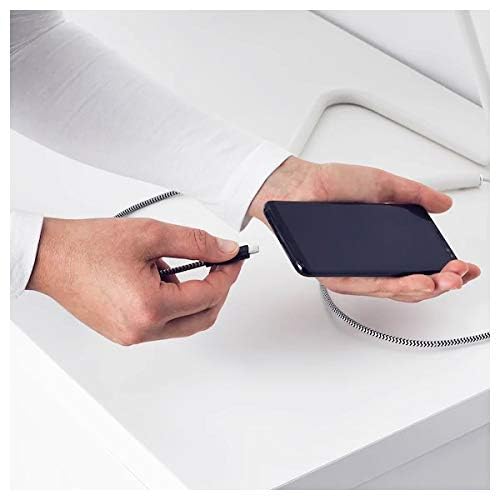
Image: A person connecting the USB Type C end of the cable to a smartphone. This illustrates the initial connection step.
Parentah Operasi
Alat ngecas
Once properly connected to a power source, the cable will facilitate charging of your USB Type C device. Charging speed may vary depending on the power adapter and the device's charging capabilities.
Mindahkeun Data
This cable supports data transfer at speeds up to 0.48 Gigabits Per Second. To transfer data, connect the USB-A end to a computer's USB port and the USB Type C end to your device. Your device may prompt you to select a connection mode (e.g., "File Transfer" or "MTP").
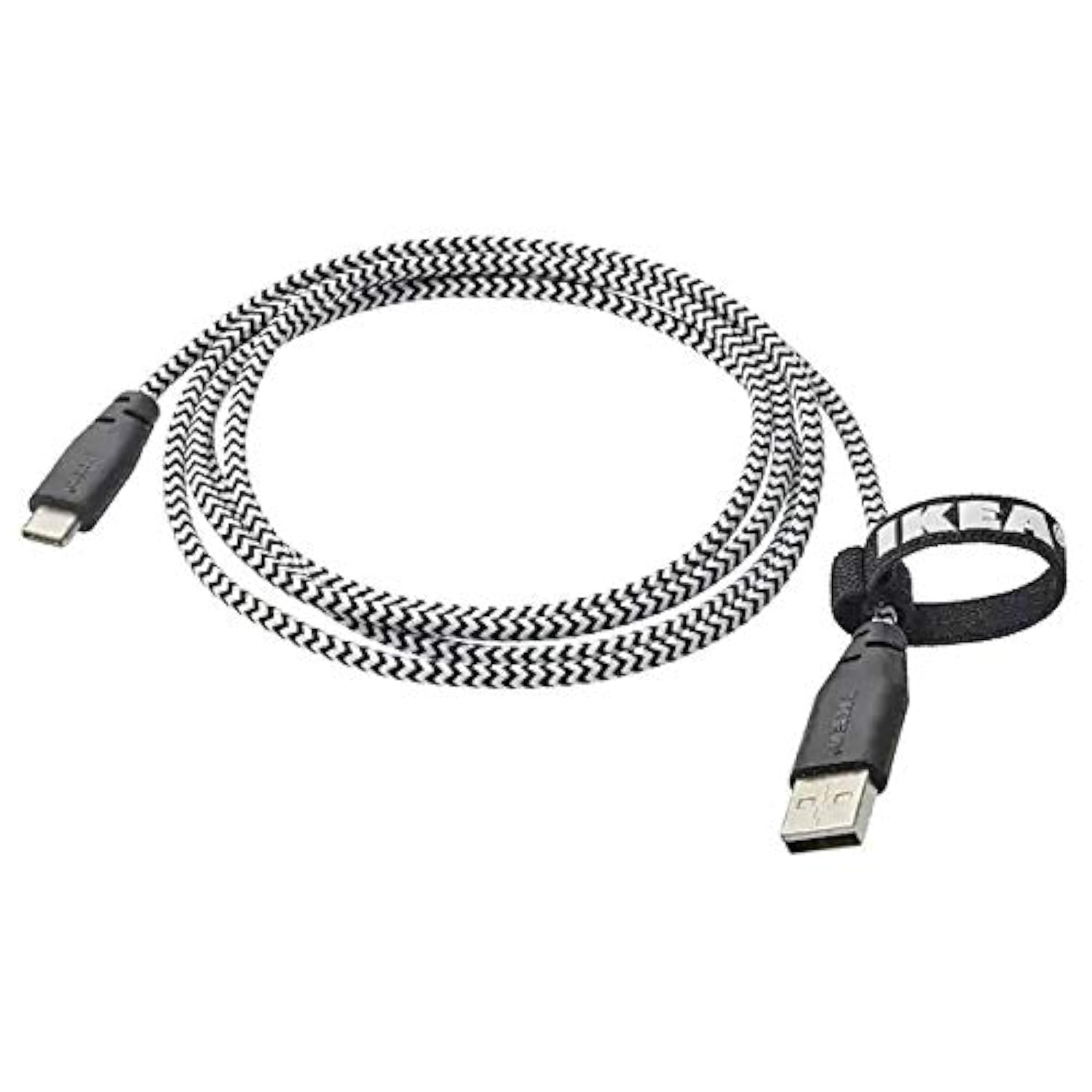
Image: The Ikea LILLHULT cable in use, connecting a smartphone to a charging base, with a laptop in the background. This demonstrates the cable's function in a typical setup.
Pangropéa sareng Perawatan
- beberesih: Wipe the cable with a dry, soft cloth. Avoid using harsh chemicals or abrasive cleaners.
- Panyimpenan: When not in use, coil the cable loosely. Avoid sharp bends or kinks, especially near the connectors, to prevent internal wire damage. The integrated cable tie can be used for neat storage.
- Penanganan: Salawasna cekel wadah konektor nalika nyolokkeun atanapi nyabut kabel, tinimbang narik kabelna sorangan.
- Lingkungan: Jauhkeun kabel tina suhu anu ekstrim, sinar panonpoé langsung, sareng kalembaban.
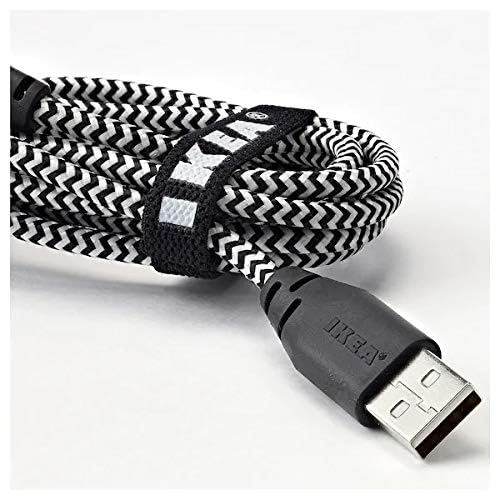
Gambar: A close-up view of the coiled Ikea LILLHULT cable, secured with its integrated cable tie, showing the durable braided design and the USB-A connector with the Ikea logo. This highlights the cable's design for easy storage and durability.
Pamérésan masalah
| Masalah | Mungkin Cukang lantaranana | Solusi |
|---|---|---|
| Alat teu ngecas. | Loose connection, faulty power adapter, incompatible device. | Ensure both ends of the cable are securely connected. Try a different power adapter or USB port. Verify device compatibility. |
| Ngecas lalaunan. | Low-power USB port, power adapter not sufficient, background apps on device. | Paké wat luhurtage power adapter. Close unnecessary applications on your device. Ensure the USB port provides adequate power. |
| Transfer data teu jalan. | Incorrect device settings, driver issues on computer, loose connection. | Check your device's USB connection settings (e.g., select "File Transfer"). Ensure computer drivers are up to date. Reconnect the cable firmly. |
spésifikasi
- merek: Ikea
- model: 40250855
- Tipe Panyambung: USB Type C to USB-A
- Jenis kabel: USB
- Panjangna: 1.5 meters (4 feet 11 inches)
- Alat anu cocog: Charging Adapter, USB Type C enabled devices
- Fitur husus: Desain braided awét
- Laju Mindahkeun Data: Nepi ka 0.48 Gigabits Per Detik
- warna: Hideung
- Wangun barang: Buleud
- Pabrikan: Ikea
Garansi sareng Rojongan
For information regarding warranty, returns, or customer support, please refer to the purchase documentation or visit the official Ikea websitus. Simpen bukti pameseran anjeun pikeun klaim garansi.
Sumberdaya Online:
- Official Ikea Websitus: www.ikea.com
- Product Support Page (if available): Refer to the Ikea websitus pikeun kaca dukungan produk khusus.
Ask a question about this manual
Ask about setup, troubleshooting, compatibility, parts, safety, or missing instructions. Manuals+ will review the question and use this page’s manual context to help answer it.