Bubuka
The Lionel Universal LC/LC Plus Remote Controller is designed to simplify the operation of your LionChief Plus locomotives. This single remote allows you to control up to three locomotives simultaneously, eliminating the need for multiple individual remotes. It is compatible with various O Gauge LionChief Plus, RTR, and S Gauge Locomotives, and features memory retention for ease of use.
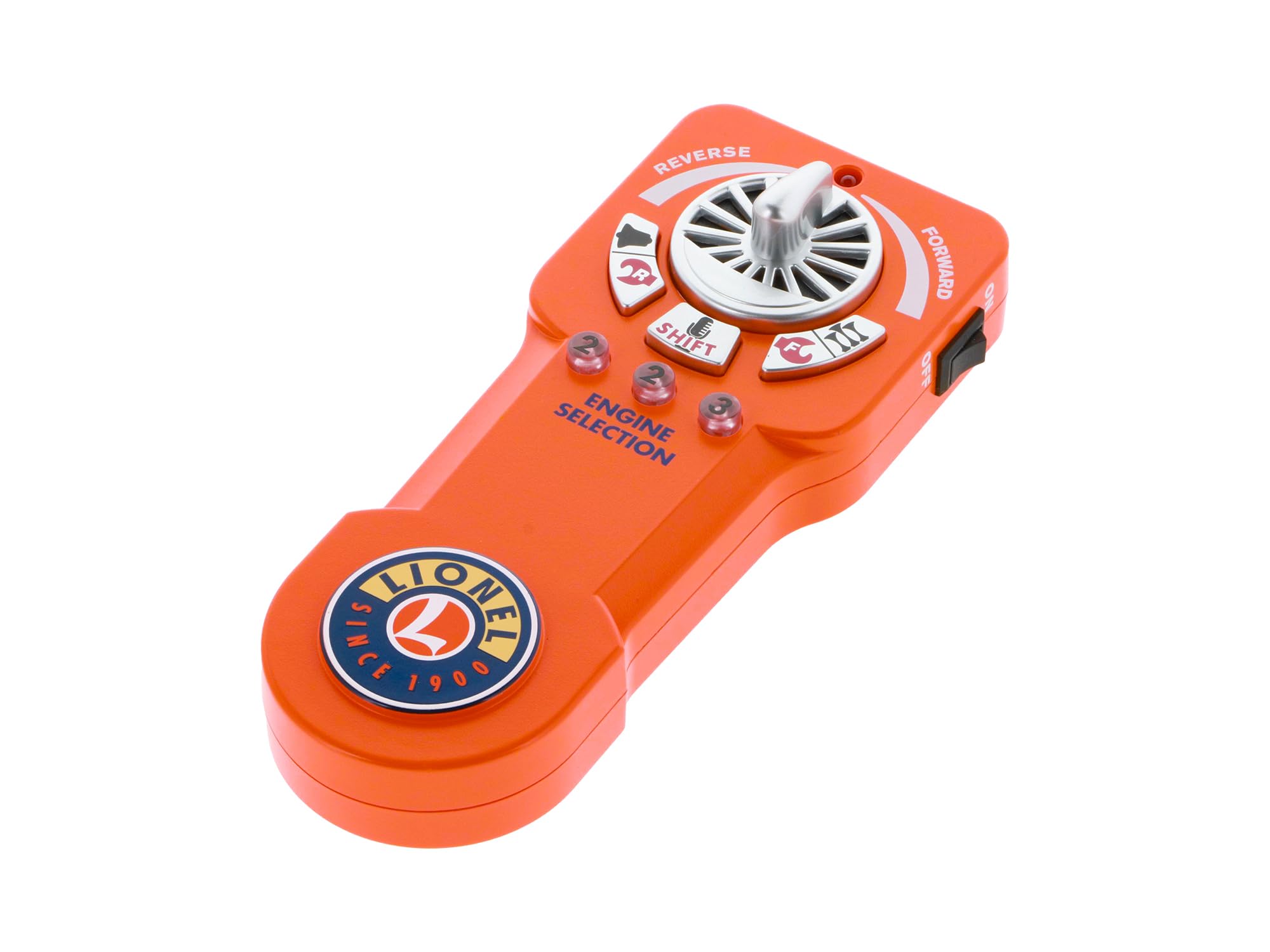
Gambar 1: Hareupeun view of the Lionel Universal LC/LC Plus Remote Controller, showing the speed control knob, direction buttons, and engine selection buttons.
Naon dina Box
- (1) Lionel Universal LC/LC Plus Remote Control
Note: Three AAA batteries are required for operation and are not included.
Parentah Setup
- Buka bungkusan jauh: Carefully remove the remote from its packaging.
- Pasang Batré: Open the battery compartment and insert three AAA batteries (not included), ensuring correct polarity.
- Daya Hurung: Turn on the remote using the On/Off switch located on the side.
- Papasangan awal: Place the remote near the locomotives on the track. The remote will automatically identify and load compatible LionChief engines into its memory within seconds.
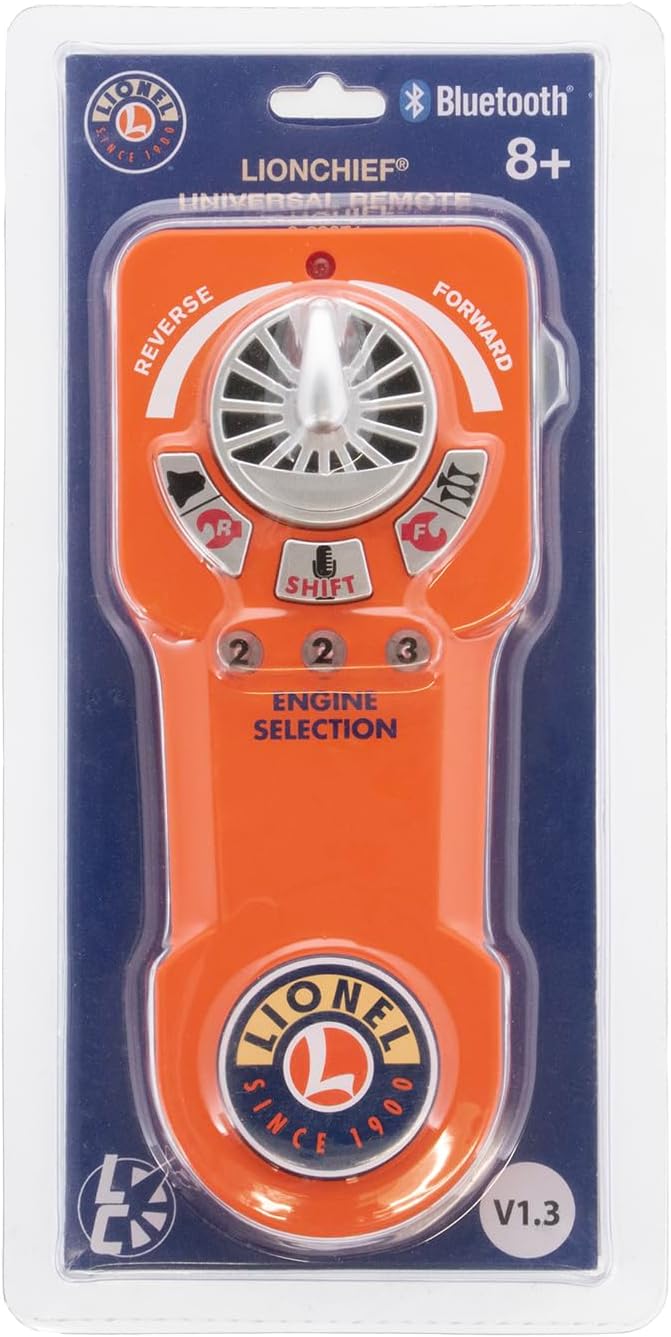
Figure 2: The Lionel Universal Remote Controller as it appears in its retail packaging, highlighting its Bluetooth compatibility and version information.

Figure 3: The back of the remote's packaging, detailing key features such as control for multiple locomotives and firmware update instructions.
Parentah Operasi
- Select Engine: Use the "1", "2", or "3" buttons on the remote to select the desired engine for operation. The remote can operate up to three locomotives at any given time.
- Kadali Kecepatan sareng Arah: Use the speed control knob to adjust the engine's speed. Push the knob forward for forward motion and pull it backward for reverse motion.
- Activate Sounds and Features:
- Whistle/Horn: Press the dedicated whistle/horn button for sound activation.
- Bel: Press the dedicated bell button for sound activation.
- Special Announcements: Utilize additional buttons for special announcements, if available on your locomotive model.
- ElectroCoupler: Press the ElectroCoupler activation button to operate couplers, if equipped.
- Manage Remote Memory: To add or remove locomotives from the remote's memory, use the 'Easy Clear' feature as described in your locomotive's specific manual.

Gambar 4: Hiji angled view of the remote controller, showing the ergonomic design and placement of the speed control, direction, and engine selection buttons.
spésifikasi
| Dimensi produk | 7 x 2.5 x 1 inci |
| Item Beurat | 7.5 ons |
| Nomer Modél Item | 683071 |
| Produsén | Lionel |
| Disarankeun Umur | 14 taun ka luhur |
| Batré | 3 batré AAA diperlukeun (teu kaasup) |
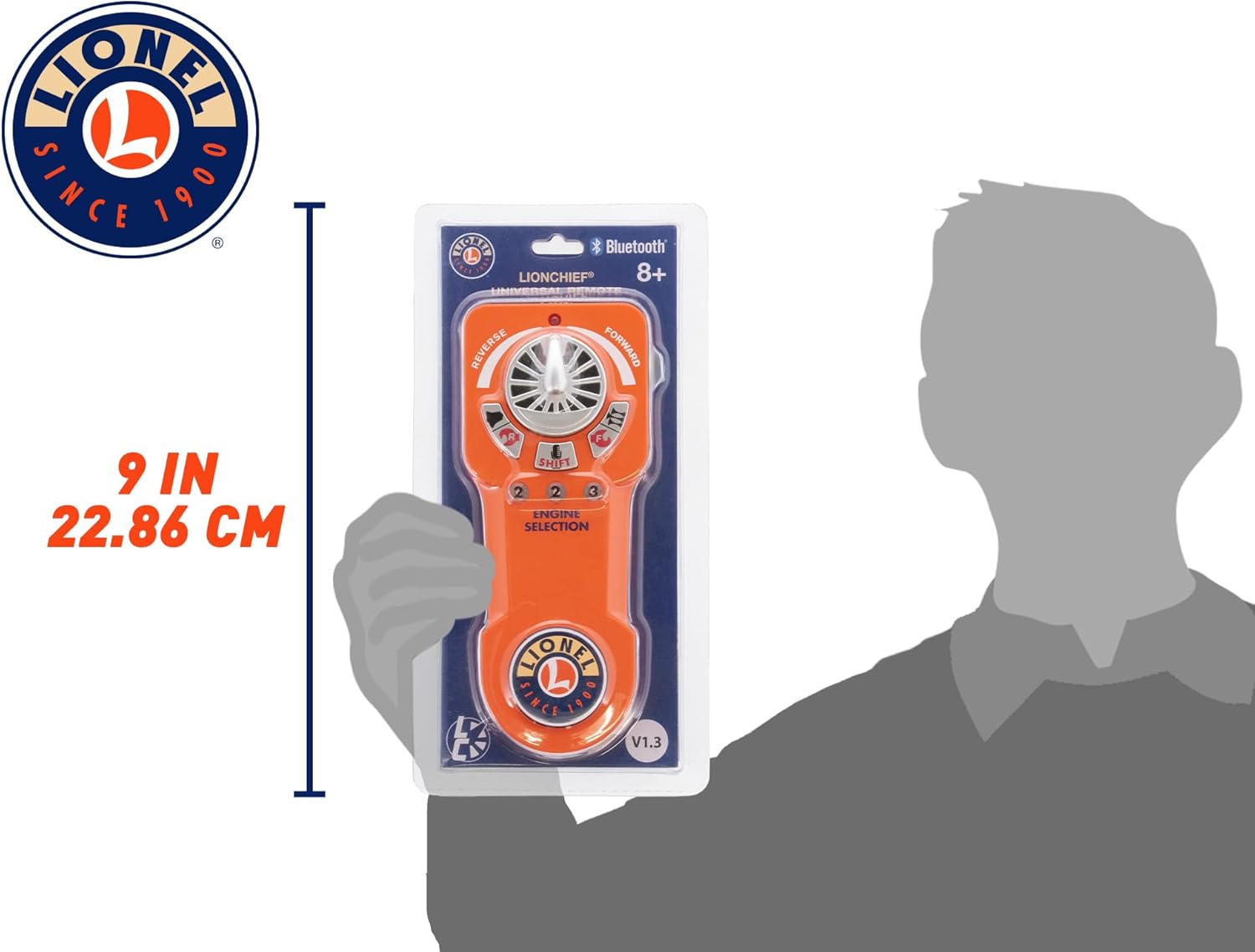
Figure 5: The remote controller shown next to a hand for a visual representation of its dimensions.
Firmware Update
To ensure optimal performance and compatibility with the latest Lionel Bluetooth-equipped engines, it is recommended to keep your Universal Remote's firmware updated. Firmware version V1.3 updates the Universal Remote to include compatibility with all Lionel Bluetooth-equipped engines and many early RF-equipped LionChief engines, with exceptions for 6-30190 Thomas and Friends Remote Set, Lionel Ready-to-Play without Bluetooth, and Lionel Ready-to-Play Mini.
You can download the Lionel Universal Remote Updater APP to keep your remote's firmware up to date. The update process is performed over-the-air (OTA).
Over-The-Air Update Procedure:
- Unduh App: Download and install the Lionel Universal Remote Updater App on your compatible smartphone (newer Android or Apple smart phones).
- Nyiapkeun Jauh: Turn OFF your Universal Remote.
- Enter Update Mode: Press and hold Engine buttons 1, 2, and 3 simultaneously. While holding these buttons, turn ON your remote's power switch. Once the remote powers on, release the buttons. The engine selection buttons 1, 2, and 3 should be lit, indicating it's in update mode.
- Connect and Update: Launch the Updater App on your smartphone. The app will detect the remote and guide you through the update process. Follow the on-screen prompts to initiate and complete the firmware update.
- Verify and Restart: Once the update is complete and verified by the app, turn your remote OFF, then turn it back ON to run normally.
Video 1: Demonstration of updating the Lionel Universal Remote Controller firmware using the iOS app. This video shows the steps to put the remote into update mode and the app interface during the update process.


