1. Bubuka
The Vertiv Liebert GXT4-144VBATT is an external, rackmount battery cabinet designed to provide extended runtime for compatible Liebert GXT4 Uninterruptible Power Supply (UPS) systems, specifically the GXT4-5000RT208 and GXT4-6000RT208 models. This unit features spill-proof, lead-acid batteries with a capacity of 9 Ah and provides a 144V DC output. Up to six GXT4-144VBATT external battery cabinets can be connected to a single Liebert GXT4 UPS system to significantly increase backup power duration.
2. Émbaran Kasalametan
Please read and understand all safety instructions before installing, operating, or maintaining the GXT4-144VBATT External Battery Cabinet. Failure to follow these instructions may result in electric shock, fire, or serious injury.
- Personil anu mumpuni: Installation and maintenance should only be performed by qualified service personnel.
- Bahaya listrik: The battery cabinet contains high voltage. Do not open the cabinet unless instructed by qualified personnel.
- Nanganan batré: Batréna beurat. Anggo téknik ngangkat atanapi bantosan anu leres pikeun nyegah tatu.
- Sirkuit pondok: Do not short-circuit battery terminals. This can cause severe burns and fire.
- Ventilasi: Ensure adequate ventilation around the battery cabinet to prevent heat buildup.
- pembuangan: Buang batré nurutkeun peraturan lokal. Ulah buang batré dina seuneu.
3. Setélan
3.1 Ngabongkar bungkusan
Carefully unpack the GXT4-144VBATT External Battery Cabinet from its packaging. Inspect the unit for any signs of shipping damage. Report any damage to your carrier and dealer immediately. Retain the packaging materials for future use or return.
3.2 Instalasi fisik
The GXT4-144VBATT is designed for rackmount installation. Ensure the rack is stable and capable of supporting the unit's weight (99.9 pounds). The cabinet can also be used in a tower configuration with appropriate accessories (RMKIT included).
- Position the battery cabinet in the desired rack space, ensuring proper airflow.
- Secure the cabinet to the rack using the provided mounting hardware.
- If using a tower configuration, attach the tower stands as per the instructions included with the RMKIT.
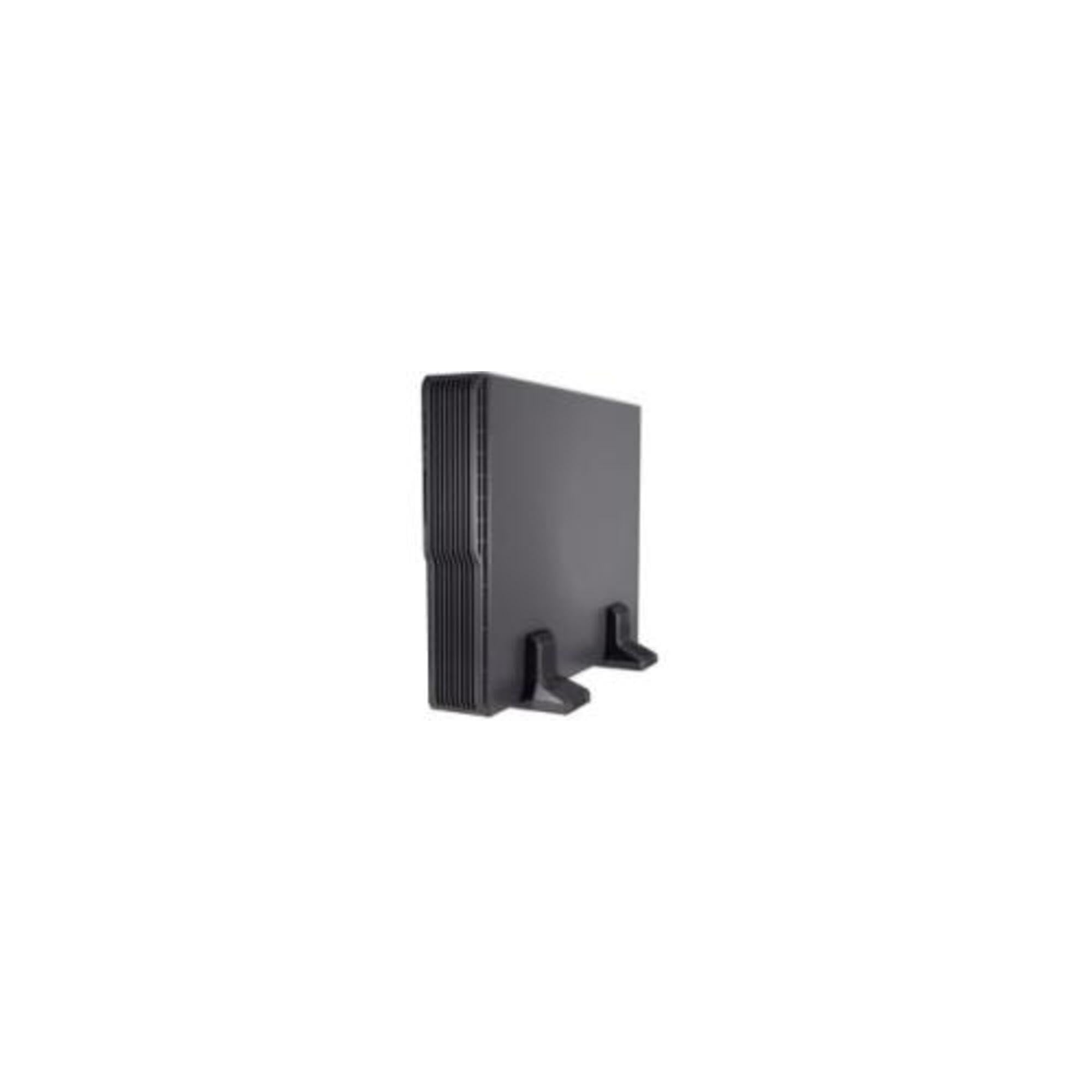
Gambar 3.2.1: Hareupeun view of the Vertiv Liebert GXT4-144VBATT External Battery Cabinet, showing its rack-mountable design and black finish. This unit is designed to integrate seamlessly with compatible UPS systems.
3.3 Sambungan Listrik
Connect the battery cabinet to the compatible Liebert GXT4 UPS system using the provided battery connection cables. Ensure the UPS is turned off and disconnected from AC power before making any connections.
- Locate the battery connection port on the rear of the Liebert GXT4 UPS.
- Connect one end of the battery cable to the UPS battery port.
- Connect the other end of the battery cable to the battery input port on the GXT4-144VBATT cabinet.
- If connecting multiple battery cabinets (up to six), daisy-chain them using additional battery cables, connecting the output of one cabinet to the input of the next.
- Pastikeun sadaya sambungan aman.
4. Nyuping
4.1 Powering on / Pareum
The GXT4-144VBATT External Battery Cabinet does not have an independent power switch. It is controlled by the connected Liebert GXT4 UPS system. Once connected, the UPS will automatically detect and charge the battery cabinet.
- Daya Hurung: Turn on the connected Liebert GXT4 UPS system as per its user manual. The battery cabinet will automatically begin charging.
- Pareum listrik: Turn off the connected Liebert GXT4 UPS system as per its user manual. The battery cabinet will power down with the UPS.
4.2 Hot-Swappable Feature
The GXT4-144VBATT battery cabinet is hot-swappable, meaning it can be added or removed from a running Liebert GXT4 UPS system without interrupting power to the connected load. This feature allows for maintenance or expansion without downtime.
- Ensure the UPS is operating normally and providing power to the load.
- To add a cabinet: Connect the battery cable from the UPS to the new cabinet, or daisy-chain it to an existing cabinet. The UPS will detect and integrate the new battery capacity.
- To remove a cabinet: Disconnect the battery cable from the cabinet. The UPS will adjust its battery capacity accordingly.
- Always handle connections carefully to avoid accidental disconnections or damage.
5. Pangropéa
Regular maintenance ensures optimal performance and longevity of your battery cabinet.
- Perawatan batré: The GXT4-144VBATT uses sealed lead-acid batteries that are maintenance-free. However, ensure the cabinet is kept within its specified operating temperature range to maximize battery life.
- beberesih: Keep the exterior of the cabinet clean and free of dust. Use a dry, soft cloth for cleaning. Do not use liquid cleaners or solvents.
- Pamariksaan: Periodically inspect the battery cabinet and its connections for any signs of damage, corrosion, or loose cables. Address any issues promptly.
- Ngagantian batré: Batteries have a finite lifespan. When the connected UPS indicates that the batteries need replacement, contact qualified service personnel or your dealer for proper replacement procedures.
6. Cara ngungkulan
This section provides solutions to common issues you might encounter with the GXT4-144VBATT External Battery Cabinet. For more complex issues, refer to the Liebert GXT4 UPS manual or contact technical support.
| Masalah | Mungkin Cukang lantaranana | Solusi |
|---|---|---|
| UPS does not recognize the battery cabinet. | Loose or incorrect battery cable connection. | Ensure battery cables are securely connected to both the UPS and the battery cabinet. Verify correct polarity. |
| Battery cabinet not charging. | UPS is off or in standby mode; faulty connection. | Ensure the UPS is powered on and operating. Check all battery cable connections. |
| Reduced runtime after adding cabinet. | New batteries require initial charge; battery cabinet not fully integrated. | Allow the UPS to fully charge the new battery cabinet for several hours. Consult UPS manual for battery calibration procedures. |
| Cabinet feels excessively warm. | Inadequate ventilation; high ambient temperature. | Ensure proper airflow around the cabinet. Reduce ambient temperature if possible. If overheating persists, contact support. |
7. Spésifikasi
| Fitur | Rincian |
|---|---|
| Nomer modél | GXT4-144VBATT |
| Ukuran produk (L x W x H) | 26.1 x 16.9 x 3.4 inci |
| Item Beurat | 99.9 pon |
| Jenis Batré | Spill-proof, Lead-Acid |
| Kapasitas batré | 9 ahk |
| Kaluaran Voltage | 144 volt DC |
| Compatible UPS Systems | Liebert GXT4-5000RT208, Liebert GXT4-6000RT208 |
| Max. Cabinets per UPS | Nepi ka genep (6) |
| Warna | Hideung |
| Bahan | logam |
8. Garansi
The Vertiv Liebert GXT4-144VBATT External Battery Cabinet comes with a garansi produsén dua taun. This warranty covers defects in materials and workmanship under normal use. For specific terms and conditions, please refer to the warranty documentation included with your product or contact Vertiv customer support.
9. Rojongan
For technical assistance, troubleshooting, or warranty claims, please contact Vertiv (formerly Emerson Network Power) customer support. Have your product model number (GXT4-144VBATT) and serial number ready when contacting support.
- Pabrikan: Emerson Network Power (now Vertiv)
- Websitus: www.vertiv.com
- Refer to the Vertiv websitus pikeun inpormasi kontak régional sareng sumber daya dukungan.


