Bubuka
This manual provides detailed instructions for the installation, operation, and maintenance of the URMET Synthesi CCD + MHP 1T Video Module, model 1745/21. This video module is designed for 4+N cable systems and features an integrated micro-HP amplifier, two call buttons, manual adjustment capabilities, and infrared illumination for enhanced visibility.
Produk Leuwihview
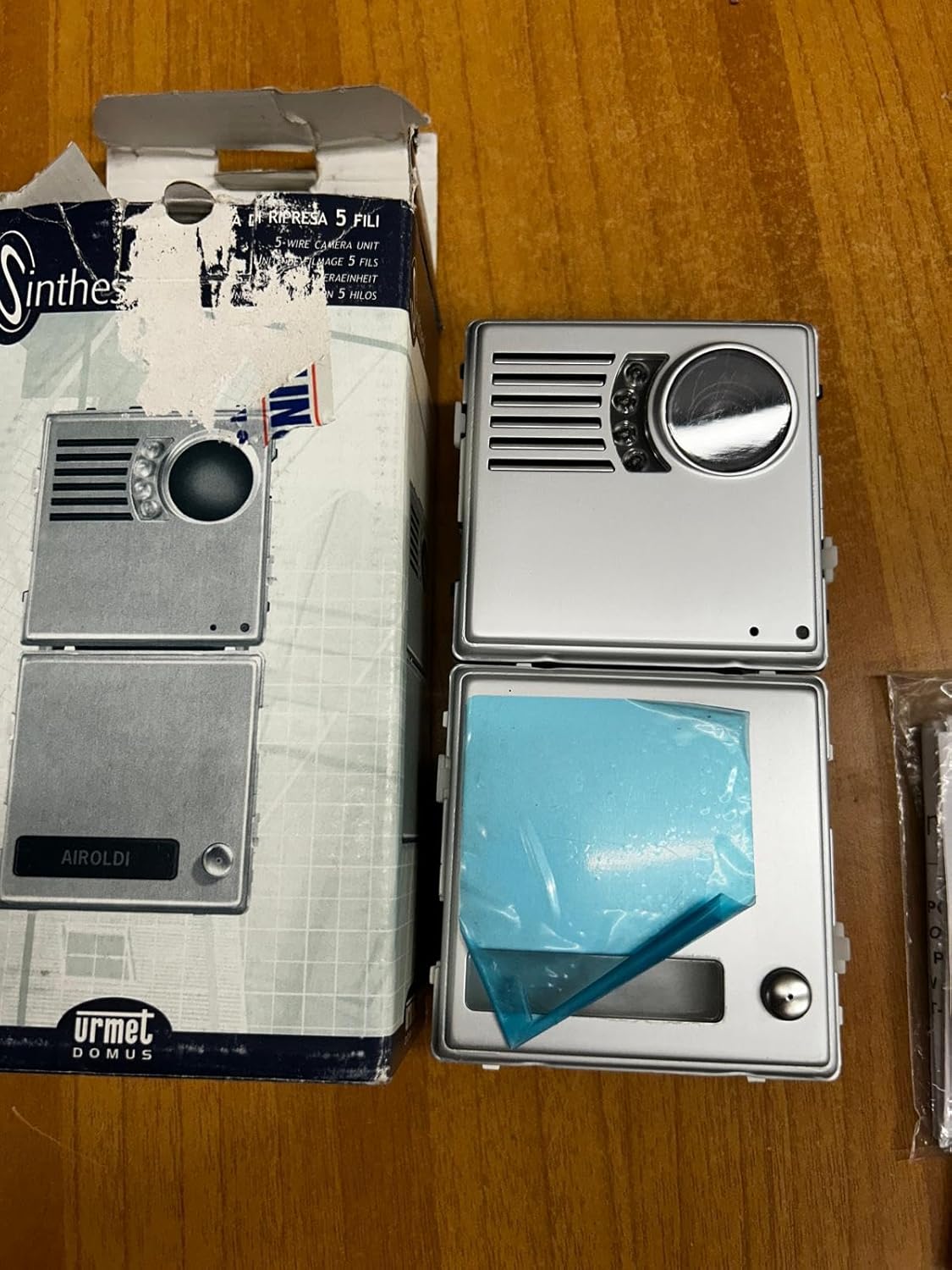
Gambar 1: URMET Synthesi Video Module 1745/21 as supplied in its original packaging, showing the front panel design.
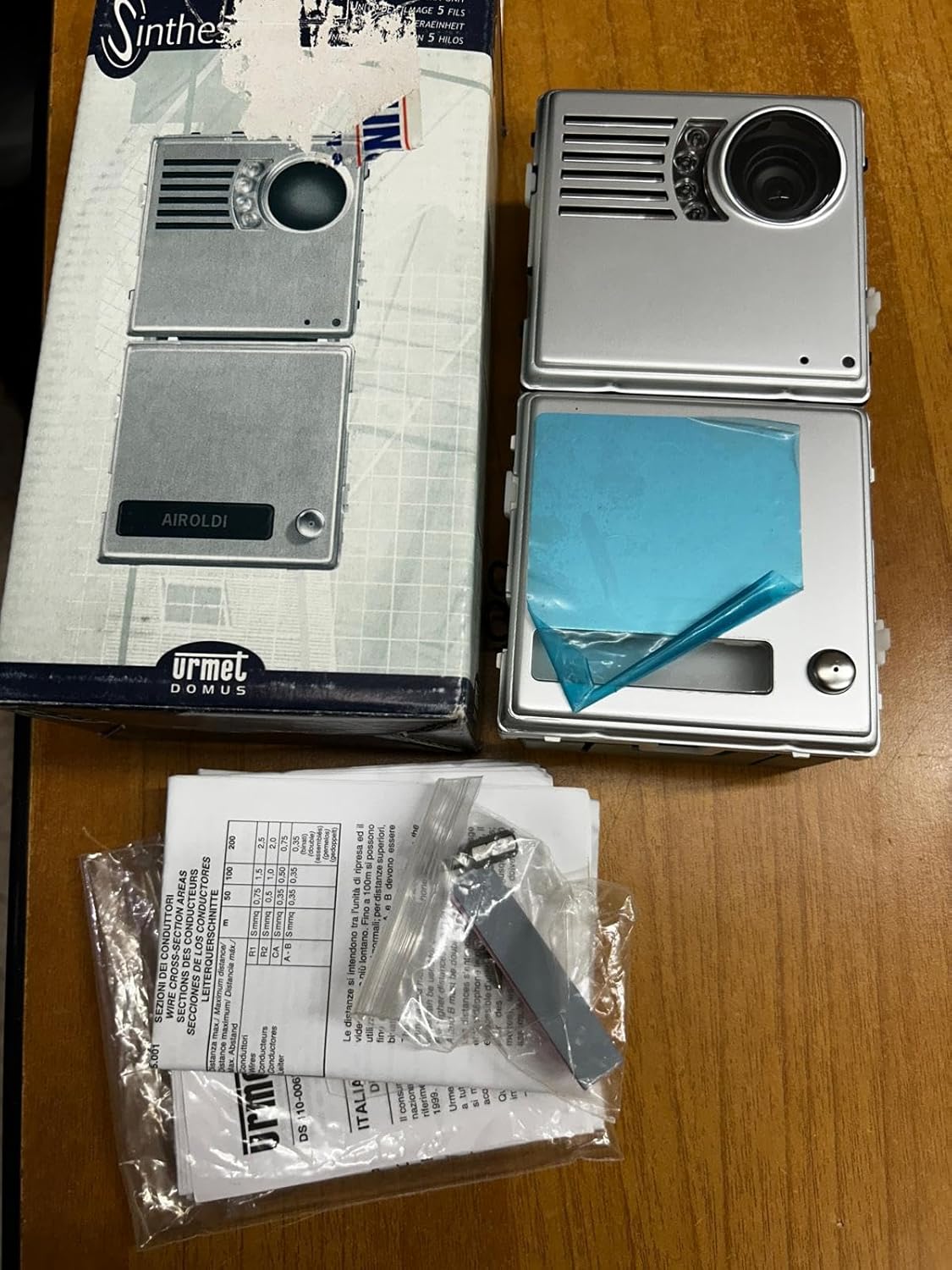
Gambar 2: Contents of the URMET Synthesi Video Module package, including the module, wiring accessories, and instruction leaflets.
Setup sareng Instalasi
The URMET Synthesi 1745/21 video module is designed for 5-wire installations without the need for a coaxial cable. Proper installation is crucial for optimal performance. It is recommended that installation be performed by a qualified technician.
Idéntifikasi komponén
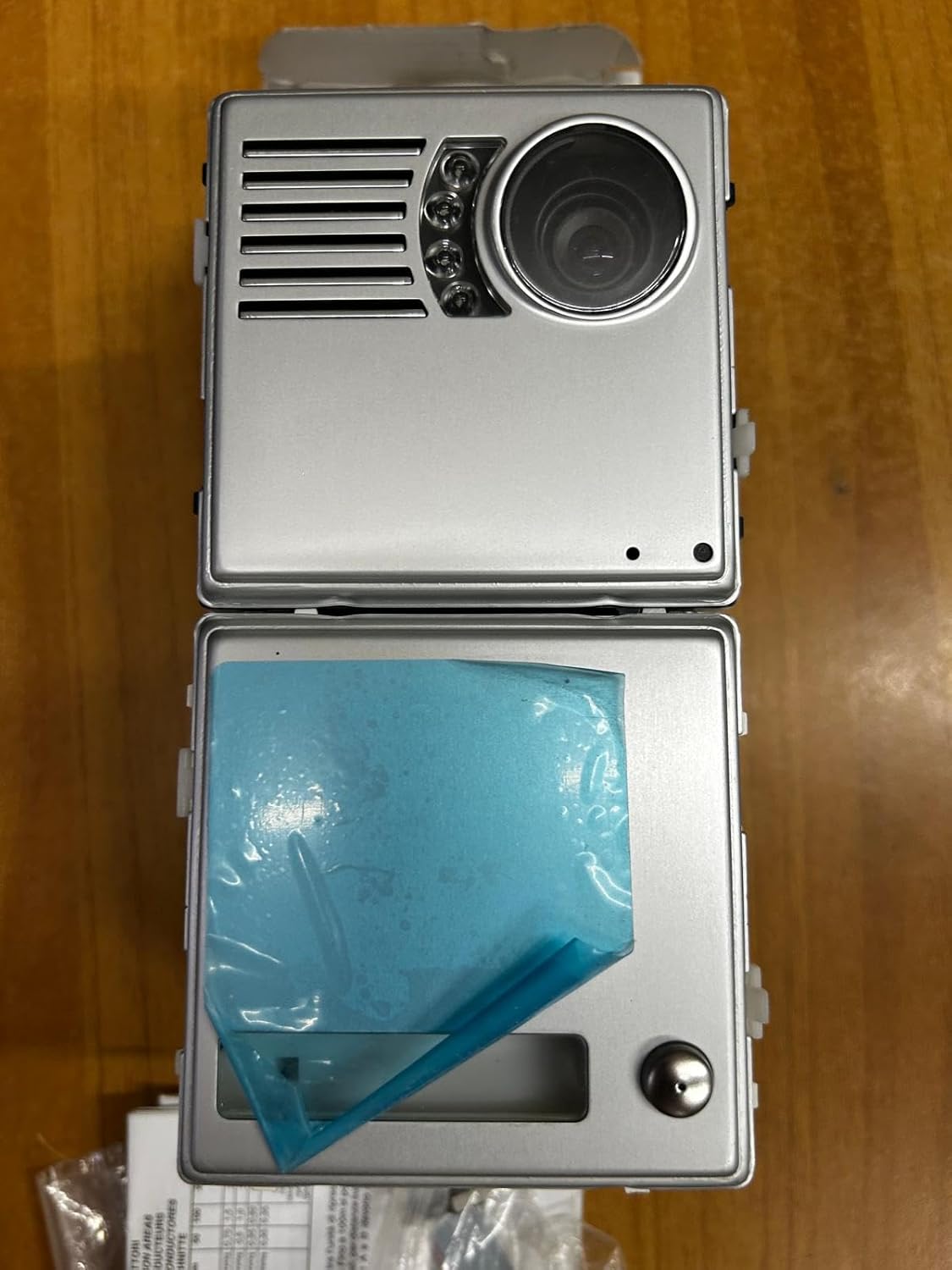
Gambar 3: Front panel of the video module, highlighting the CCD camera lens, infrared illumination LEDs, microphone/speaker grille, and two call buttons.

Gambar 4: Tukangeun view of the video module, displaying the terminal block for wiring connections and potentiometers for manual adjustments (e.g., audio levels, camera focus).
Parentah Wiring
Connect the module using a 4+N cable system. Refer to the detailed wiring diagram provided in the separate installation guide (typically included with the product or available from URMET). Ensure all connections are secure and correctly polarized. The module integrates a micro-HP amplifier, simplifying audio connections.
Pamasangan
Mount the module securely in the designated Synthesi frame. Ensure it is protected from direct weather exposure if installed outdoors, or use an appropriate weather-resistant housing.
Parentah Operasi
The URMET Synthesi 1745/21 video module provides visual and audio communication for your intercom system.
Nelepon
Press one of the two call buttons on the front panel (refer to Figure 3) to initiate a call to the corresponding indoor unit. The integrated micro-HP amplifier ensures clear audio transmission.
Video and Audio Communication
Once a call is established, the CCD camera provides video feed to the indoor monitor. The integrated microphone and speaker facilitate two-way audio communication. Infrared illumination automatically activates in low-light conditions to ensure clear video even at night.
Pangaluyuan
The module features manual adjustment options, typically accessible via potentiometers on the rear (refer to Figure 4). These adjustments may include camera focus, video brightness, and audio volume levels. Consult the detailed wiring and adjustment guide for specific procedures.
Pangropéa
Regular maintenance ensures the longevity and optimal performance of your URMET Synthesi video module.
beberesih
- Gently wipe the front panel, especially the camera lens and infrared LEDs, with a soft, damp lawon.
- Do not use abrasive cleaners, solvents, or harsh chemicals, as these can damage the surface or optical components.
- Ensure no moisture enters the module's internal components.
Pamariksaan
- Périodik pariksa sagala sambungan kabel pikeun tightness jeung tanda korosi.
- Ensure the module is securely mounted and that its housing is intact.
Pamérésan masalah
If you encounter issues with your URMET Synthesi video module, refer to the following common problems and solutions:
| Masalah | Mungkin Cukang lantaranana | Solusi |
|---|---|---|
| Teu aya pidéo dina monitor jero ruangan |
|
|
| Taya audio atawa kualitas audio goréng |
|
|
| Call buttons not responding |
|
|
| Poor image quality at night |
|
|
For issues not listed here or if troubleshooting steps do not resolve the problem, please contact URMET technical support.
spésifikasi
| Fitur | Rincian |
|---|---|
| Produsén | URMET |
| Nomer Bagian | 1745/21 |
| Dimensi produk | 0.03 x 0.03 x 0.03 cm; 9.07 g |
| ASIN | B00LPDRU7M |
| Batré Diperlukeun | No |
| Tanggal Sadia munggaran | 21 Pébruari 2020 |
| Kasaluyuan Sistim | 4+N Cable System, 5-wire installation (no coaxial cable) |
| Fitur | Integrated micro-HP amplifier, 2 call buttons, manual adjustment, infrared illumination |
Garansi sareng Rojongan
For warranty information, please refer to the documentation provided with your purchase or contact URMET directly. URMET provides technical support for their products.
For technical assistance, spare parts, or further inquiries, please visit the official URMET website or contact their customer service department. Ensure you have your product model number (1745/21) and purchase details available when seeking support.


