Bubuka
This manual provides essential information for setting up, operating, maintaining, and troubleshooting your Acer Aspire ATC-605-UB11 Desktop PC. Please read this guide thoroughly before using your computer to ensure proper function and longevity.
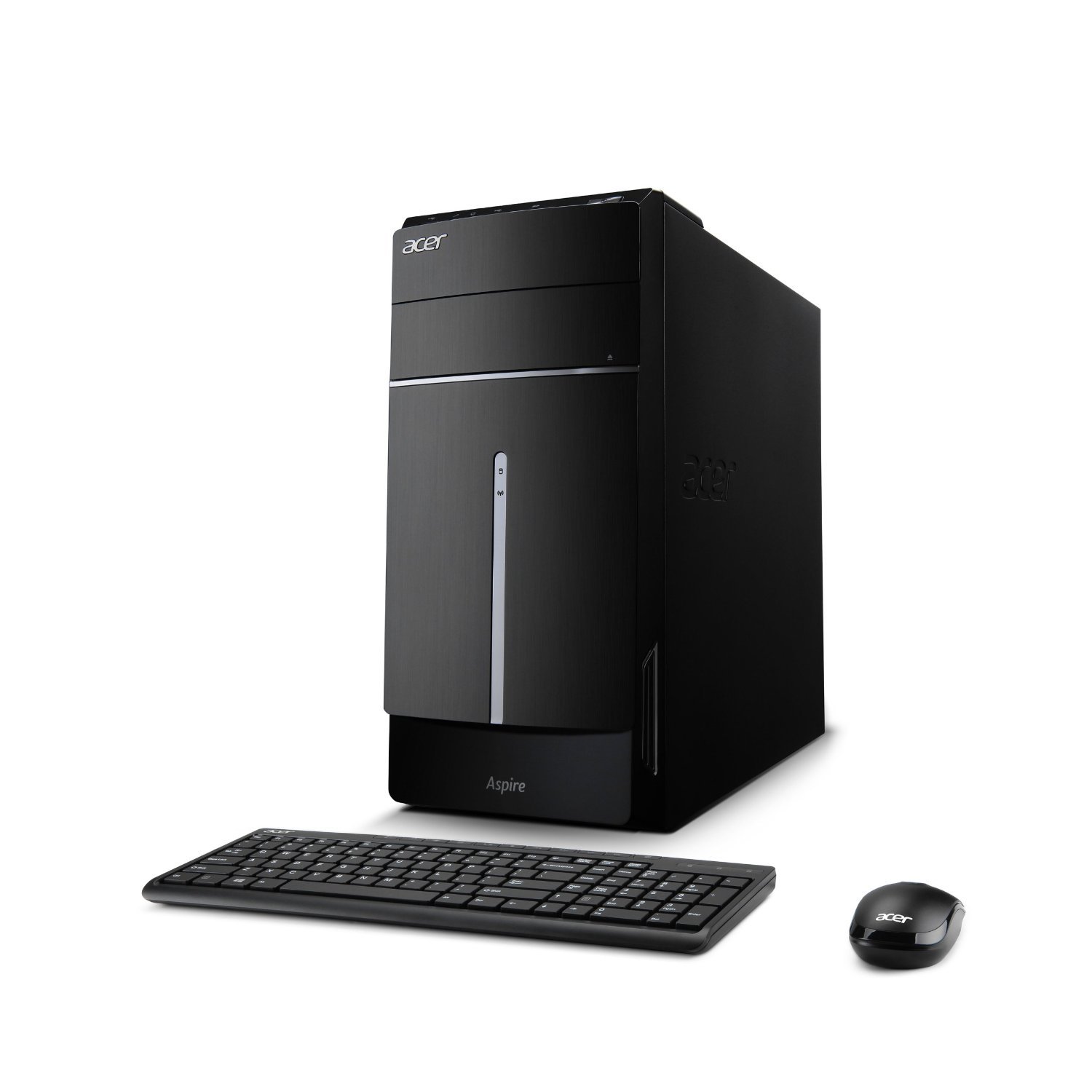
Figure 1: Acer Aspire ATC-605-UB11 Desktop PC, shown with included keyboard and mouse.
Disetél
1. Unpacking the System
Sacara saksama miceun sadaya komponén tina bungkusan. Pastikeun sadaya item anu didaptarkeun dina daptar bungkusan aya. Nyimpen bahan bungkusan pikeun kaperluan angkutan atawa jasa kahareup.

Figure 2: Contents of the Acer Aspire ATC-605-UB11 Desktop PC packaging, including the desktop unit and keyboard.
2. Nyambungkeun périferal
- Monitor: Connect your monitor to the appropriate video output port (e.g., HDMI, VGA) on the back of the desktop.
- Keyboard sareng Mouse: Sambungkeun kibor sareng beurit kana port USB anu sayogi.
- kakuatan: Connect the power cord to the desktop and then to a grounded electrical outlet.
- Jaringan (Opsional): For a wired internet connection, connect an Ethernet cable from your router or modem to the LAN port on the back of the desktop. For wireless, ensure the Wi-Fi antenna (if external) is connected.
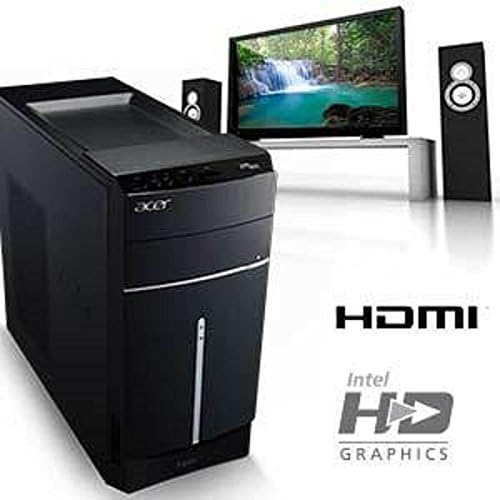
Figure 3: Rear panel connectivity, showing HDMI port and indicating Intel HD Graphics support.
3. Mimiti Power-On
Press the power button on the front of the desktop. The system will boot up, and you may be guided through the initial Windows 8.1 setup process.
Operating Your Desktop PC
Sistem Operasi Windows 8.1
Your Acer Aspire ATC-605-UB11 comes pre-installed with Microsoft Windows 8.1. Familiarize yourself with the Windows 8.1 interface for optimal use. Microsoft provides extensive online resources and tutorials for navigating and customizing Windows 8.1.
Fitur Panel hareup
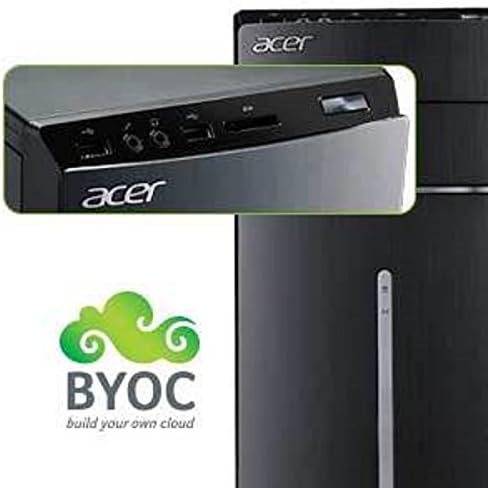
Figure 4: Top front panel with various ports and card reader.
- Gim Optik: Pikeun maca sareng nyerat CD/DVD.
- Port USB: Connect USB devices such as external drives, printers, or other peripherals.
- Jacks audio: Headphone and microphone ports for audio input/output.
- Pamaca Kartu: Pikeun maca rupa-rupa format kartu memori.
- Tombol Daya: Pikeun ngahurungkeun atanapi mareuman komputer.
Pangropéa
1. beberesih
- Keep the desktop clean and free of dust. Use a soft, dry cloth for exterior surfaces.
- Periodically clean air vents to prevent dust buildup, which can affect cooling.
- Do not use liquid cleaners directly on the computer.
2. Apdet parangkat lunak
Regularly check for and install updates for Windows 8.1 and your installed applications. This ensures system stability, security, and optimal performance.
3. Nyadangkeun Data
Disarankeun pisan pikeun rutin nyadangkeun data penting anjeun ka drive éksternal atanapi panyimpenan awan pikeun nyegah leungitna data.
Pamérésan masalah
- Henteu aya kakuatan: Ensure the power cord is securely connected to both the desktop and the electrical outlet. Verify the outlet is functional.
- Henteu aya tampilan: Check that the monitor is properly connected to the desktop and its power cable is plugged in. Ensure the monitor is turned on and set to the correct input source.
- Sistem slowdown: Close unnecessary applications. Check for background processes consuming high resources using Task Manager. Consider running a disk cleanup and defragmentation (for HDD).
- Periferal Teu Jalan: Ensure the peripheral is correctly connected to the appropriate port. Try connecting it to a different port or restarting the computer. Check for updated drivers.
- Masalah parangkat lunak: Try restarting the problematic application or the entire system. If an application consistently crashes, consider reinstalling it.
For more complex issues, refer to the Acer support websitus atanapi ngahubungan layanan palanggan.
spésifikasi
| Fitur | Rincian |
|---|---|
| Ngaran modél | ATC-605-UB11 |
| Prosesor | Intel Quad Core i5-4440 (3.1 GHz) |
| Ram | 8 GB DDR3 SDRAM |
| Hard Drive | 1 TB |
| Grafika | Intel HD Graphics 4600 (Terpadu) |
| Sistem operasi | Windows 8.1 |
| Konektipitas | Built-in Wi-Fi, Ethernet, USB ports, HDMI |
| Ukuran (L x W x H) | 16.3 x 15 x 6.9 inci |
| Beurat | 16.5 pon |
Garansi sareng Rojongan
Kanggo inpormasi garansi anu lengkep, mangga tingali kartu garansi anu kalebet dina produk anjeun atanapi kunjungi dukungan resmi Acer. website. Technical support and driver downloads are also available through the Acer support portal.
Rojongan Acer Websitus: www.acer.com/us-en/support


