
1. Bubuka
This manual provides essential information for the proper setup, operation, and maintenance of your Sony BRAVIA KDL-52XBR9 52-inch LCD HDTV. The KDL-52XBR9 features a 16:9 Full HD 1080p resolution panel, Motionflow 240Hz technology for smooth motion, and BRAVIA Internet Video for accessing online content. Please read this manual thoroughly before using your television to ensure optimal performance and safety.
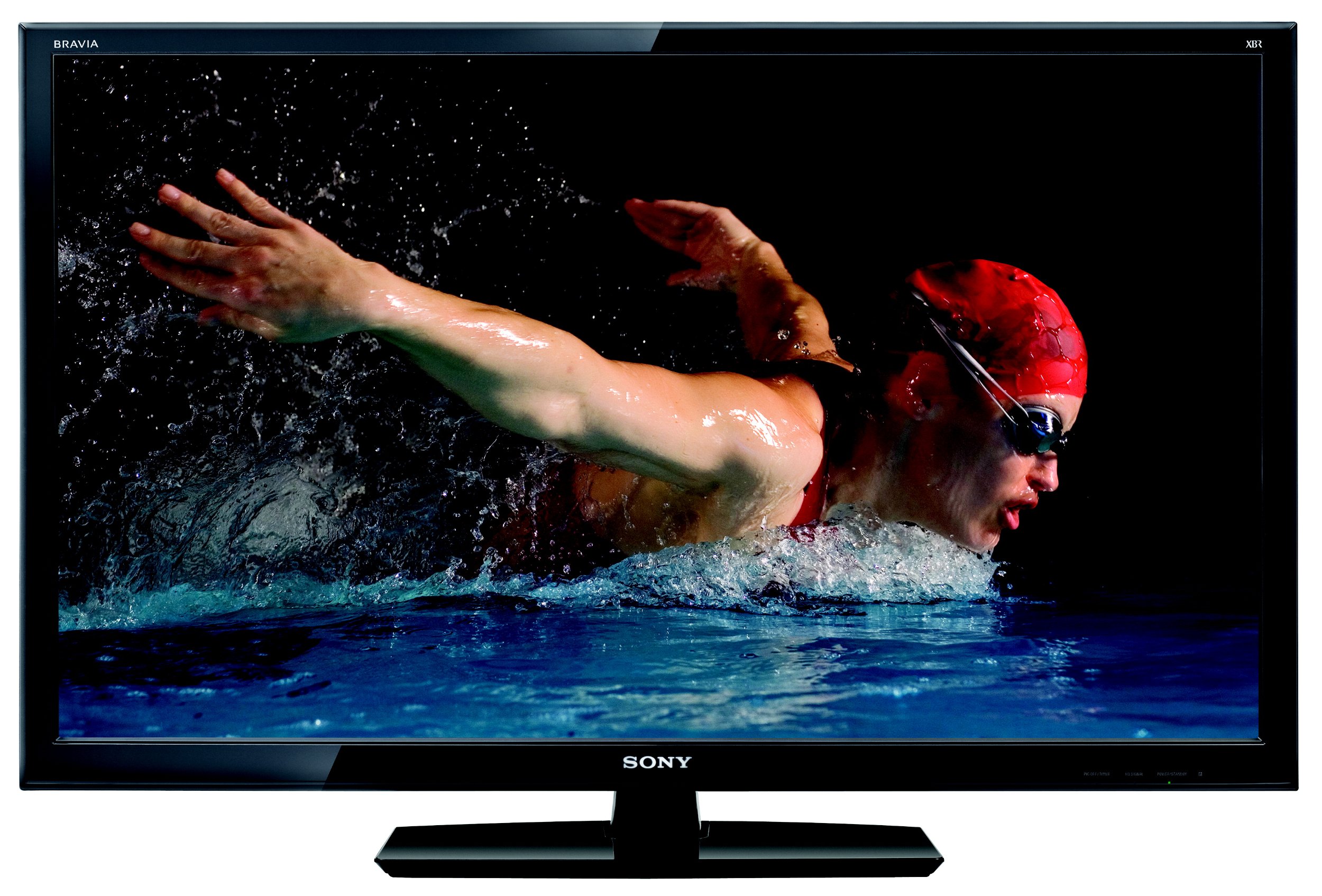
Gambar 1: Hareupeun view of the Sony BRAVIA KDL-52XBR9 52-inch LCD HDTV with its stand.
2. Naon dina Box
Pastikeun yén sadaya barang aya dina bungkusan:
- Sony BRAVIA KDL-52XBR9 Television
- Remote Control (RM-YD029)
- Ngadeg TV
- Kabel listrik
- Documentation (Quick Setup Guide, Safety Information)
3. Setélan
3.1 Ngabongkar sareng Nempatkeun
Carefully remove the television and all accessories from the packaging. It is recommended that two people handle the TV due to its size and weight. Place the TV on a stable, level surface or mount it securely to a wall (wall mount sold separately). Ensure adequate ventilation around the TV to prevent overheating.

Figure 2: Dimensions of the Sony BRAVIA KDL-52XBR9 TV for placement planning.
3.2 Pamasangan nangtung
If using the included TV stand, align the stand with the mounting holes on the bottom of the television. Secure the stand using the provided screws. Refer to the Quick Setup Guide for detailed instructions and screw types.
3.3 Nyambungkeun Alat
Connect your external devices such as Blu-ray players, game consoles, cable/satellite boxes, and USB storage devices to the appropriate ports on the TV. Ensure all cables are securely connected.
- HDMI: For high-definition video and audio. The KDL-52XBR9 features multiple HDMI inputs.
- Komponén Video: For high-definition video from devices without HDMI.
- Video komposit: Pikeun vidéo definisi standar.
- USB: Pikeun nyambungkeun alat panyimpenan USB ka view photos, music, and videos.
- Antena/Kabel: Connect your antenna or cable TV feed to the ANT/CABLE input.

Figure 3: Rear panel connections of the Sony BRAVIA KDL-52XBR9.

Gambar 4: Sisi view showing additional input ports on the Sony BRAVIA KDL-52XBR9.
3.4 Sambungan Daya
After all connections are made, plug the power cord into the AC inlet on the TV, then into a wall outlet. The TV will enter standby mode.
4. Parentah Operasi
4.1 Jauh Control Leuwihview
The supplied remote control (RM-YD029) allows you to operate all functions of your television. Insert two AA batteries, ensuring correct polarity.

Figure 5: Sony RM-YD029 Remote Control.
4.2 Operasi Dasar
- Hurungkeun/Pareuman: Pencét éta POWER tombol dina kadali jauh atawa TV.
- Pilihan Input: Pencét éta INPUT button to cycle through connected sources (HDMI, Component, etc.).
- Kontrol volume: Ngagunakeun éta VOL +/- kancing.
- Pilihan Saluran: Ngagunakeun éta CH +/- tombol atawa pad angka.
- Napigasi Menu: Pencét éta RUMAH or MENU button to access the TV's settings and features. Use the arrow buttons to navigate and Asupkeun pikeun mastikeun.
4.3 BRAVIA Internet Video
The KDL-52XBR9 supports BRAVIA Internet Video, allowing access to various online content providers. Connect your TV to a broadband internet connection (wired or wireless, depending on model features and accessories). Press the BRAVIA INTERNET VIDEO button on your remote to access this feature.
4.4 USB Media Playback
Insert a USB storage device into the TV's USB port. The TV will typically detect the device and prompt you to select media type (photos, music, or videos). Navigate through your files ngagunakeun kadali jauh.
5. Pangropéa
5.1 Ngabersihan Layar
Pikeun ngabersihkeun layar, usap lembut nganggo lawon anu lemes, garing, sareng teu aya serat. Pikeun tanda pengkuh, enteng dampen lawon jeung cai atawa cleaner layar husus. Do not use harsh chemicals, abrasive cleaners, or alcohol-based solutions as these can damage the screen surface.
5.2 Ngabersihan Kabinet
Wipe the TV cabinet with a soft, dry cloth. If necessary, use a soft cloth lightly dampened with a mild detergent solution, then wipe dry immediately. Avoid spraying liquids directly onto the TV.
6. Cara ngungkulan
Sateuacan ngahubungi dukungan palanggan, cobian solusi ieu pikeun masalah umum:
| Masalah | Solusi |
|---|---|
| Taya kakuatan | Pastikeun kabel listrik dicolokkeun sacara aman kana TV sareng stop kontak listrik. Pariksa lamun stop kontak boga kakuatan. |
| Taya gambar atawa sora | Verify the correct input source is selected. Check all cable connections between the TV and external devices. |
| Kadali jauh teu jalan | Replace the batteries with new ones. Ensure there are no obstructions between the remote and the TV's IR sensor. |
| Kualitas gambar henteu saé | Check antenna/cable connections. Adjust picture settings in the TV menu. Ensure the source device is outputting a high-quality signal. |
| Teu bisa nyambung ka internét | Check network cable connection (if wired). Verify Wi-Fi settings and password. Restart your router and modem. |
7. Spésifikasi
Key technical specifications for the Sony BRAVIA KDL-52XBR9:
| Fitur | Rincian |
|---|---|
| Ngaran modél | KDL-52XBR9 |
| Ukuran layar | 52 inci |
| Téknologi tampilan | LCD |
| Resolusi | 1080p (1920x1080) |
| Refresh Laju | 240 Hz (Motionflow 240Hz) |
| Téhnologi konektipitas | Smart (BRAVIA Internet Video) |
| Dirojong jasa Internét | BRAVIA Internet Video |
| Number of Component Inputs | 2 |
| Number of Composite-Video Inputs | 1 |
| Number of VGA Inputs | 1 |
| Panganteur Hardware | USB |
| Tipe Tuner | ATSC, NTSC |
| Item Beurat | 57.1 pon |
| Warna | Hideung |
| Model Taun | 2010 |
8. Émbaran jaminan
The Sony BRAVIA KDL-52XBR9 television comes with a 1-taun jaminan kawates from the date of purchase. This warranty covers manufacturing defects under normal use. For full terms and conditions, please refer to the warranty card included with your product or visit the official Sony support websitus.
9. Rojongan Palanggan
If you encounter issues that cannot be resolved using the troubleshooting guide, or if you require further assistance, please contact Sony customer support. You can find contact information and additional resources on the official Sony website. Please have your model number (KDL-52XBR9) and serial number ready when contacting support.
Sumberdaya Online: Nganjang www.sony.com/electronics/support kanggo manual produk, FAQ, sareng apdet parangkat lunak.