
Introduction
This manual provides comprehensive instructions for the use and maintenance of your Samsung Galaxy Buds FE. These wireless earbuds feature powerful Active Noise Cancellation, enriched bass sound, and an ergonomic design for comfortable wear. Please read this manual thoroughly to ensure proper operation and to maximize your experience with the device.

Image: Samsung Galaxy Buds FE earbuds and charging case in Graphite color.
What's in the Box
Your Samsung Galaxy Buds FE package includes the following items:
- Charging Station (Charging Case)
- Eartips (various sizes)
- Ear Cushions (Wing Tips, various sizes)
- USB Charging Cable
- User Manual
Setup
1. Charging the Earbuds and Case
Before initial use, fully charge the earbuds and the charging case.
- Place the earbuds into the charging case.
- Connect the USB charging cable to the charging case and a power source.
- The indicator light on the case will show charging status. A full charge takes approximately 90 minutes.
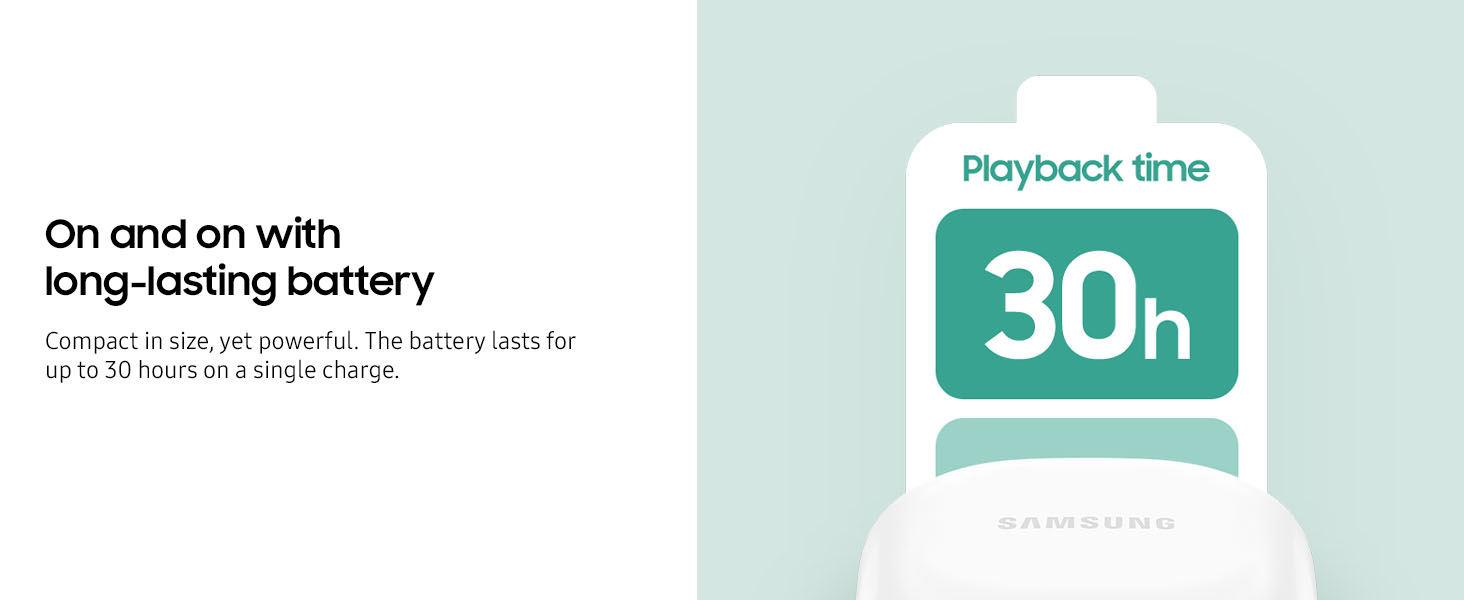
Image: Illustration of the charging case indicating a 30-hour playback time with the earbuds.
2. Adjusting the Fit
For optimal sound quality and comfort, select the correct size ear tips and wing tips.
- Experiment with the included ear tips and wing tips to find the combination that provides a secure and comfortable fit in your ears.
- The earbuds are designed to snugly nestle in your ears.
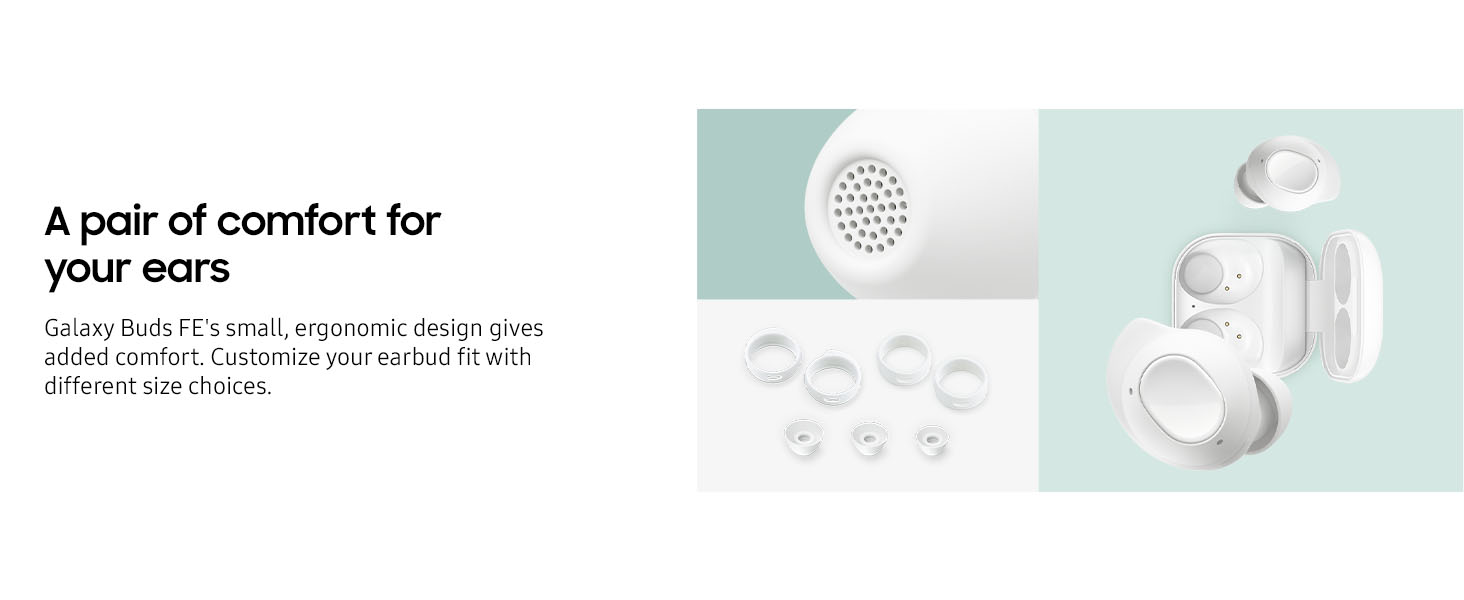
Image: Galaxy Buds FE earbuds shown with different sizes of ear tips and wing tips for personalized comfort.
3. Pairing with a Device
The Galaxy Buds FE use Bluetooth 5.2 for wireless connection.
- Open the charging case. The earbuds will automatically enter pairing mode.
- On your device (smartphone, tablet, laptop), enable Bluetooth and search for available devices.
- Select "Galaxy Buds FE" from the list to connect.
- For Samsung Galaxy devices, pairing is streamlined via Auto Switch.
Operating Instructions
Active Noise Cancellation (ANC) and Ambient Sound
The Galaxy Buds FE feature Active Noise Cancellation to minimize external distractions and Ambient Sound mode to stay aware of your surroundings.
- Active Noise Cancellation (ANC): Blocks out unwanted background noise, allowing you to focus on your audio.
- Ambient Sound: Allows you to hear your surroundings without removing the earbuds.
- Switch between ANC, Ambient Sound, and Off modes using the touch controls or the Samsung Wearable app.
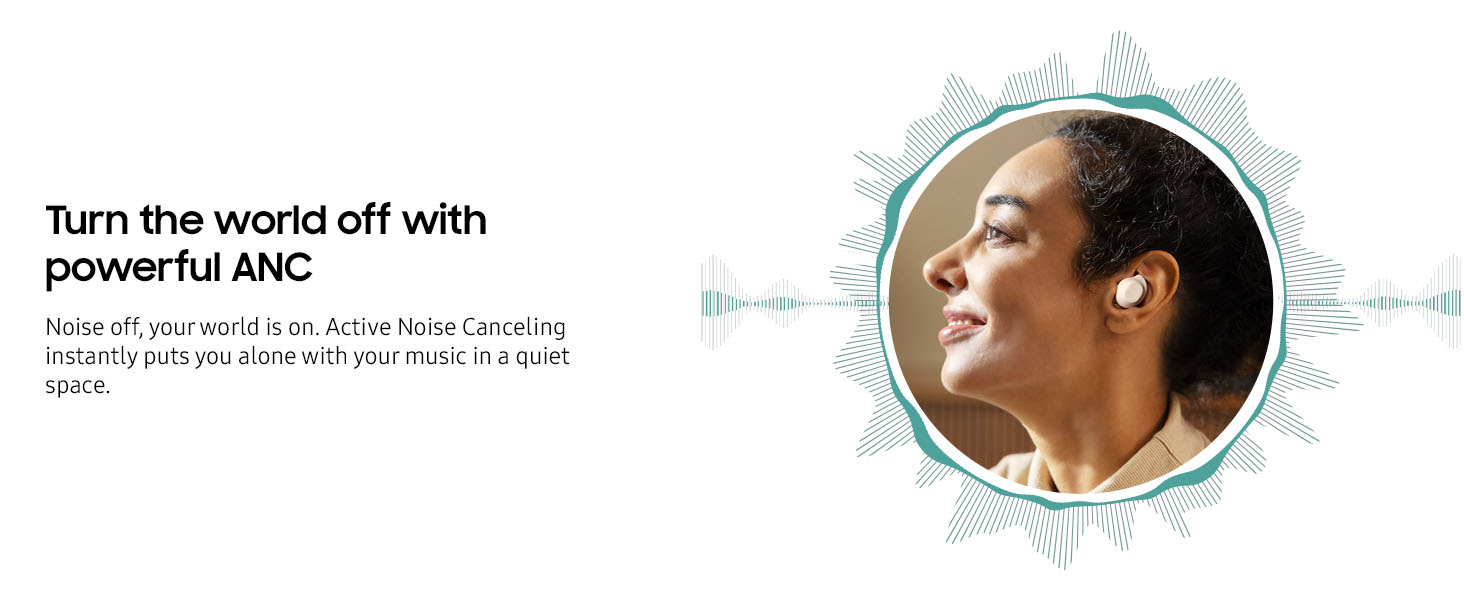
Image: A woman wearing a Galaxy Buds FE earbud, illustrating the effect of Active Noise Cancellation.
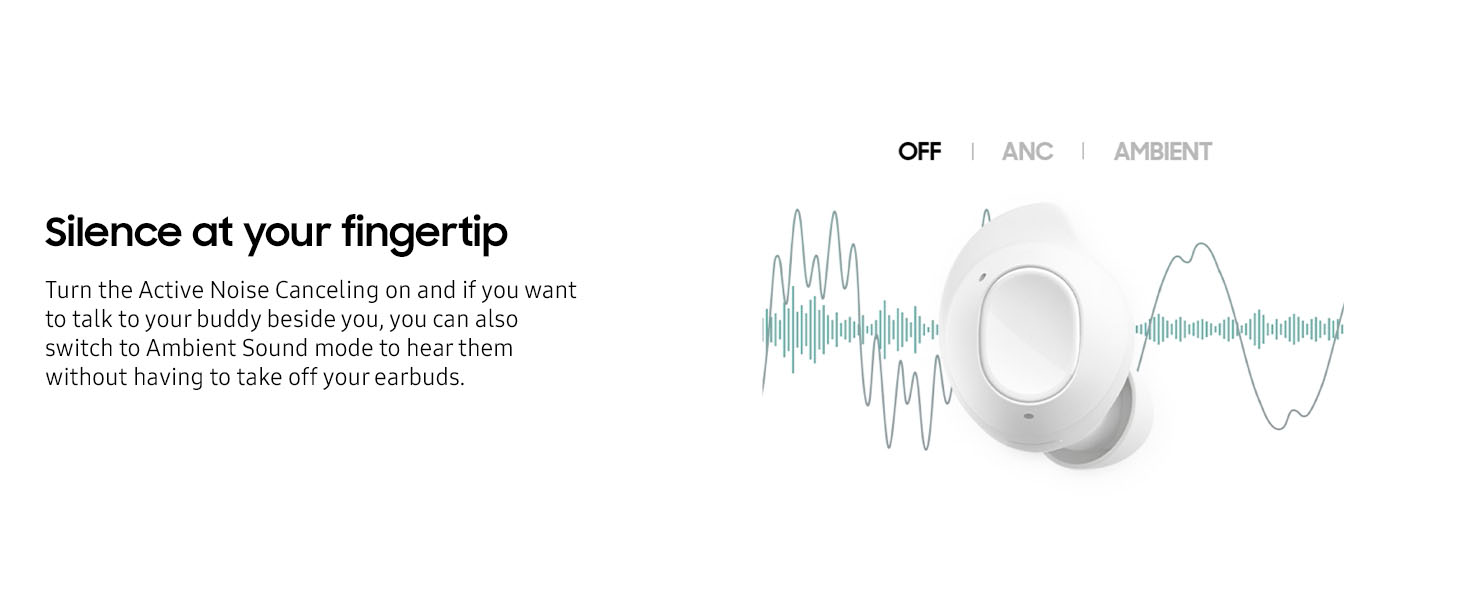
Image: Diagram showing the touch control options for switching between ANC, Off, and Ambient sound modes.
Touch Controls
The earbuds feature intuitive touch controls for managing music, calls, and sound modes. The distinct touch and grip areas ensure easy operation.
- Single Tap: Play/Pause music, Answer/End call.
- Double Tap: Next track, Answer/End call.
- Triple Tap: Previous track.
- Touch and Hold: Customizable action (e.g., switch ANC mode, activate voice assistant). Configure via the Samsung Wearable app.
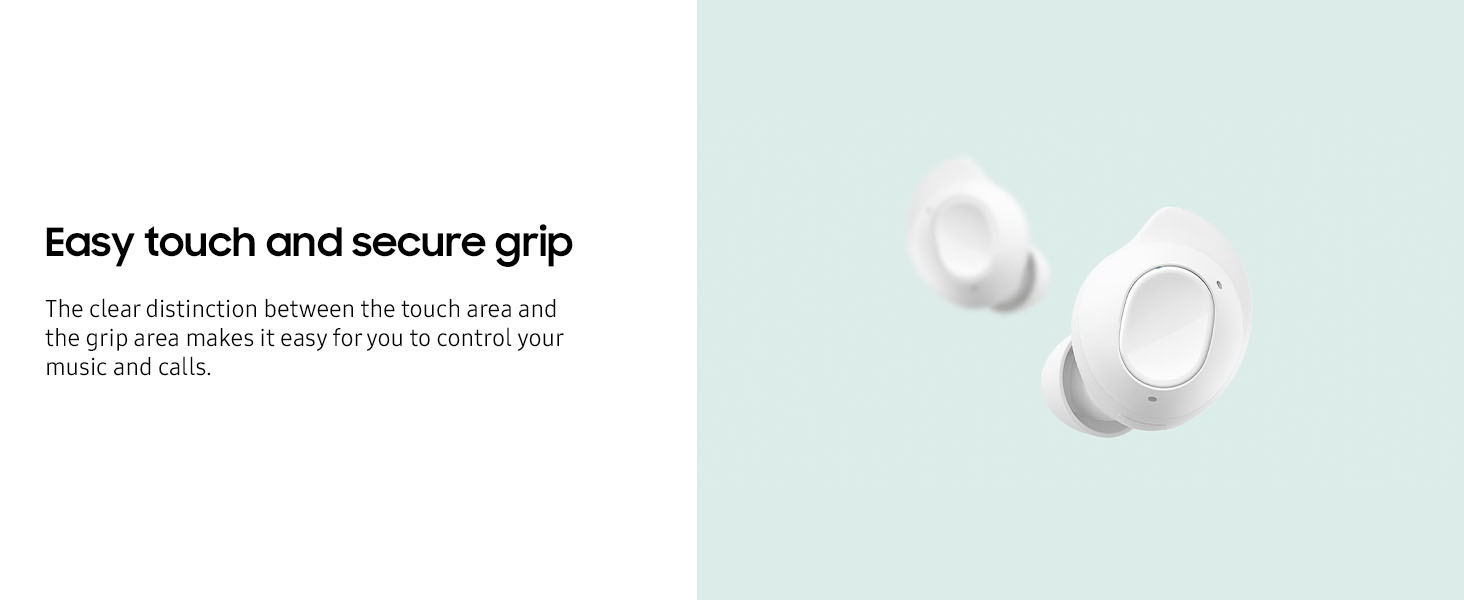
Image: Close-up of a Galaxy Buds FE earbud highlighting the touch-sensitive control area.
Call Functionality
Enjoy clear and crisp calls with the integrated three microphones on each earbud.
- The earbuds utilize Personalized Beamforming to optimize voice pickup.
- A DNN solution filters out background noise for clearer communication, even in noisy environments.
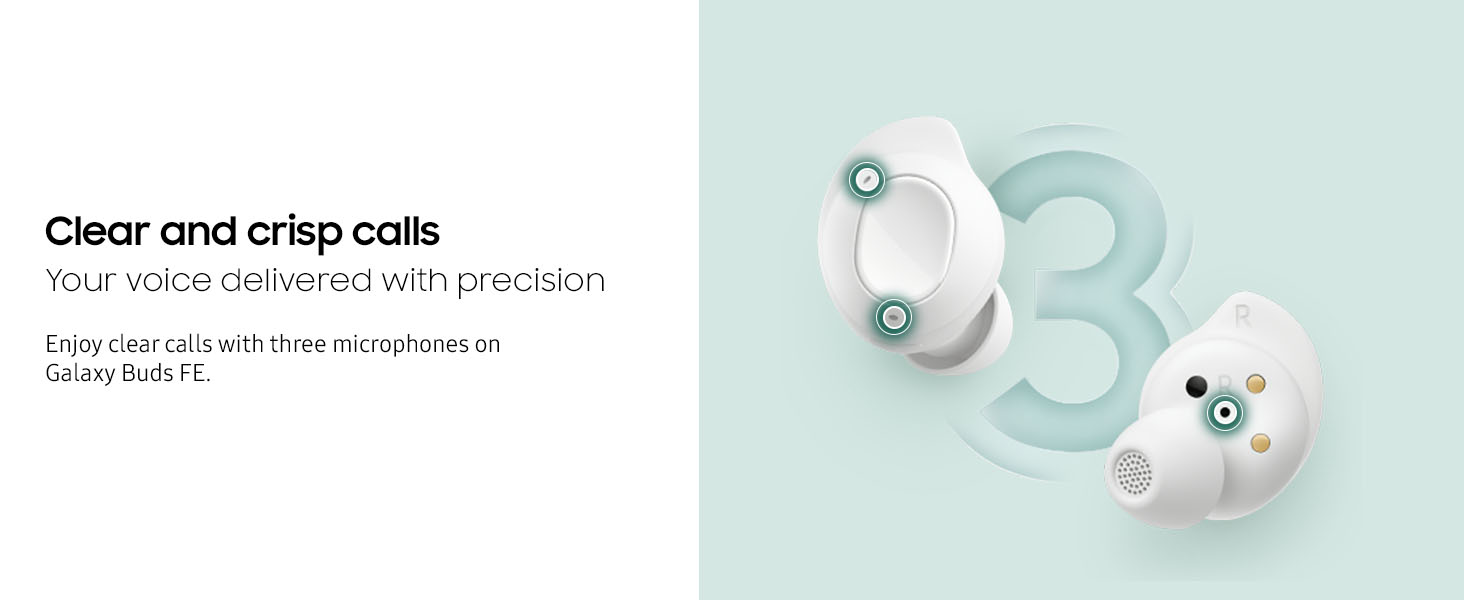
Image: Diagram showing the placement of three microphones on a Galaxy Buds FE earbud for enhanced call clarity.
Sound Quality
Experience rich sound with deep, powerful bass delivered by the new 1-way speaker.
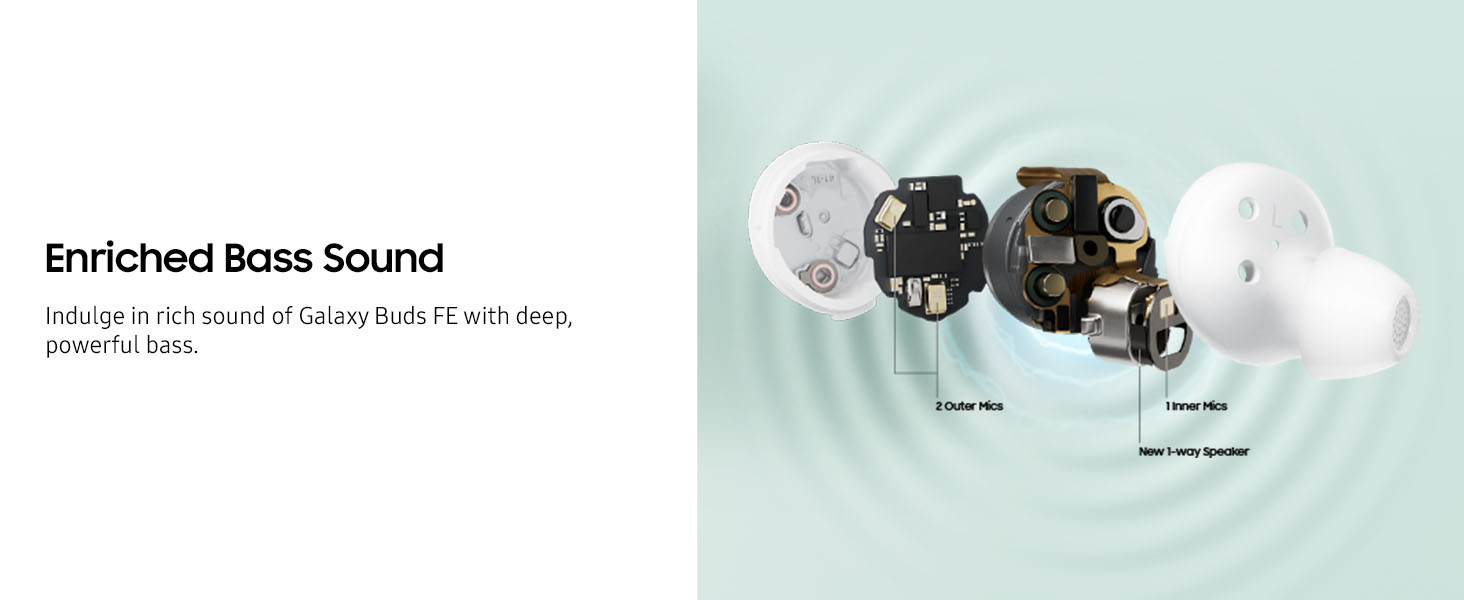
Image: Exploded view of a Galaxy Buds FE earbud, highlighting the 1-way speaker and internal microphone components.
Auto Switch and Find My Earbuds
- Auto Switch: Seamlessly switch audio playback between paired Samsung Galaxy devices without manual reconnection.
- Find My Earbuds: If an earbud is misplaced, use the SmartThings Find feature to track its last known location or make it emit a sound.
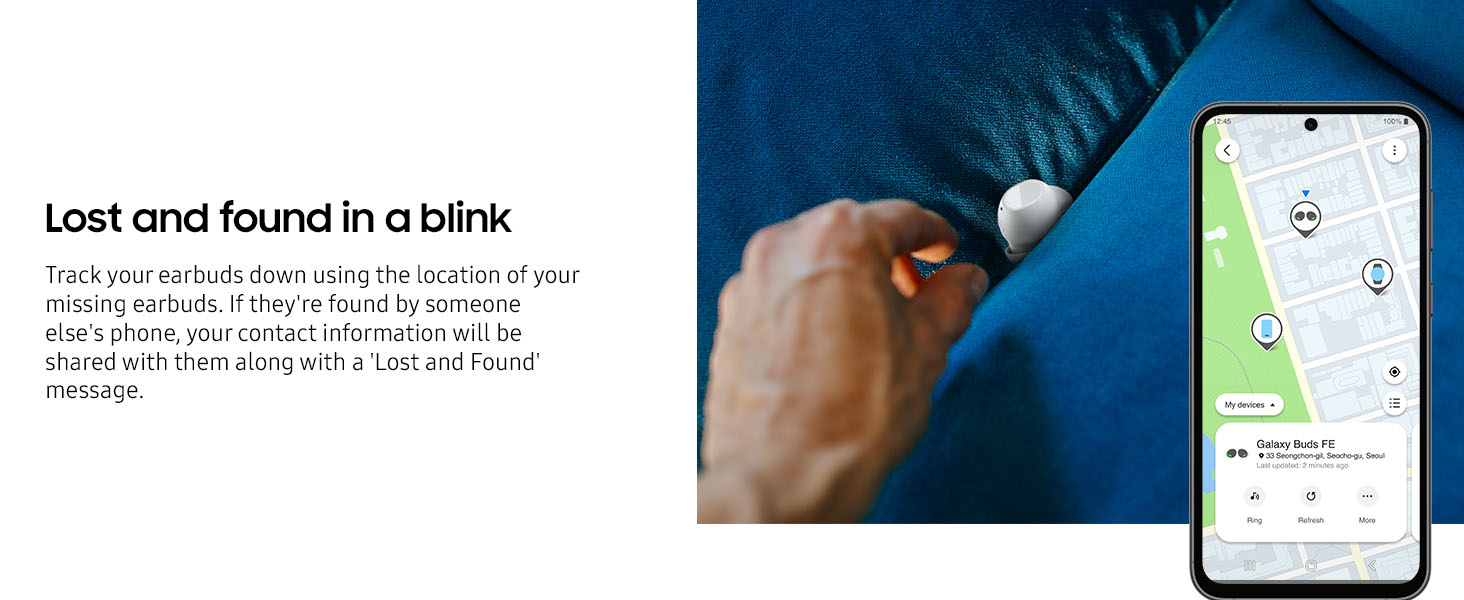
Image: A smartphone displaying the SmartThings Find application, showing the location of misplaced Galaxy Buds FE on a map.
Maintenance
Cleaning
Regular cleaning helps maintain optimal sound and microphone quality.
- Gently wipe the earbuds, especially the speaker mesh and microphone openings, with a soft, dry, lint-free cloth.
- Remove ear tips and wing tips periodically and clean them with a mild soap solution, then rinse and dry thoroughly before reattaching.
- Clean the charging contacts on both the earbuds and the case to ensure proper charging.
Water Resistance
The Galaxy Buds FE are water resistant. This means they can withstand splashes, sweat, and light rain.
- Do not submerge the earbuds in water.
- Avoid exposing them to high-pressure water or strong water jets.
- If the earbuds get wet, dry them thoroughly before placing them back in the charging case to prevent damage.
Troubleshooting
If you encounter issues with your Galaxy Buds FE, refer to the following common solutions.
Connectivity Issues
- Ensure both earbuds are fully charged.
- Verify Bluetooth is enabled on your device and the earbuds are selected.
- Keep your device within the 10-meter Bluetooth range. Obstacles like walls can reduce range.
- Try unpairing and re-pairing the earbuds with your device.
- Restart your connected device.
Sound or Microphone Quality Degradation
- Clean the speaker mesh and microphone openings on both earbuds as described in the Maintenance section. Accumulated debris can affect performance.
- Ensure the ear tips are properly seated and form a good seal in your ear.
- Check for any software updates for the earbuds via the Samsung Wearable app.
Battery Drain Issues
- Ensure both earbuds are correctly seated in the charging case and the charging contacts are clean.
- If one earbud drains significantly faster, try resetting the earbuds through the Samsung Wearable app.
- Avoid extreme temperatures, which can affect battery performance.
Earbuds Not Charging
- Verify the charging cable is securely connected to both the case and the power source.
- Check if the charging indicator light on the case is active.
- Clean the charging contacts on the earbuds and inside the case.
- Try a different USB charging cable and power adapter.
Specifications
| Feature | Detail |
|---|---|
| Brand | Samsung |
| Model Name | Samsung Galaxy Buds FE |
| Model Number | SM-R400NZ |
| Colour | Graphite |
| Ear Placement | In Ear |
| Form Factor | In Ear |
| Impedance | 16 Ohms |
| Noise Control | Active Noise Cancellation |
| Control Type | Voice Control, Touch |
| Sensitivity | 105 dB |
| Audio Driver Type | Dynamic Driver |
| Frequency Range | 20-20000 hertz |
| Enclosure Material | Polycarbonate (PC), Polyurethane (PU), Silicone |
| Water Resistance Level | Water Resistant |
| Wireless Technology | Bluetooth |
| Bluetooth Version | 5.2 |
| Bluetooth Range | 10 Metres |
| Battery Charge Time | 90 Minutes |
| Battery Average Life (Earbuds + Case) | Up to 30 hours (with case) |
| Item Weight | 51.2 Grams |
| Compatible Devices | Cellphones, Laptops, Tablets, Television |
Warranty Information
The Samsung Galaxy Buds FE typically come with a standard manufacturer's warranty.
- Standard Warranty: 1 year from the date of purchase.
- For specific terms and conditions, please refer to the warranty card included in your product packaging or visit the official Samsung support website.
- Extended warranty options may be available from third-party providers.
Support
For further assistance, technical support, or service inquiries, please contact Samsung customer support.
- Importer Contact: Samsung India Electronics Pvt. Ltd., 6th Floor, DLF Centre, Sansad Marg, New Delhi – 110001
- Email: support.india@samsung.com
- Toll-Free Tel: 1800 40 7267864
- Manufacturer: Dixon Technologies(India)Limited, Plot No.6, Sector-90, Noida, Gautam Buddha Nagar, Uttar Pradesh, India-201305
- Online Support: Visit the official Samsung support website for FAQs, software updates, and service center locations.


