1. Koniec produktuview
The Timex T121B Digital Alarm Clock is designed for simplicity and reliability, featuring a large, easy-to-read LED display. It includes a 24-hour "set and forget" alarm with auto-repeat and auto-shutoff functions. The alarm offers a graduated wake-up sound, starting softly and increasing in volume. For convenience during power interruptions, the clock is equipped with a battery backup system (requires 2 AAA batteries, not included) to maintain time and alarm settings. LED indicators show PM, alarm set status, and low battery warnings.

Obraz: Przód view of the Timex T121B Digital Alarm Clock, displaying the time 10:09 PM.
2. Co znajduje się w pudełku
- Timex T121B Alarm Clock with 0.7-inch Red Display (Black)
- 120V Universal Power Adapter (Corded Electric)
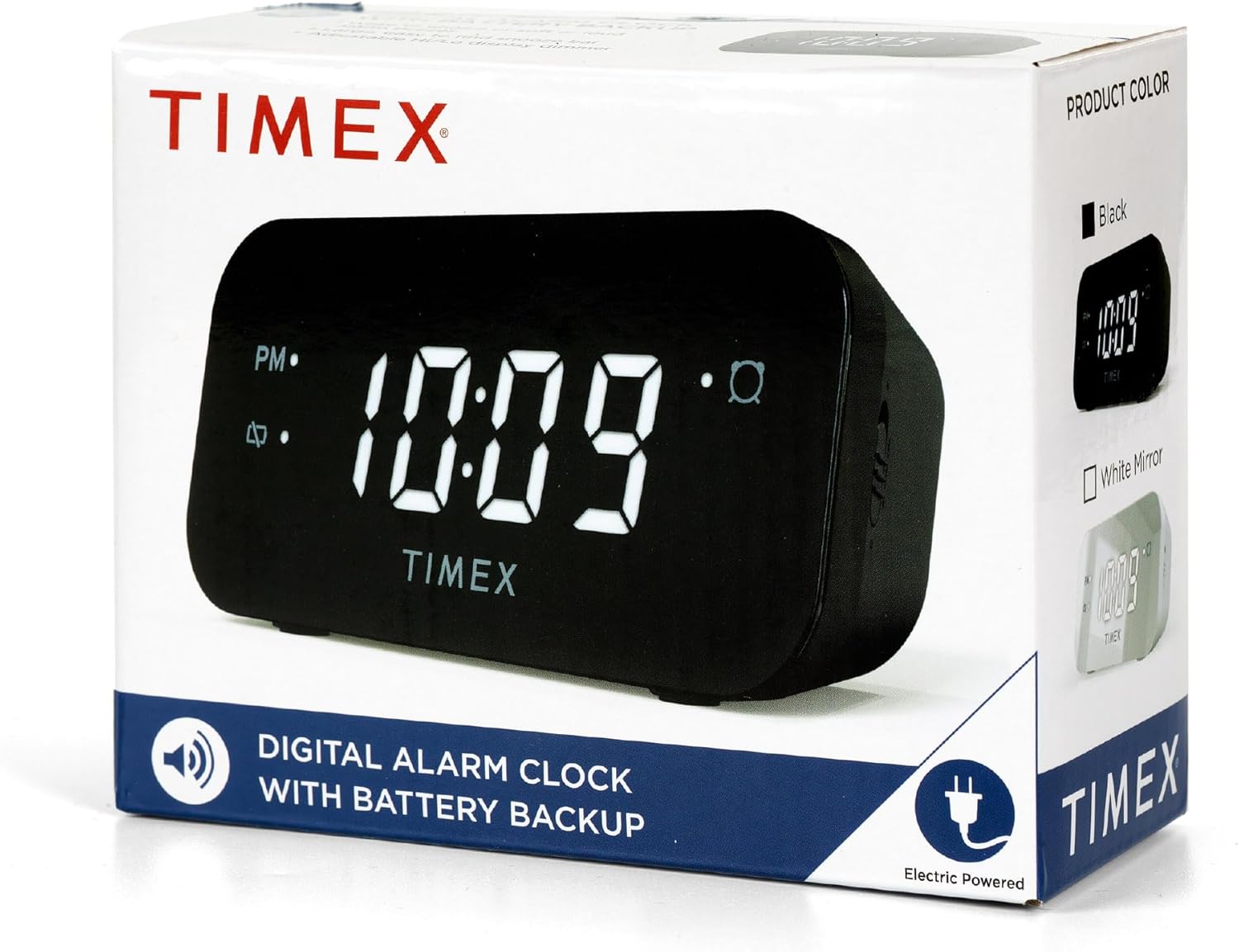
Image: The Timex T121B Digital Alarm Clock shown inside its retail packaging, highlighting its electric power source.
3. Konfiguracja
3.1 Połączenie zasilania
- Unpack the Timex T121B alarm clock and its power adapter.
- Insert the small end of the 120V universal power adapter into the DC input jack located on the back of the alarm clock.
- Plug the larger end of the power adapter into a standard 120V AC wall outlet. The clock display will illuminate.
3.2 Instalacja baterii zapasowej
The battery backup feature ensures that time and alarm settings are retained during power outages. This clock requires two "AAA" batteries (not included).
- Znajdź komorę baterii na spodzie budzika.
- Otwórz pokrywę komory baterii.
- Insert two fresh "AAA" batteries, observing the correct polarity (+ and -) as indicated inside the compartment.
- Dokładnie zamknij pokrywę komory baterii.
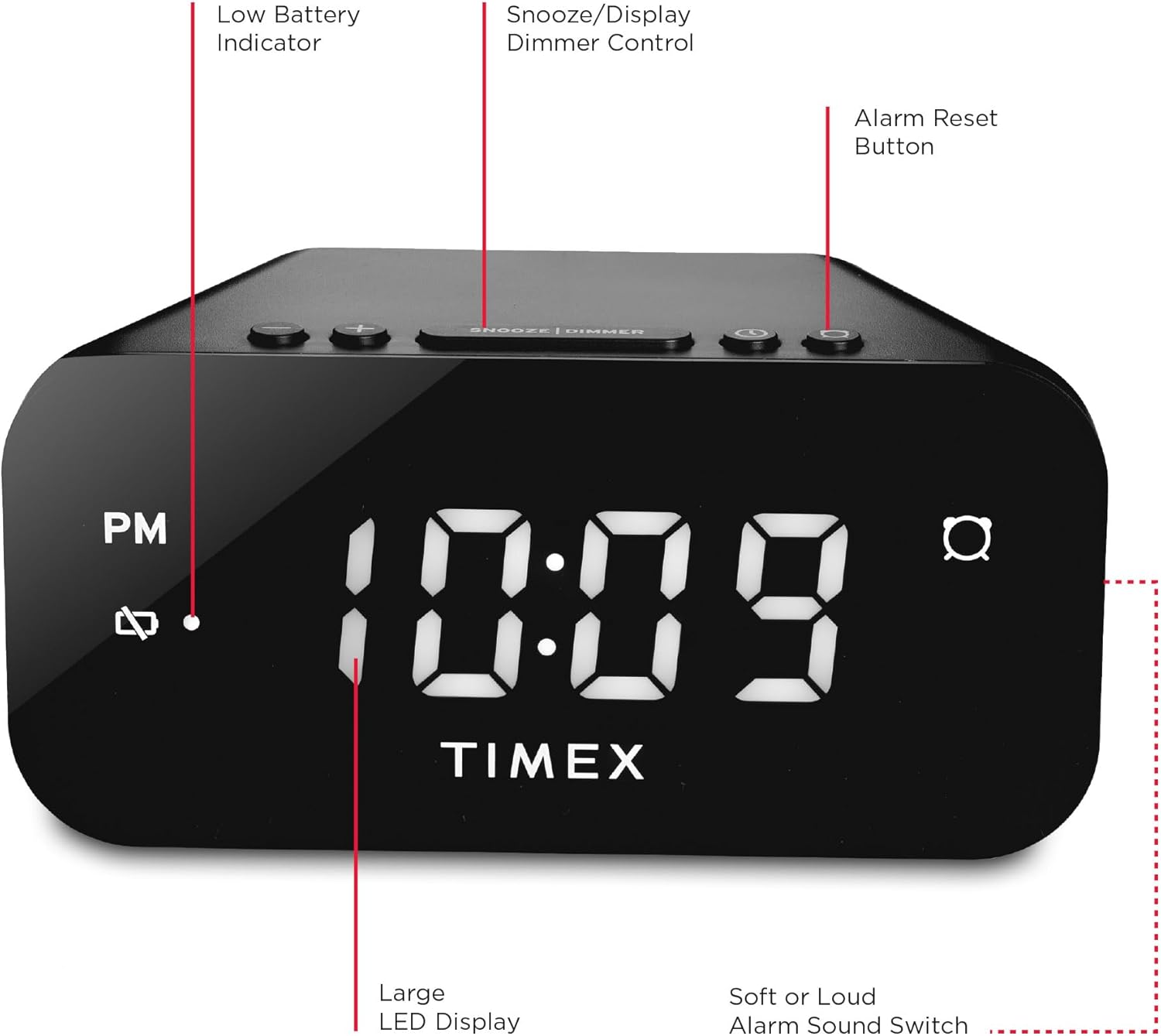
Obraz: Tył view of the Timex T121B Digital Alarm Clock, illustrating the location of the battery compartment and power input.
4. Instrukcja obsługi
4.1 Ustawianie czasu
- Naciśnij i przytrzymaj USTAWIENIE CZASU button (usually located on the top or back) until the hour digits begin to flash.
- Naciśnij GODZINA Naciskaj przycisk wielokrotnie, aby ustawić godzinę. Zwróć uwagę na wskaźnik PM, jeśli ustawiasz godzinę popołudniową.
- Naciśnij CHWILA Naciskaj przycisk wielokrotnie, aby ustawić minuty.
- Naciśnij USTAWIENIE CZASU Naciśnij przycisk ponownie, aby potwierdzić i zaoszczędzić czas.
4.2 Ustawianie alarmu
- Naciśnij i przytrzymaj ZESTAW ALARMU Naciskaj przycisk, aż cyfry godziny alarmu zaczną migać.
- Naciśnij GODZINA przycisk, aby ustawić godzinę alarmu.
- Naciśnij CHWILA przycisk, aby dostosować minuty alarmu.
- Naciśnij ZESTAW ALARMU Naciśnij przycisk ponownie, aby potwierdzić godzinę alarmu.
- Aby aktywować lub dezaktywować alarm, naciśnij przycisk WŁĄCZANIE / WYŁĄCZANIE ALARMU przycisk. Gdy alarm jest aktywny, na wyświetlaczu pojawi się kontrolka alarmu.
4.3 Funkcja drzemki
Gdy zabrzmi alarm, naciśnij duży przycisk DRZEMKA/ŚCIEMNIACZ bar located on the top of the clock. This will temporarily silence the alarm for approximately 9 minutes. The alarm will sound again after the snooze period ends.
4.4 Alarm Reset (Set and Forget)
To turn off the alarm for the current day and automatically reset it for the next day at the same time, press the RESET ALARMU button (often labeled with a bell icon). This feature is part of the 24-hour "set and forget" functionality.
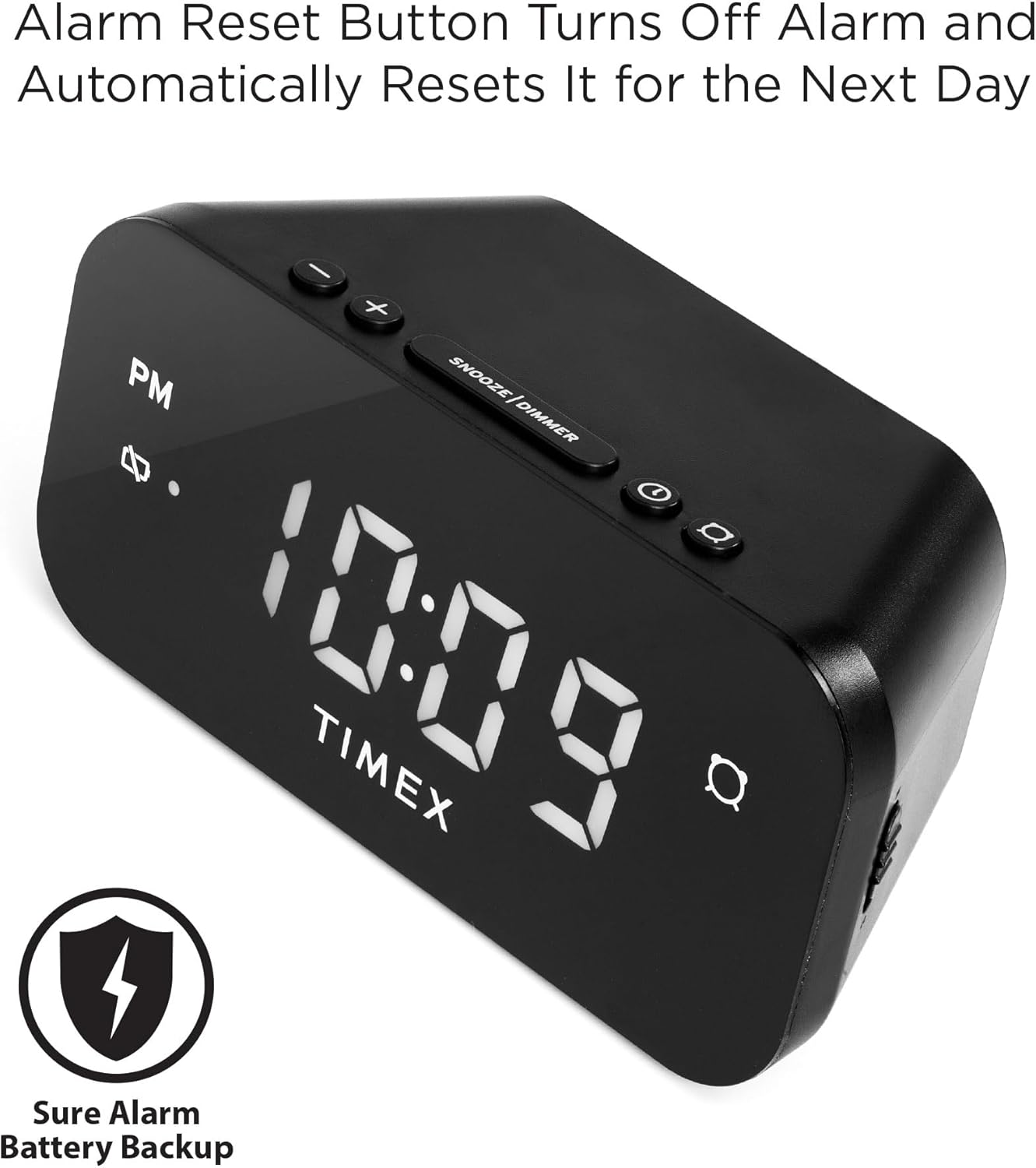
Image: The Timex T121B Digital Alarm Clock highlighting the Alarm Reset Button, which silences the alarm and prepares it for the next day.
4.5 Display Dimmer Control
To adjust the brightness of the LED display, repeatedly press the DRZEMKA/ŚCIEMNIACZ bar (when the alarm is not sounding). This will cycle through different brightness levels to suit your preference.
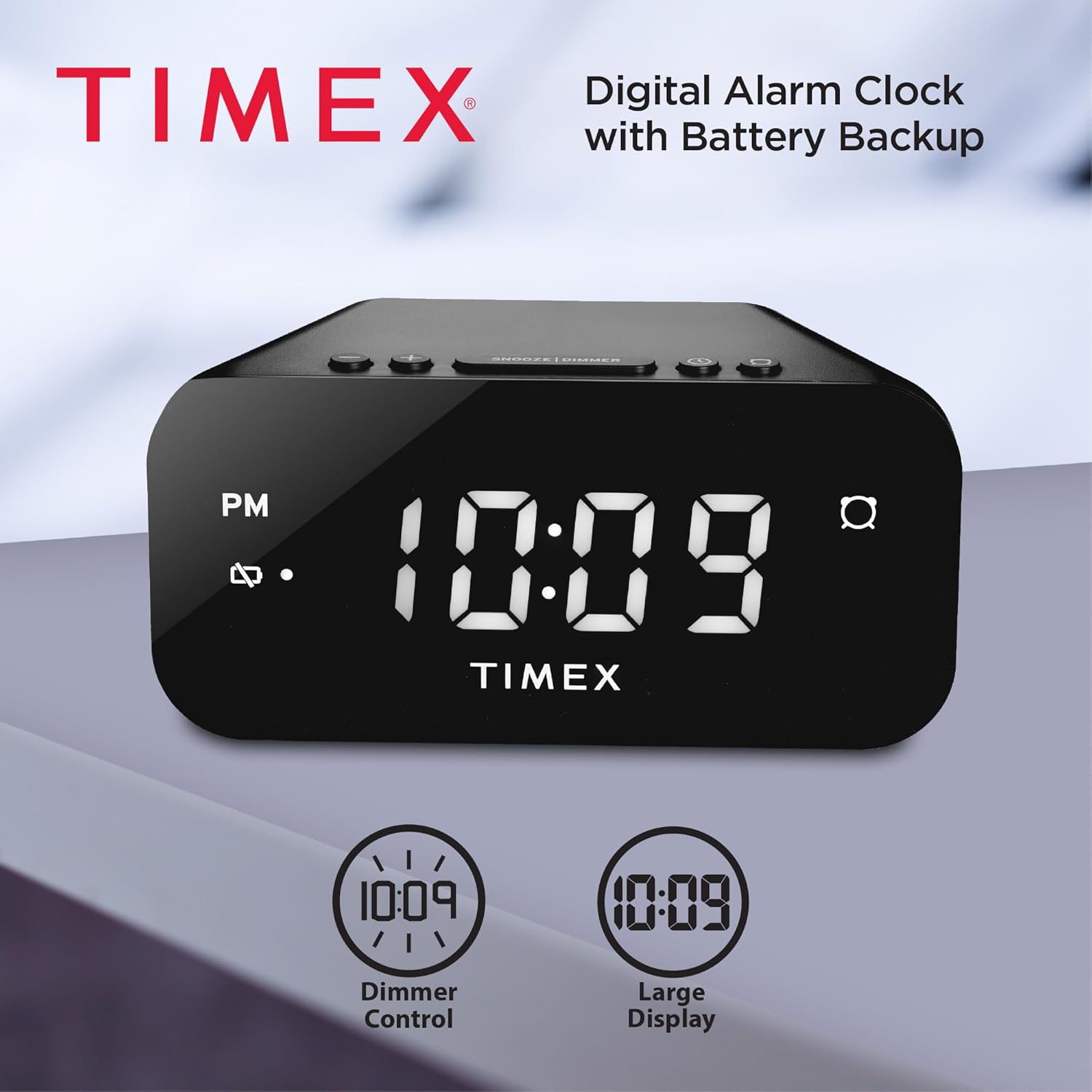
Image: The Timex T121B Digital Alarm Clock illustrating its dimmer control and large display features.
4.6 Alarm Sound Adjustment
The alarm features a graduated wake-up sound. It starts softly and gradually increases in volume to ensure you wake up. There is also a switch to select between soft or loud alarm buzzer settings, typically located on the side or back of the unit.

Image: The Timex T121B Digital Alarm Clock positioned on a nightstand next to a sleeping person, emphasizing its loud alarm capability.
5. Konserwacja
5.1 Czyszczenie
To clean the alarm clock, gently wipe the exterior surfaces with a soft, dry cloth. Do not use abrasive cleaners, waxes, or solvents as they may damage the finish. Avoid spraying liquids directly onto the unit.
5.2 Wymiana baterii
If the "BATT LOW" indicator appears on the display, it is time to replace the AAA backup batteries. Follow the instructions in Section 3.2 to replace them. Ensure the clock remains plugged into AC power during battery replacement to avoid losing time and alarm settings.
6. Rozwiązywanie Problemów
| Problem | Możliwa przyczyna | Rozwiązanie |
|---|---|---|
| Wyświetlacz zegara jest pusty. | Brak zasilania sieciowego. | Ensure the power adapter is securely plugged into both the clock and a working wall outlet. Check the outlet with another device. |
| Alarm nie włącza się. | Alarm nie jest ustawiony lub jest wyłączony. | Verify the alarm indicator light is on. Re-set the alarm time following Section 4.2. |
| Ustawienia czasu/alarmu zostały utracone po wyłączeniu zasilaniatage. | Baterie zapasowe są rozładowane lub nie zostały zainstalowane. | Install or replace two fresh AAA batteries as per Section 3.2. |
| Wyświetlacz jest zbyt jasny/ciemny. | Należy dostosować ustawienia ściemniacza. | Press the SNOOZE/DIMMER bar repeatedly to cycle through brightness levels (Section 4.5). |
7. Specyfikacje
- Marka: Czasex
- Numer modelu: T121B
- Typ wyświetlacza: Digital LED (0.7-inch Red Display)
- Kolor: Czarny
- Źródło zasilania: Corded Electric (120V Universal Power Adapter)
- Zapas baterii: Wymaga 2 baterii AAA (brak w zestawie)
- Wymiary produktu: 5.52" szer. x 2.36" wys.
- Waga przedmiotu: 6.7 uncji
- Cechy: 24-hour Set and Forget Alarm, Auto-Repeat, Auto-Shutoff, Graduated Wake-up Alarm Sound, Snooze Function, Display Dimmer Control, PM Indicator, Alarm Set Indicator, Low Battery Warning.
8. Gwarancja i wsparcie
This Timex T121B Digital Alarm Clock comes with a Ograniczona gwarancja. For specific details regarding warranty coverage, duration, and claims, please refer to the warranty information provided with your purchase or contact Timex customer support.
Aby uzyskać dodatkową pomoc, zapoznaj się z oficjalnym podręcznikiem użytkownika w formacie PDF: Timex T121B User Manual (PDF).
Wideo: Oficjalny film prezentujący produktasing the features and design of the Timex T121B Digital Alarm Clock.


