ആമുഖം
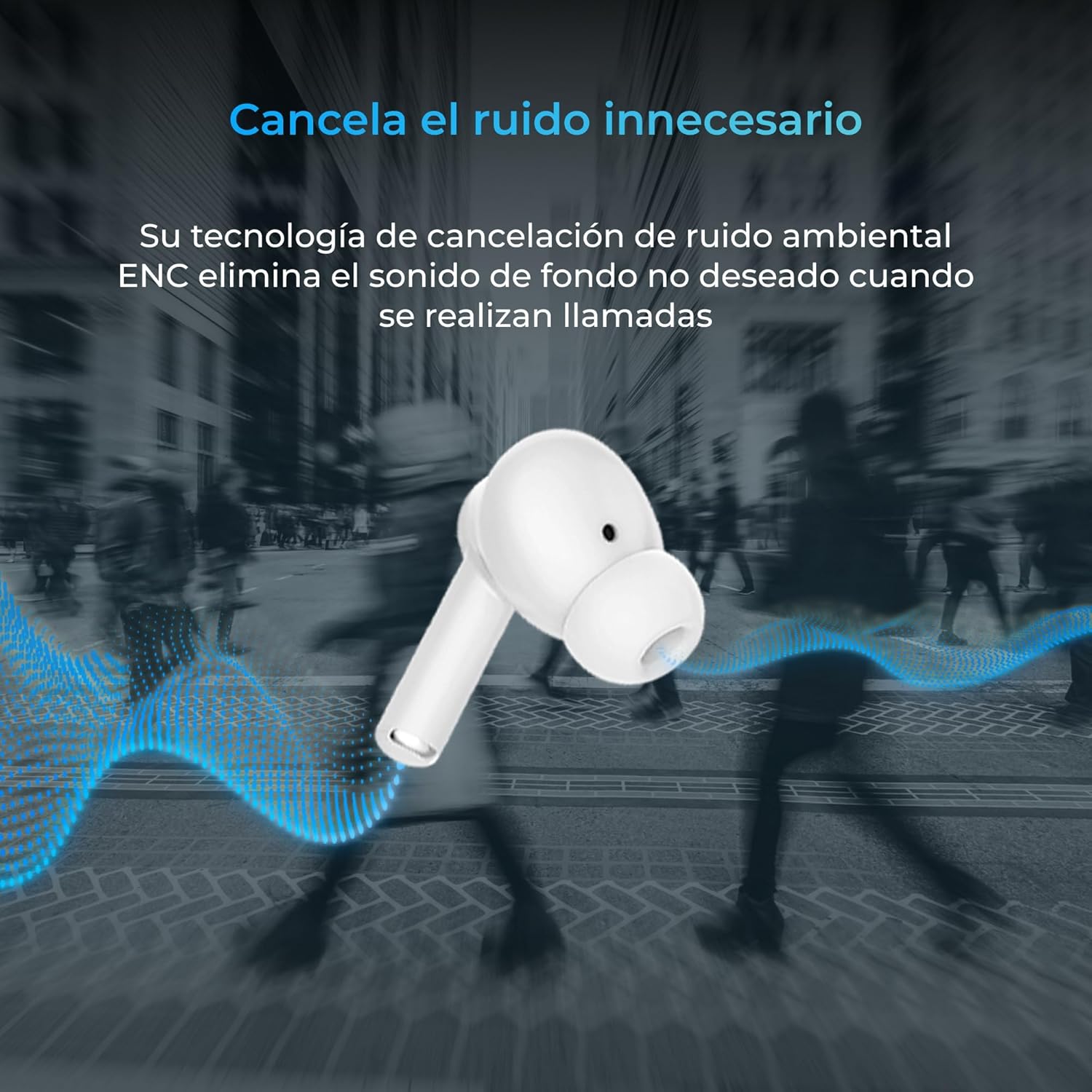
Thank you for choosing the KSIX Orion Wireless Earbuds. These earbuds are designed to provide a superior audio experience with features such as HD calls, Environmental Noise Cancellation (ENC), True Wireless Stereo (TWS), and intuitive touch controls. With up to 15 hours of total battery life and IPX4 water resistance, they are perfect for music, sports, and travel. This manual will guide you through the setup, operation, and maintenance of your new earbuds to ensure optimal performance and longevity.
ഉൽപ്പന്നം കഴിഞ്ഞുview




സജ്ജമാക്കുക
1. ഇയർബഡുകളും കേസും ചാർജ് ചെയ്യുന്നു
Before first use, fully charge your KSIX Orion earbuds and charging case. The case and earbuds can be fully charged in approximately 1 hour. The earbuds provide up to 5 hours of playback, and the charging case provides an additional 10 hours, for a total of 15 hours of autonomy.
- ചാർജിംഗ് കെയ്സിലേക്ക് ഇയർബഡുകൾ സ്ഥാപിക്കുക.
- അനുയോജ്യമായ ഒരു USB-C കേബിൾ ഉപയോഗിച്ച് ചാർജിംഗ് കേസ് ഒരു പവർ സ്രോതസ്സുമായി ബന്ധിപ്പിക്കുക.
- കേസിലെ ഇൻഡിക്കേറ്റർ ലൈറ്റ് ചാർജിംഗ് നില കാണിക്കും.
2. നിങ്ങളുടെ ഉപകരണവുമായി ജോടിയാക്കുന്നു
The KSIX Orion earbuds utilize Bluetooth 5.3 for a stable and uninterrupted connection.
- Ensure the earbuds are in the charging case and the case lid is open, or take them out of the case. They will automatically enter pairing mode.
- നിങ്ങളുടെ സ്മാർട്ട്ഫോണിലോ, ടാബ്ലെറ്റിലോ, അല്ലെങ്കിൽ മറ്റ് ബ്ലൂടൂത്ത് പ്രവർത്തനക്ഷമമാക്കിയ ഉപകരണത്തിലോ, ബ്ലൂടൂത്ത് ക്രമീകരണങ്ങളിലേക്ക് പോകുക.
- ഇതിനായി തിരയുക "KSIX Orion" in the list of available devices.
- Select "KSIX Orion" to connect. Once connected, you will hear a confirmation tone, and the earbuds will be ready for use.
- ജോടിയാക്കൽ പരാജയപ്പെട്ടാൽ, ഇയർബഡുകൾ വീണ്ടും കേസിൽ വയ്ക്കുക, ലിഡ് അടയ്ക്കുക, കുറച്ച് നിമിഷങ്ങൾ കാത്തിരിക്കുക, തുടർന്ന് ലിഡ് തുറന്ന് വീണ്ടും ശ്രമിക്കുക.
പ്രവർത്തന നിർദ്ദേശങ്ങൾ
The KSIX Orion earbuds feature intuitive touch controls for easy management of music and calls.
ടച്ച് നിയന്ത്രണങ്ങൾ
| ആക്ഷൻ | ഇടത് ഇയർബഡ് | വലത് ഇയർബഡ് |
|---|---|---|
| സംഗീതം പ്ലേ ചെയ്യുക/താൽക്കാലികമായി നിർത്തുക | ഒറ്റ ടാപ്പ് | ഒറ്റ ടാപ്പ് |
| അടുത്ത ഗാനം | ട്രിപ്പിൾ ടാപ്പ് | ട്രിപ്പിൾ ടാപ്പ് |
| മുൻ ഗാനം | രണ്ടുതവണ ടാപ്പ് ചെയ്യുക | രണ്ടുതവണ ടാപ്പ് ചെയ്യുക |
| വോളിയം കൂട്ടുക | Long press (Right) | Long press (Right) |
| വോളിയം ഡൗൺ | Long press (Left) | Long press (Left) |
| ഉത്തരം / കോൾ അവസാനിപ്പിക്കുക | ഒറ്റ ടാപ്പ് | ഒറ്റ ടാപ്പ് |
| കോൾ നിരസിക്കുക | ദീർഘനേരം അമർത്തുക | ദീർഘനേരം അമർത്തുക |
| വോയ്സ് അസിസ്റ്റൻ്റ് സജീവമാക്കുക | 2 സെക്കൻഡ് നേരത്തേക്ക് ടാപ്പ് ചെയ്ത് പിടിക്കുക | 2 സെക്കൻഡ് നേരത്തേക്ക് ടാപ്പ് ചെയ്ത് പിടിക്കുക |
വോയ്സ് അസിസ്റ്റൻ്റ്
The KSIX Orion earbuds are compatible with popular voice assistants such as Siri, Amazon Alexa, and Google Assistant. To activate your preferred voice assistant, use the designated touch control (tap and hold for 2 seconds). You can then issue commands for calls, music control, and more.
മെയിൻ്റനൻസ്
Proper maintenance ensures the longevity and optimal performance of your KSIX Orion earbuds.
- വൃത്തിയാക്കൽ: Regularly clean the earbuds, especially the ear tips and charging contacts, with a soft, dry, lint-free cloth. Do not use abrasive cleaners or solvents.
- ജല പ്രതിരോധം: The earbuds are IPX4 water resistant, meaning they are protected against splashing water from any direction. They are resistant to sweat and light rain. Do not submerge the earbuds in water or expose them to strong jets of water. Ensure the earbuds are dry before placing them back in the charging case to prevent damage.
- സംഭരണം: ഉപയോഗത്തിലില്ലാത്തപ്പോൾ, പൊടിയിൽ നിന്നും ശാരീരിക കേടുപാടുകളിൽ നിന്നും സംരക്ഷിക്കാൻ ഇയർബഡുകൾ അവയുടെ ചാർജിംഗ് കേസിൽ സൂക്ഷിക്കുക. കടുത്ത താപനിലയിൽ നിന്ന് മാറി തണുത്തതും വരണ്ടതുമായ സ്ഥലത്ത് സൂക്ഷിക്കുക.
- ബാറ്ററി കെയർ: ബാറ്ററി ലൈഫ് നിലനിർത്താൻ, ഇയർബഡുകളും കെയ്സും ഇടയ്ക്കിടെ പൂർണ്ണമായും ഡിസ്ചാർജ് ചെയ്യുന്നത് ഒഴിവാക്കുക. തുടർച്ചയായ ഉപയോഗത്തിലല്ലെങ്കിൽ പോലും അവ പതിവായി ചാർജ് ചെയ്യുക.
ട്രബിൾഷൂട്ടിംഗ്
If you encounter issues with your KSIX Orion earbuds, try the following solutions:
| പ്രശ്നം | സാധ്യമായ പരിഹാരം |
|---|---|
| ഇയർബഡുകൾ ജോടിയാക്കുന്നില്ല |
|
| No sound from one or both earbuds |
|
| ഇയർബഡുകൾ ചാർജ് ചെയ്യുന്നില്ല |
|
| Poor call quality / ENC not working |
|
സ്പെസിഫിക്കേഷനുകൾ
| ഫീച്ചർ | വിശദാംശങ്ങൾ |
|---|---|
| മോഡൽ നമ്പർ | BXTW09B |
| ബ്രാൻഡ് | KSIX smart your tech |
| നിറം | വെള്ള |
| കണക്റ്റിവിറ്റി ടെക്നോളജി | വയർലെസ്സ് (ബ്ലൂടൂത്ത് 5.3) |
| ചെവി പ്ലേസ്മെൻ്റ് | ഇൻ-ഇയർ |
| ഫോം ഫാക്ടർ | ഇൻ-ഇയർ |
| ശബ്ദ ഇൻസുലേഷൻ | പരിസ്ഥിതി ശബ്ദം റദ്ദാക്കൽ (ENC) |
| ജല പ്രതിരോധ നില | IPX4 (സ്പ്ലാഷ്-പ്രൂഫ്) |
| ബാറ്ററി ലൈഫ് (ഇയർബഡുകൾ) | 5 മണിക്കൂർ വരെ |
| മൊത്തം ബാറ്ററി ലൈഫ് (കേസിനൊപ്പം) | 15 മണിക്കൂർ വരെ |
| ചാർജിംഗ് സമയം | ഏകദേശം 1 മണിക്കൂർ |
| ഫ്രീക്വൻസി റേഞ്ച് | 20 ഹെർട്സ് - 20,000 ഹെർട്സ് |
| നിയന്ത്രണ തരം | ടച്ച് കൺട്രോൾ, വോയ്സ് കൺട്രോൾ |
| അനുയോജ്യമായ ഉപകരണങ്ങൾ | Smartphones, tablets, laptops, desktops, smart speakers |
| ശുപാർശ ചെയ്യുന്ന ഉപയോഗങ്ങൾ | Calls, Music, Sport, Travel |
| ഉൾപ്പെടുത്തിയ ഘടകങ്ങൾ | വയർലെസ് ചാർജിംഗ് കേസ് |
വാറൻ്റിയും പിന്തുണയും
For detailed warranty information and customer support, please refer to the official KSIX website or contact their customer service directly. Information regarding spare parts availability and software update guarantees is not available in this manual.
കൂടുതൽ സഹായത്തിന്, ദയവായി സന്ദർശിക്കുക: www.ksix.com


