
YMOO Y7
YMOO Bluetooth 5.2 Hybrid Active Noise Cancelling Headphones (Model Y7) User Manual
Model: Y7 | Brand: YMOO
1. Вовед
The YMOO Bluetooth 5.2 Hybrid Active Noise Cancelling Headphones (Model Y7) are designed to deliver a high-quality audio experience with effective noise reduction. These over-ear headphones offer versatile connectivity options, including Bluetooth 5.2 for wireless freedom and a wired connection for uninterrupted listening. They are engineered for comfort during extended use, making them suitable for travel, office environments, and daily audio enjoyment.

This image displays the YMOO Y7 headphones from an angled perspective, highlighting their over-ear design and blue finish. The left earcup shows control buttons and ports.
2. Содржина на пакетот
Ве молиме проверете дали сите артикли наведени подолу се вклучени во вашиот пакет:
- YMOO Bluetooth 5.2 Hybrid Active Noise Cancelling Headphones (Model Y7)
- USB-C кабел за полнење
- Аудио кабел од тип C до 3.5 mm
- Торбичка за носење
- Адаптер за авион од 3.5 мм
- Упатство за употреба (овој документ)
3. Производот завршиview
Familiarize yourself with the various components and controls of your YMOO Y7 headphones.

This diagram illustrates the location and function of buttons on the left earcup of the YMOO Y7 headphones, including Power/Pairing, Volume controls, ANC button, and the Type-C Charging Port.
3.1 Контроли и порти
- Power Button (On/OFF / Pairing): Press and hold to power on/off. Press and hold longer to enter Bluetooth pairing mode.
- Volume Up (+) / Next Track: Кратко притискање за зголемување на јачината на звукот. Долго притискање за следната песна.
- Volume Down (-) / Previous Track: Кратко притискање за намалување на јачината на звукот. Долго притискање за претходна песна.
- ANC Button (Active Noise Cancellation): Press to toggle Active Noise Cancellation on or off.
- Пристаниште за полнење од тип C: Connect the USB-C cable here for charging.
- Аудио приклучок од 3.5 мм: Connect the Type-C to 3.5mm audio cable for wired listening.
- Микрофон: Интегриран за повици без користење на рацете.
4. Полнење на слушалките
Before initial use, fully charge your headphones. Use the provided USB-C charging cable.
- Connect the USB-C end of the charging cable to the Type-C Charging Port on the headphones.
- Поврзете го USB-A крајот од кабелот за полнење со компатибилен USB извор на напојување (на пр., адаптер за на ѕид, USB порт за компјутер).
- The LED indicator will show charging status (refer to LED indicator section for details, if available).
- Откако ќе се наполни целосно, исклучете го кабелот за полнење.
Траење на батеријата:
- Up to 75 hours of playtime with Active Noise Cancellation (ANC) off.
- До 40 часа време за репродукција со вклучено активно поништување на бучава (ANC).
Брзо полнење: A 10-minute charge can provide approximately 5 hours of playtime.

This image highlights the 75-hour playtime capability of the YMOO Y7 headphones, emphasizing their long-lasting battery for extended use.
5. Поставување и поврзување
5.1 Bluetooth Pairing (Wireless Mode)
To connect your YMOO Y7 headphones wirelessly via Bluetooth:
- Осигурете се дека слушалките се наполнети.
- Power on the headphones by pressing and holding the Power button until the LED indicator flashes (usually blue and red, indicating pairing mode).
- На вашиот уред (паметен телефон, таблет, лаптоп), овозможете Bluetooth и пребарајте достапни уреди.
- Select "YMOO Y7" (or similar name) from the list of found devices.
- Откако ќе се поврзат, LED индикаторот на слушалките обично ќе покажува непрекинато сино светло или ќе трепка бавно.
5.2 iredична врска
For a wired connection, use the provided Type-C to 3.5mm audio cable.
- Ensure the headphones have some charge, as wired mode still requires power for functionality.
- Connect the Type-C end of the audio cable to the Type-C Charging Port on the headphones.
- Connect the 3.5mm end of the audio cable to the audio output jack of your device.
- Слушалките автоматски ќе се префрлат во жичен режим.
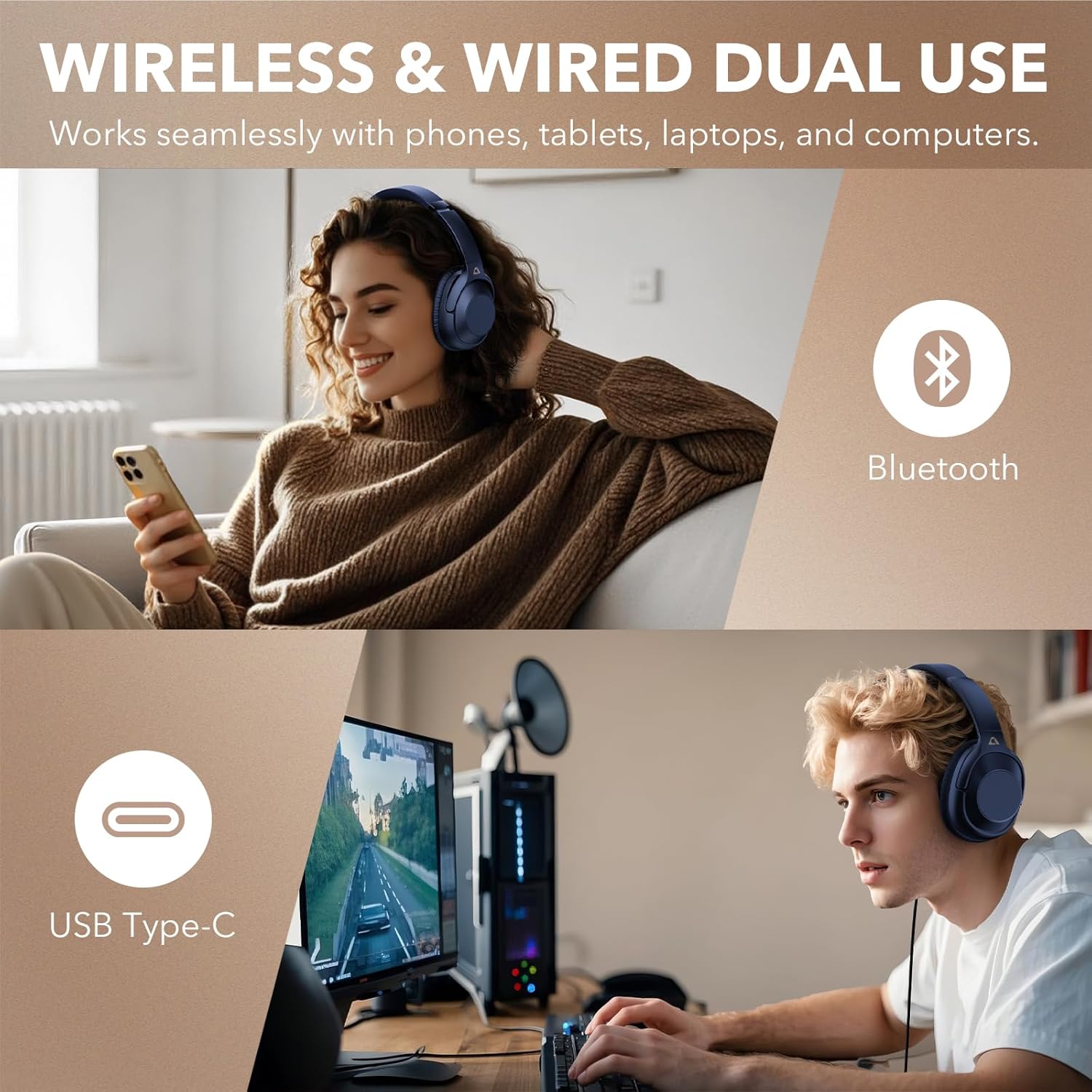
This image illustrates the flexibility of the YMOO Y7 headphones, showing a user enjoying wireless Bluetooth connectivity with a smartphone and another user connected via USB Type-C to a computer for wired audio.
6. Ракување со слушалките
6.1 Основни контроли
- Пушти/Пауза: Кратко притиснете го копчето за вклучување.
- Јачина на звук нагоре: Кратко притиснете го копчето „+“.
- Намалување на јачината на звукот: Кратко притиснете го копчето „-“.
- Следна песна: Долго притиснете го копчето „+“.
- Претходна песна: Долго притиснете го копчето „-“.
- Одговори/заврши повик: Кратко притиснете го копчето за вклучување.
- Одбијте го повикот: Долго притиснете го копчето за вклучување.
- Активирајте го гласовниот асистент: Double-press the Power button (functionality may vary by device).
6.2 Активно поништување на шум (ANC)
The YMOO Y7 headphones feature Hybrid Active Noise Cancellation to reduce ambient noise.
- Притиснете го Копче ANC to activate Active Noise Cancellation. The ANC indicator light will illuminate.
- Притиснете го Копче ANC again to deactivate Active Noise Cancellation. The ANC indicator light will turn off.
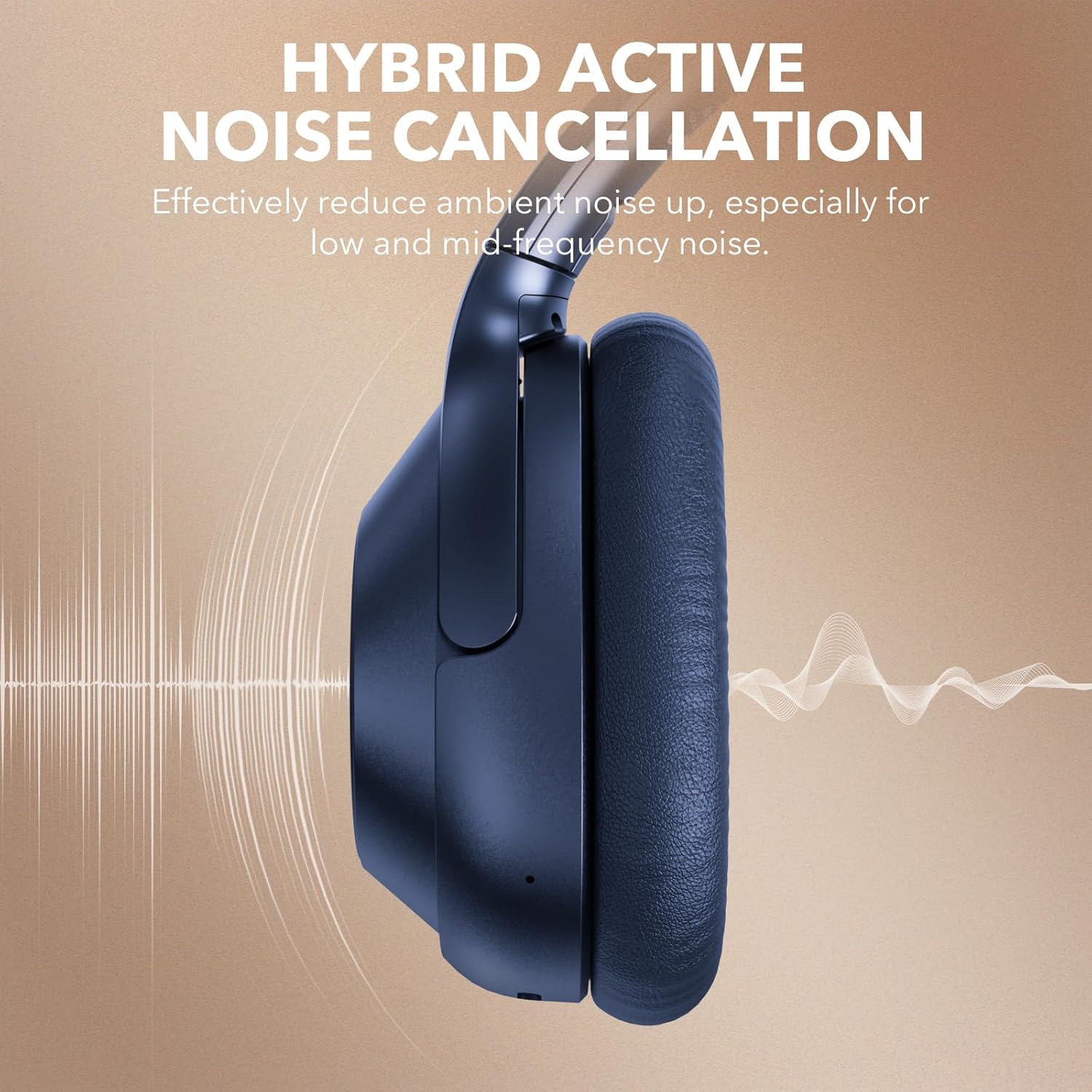
This image visually represents the Hybrid Active Noise Cancellation feature of the YMOO Y7 headphones, showing sound waves being reduced around the earcup.

A man is shown wearing the YMOO Y7 headphones while seated on an airplane, illustrating their comfortable design for travel.
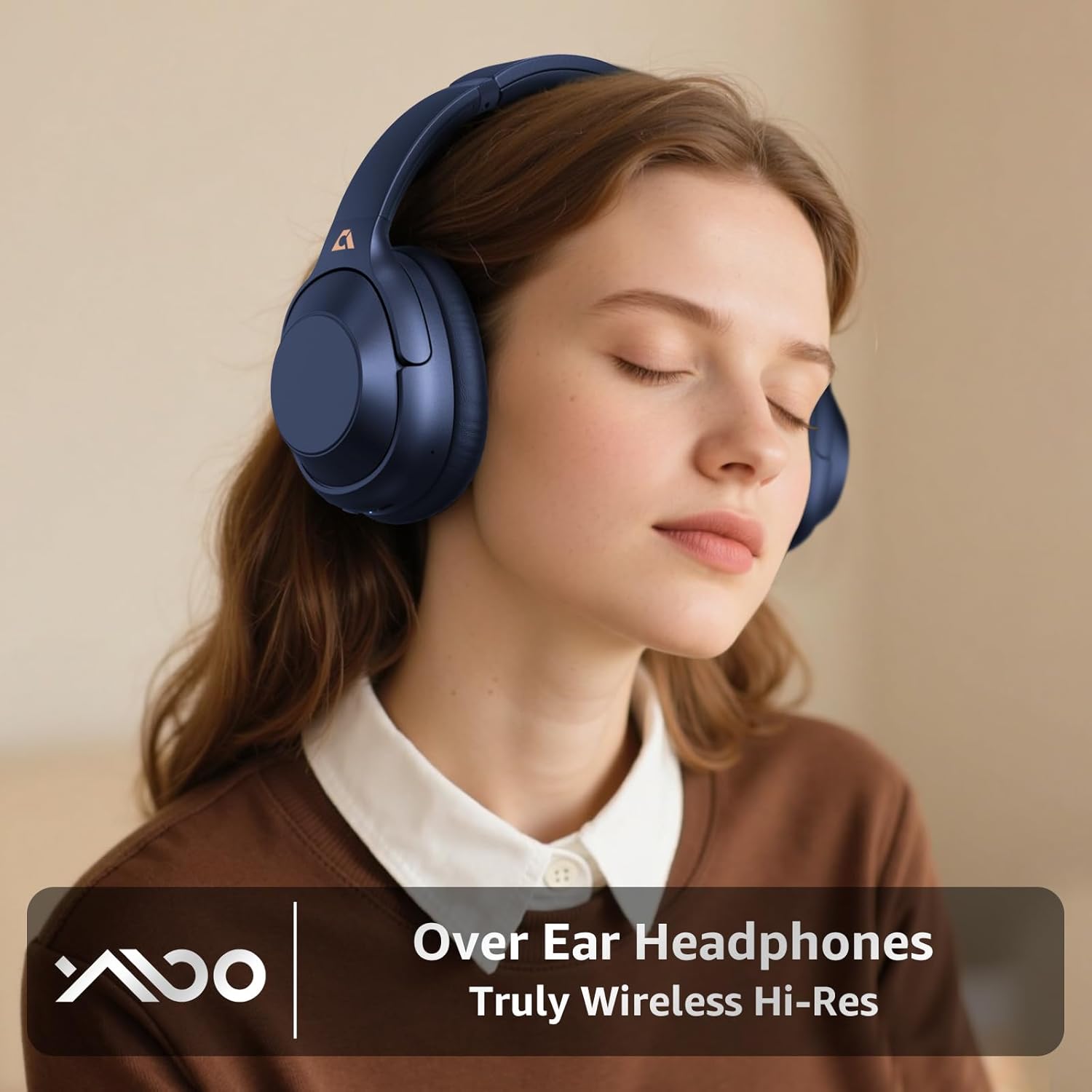
A woman is depicted wearing the YMOO Y7 over-ear headphones, emphasizing their design for an immersive audio experience.
7. Одржување и грижа
Соодветната грижа гарантира долготрајност и перформанси на вашите слушалки.
- Чистење: Користете мека, сува крпа за чистење на слушалките и лентата за глава. Не користете абразивни средства за чистење или растворувачи.
- Складирање: Кога не ги користите, чувајте ги слушалките во испорачаната торбичка за носење за да ги заштитите од прашина и оштетување.
- Температура: Избегнувајте изложување на слушалките на екстремни температури (топли или ладни) или висока влажност.
- Отпорност на вода: These headphones are not water-resistant. Avoid contact with liquids.

This image displays the YMOO Y7 headphones in a folded position, highlighting their portability. Insets show the ultra-soft ear pads and the adjustable headband mechanism, emphasizing comfort and adaptability.
8 Смена на проблеми
Доколку наидете на проблеми со вашите слушалки, погледнете ги следните вообичаени проблеми и решенија:
| Проблем | Можно решение |
|---|---|
| Слушалките не се вклучуваат. | Уверете се дека слушалките се целосно наполнети. Поврзете ги со извор на енергија користејќи го USB-C кабелот. |
| Не може да се спари преку Bluetooth. |
|
| Нема звук во безжичен режим. |
|
| Active Noise Cancellation (ANC) is not effective. |
|
| Нема звук во жичен режим. |
|
9. Спецификации
| Карактеристика | Детал |
|---|---|
| Име на моделот | Y7 |
| Бренд | YMOO |
| Контрола на бучава | Хибридно активно поништување на шум |
| Технологија за поврзување | Bluetooth 5.2, жичен (3.5 mm) |
| Џек за слушалки | 3.5 mm Jack (via Type-C to 3.5mm cable) |
| Облик на слушалката | Над уво |
| Траење на батеријата | До 75 часа (ANC исклучено), до 40 часа (ANC вклучено) |
| Тип на драјвер за аудио | Динамичен драјвер |
| Импеданса | 16 оми |
| Тежина на ставката | 1.23 фунти (0.56 килограми) |
| Ниво на отпорност на вода | Не е водоотпорен |
| Компатибилни уреди | Паметни телефони, таблети, лаптопи, десктоп компјутери |
10. Гаранција и поддршка
YMOO products are designed and manufactured to the highest quality standards. For warranty information, technical support, or customer service inquiries, please refer to the contact information provided on the product packaging or the official YMOO webстраница. Ве молиме задржете го доказот за купување за гаранциски барања.
Ask a question about this manual
Ask about setup, troubleshooting, compatibility, parts, safety, or missing instructions. Manuals+ will review the question and use this page’s manual context to help answer it.