
Вовед
The Twelve South HiRise 3 Deluxe is a compact 3-in-1 wireless charging stand designed to simultaneously charge your iPhone, Apple Watch, and AirPods. This stand provides a streamlined charging solution, reducing cable clutter and optimizing space on your nightstand or desk. Its vertical design ensures a minimal footprint while offering convenient access to your devices.

Image: The Twelve South HiRise 3 Deluxe charging stand, showcasing its ability to charge an iPhone, Apple Watch, and AirPods simultaneously.
Содржина на пакетот
Проверете дали сите артикли се присутни во пакувањето:
- Twelve South HiRise 3 Deluxe Charging Stand
- Integrated 15W MagSafe Charger for iPhone
- Integrated Apple Watch Fast Charger
- Power Supply with 1.5 meter (5 foot) cord
- International Plug Adapters (for UK, Hong Kong, Singapore, Continental Europe, Australia, New Zealand, North America, and Japan)
Инструкции за поставување
- Поврзете го напојувањето: Plug the provided power supply into the USB-C port on the back of the HiRise 3 Deluxe.
- Изберете адаптер: Attach the appropriate international plug adapter for your region to the power supply.
- Приклучи се: Вклучете го напојувањето во ѕиден штекер.
- Поставување: Place the HiRise 3 Deluxe on a stable, flat surface such as a nightstand or desk. Ensure adequate space for device placement and removal.

Image: A labeled diagram of the HiRise 3 Deluxe, highlighting the 15W MagSafe charger for iPhone, the 7.5W Qi wireless charger for AirPods or a second phone, and the 5W fast charger for Apple Watch.
Упатства за работа
Charging iPhone (MagSafe)
- Align your MagSafe-compatible iPhone with the magnetic charging disc at the top of the stand. The magnets will secure your iPhone in place.
- The iPhone can be attached vertically or horizontally.
- The MagSafe charger allows for a 35-degree tilt, enabling you to adjust the viewing angle for optimal visibility, especially for features like StandBy mode.

Image: A diagram demonstrating the 35-degree adjustable tilt of the MagSafe charger, allowing for both vertical and horizontal iPhone placement and optimized viewинг агли.
Полнење на Apple Watch
- Place your Apple Watch onto the dedicated fast charger located on the base.
- The Apple Watch charger can be tilted upright for Nightstand Mode or laid flat for a more discreet appearance.
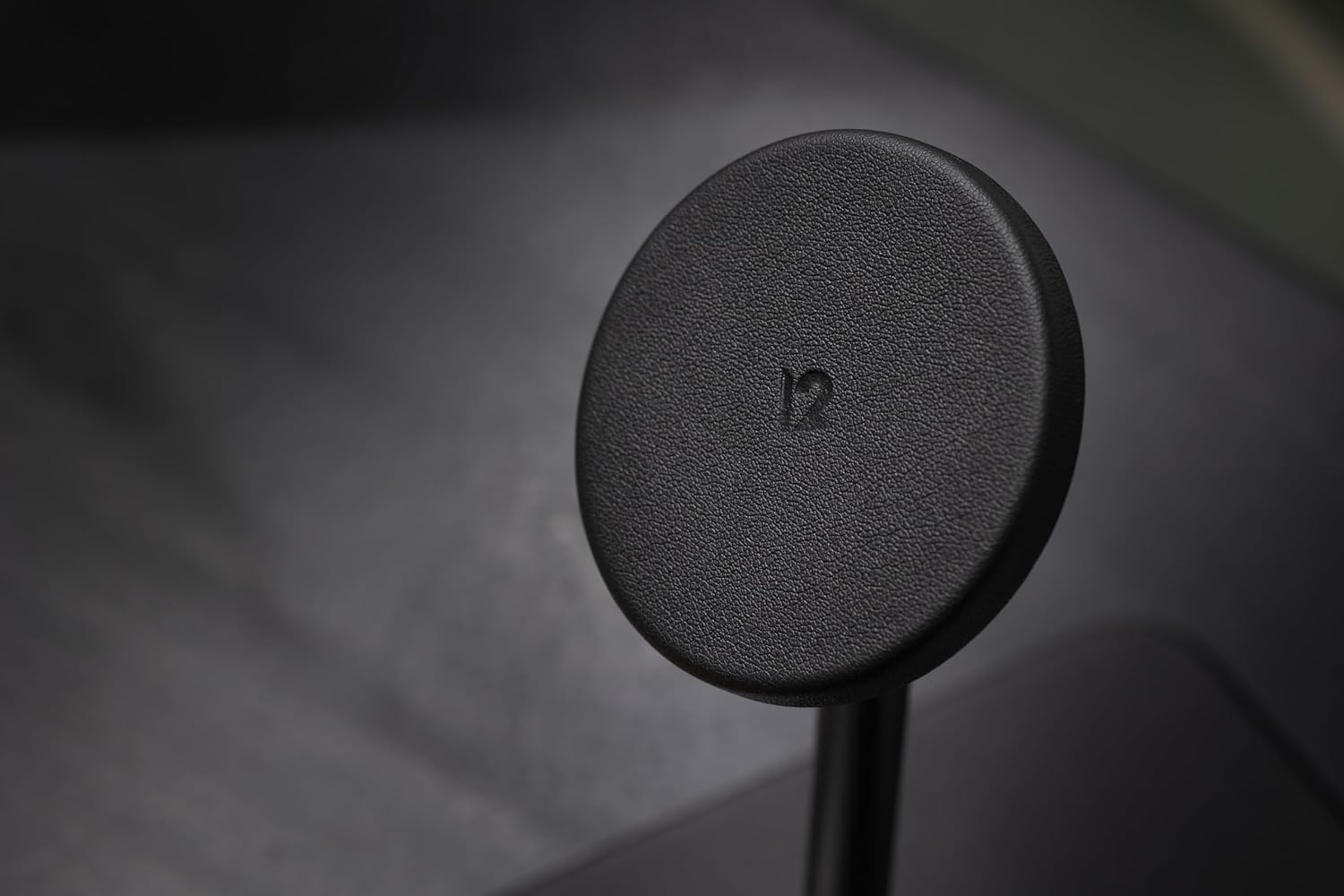
Image: An Apple Watch actively charging on the HiRise 3 Deluxe, indicated by the charging icon on its display.
Charging AirPods or Second Phone (Qi Charger)
- Place your AirPods (with wireless charging case) or a second Qi-compatible phone onto the flat wireless charging spot on the base of the stand.
- Ensure the device is centered on the charging pad for optimal charging.

Image: The HiRise 3 Deluxe simultaneously charging an iPhone, Apple Watch, and a second smartphone on its base, highlighting its versatile charging options.
Одржување
To ensure the longevity and optimal performance of your Twelve South HiRise 3 Deluxe, follow these simple maintenance guidelines:
- Чистење: Use a soft, dry, lint-free cloth to wipe down the stand. Avoid abrasive cleaners, solvents, or aerosol sprays, as these can damage the finish.
- Избегнувајте течности: Држете го држачот за полнење подалеку од вода и други течности.
- Складирање: When not in use for extended periods, store the stand in a cool, dry place.
Решавање проблеми
If you encounter issues with your HiRise 3 Deluxe, refer to the following common solutions:
- Уредот не се полни:
- Ensure the power supply is securely connected to both the stand and a working wall outlet.
- Verify that your device (iPhone, Apple Watch, AirPods) is correctly positioned on its respective charging area. For the Qi pad, ensure it is centered.
- Remove any thick cases from your phone or AirPods that might interfere with wireless charging.
- iPhone Not Holding Securely on MagSafe:
- If using a phone case, ensure it is MagSafe compatible. Non-MagSafe cases, especially thicker ones, may weaken the magnetic connection.
- Ensure there are no foreign objects between the iPhone and the MagSafe charger.
- AirPods Charging Finicky:
- Precisely center your AirPods case on the flat Qi charging pad. Slight adjustments may be needed to initiate charging.
- Confirm your AirPods case supports wireless charging.
- Бавно полнење:
- Ensure you are using the original power supply and cable provided with the HiRise 3 Deluxe.
- Charging speeds can be affected by device usage during charging, battery level, and environmental temperature.
Спецификации
| Карактеристика | Детал |
|---|---|
| Димензии на производот | 6.3 x 3.4 x 6 инчи |
| Тежина на ставката | 14.1 унци |
| Број на модел | ТС-2303 |
| Поврзување | USB Type C (for power input) |
| Посебни карактеристики | MagSafe Compatible, Wireless Charging |
| Боја | Црното |
| Влез волуменtage | 120 волти (AC) |
| Ampбес | 0.13 Amps |
| Компатибилни уреди | MagSafe iPhones, Apple Watch (all series), AirPods (all versions with Wireless Charging Case) |
Гаранција и поддршка
For warranty information, technical support, or further assistance with your Twelve South HiRise 3 Deluxe, please visit the official Twelve South website or contact their customer service department. Details regarding product warranty periods and support channels are typically available on the manufacturer's webсајт.